Free SEO Tools for Better Search Visibility
Audit your website, research keywords, check backlinks and fix technical SEO issues with 55 free tools. Run checks online and see the results on the same page.
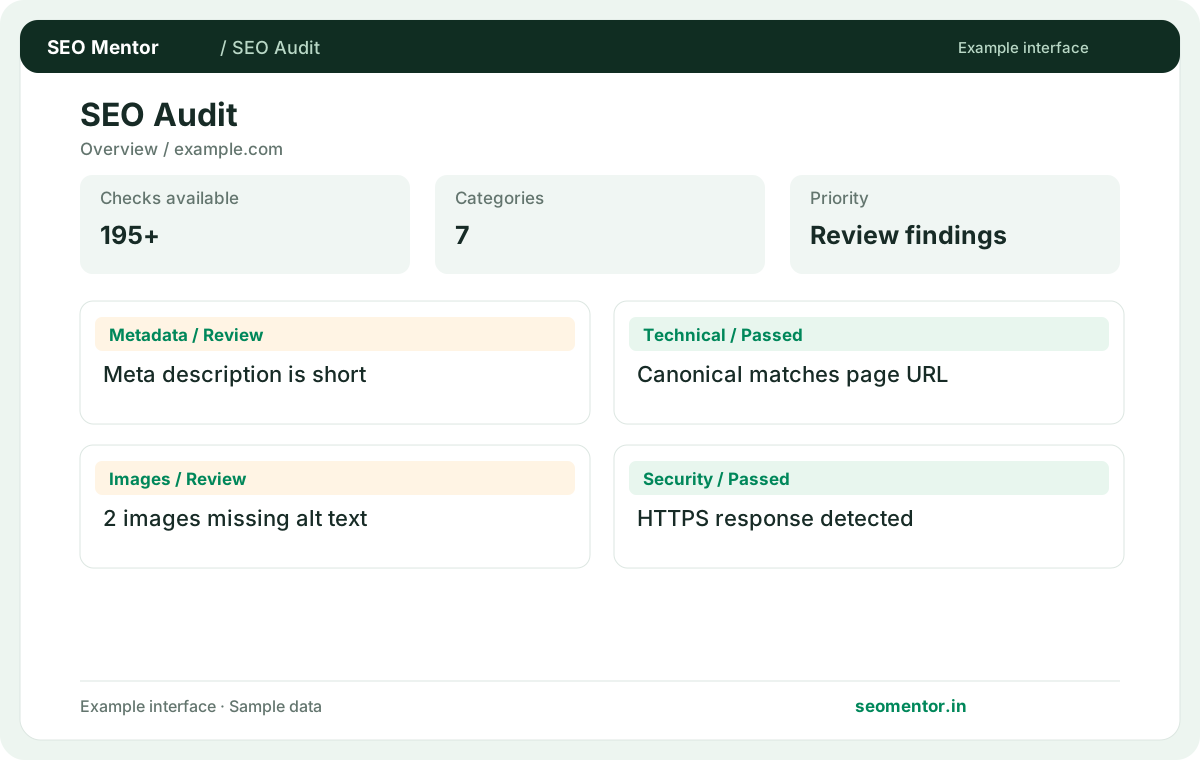
SEO tools for every stage of your website.
See the issues. Understand the impact. Know what to fix.
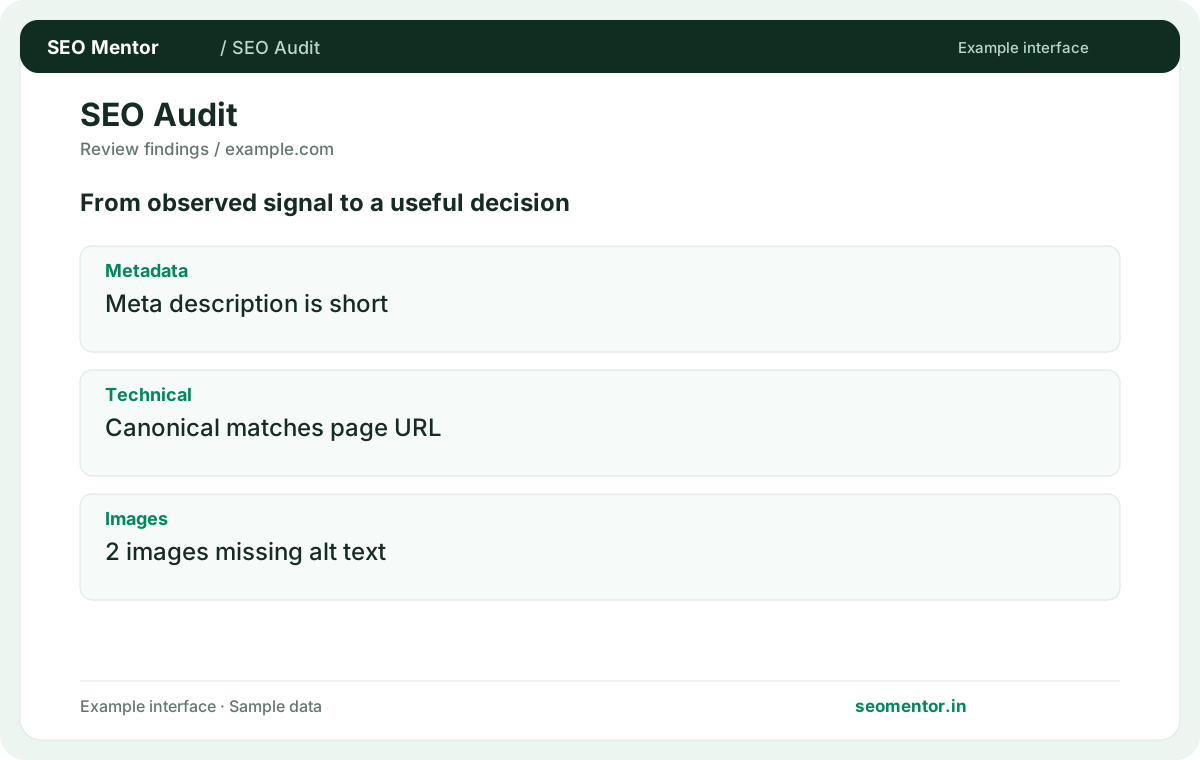
Audit websites serving customers with 195+ observable checks across on-page SEO, technical SEO, accessibility, images, structured data and security. Whether you manage a Delhi service website, a Mumbai ecommerce store or a national brand, review the evidence, impact and recommended fixes instead of relying on a score alone.
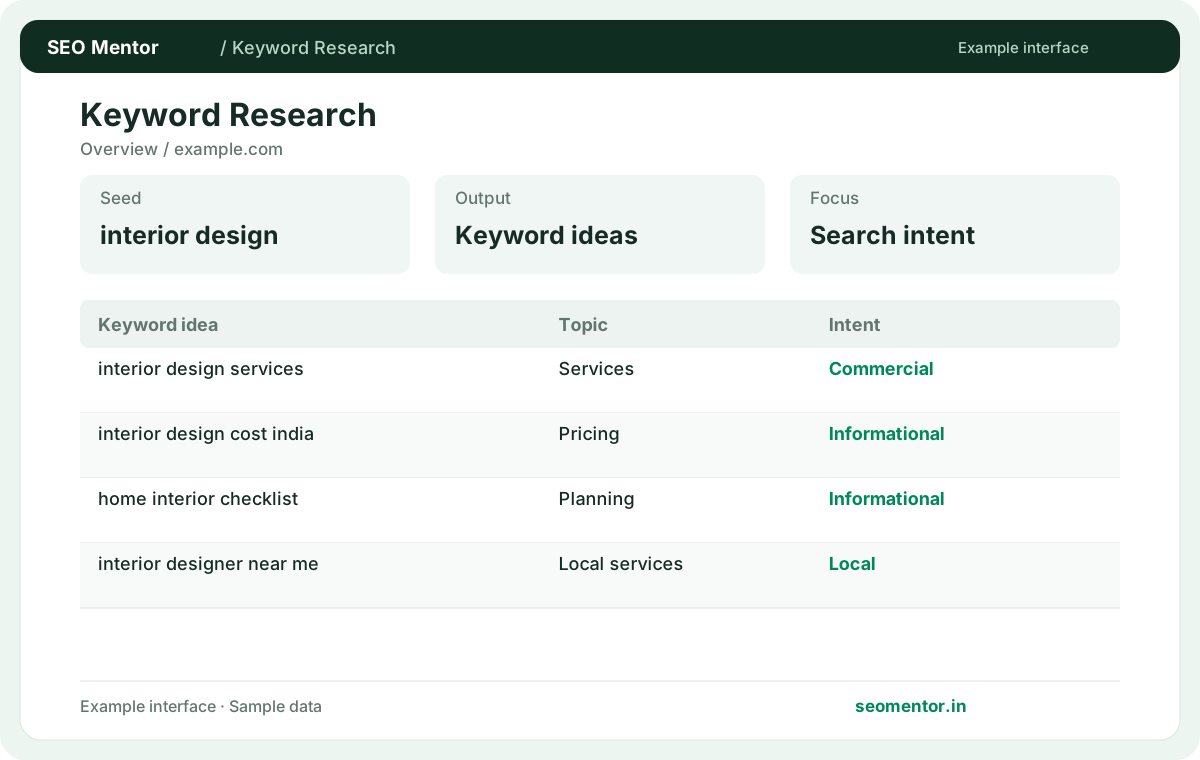
Find the searches worth understanding.
Research keyword ideas and search intent for audiences, examine available Google results and assess your content structure. Explore location-sensitive queries and distinguish verified metrics from unavailable data rather than relying on invented search-volume estimates.
Less guessing.
More useful evidence.
Built for SEO professionals, agencies and business owners : from the first website audit to a practical report, focus on observable signals and improvements you can act on.
Browse 55 SEO tools ↗Make your content easier to understand and evaluate.
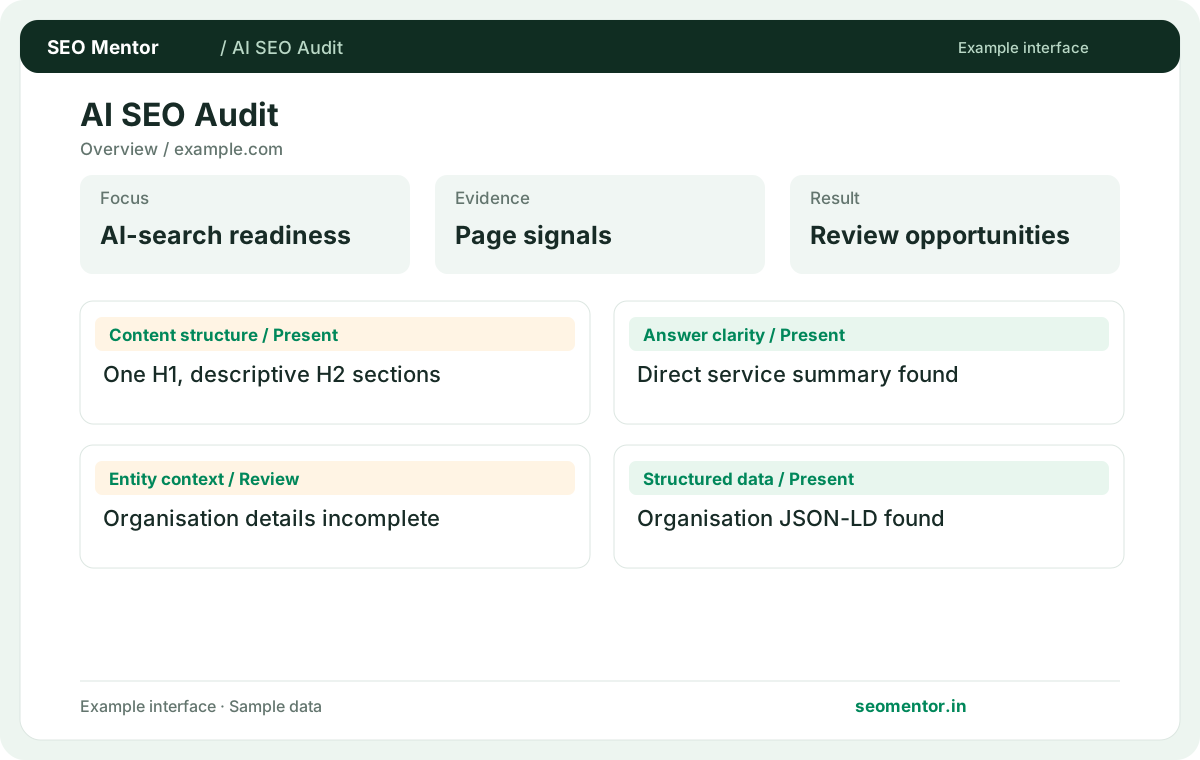
Evaluate how clearly your business website communicates answers, entities, services and trust signals to search and AI systems. Review content structure, structured data and public crawler access without unrealistic promises of AI citations.
Find crawl and indexing problems before they grow.
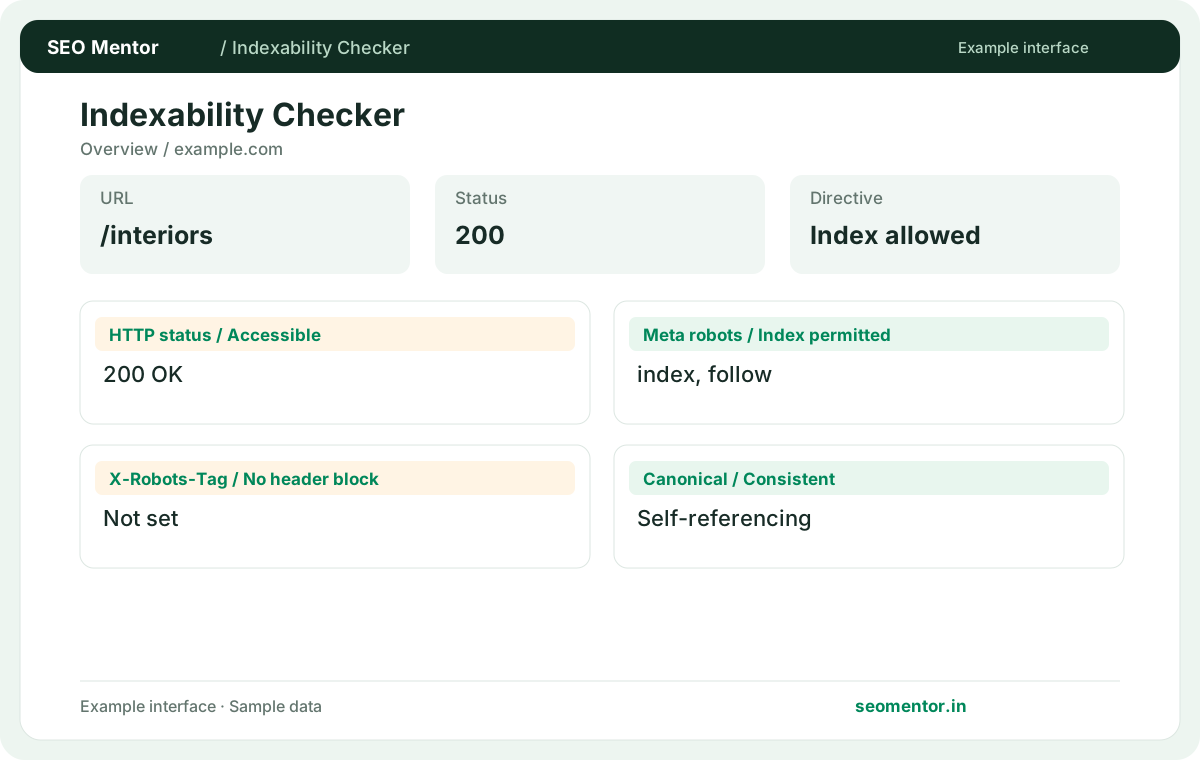
Find technical SEO issues affecting business websites, including canonical URLs, robots directives, response codes, indexability and structured data. Review each issue in context before changing important service, product or location pages.
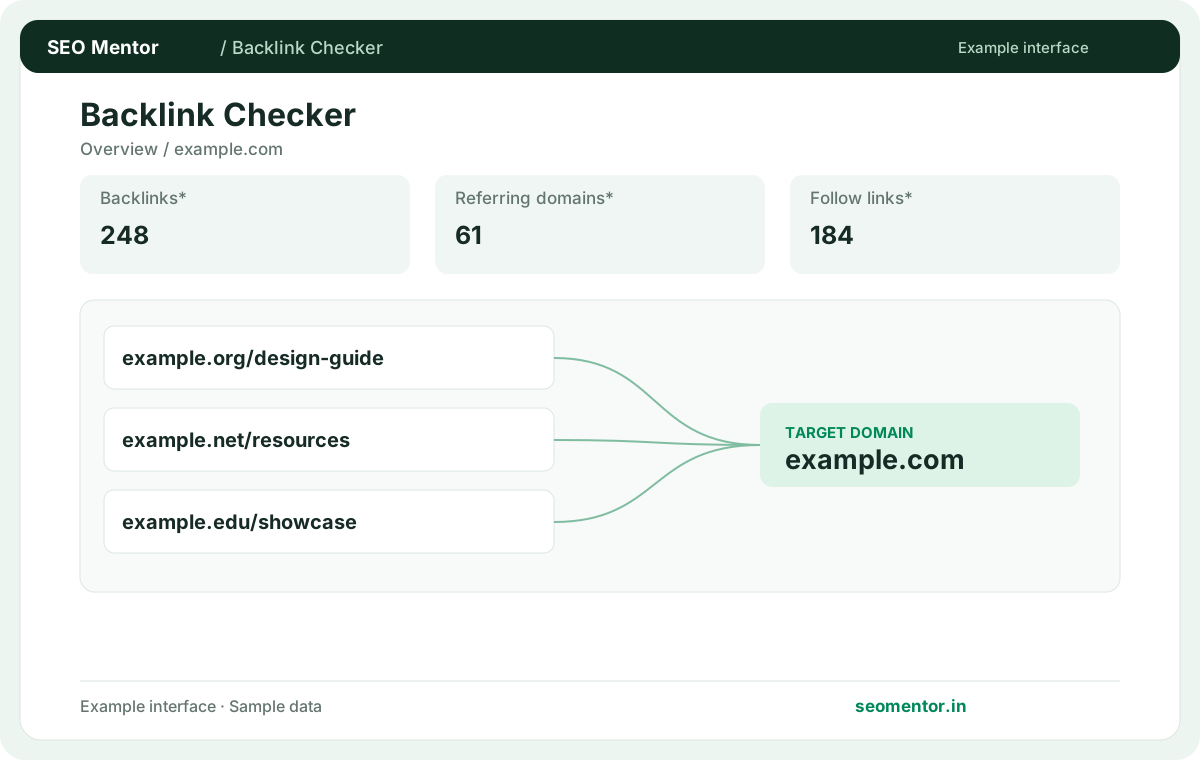
Explore the links behind your website’s visibility.
Review backlinks and referring-domain signals for your business website, compare available link evidence and identify opportunities for closer inspection. Metrics appear only when supported by the selected check.
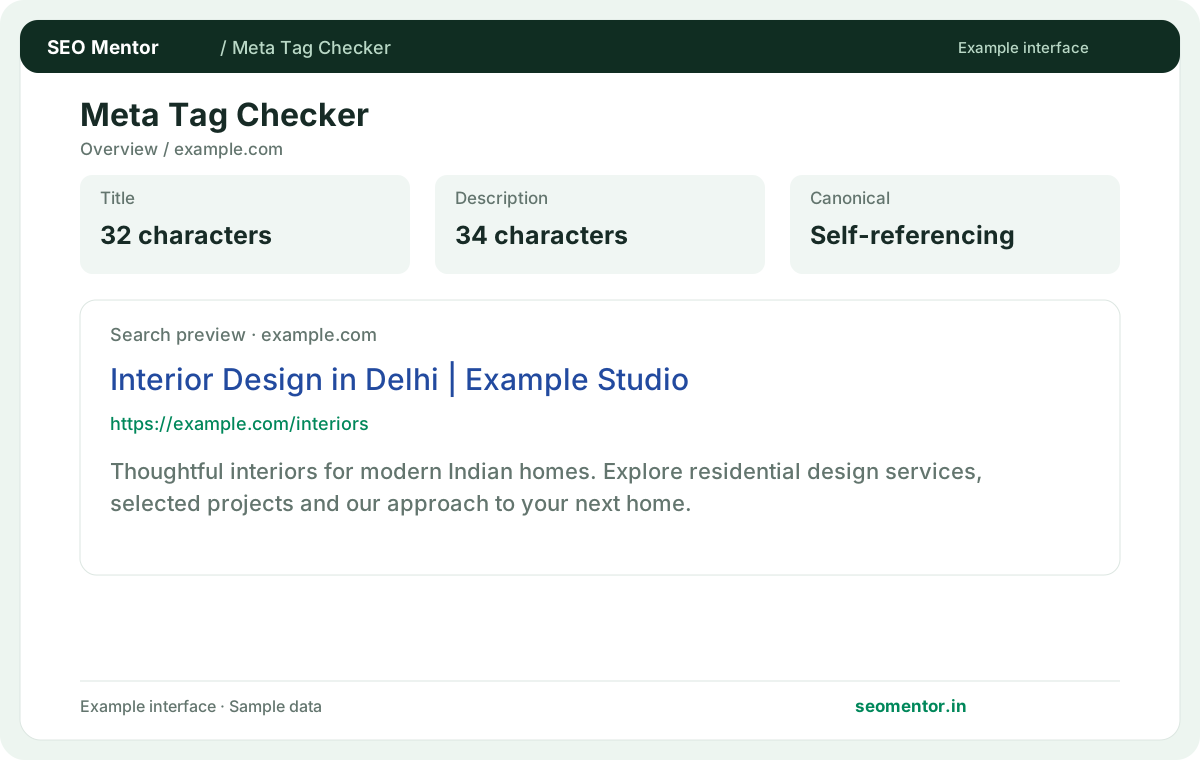
Make every important page easier to understand.
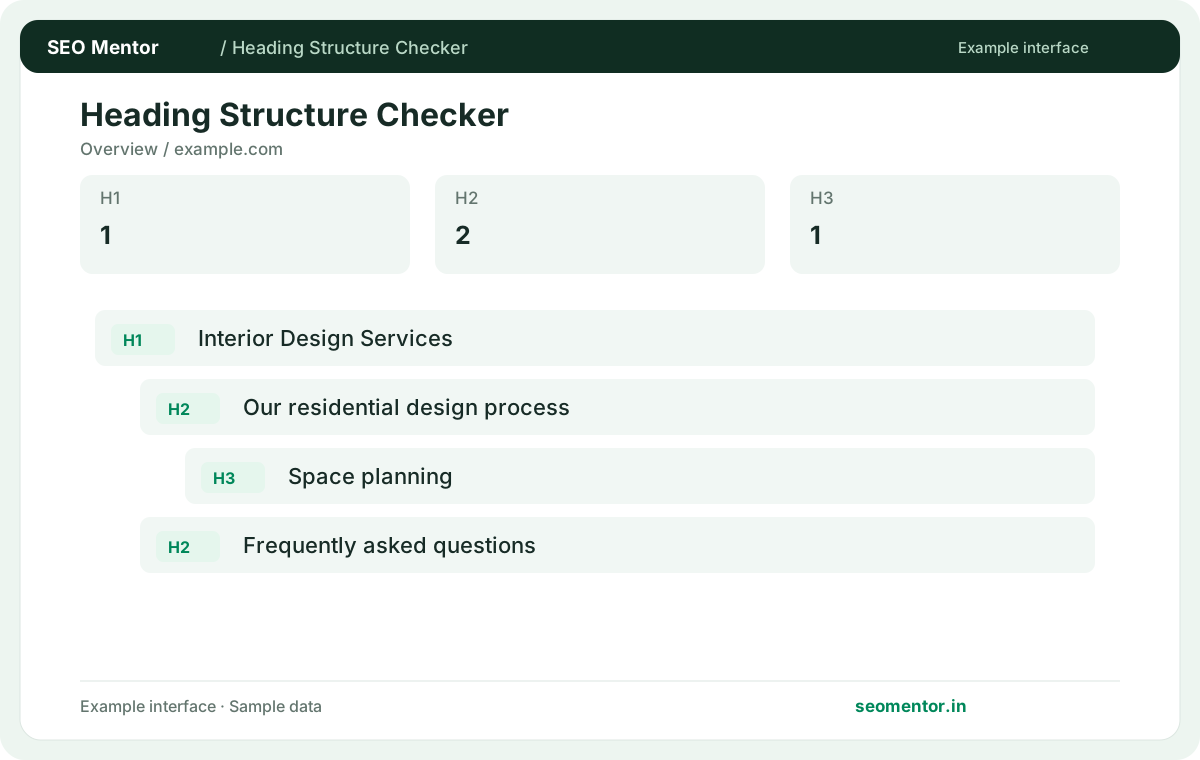
Improve service, product and location pages targeting searchers. Check page titles, meta descriptions, heading structure, content signals and internal links to make your pages clearer for visitors and search engines.
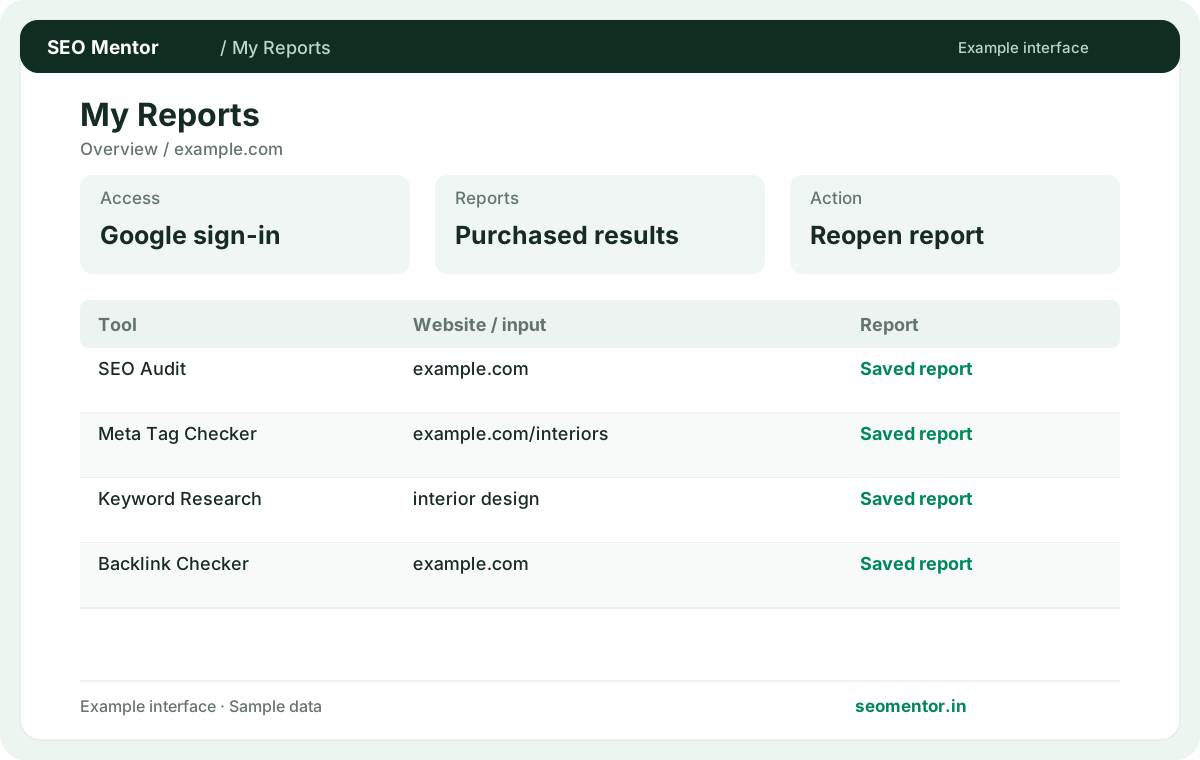
Move from findings to a practical action plan.
Read the findings and work through suggested fixes. Rerun the tool after making changes to compare the results.
Practical SEO checks for websites and agencies.
From local service businesses to ecommerce stores, SEO Mentor helps teams check website health, search appearance and AI search readiness. Use the findings to improve important pages.
Run a free check whenever you need more.
Enter your details and run the free tool to see the results on this page.
Common Questions About Free SEO Tools
Which free SEO tool should I start with?
Use the Website SEO Audit for a broad page-level review, then choose a focused tool for the issue you want to confirm.
Related check — Can I use SEO Mentor without an account? Run a public check as a guest and view the results on the tool page.
How do I check whether Google can discover a page?
Review the HTTP status, robots directives and canonical URL. Use the Indexability Checker to inspect these signals together.
Related check — Which tool helps review the way a result looks? Use the SERP Preview to inspect how title and description text may appear, then check actual results separately.
Which tool helps review the way a result looks?
Use the SERP Preview to inspect how title and description text may appear, then check actual results separately.
Related check — How do I check whether Google can discover a page? Review the HTTP status, robots directives and canonical URL. Use the Indexability Checker to inspect these signals together.
Can I use SEO Mentor without an account?
Run a public check as a guest and view the results on the tool page.
Related check — Which free SEO tool should I start with? Use the Website SEO Audit for a broad page-level review, then choose a focused tool for the issue you want to confirm.
What should I look at before optimising keywords?
Verify that the intended page is reachable and serves the searcher's task. Technical fixes and intent alignment can matter before wording changes.
Related check — How do I choose between SEO Audit and AI SEO Audit? The former reviews broad on-page and technical SEO signals. The latter focuses on answer clarity, entities and related AI-readiness evidence.
How do I choose between SEO Audit and AI SEO Audit?
The former reviews broad on-page and technical SEO signals. The latter focuses on answer clarity, entities and related AI-readiness evidence.
Related check — What should I look at before optimising keywords? Verify that the intended page is reachable and serves the searcher's task. Technical fixes and intent alignment can matter before wording changes.
Can I research a competitor's backlinks for free?
Use the backlink or competitor tool for available provider data. Verify promising source links before making outreach decisions.
Related check — What can I do if a provider returns no data? Confirm the input and try a focused check using publicly observable data. Provider estimates can be unavailable for some targets.
How do I analyse a site after a redesign?
Check representative templates and old redirected URLs. Review canonicals, indexability and performance after confirming the final destinations.
After a redesign, pick a homepage, a service page, a listing and an important old URL. Confirm the old page redirects directly, compare canonical and indexing signals on the new templates, and run a separate performance check on the page visitors actually land on.
What can I do if a provider returns no data?
Confirm the input and try a focused check using publicly observable data. Provider estimates can be unavailable for some targets.
Related check — Can I research a competitor's backlinks for free? Use the backlink or competitor tool for available provider data. Verify promising source links before making outreach decisions.
How should I turn reports into an SEO plan?
Group confirmed problems by affected template and impact. Fix the underlying issue, then rerun the relevant tool on a representative page.
Related check — How do I analyse a site after a redesign? After a redesign, pick a homepage, a service page, a listing and an important old URL. Confirm the old page redirects directly, compare canonical and indexing signals on the new templates, and run a separate performance check on the page visitors actually land on.