Review the tool details
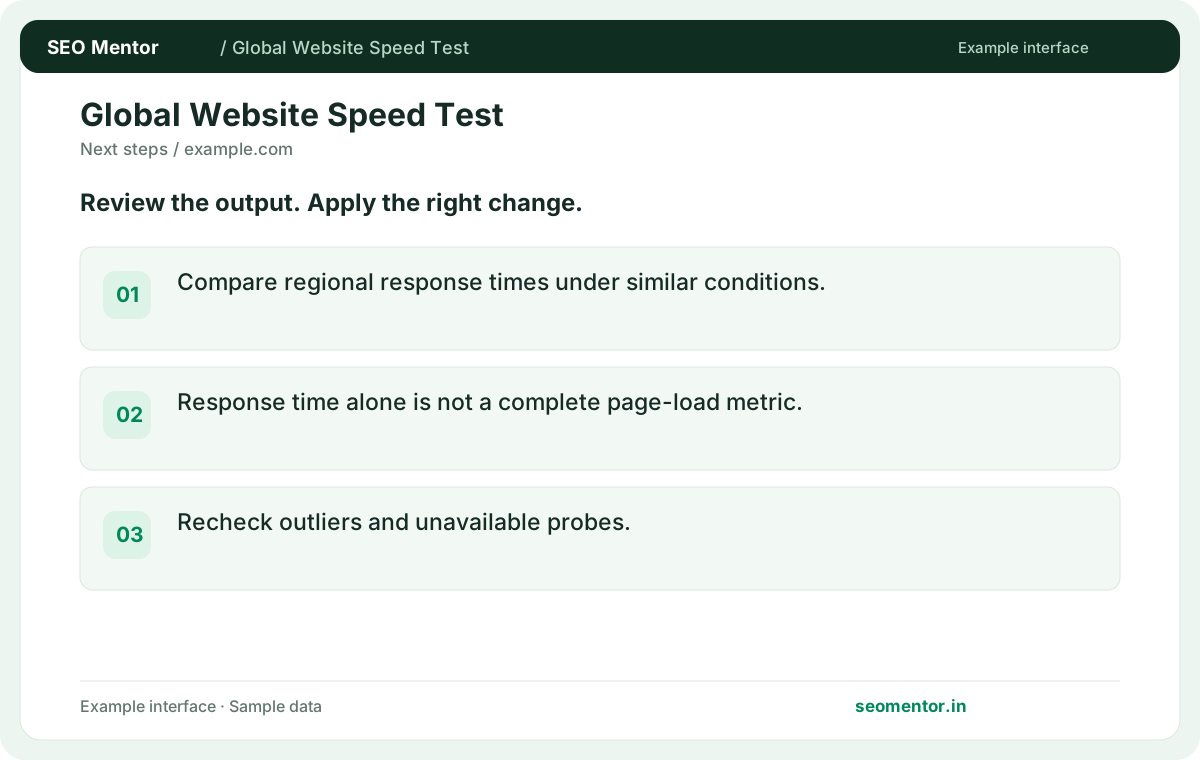
Compare regional response times under similar conditions. Compare the reported regions for the same page or domain.
Compare measured response times from available test locations. See how network latency changes across regions and where a URL responds slowly.
Use Global Website Speed Test ↗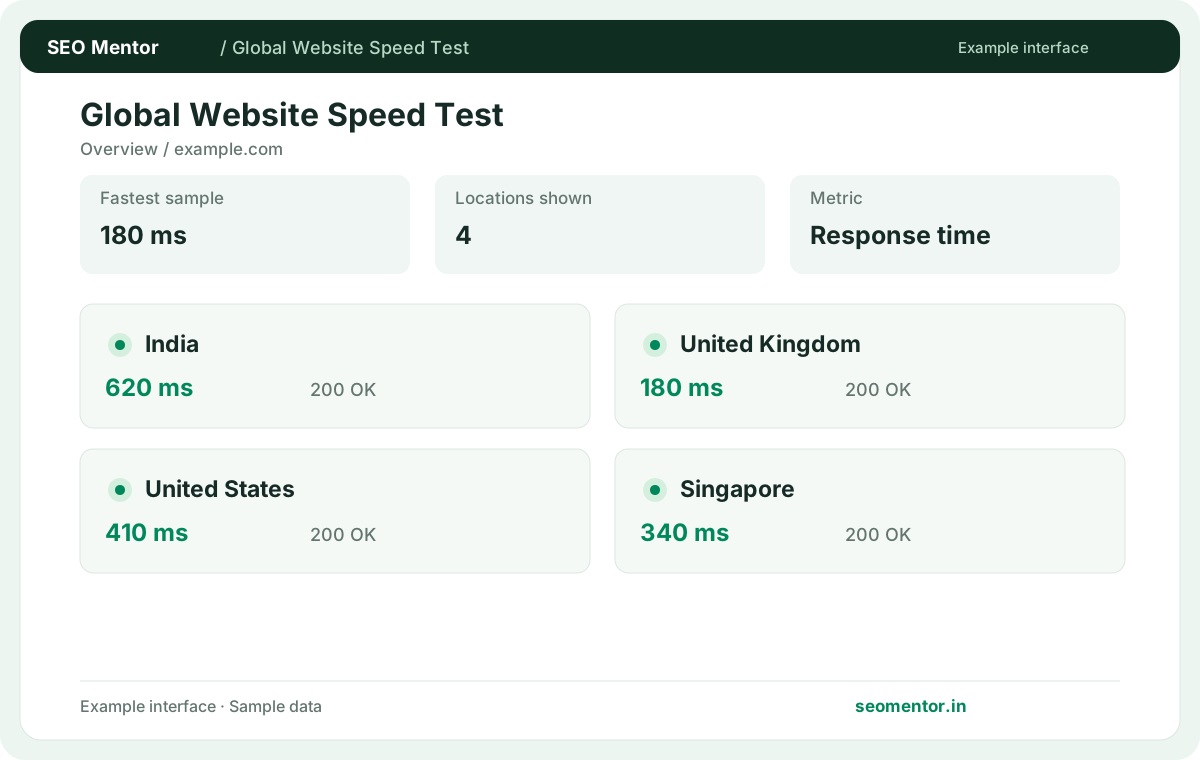
Enter the required details to explore the available output and report options.
Network latency is not the same as a complete real-user page performance score. Review the source evidence before making changes.
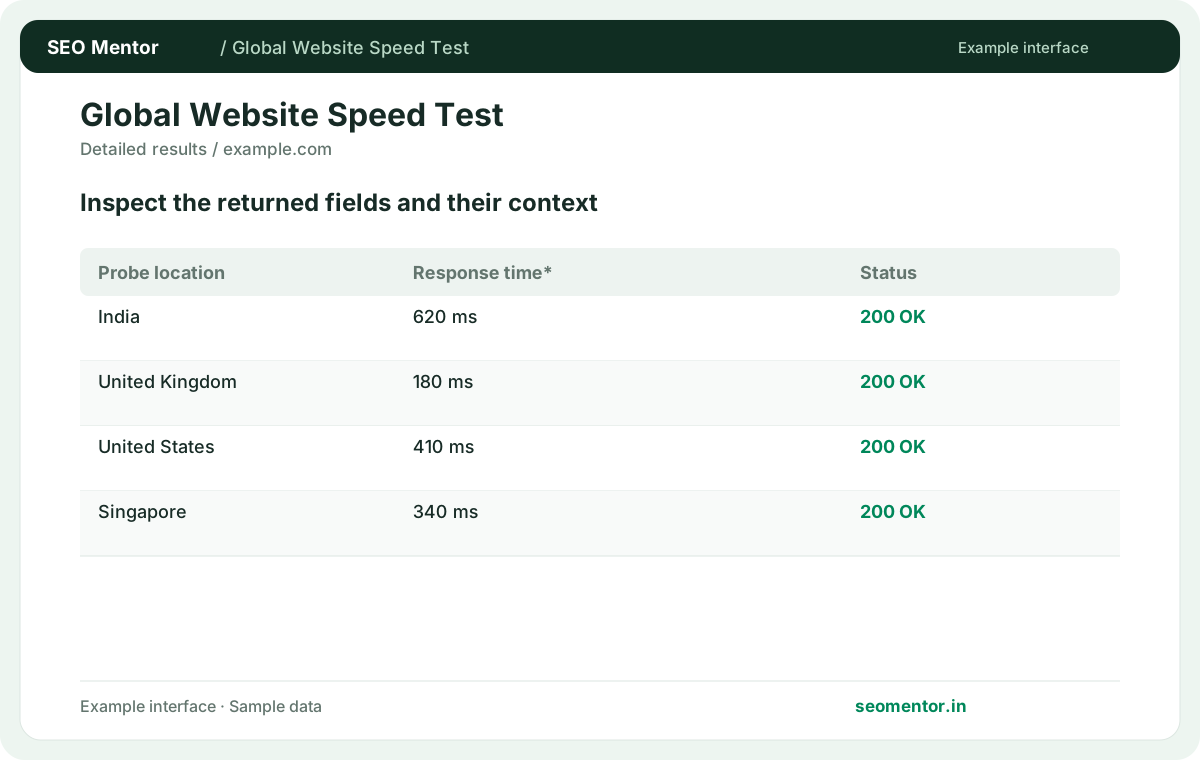
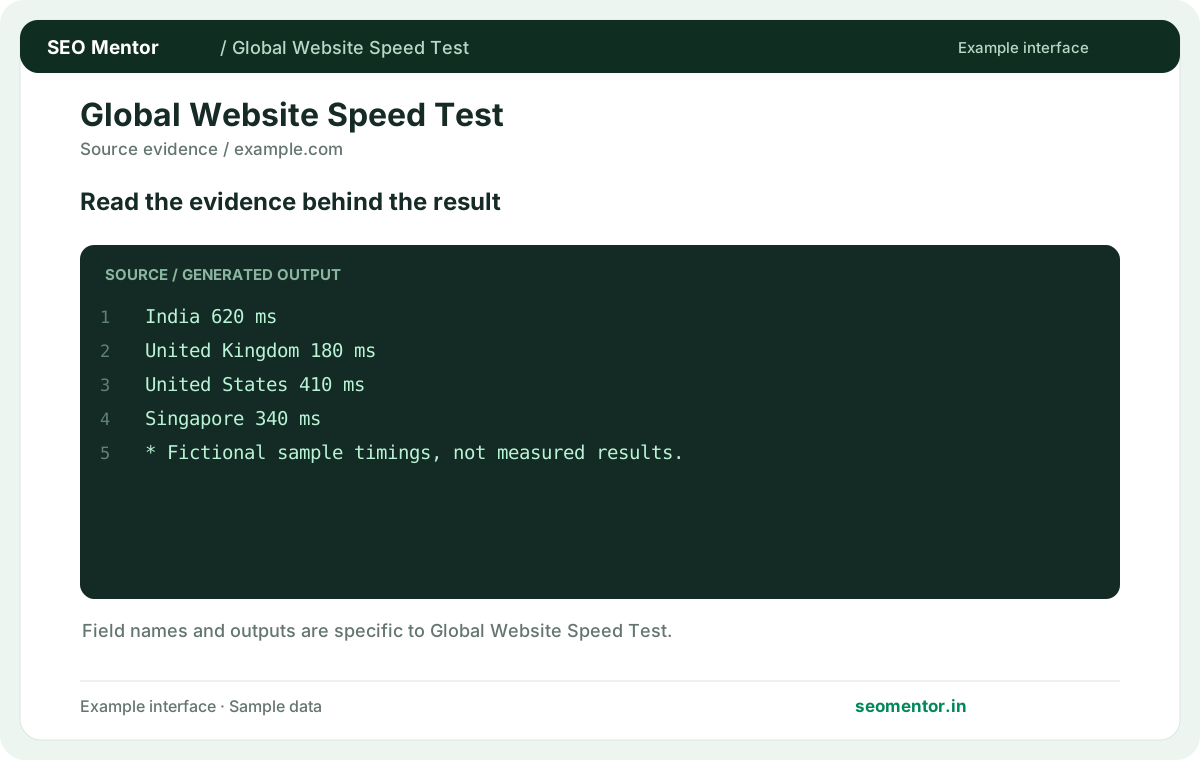
Consider regional response time, regional variation, minimum latency together instead of relying on a single headline indicator.
Network latency is not the same as a complete real-user page performance score. Compare the sample workflow with the live site and its actual data.
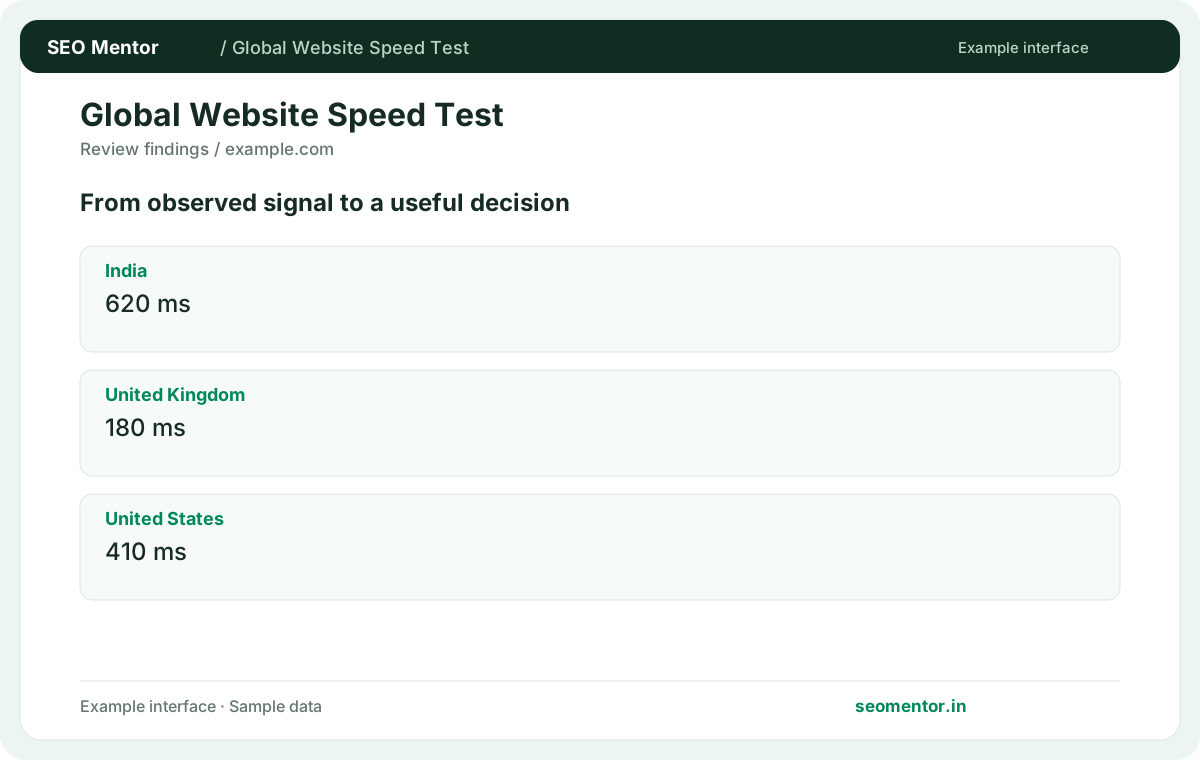
Prioritise the findings that affect your audience and revisit them after changes. Network latency is not the same as a complete real-user page performance score.
Compare response timings from supported regions when your website also serves overseas visitors. Use repeated tests and the available probe results to identify locations that need closer investigation.
Compare regional response times under similar conditions. Compare the reported regions for the same page or domain.
Response time alone is not a complete page-load metric. Recheck outliers and unavailable probes.
Keep the result alongside the page or domain reviewed, so you can compare the evidence after making changes.
It records the timing observed from an available probe. Review the reported metric before treating it as the time needed to load the entire page.
Related check — How should I report a timing improvement? Record the URL, region, date and observed metric. Compare multiple samples so a single transient result does not drive the conclusion.
Distance, routing, CDN selection and origin load vary. Compare repeated checks under similar conditions.
Related check — What should I do with a failed regional result? Check the reported status and test again. Firewall policies or a temporary routing problem can affect only one probe.
Choose regions where visitors actually use your site. A small difference in a distant market may matter less than a persistent delay in your main market.
Related check — What indicates a persistent regional issue? Look for a repeated slow result in the same market. Compare adjacent regions and inspect origin or CDN logs before changing infrastructure.
Use Lighthouse for rendering and page performance diagnostics. Regional probes help identify network and server response differences.
Related check — How can I tell whether a CDN helps? Test the same HTTPS page before and after enabling edge caching, from locations near and far from the origin. Compare several runs and record cache status alongside latency so you can separate a warm edge hit from a request that still reached the origin.
Compare multiple regions after enabling it and test the same URL. Review cache headers to see whether the response came from an edge cache.
Test the same HTTPS page before and after enabling edge caching, from locations near and far from the origin. Compare several runs and record cache status alongside latency so you can separate a warm edge hit from a request that still reached the origin.
Check the reported status and test again. Firewall policies or a temporary routing problem can affect only one probe.
Related check — Does this replace a Lighthouse test? Use Lighthouse for rendering and page performance diagnostics. Regional probes help identify network and server response differences.
Redirects can add work to a timing measurement. Test the final destination and analyse redirect overhead separately.
Related check — Can I compare a static file with a dynamic page? Keep test targets comparable. A cached asset and a personalised page have different origin work and caching behaviour.
Keep test targets comparable. A cached asset and a personalised page have different origin work and caching behaviour.
Related check — Why can probes return different timings? Distance, routing, CDN selection and origin load vary. Compare repeated checks under similar conditions.
Look for a repeated slow result in the same market. Compare adjacent regions and inspect origin or CDN logs before changing infrastructure.
Related check — Which locations should I compare first? Choose regions where visitors actually use your site. A small difference in a distant market may matter less than a persistent delay in your main market.
Record the URL, region, date and observed metric. Compare multiple samples so a single transient result does not drive the conclusion.
Related check — What does a regional response time measure? It records the timing observed from an available probe. Review the reported metric before treating it as the time needed to load the entire page.
SEO Mentor helps you identify opportunities. SEOKart can help put those findings into action with professional SEO services, technical improvements and ongoing optimisation.
Explore SEOKart SEO Services