Review the user agent details
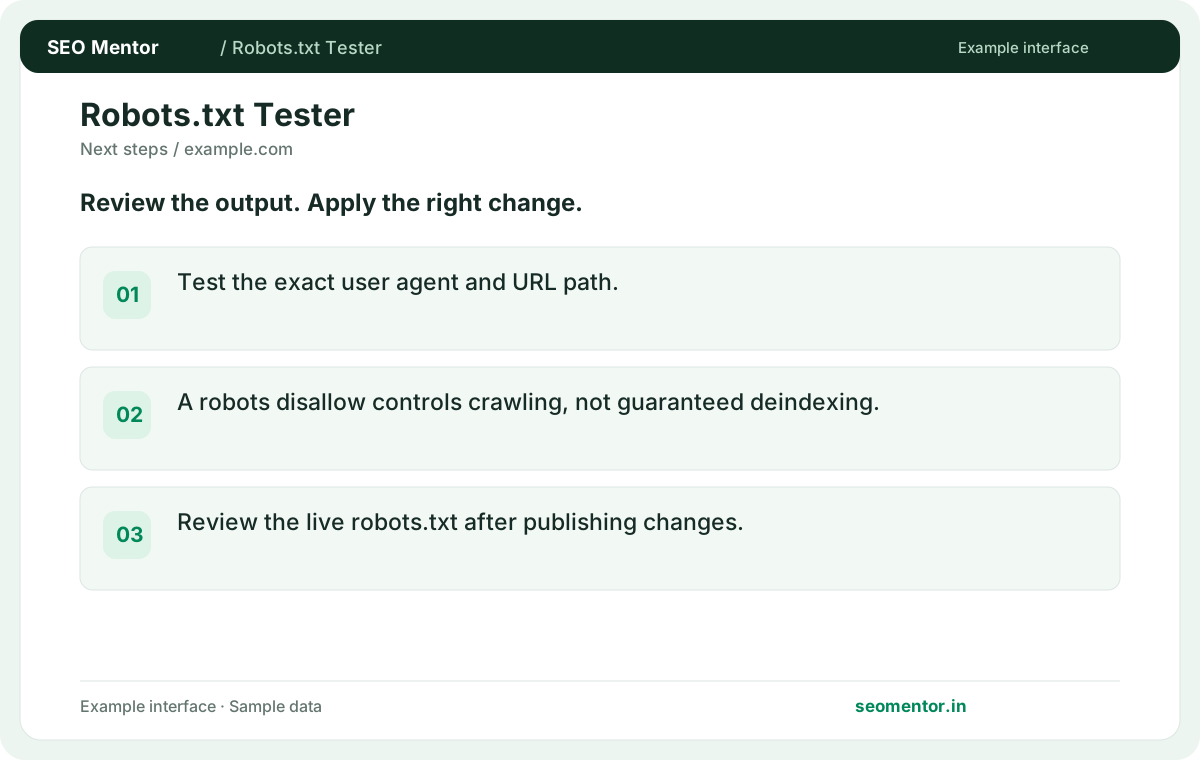
Test the exact user agent and URL path. Compare the reported user agent, path, matched rule with the page or domain you intended to check.
Test whether robots.txt allows a crawler to access a URL. Inspect the matching directive and find rules that block important pages.
Start Robots.txt Tester ↗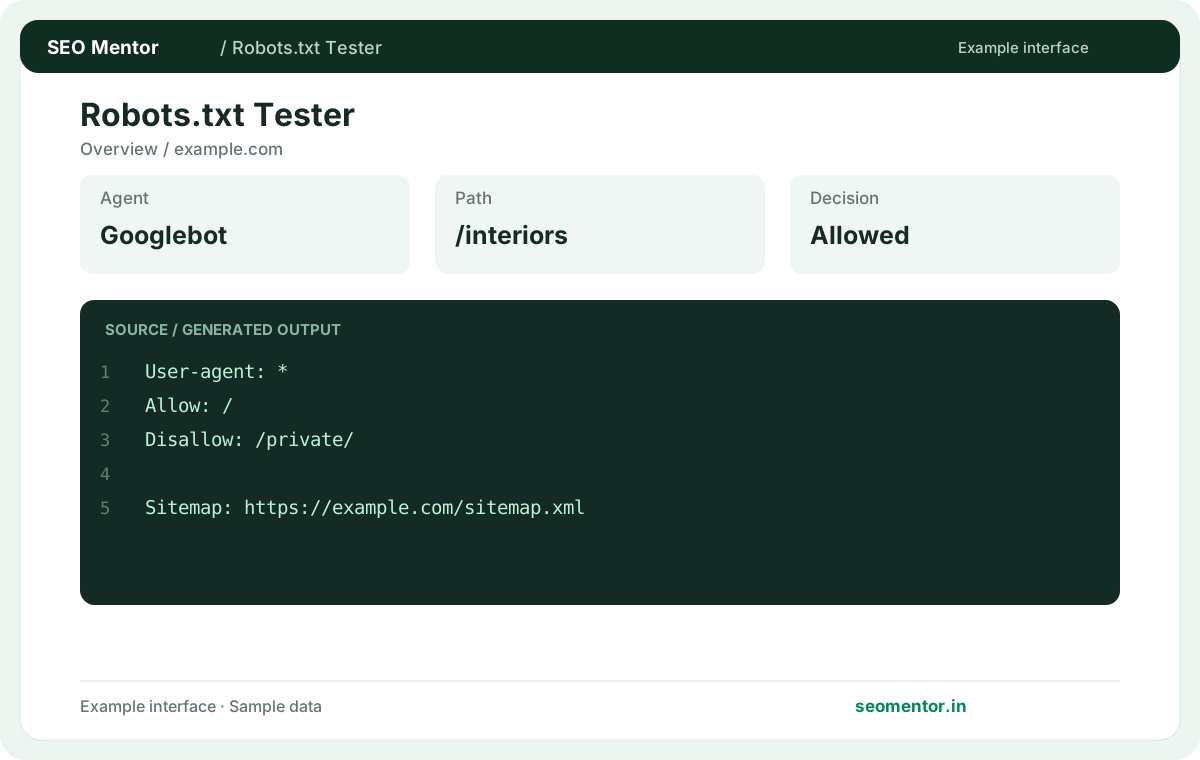
Enter your details and run the free tool to see the results on this page.
Review crawler-specific directives before changing robots.txt; allowing crawling does not guarantee indexing. Start with the questions your target audience actually asks.
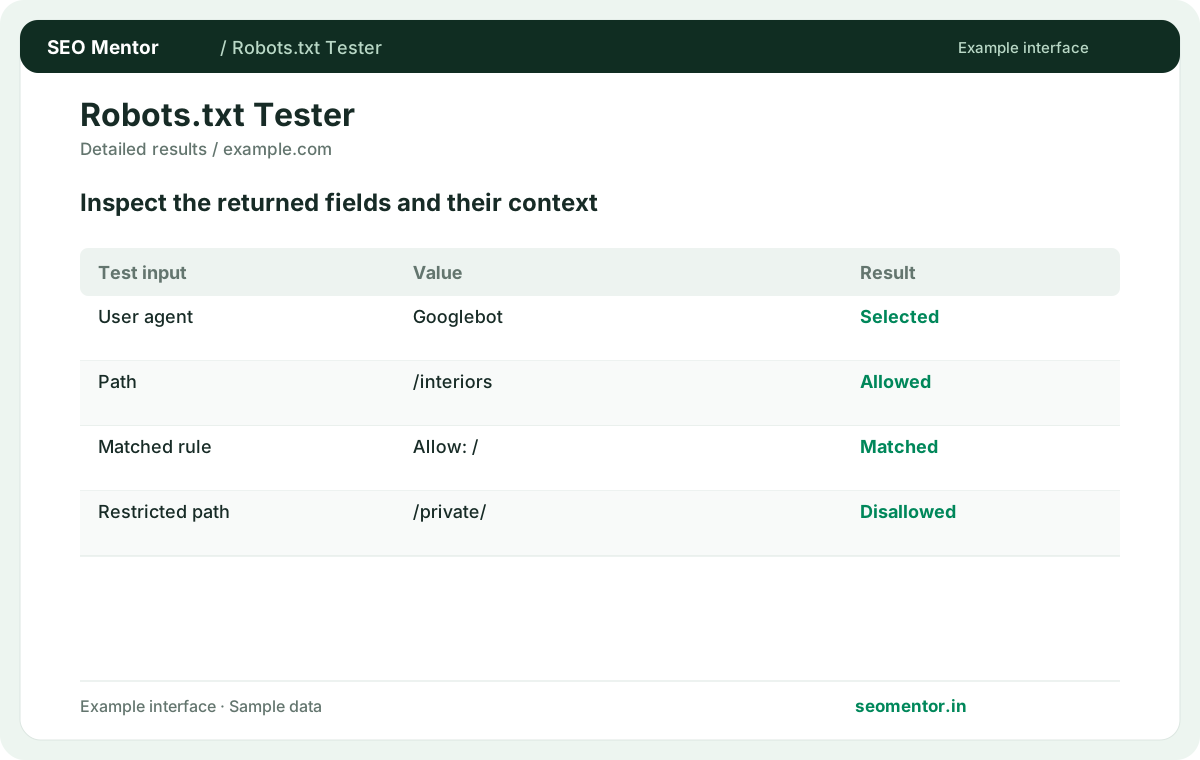
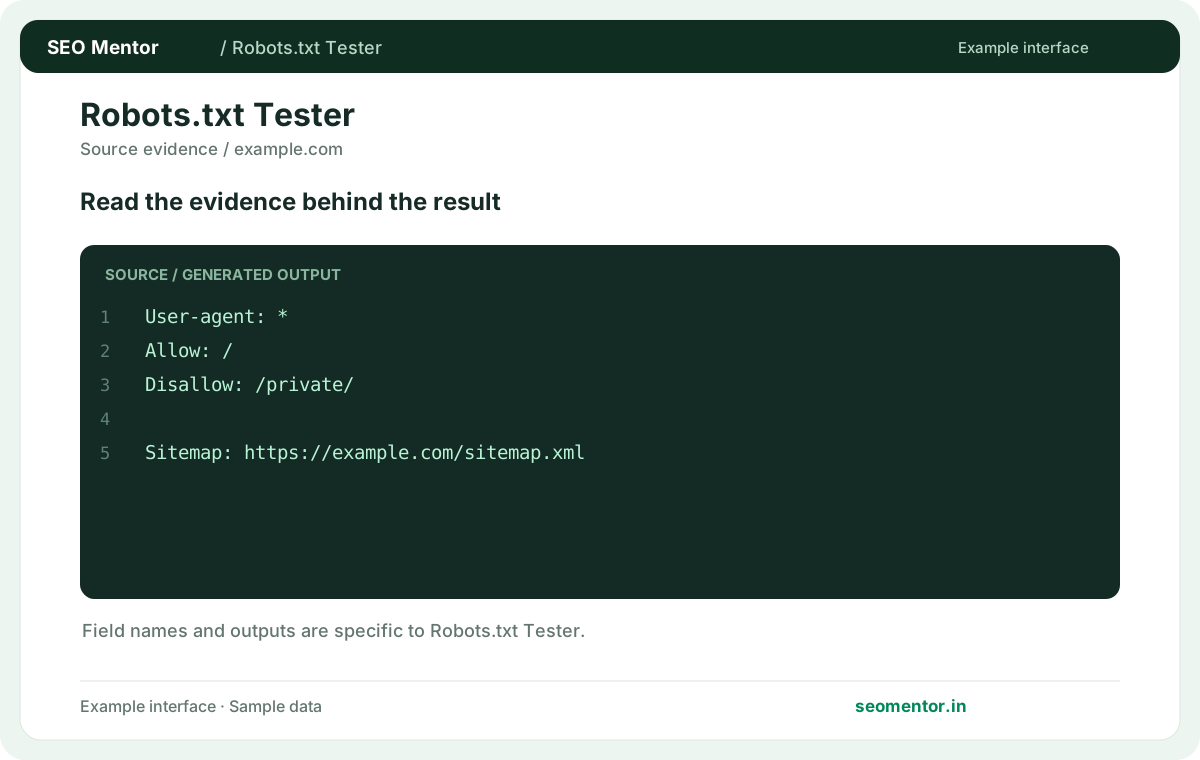
Compare user agent, allow directives, disallow rules in context before deciding what to change.
Record what the report actually shows, compare relevant pages and validate findings before publishing changes.
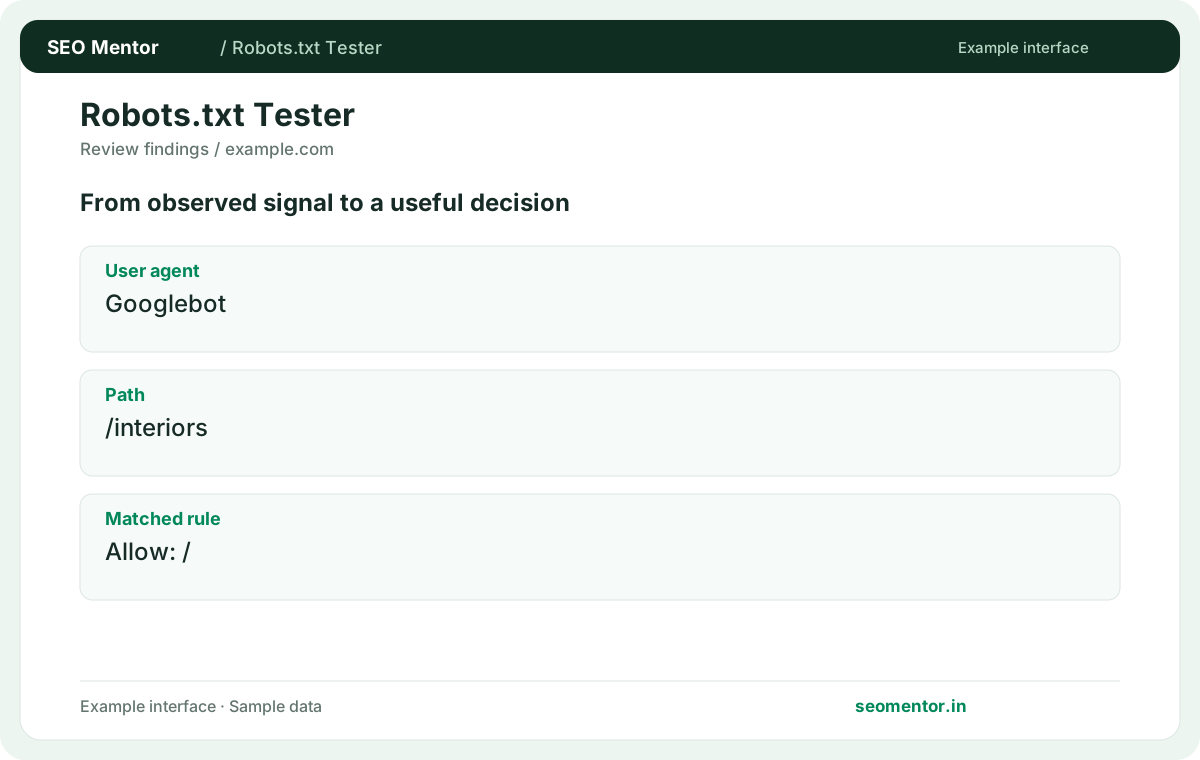
Review crawler-specific directives before changing robots.txt; allowing crawling does not guarantee indexing. Recheck after substantive updates rather than relying on sample illustrations.
Test the crawler and path that matter to your website. Check public service and product URLs separately from private paths before changing robots.txt rules that can affect a wider section of the site.
Test the exact user agent and URL path. Compare the reported user agent, path, matched rule with the page or domain you intended to check.
A robots disallow controls crawling, not guaranteed deindexing. Review the live robots.txt after publishing changes.
Keep the result alongside the page or domain reviewed, so you can compare the evidence after making changes.
Use the exact public path you want to test, including meaningful parameters when relevant. Similar paths can match different rules.
Related check — Does a blocked URL disappear from search automatically? Crawl restrictions and indexing are separate. Use the correct removal or indexing controls for the outcome you need.
It asks an applicable crawler to avoid matching paths. Inspect the matching pattern to understand the scope.
Related check — Can the tool test crawler-specific rules? Inspect the relevant user-agent instructions using a crawler-specific checker when needed. A default test does not represent every bot.
Review the applicable matches and their specificity. Test the exact path rather than relying on a broad summary.
For example, a broad restriction on /downloads/ can coexist with an exception for a public resource below that path. Test both the public exception and a sibling restricted URL to confirm the boundaries of the rule.
Inspect the relevant user-agent instructions using a crawler-specific checker when needed. A default test does not represent every bot.
Related check — How does a Disallow rule work? It asks an applicable crawler to avoid matching paths. Inspect the matching pattern to understand the scope.
An empty rule does not identify a blocked path. Read the full group for other applicable directives.
Related check — How do I check a robots rule change? Compare the live text and test previously allowed and blocked paths. Confirm an unrelated section was not affected.
Crawl restrictions and indexing are separate. Use the correct removal or indexing controls for the outcome you need.
Related check — Which path should I submit? Use the exact public path you want to test, including meaningful parameters when relevant. Similar paths can match different rules.
Check the status of /robots.txt on the same origin. An error response differs from a readable file with intentional rules.
Related check — Why test both www and non-www? Each origin can serve different rules or redirect. Verify the hostname that actually hosts the content.
Each origin can serve different rules or redirect. Verify the hostname that actually hosts the content.
Related check — What if the file is unreachable? Check the status of /robots.txt on the same origin. An error response differs from a readable file with intentional rules.
It can match a wider range of paths than intended. Test variations around the boundary before publishing.
Related check — What happens when Allow and Disallow overlap? For example, a broad restriction on /downloads/ can coexist with an exception for a public resource below that path. Test both the public exception and a sibling restricted URL to confirm the boundaries of the rule.
Compare the live text and test previously allowed and blocked paths. Confirm an unrelated section was not affected.
Related check — What does an empty Disallow mean? An empty rule does not identify a blocked path. Read the full group for other applicable directives.
SEO Mentor helps you identify opportunities. SEOKart can help put those findings into action with professional SEO services, technical improvements and ongoing optimisation.
Explore SEOKart SEO Services