Review the title details
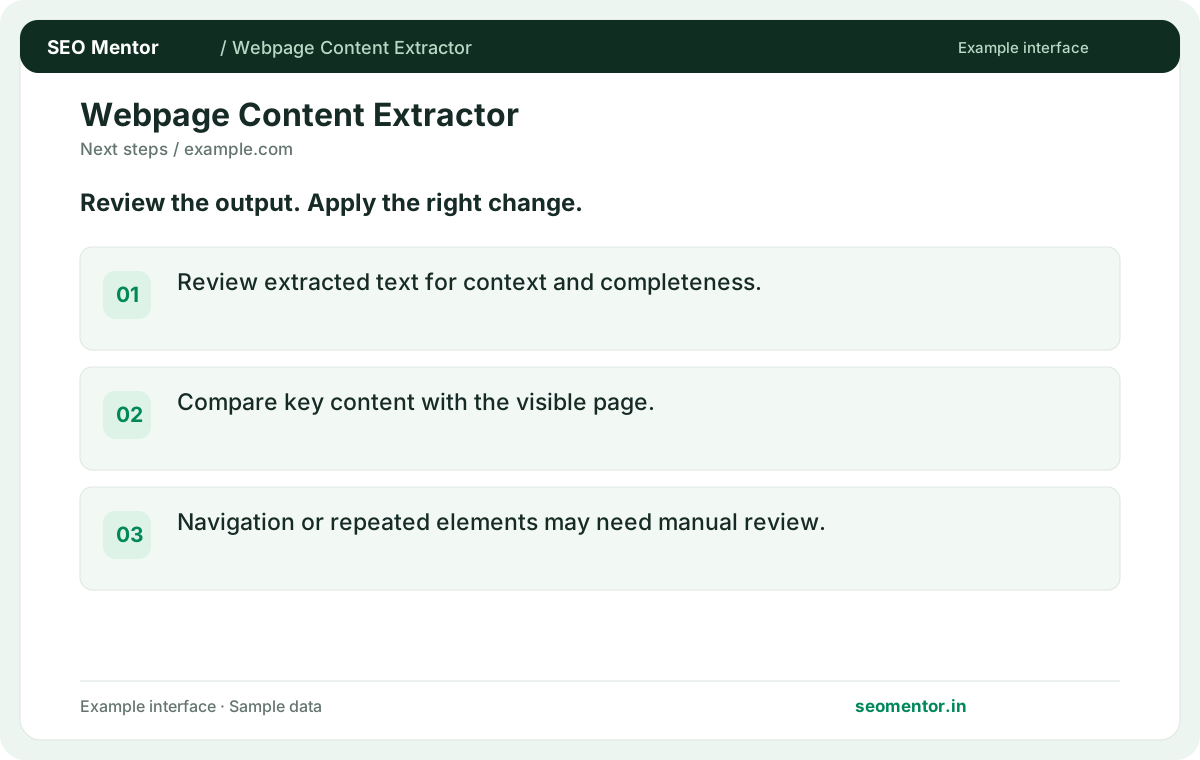
Review extracted text for context and completeness. Compare the reported title, main heading, paragraph with the page or domain you intended to check.
Extract readable content from a public webpage. Review the main copy and headings to assess coverage, structure and clarity.
Use Webpage Content Extractor ↗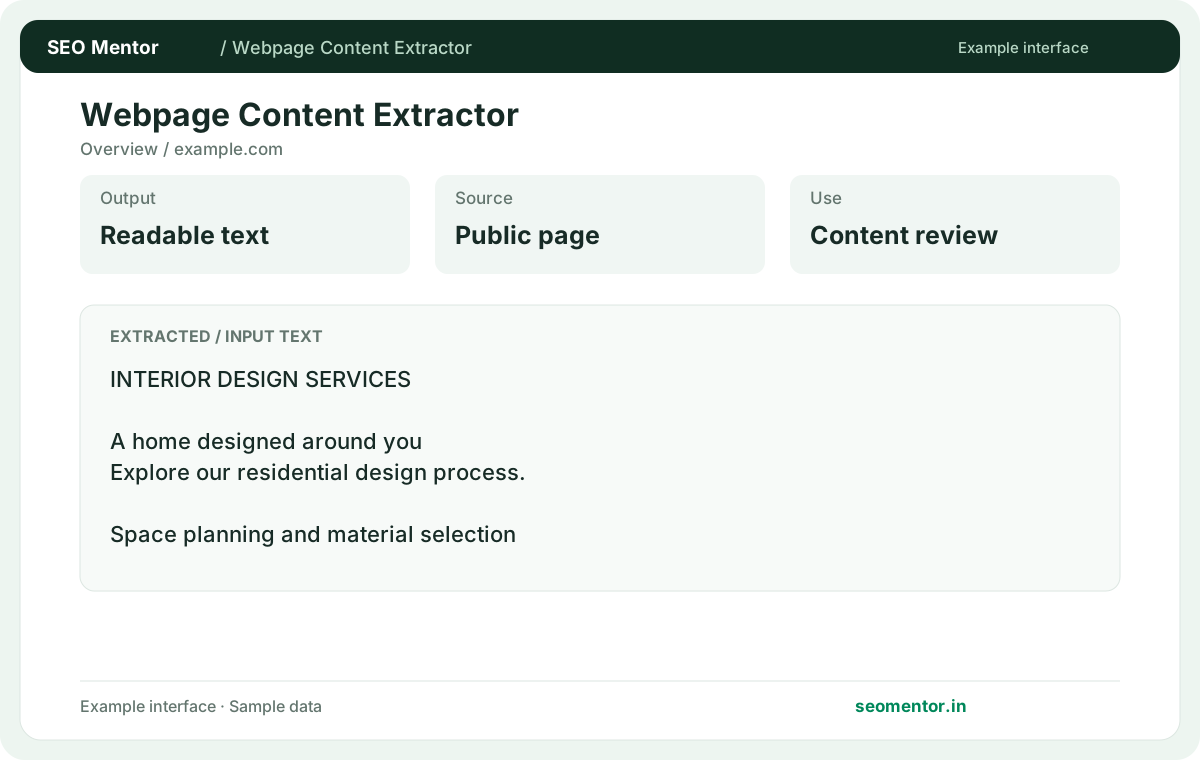
Enter the required details to explore the available output and report options.
Free to use. Results appear on this page.
Extracted text can omit navigation, scripts, interactive elements or content rendered dynamically. Review the source evidence before making changes.
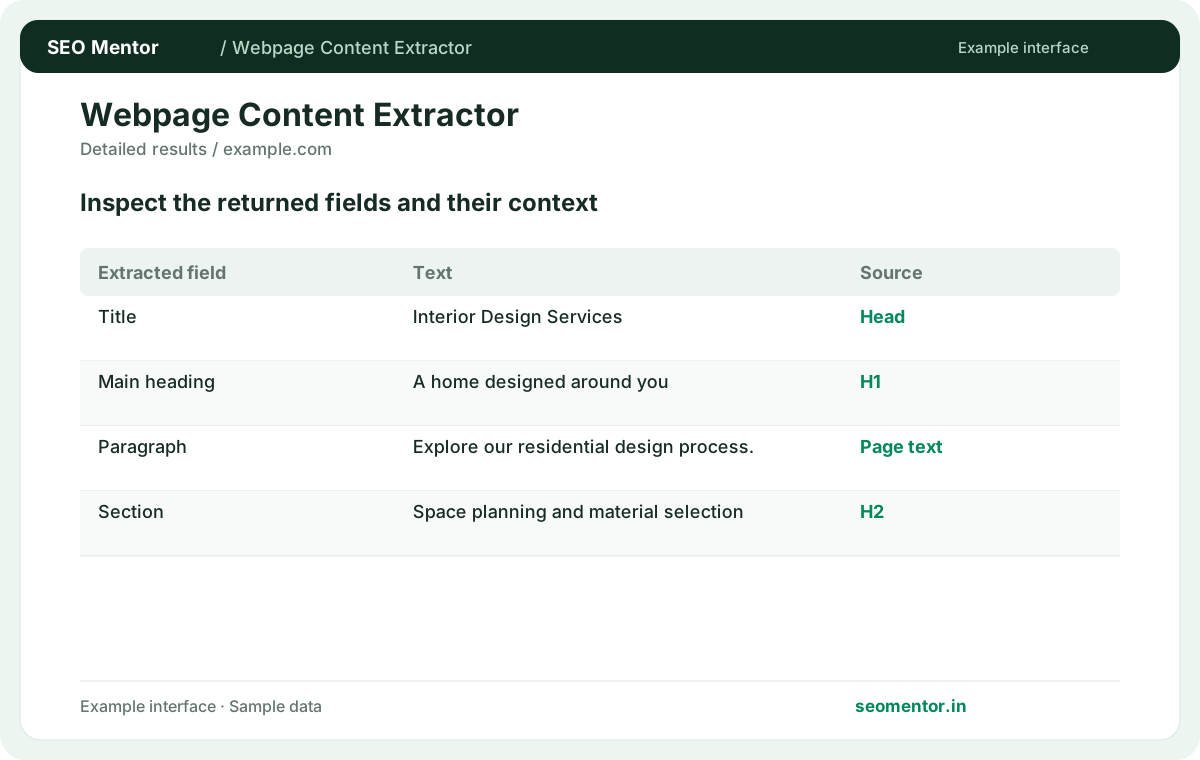
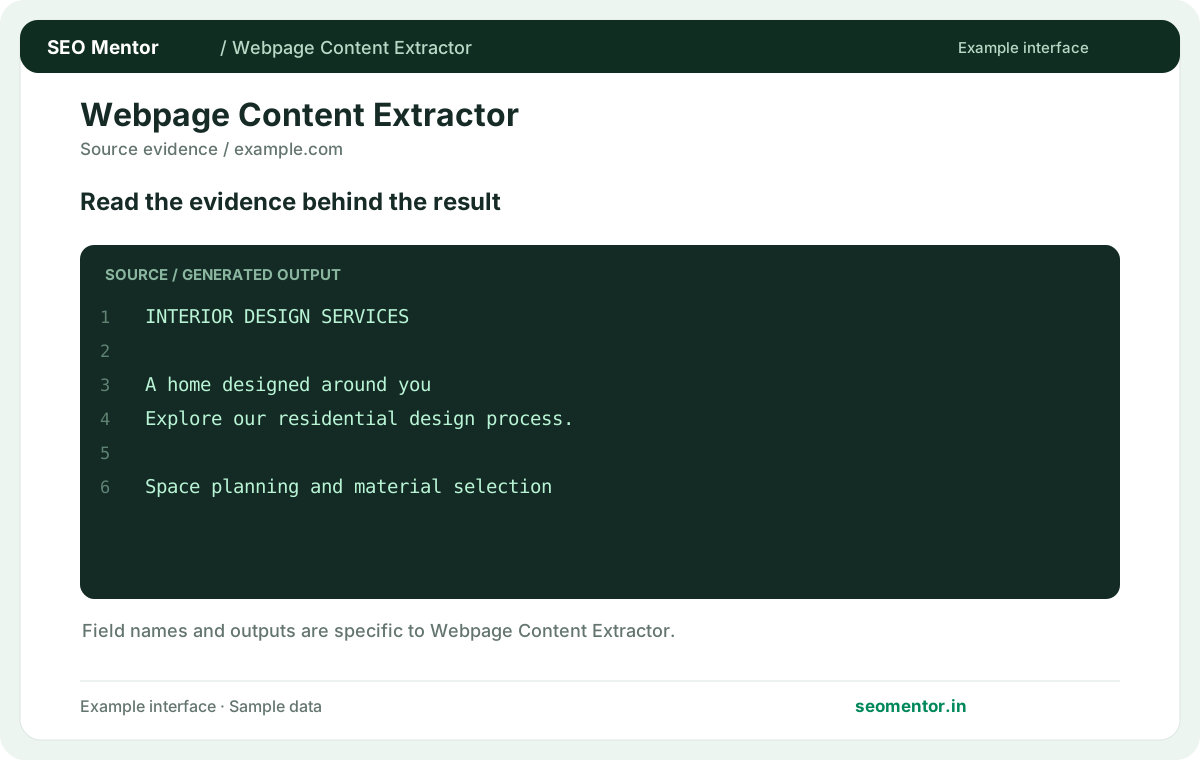
Consider extracted heading hierarchy, main text sections, content gaps together rather than relying on a single indicator.
Extracted text can omit navigation, scripts, interactive elements or content rendered dynamically. Compare the example workflow with your own actual results.
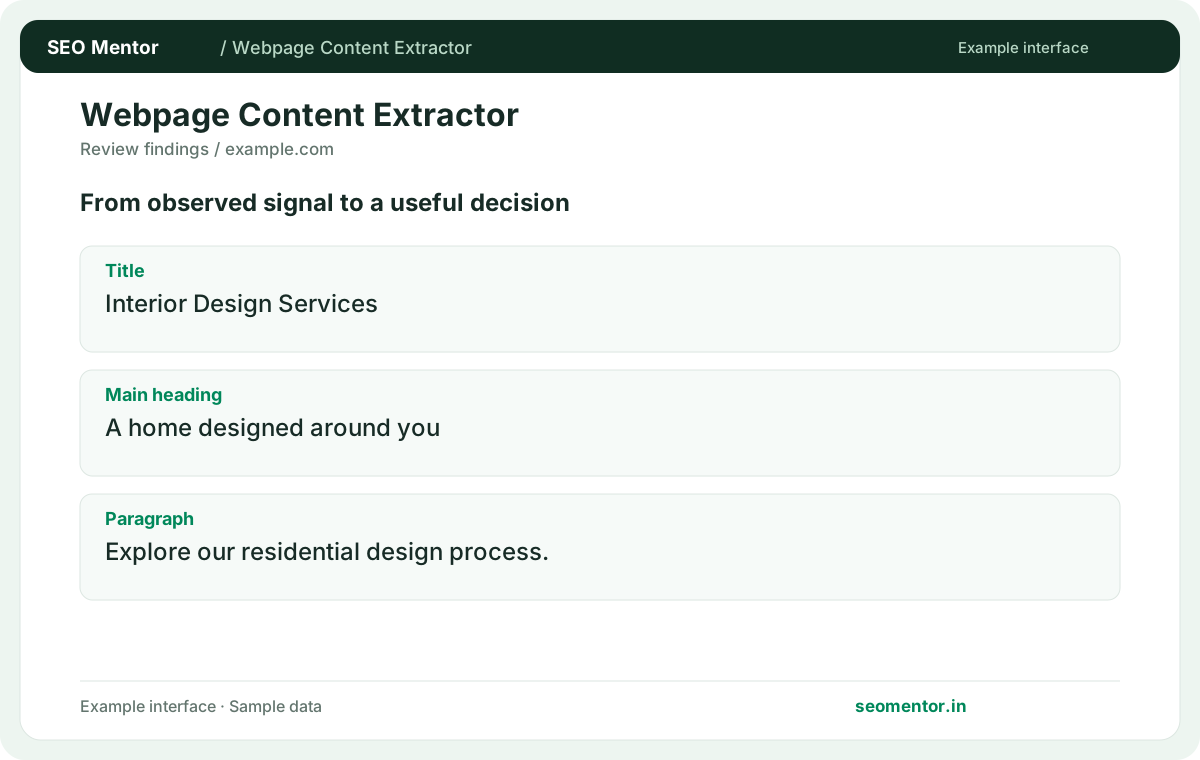
Prioritise the changes that help your audience, and recheck after deployment. Extracted text can omit navigation, scripts, interactive elements or content rendered dynamically.
Extract readable text to support a content review or migration check. Compare important service information with the visible page so missing dynamic content is not mistaken for an empty section.
Review extracted text for context and completeness. Compare the reported title, main heading, paragraph with the page or domain you intended to check.
Compare key content with the visible page. Navigation or repeated elements may need manual review.
Keep the result alongside the page or domain reviewed, so you can compare the evidence after making changes.
The tool retrieves readable content available to its source. Compare the result with the page's actual headings and main copy.
Related check — How do I check whether a page answers its main question? Review the introduction and relevant headings. Find the direct answer and check whether context follows it.
Automated extraction can retain visible template text. Review and remove unrelated navigation before analysing the main content.
Related check — What does a very short extraction suggest? The page may have little visible copy or depend on rendering. Verify the actual content before changing it.
It works on public responses. Use authorised access and your own export for restricted pages.
Related check — Why is a paragraph missing? It may be rendered later or hidden behind an interaction. Compare the source and visible page to diagnose the gap.
It may be rendered later or hidden behind an interaction. Compare the source and visible page to diagnose the gap.
If a service description sits behind a tab or accordion, compare the extracted result with the page source and the rendered DOM after opening it. Keep essential details in accessible markup if users and crawlers need to discover them reliably.
Identify topics and questions they address. Use your own evidence and write original material.
Related check — Should I use extracted text for readability review? It can help isolate copy. Check the original layout too because headings, lists and spacing affect readability.
Review the introduction and relevant headings. Find the direct answer and check whether context follows it.
Related check — What is extracted from a public page? The tool retrieves readable content available to its source. Compare the result with the page's actual headings and main copy.
The page may have little visible copy or depend on rendering. Verify the actual content before changing it.
Related check — Why is a navigation item included? Automated extraction can retain visible template text. Review and remove unrelated navigation before analysing the main content.
Regional or redirect behaviour may serve a different version. Check the final URL and visible language.
Related check — How can I verify updated copy is public? Recheck the final URL and look for a distinctive sentence from the change. Check caches or rendering if old text remains.
It can help isolate copy. Check the original layout too because headings, lists and spacing affect readability.
Related check — Can I inspect competitor coverage with extracted text? Identify topics and questions they address. Use your own evidence and write original material.
Recheck the final URL and look for a distinctive sentence from the change. Check caches or rendering if old text remains.
Related check — Why does the result show another language? Regional or redirect behaviour may serve a different version. Check the final URL and visible language.
SEO Mentor helps you identify opportunities. SEOKart can help put those findings into action with professional SEO services, technical improvements and ongoing optimisation.
Explore SEOKart SEO Services