Distinguish crawling, indexing and ranking
A URL that returns a successful response and has no noindex directive may still be excluded from Google. The checker reviews observable signals; indexing decisions also depend on search-engine systems.
Check a public URL for noindex directives, canonical hints and crawl barriers. Use the findings to diagnose why an important page may be difficult to index.
Start Indexability Checker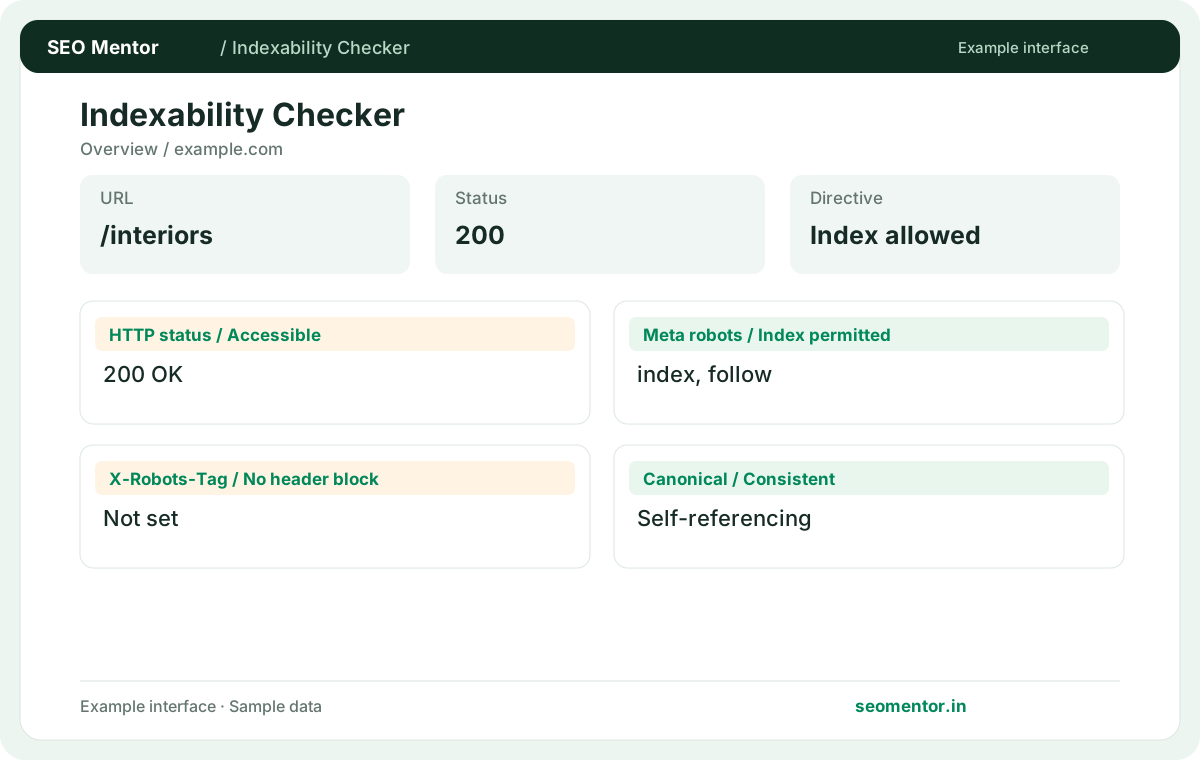
Enter your details and run the free tool to see the results on this page.
A page cannot earn search traffic if important discovery signals conflict. Review observable indexability instructions and decide what needs verification in your own search console.
For businesses and agencies, start with pages that support enquiries, product discovery and meaningful organic traffic. Treat automated findings as a starting point for verification.
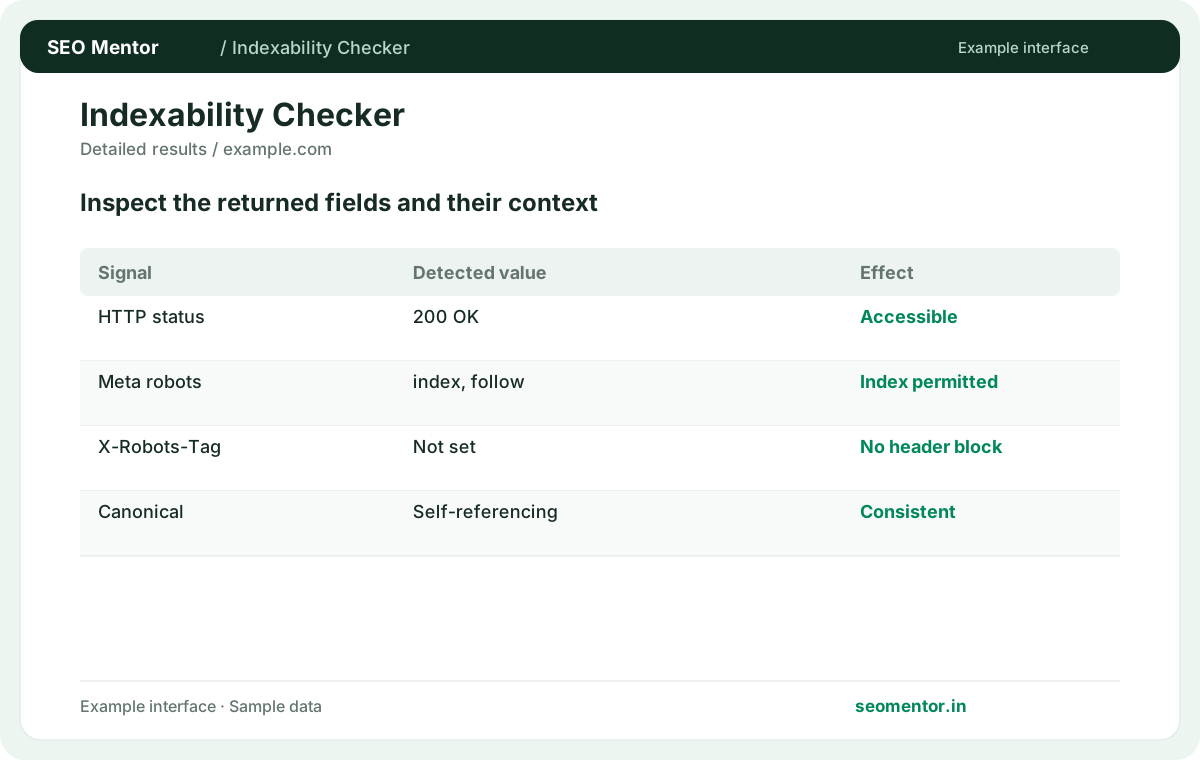
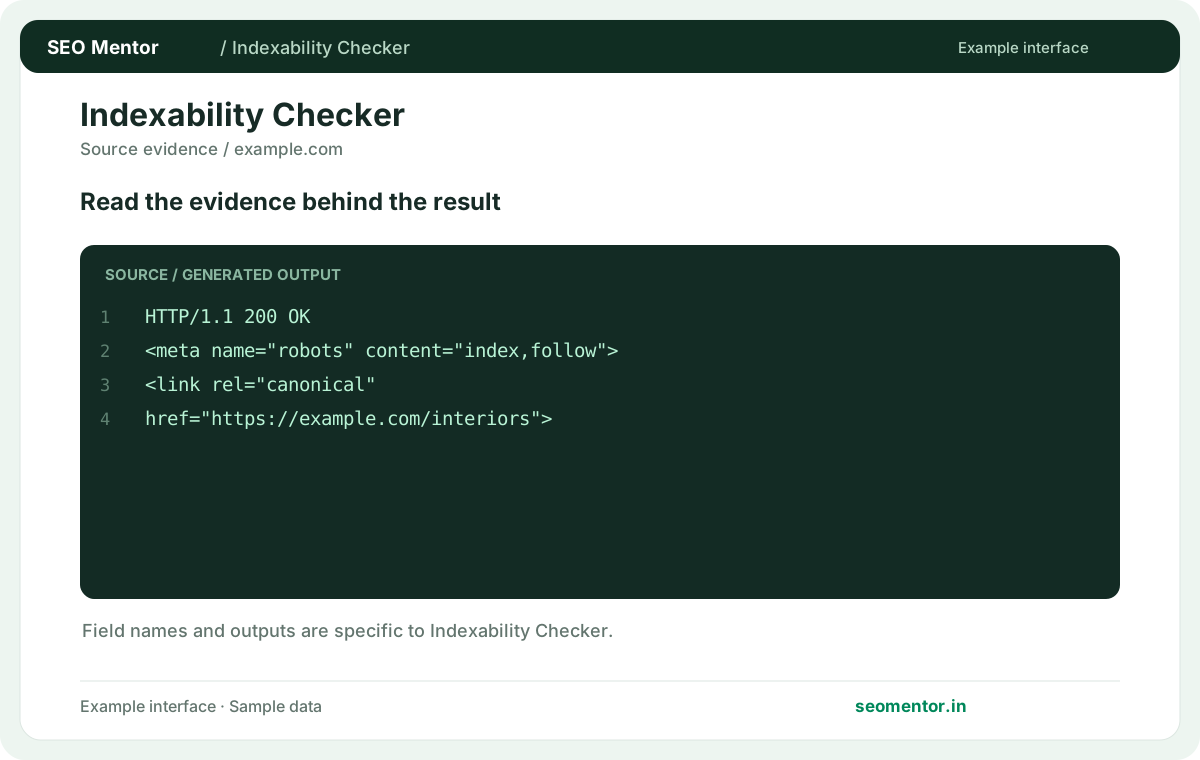
Compare canonical references, robots directives and HTTP responses before deciding which URLs belong in the index.
Try the toolInspect directives, canonical hints and responses that influence whether pages can be discovered and indexed.
Use the tool's actual output to verify observations before making changes. The illustrated workflow helps explain the checks; use your own report to confirm individual findings.
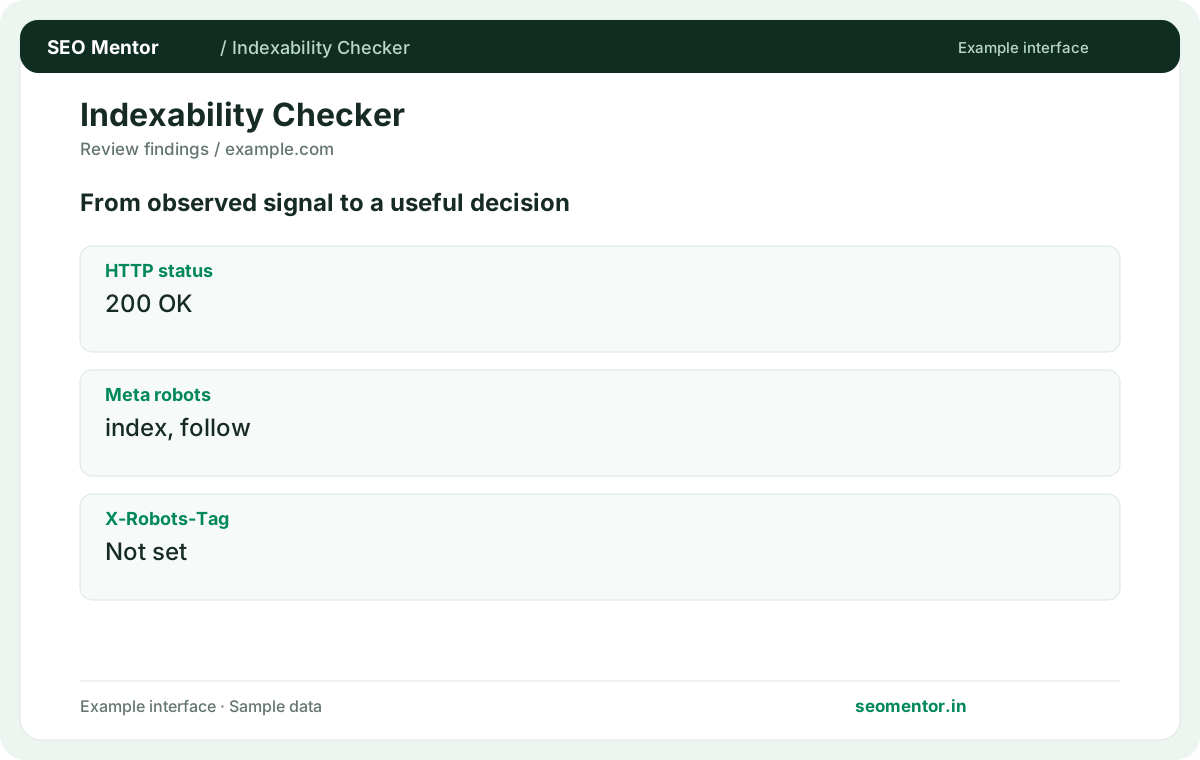
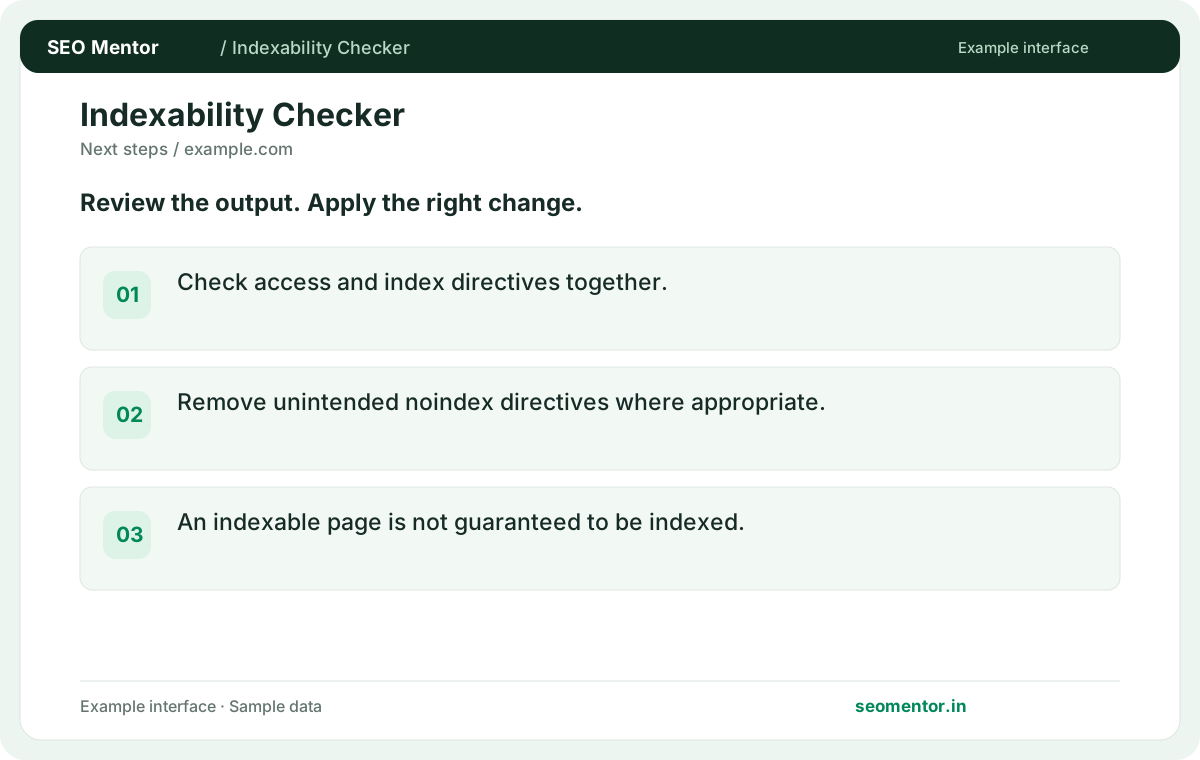
Check the returned response and directives before assuming a page can be indexed.
Start your analysis ↗Check whether important service, product and location pages return accessible responses and consistent index directives. Read the HTTP status, robots instructions and canonical together before changing a page.
A URL that returns a successful response and has no noindex directive may still be excluded from Google. The checker reviews observable signals; indexing decisions also depend on search-engine systems.
When an business changes page slugs or migrates domains, review the final destination, self-referencing canonical and robots rules. Update internal links and sitemaps to preferred URLs.
Keep the result alongside the page or domain reviewed, so you can compare the evidence after making changes.
It is an observable status or directive that influences whether a crawler can use the page. The result is a diagnosis of public signals.
Related check — Does the tool tell me whether Google indexed the page? Use Search Console for Google's status on your property. This checker shows conditions observable on the submitted URL.
A crawler needs access to read the page directive. Inspect both the robots decision and the page response.
Related check — Why can a 200 page still be unsuitable for indexing? It can contain a noindex instruction, an error-like template or a conflicting preferred URL. Read the evidence together.
Check the HTML robots tag and the X-Robots-Tag response header. A server rule can add the header independently of the template.
A page can have an ordinary HTML head while the server adds X-Robots-Tag: noindex. Check both sources for the final URL after a redirect, and review deployment or CDN rules if the header came from outside the template.
It signals that another URL is preferred. Check whether that destination actually represents equivalent content.
Related check — What if the final URL is unexpected? Trace redirects and inspect the actual destination. Its directives may differ from the submitted page.
Use Search Console for Google's status on your property. This checker shows conditions observable on the submitted URL.
Related check — What is an indexability signal? It is an observable status or directive that influences whether a crawler can use the page. The result is a diagnosis of public signals.
Trace redirects and inspect the actual destination. Its directives may differ from the submitted page.
Related check — Why is a canonical to another page important? It signals that another URL is preferred. Check whether that destination actually represents equivalent content.
It can contain a noindex instruction, an error-like template or a conflicting preferred URL. Read the evidence together.
Related check — How do I review a staging launch? Check important production templates for inherited noindex and robots rules. Verify the production hostname before submitting URLs.
Check important production templates for inherited noindex and robots rules. Verify the production hostname before submitting URLs.
Related check — Where can noindex be set? A page can have an ordinary HTML head while the server adds X-Robots-Tag: noindex. Check both sources for the final URL after a redirect, and review deployment or CDN rules if the header came from outside the template.
HTTP headers can apply to non-HTML resources. Inspect the response headers for the exact PDF URL.
Related check — What should I verify after removing an indexing block? Retest the public URL, confirm the status and directives, and check whether internal links and sitemap entries point to it.
Retest the public URL, confirm the status and directives, and check whether internal links and sitemap entries point to it.
Related check — Can a PDF carry indexing directives? HTTP headers can apply to non-HTML resources. Inspect the response headers for the exact PDF URL.
SEO Mentor helps you identify opportunities. SEOKart can help put those findings into action with professional SEO services, technical improvements and ongoing optimisation.
Explore SEOKart SEO Services