Review the creation date details
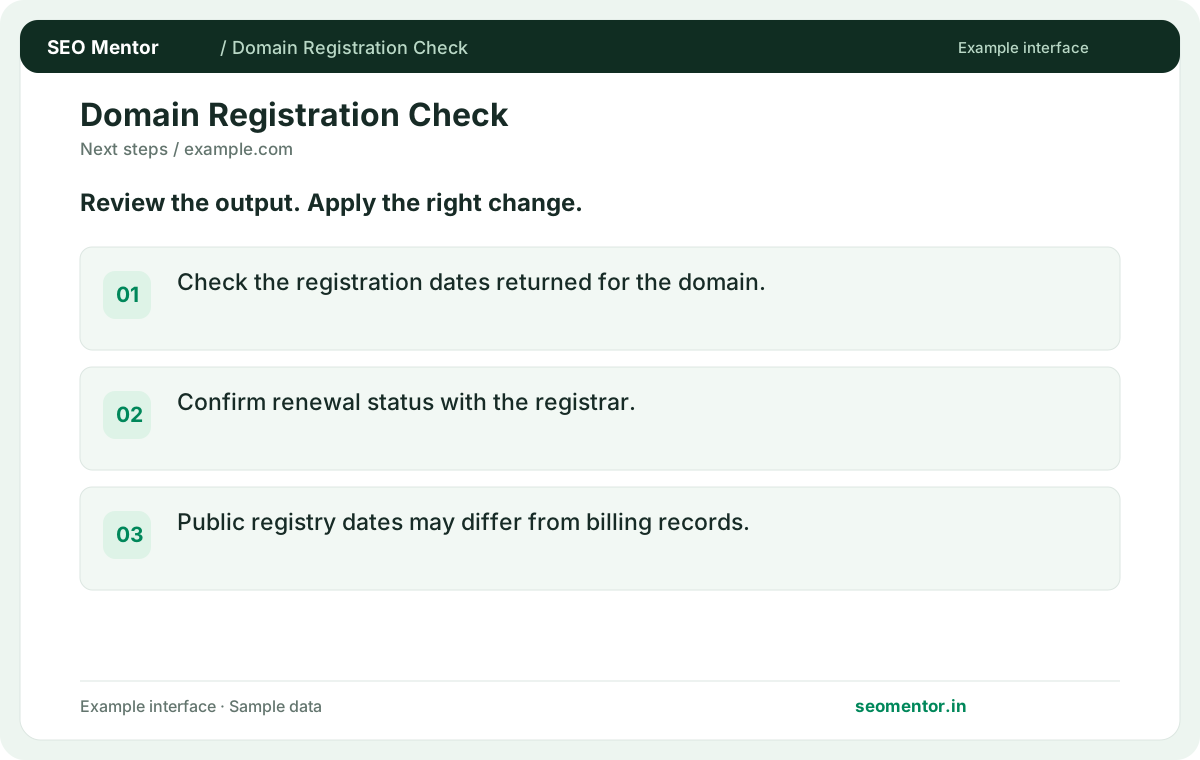
Check the registration dates returned for the domain. Compare the reported creation date, updated date, expiry date with the page or domain you intended to check.
Look up domain registration, registrar and expiry events from public RDAP records where available. Enter a domain to check its registration details.
Use Domain Registration Checker ↗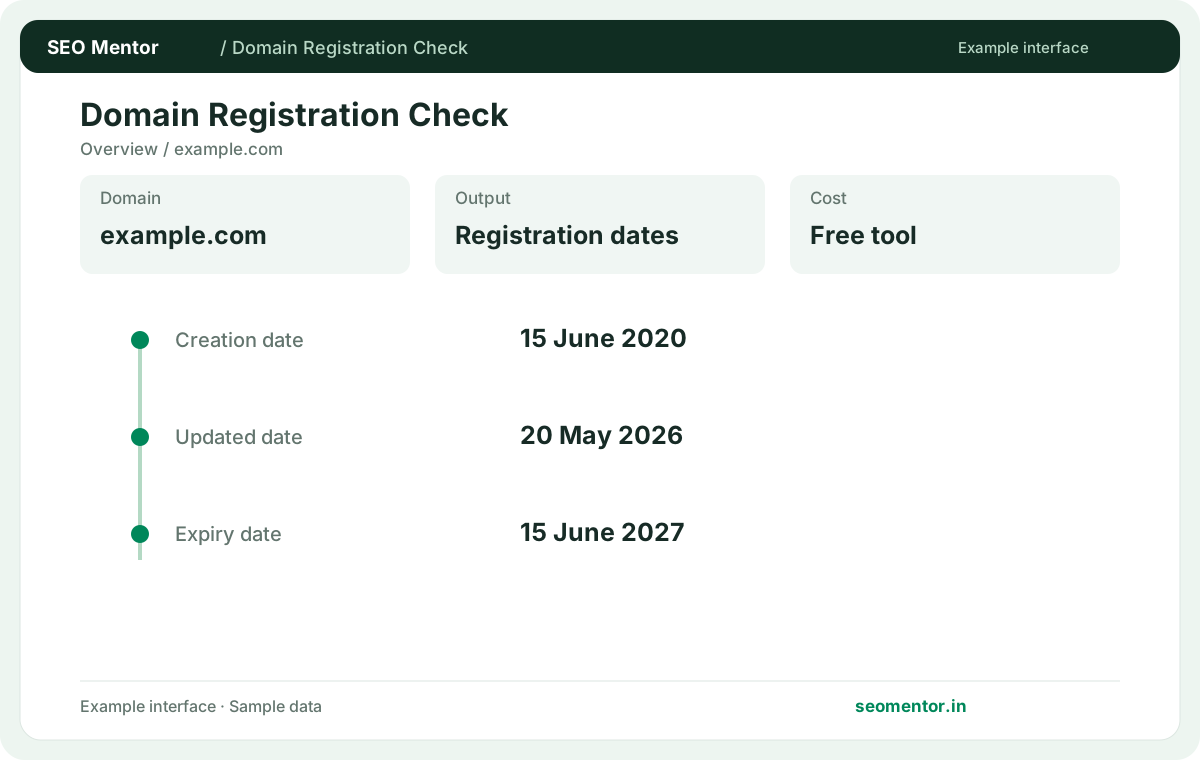
Enter the required details to explore the available output and report options.
Free to use. Results appear on this page.
Registration information depends on the registry and can be withheld or incomplete. Review the source evidence before making changes.
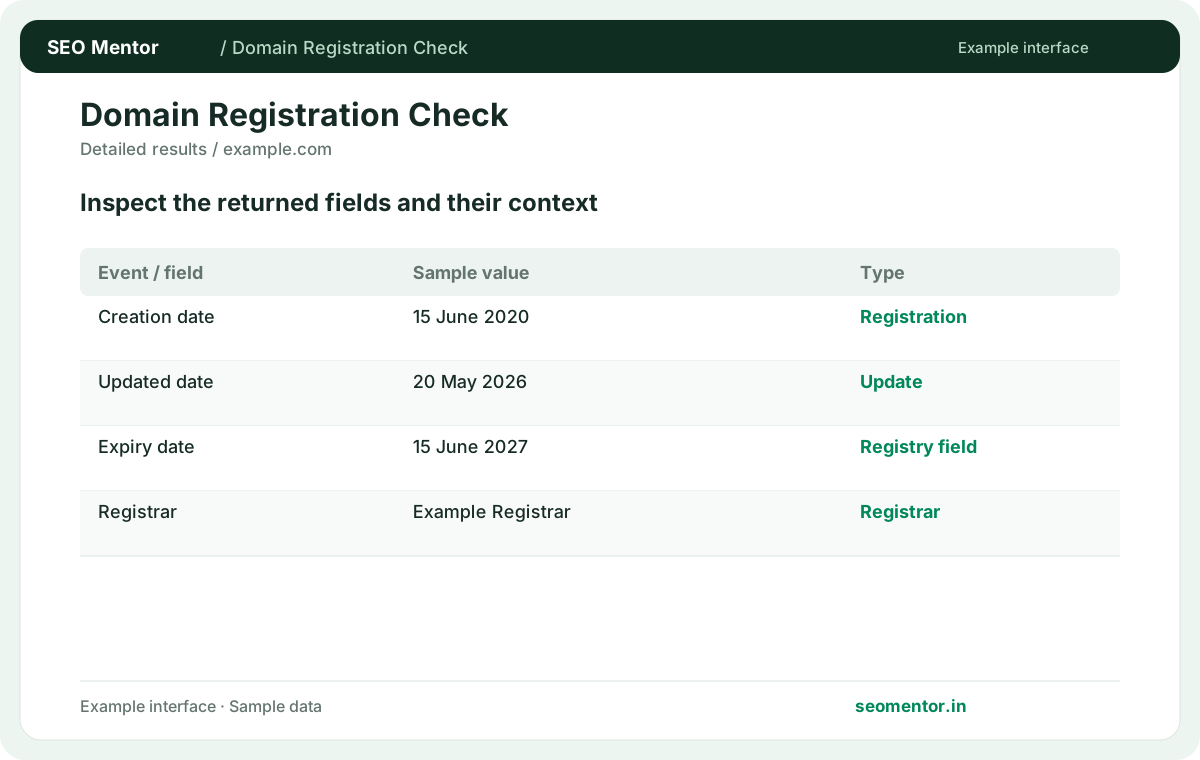
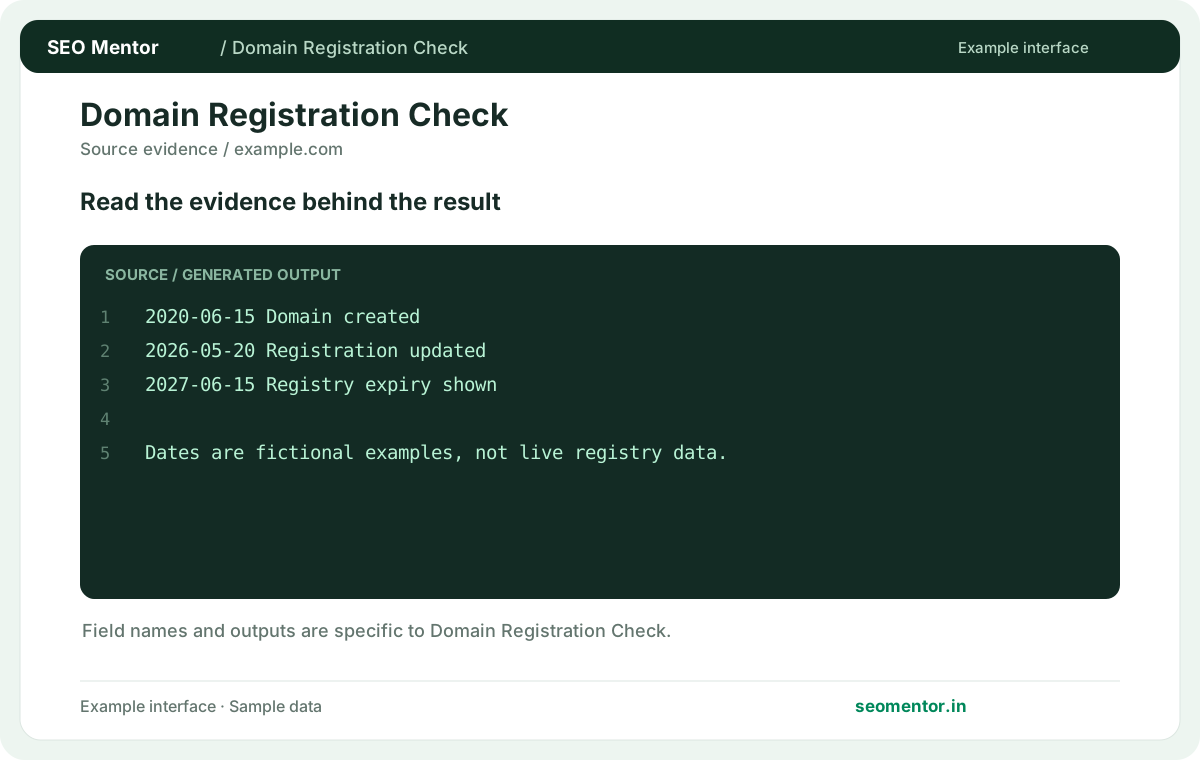
Consider registrar details, registration events, expiry records together instead of relying on a single headline indicator.
Registration information depends on the registry and can be withheld or incomplete. Compare the sample workflow with the live site and its actual data.
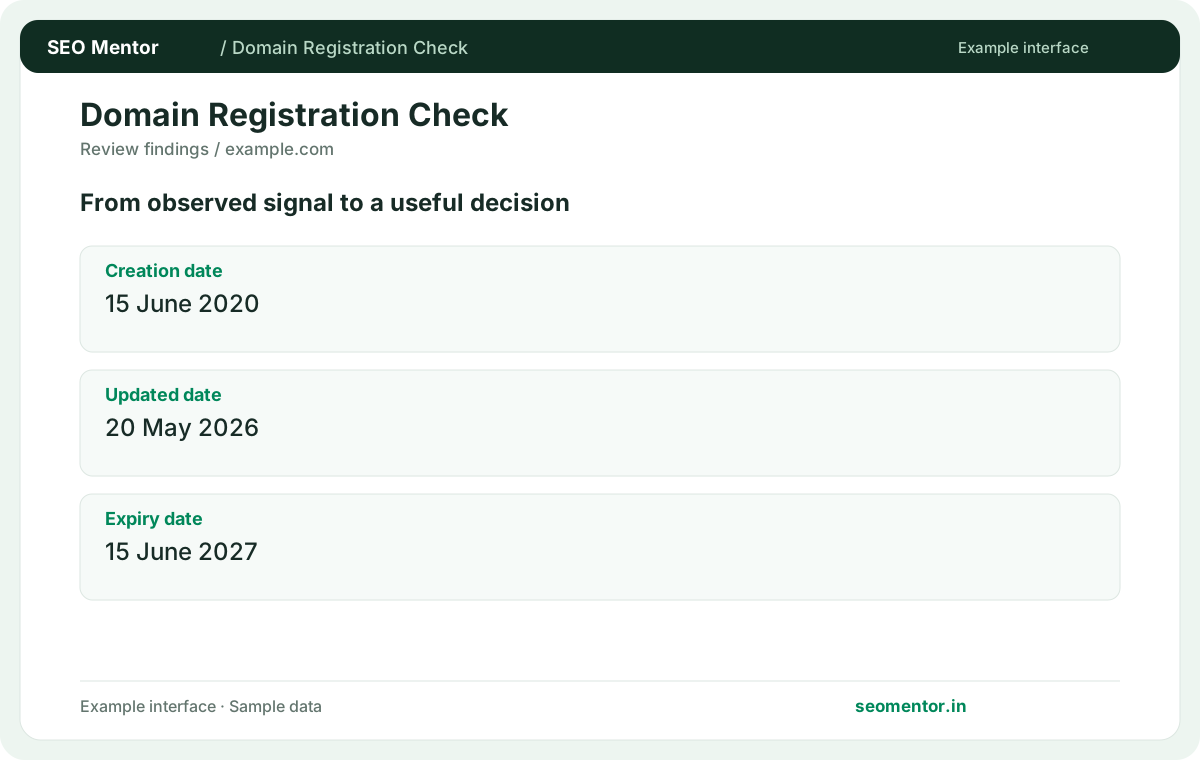
Prioritise the findings that affect your audience and revisit them after changes. Registration information depends on the registry and can be withheld or incomplete.
Review available registration dates and registrar information for a business domain. Keep the domain owner’s records and renewal access organised alongside the public information returned by the lookup.
Check the registration dates returned for the domain. Compare the reported creation date, updated date, expiry date with the page or domain you intended to check.
Confirm renewal status with the registrar. Public registry dates may differ from billing records.
Keep the result alongside the page or domain reviewed, so you can compare the evidence after making changes.
Submit the registered domain without a page path. Public registry data is about the registration, even if the website has many subdomains.
Related check — Does this tool show website launch dates? Registration events describe the domain. A site can launch much later or change owners without revealing its publishing history.
Verify availability at a registrar. A missing response can reflect registry coverage, an error or a domain with restricted public data.
If a lookup returns no public record for a domain you want to buy, search for the exact spelling and extension at your registrar. Use the registrar's availability and purchase flow before making commitments about the domain.
It records a dated action supplied by the registry, such as creation, update or expiry. Use the event type to understand what the date means.
Related check — Is a missing record proof the domain is available? If a lookup returns no public record for a domain you want to buy, search for the exact spelling and extension at your registrar. Use the registrar's availability and purchase flow before making commitments about the domain.
Some registries expose fewer fields or redact details. Check the registry response and your registrar account for authoritative account information.
Related check — What information can be redacted? Registries may hide personal contact information or return an anonymised contact route. Use legitimate registrar channels if you need to reach the registrant.
Treat it as the public date reported by the registry. Confirm renewal status in the registrar account before relying on it.
Related check — Why does the lookup differ from my registrar dashboard? Public data may update on a different schedule. Verify the effective renewal date and status with the provider managing the domain.
Registration events describe the domain. A site can launch much later or change owners without revealing its publishing history.
Related check — What should I enter for a registration check? Submit the registered domain without a page path. Public registry data is about the registration, even if the website has many subdomains.
Public data may update on a different schedule. Verify the effective renewal date and status with the provider managing the domain.
Related check — How should I interpret an expiry date? Treat it as the public date reported by the registry. Confirm renewal status in the registrar account before relying on it.
They indicate the delegated DNS hosts when supplied. They may belong to a DNS provider separate from the registrar.
Related check — Can I check a domain before moving DNS? Save the current nameservers and registrar details. Compare them after changes alongside a separate DNS lookup.
Save the current nameservers and registrar details. Compare them after changes alongside a separate DNS lookup.
Related check — What do nameservers identify? They indicate the delegated DNS hosts when supplied. They may belong to a DNS provider separate from the registrar.
Registries may hide personal contact information or return an anonymised contact route. Use legitimate registrar channels if you need to reach the registrant.
Related check — Why is the registrar absent? Some registries expose fewer fields or redact details. Check the registry response and your registrar account for authoritative account information.
SEO Mentor helps you identify opportunities. SEOKart can help put those findings into action with professional SEO services, technical improvements and ongoing optimisation.
Explore SEOKart SEO Services