Review the json syntax details
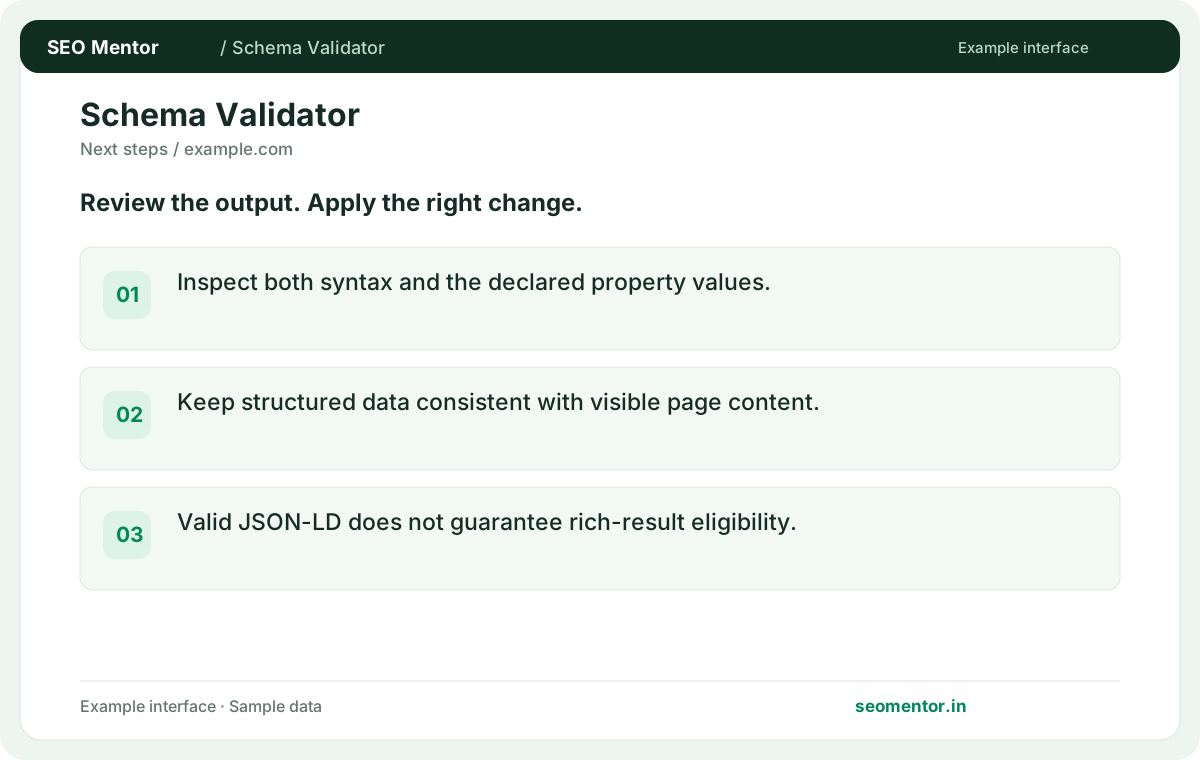
Inspect both syntax and the declared property values. Compare the reported json syntax, context, entity type with the page or domain you intended to check.
Inspect available JSON-LD on a public page for syntax and declared types. Find issues to investigate before testing eligibility for rich results.
Start Schema Validator ↗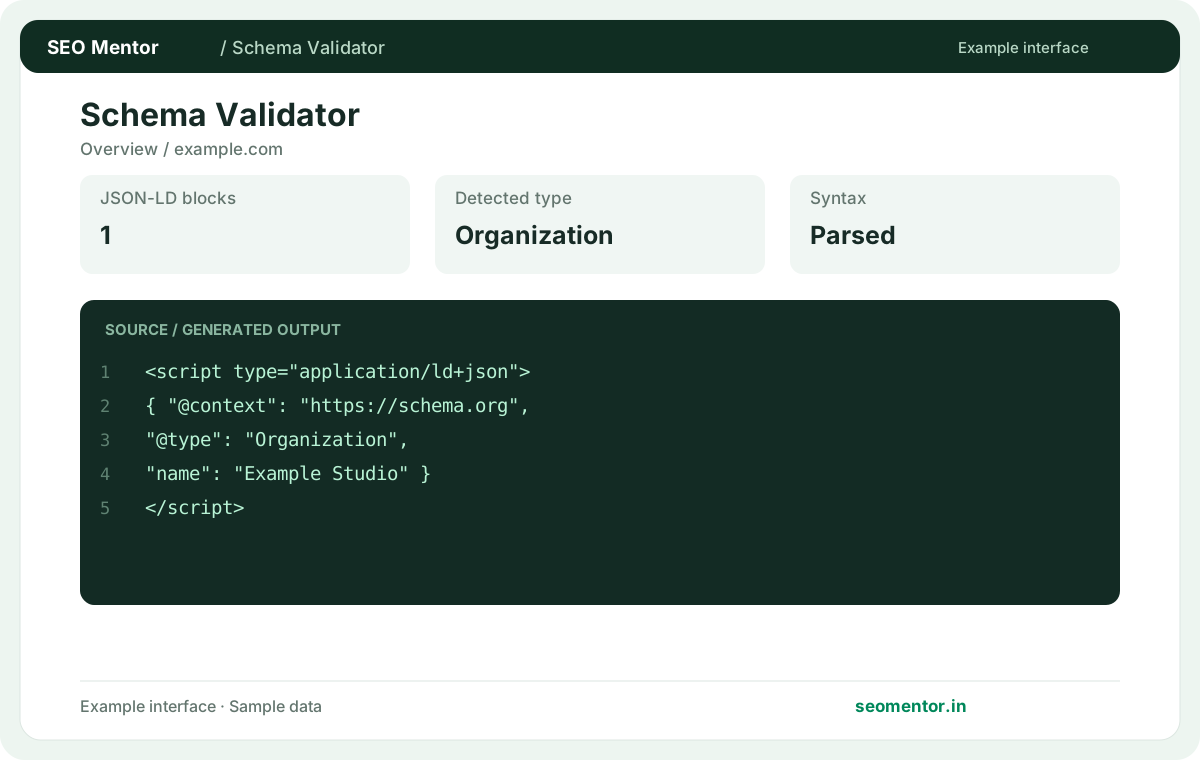
Enter your details and run the free tool to see the results on this page.
Validate schema against real visible content and the relevant search engine guidelines. Start with the questions your target audience actually asks.
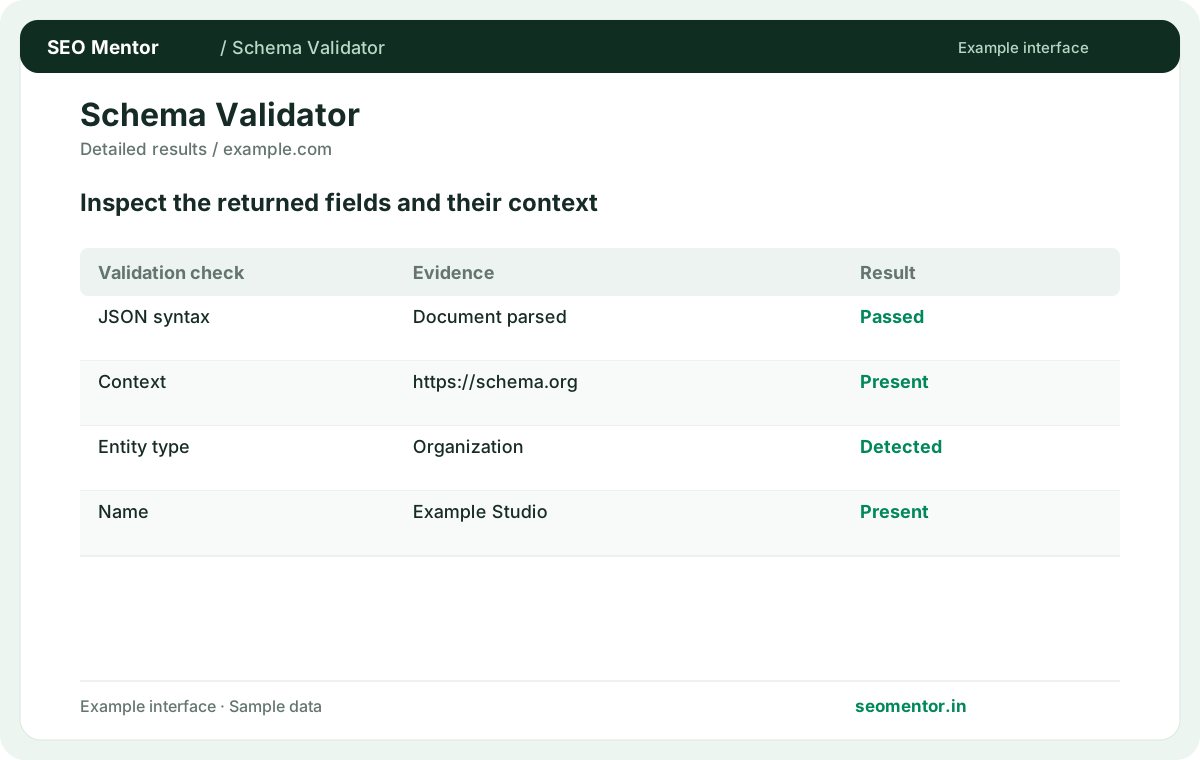
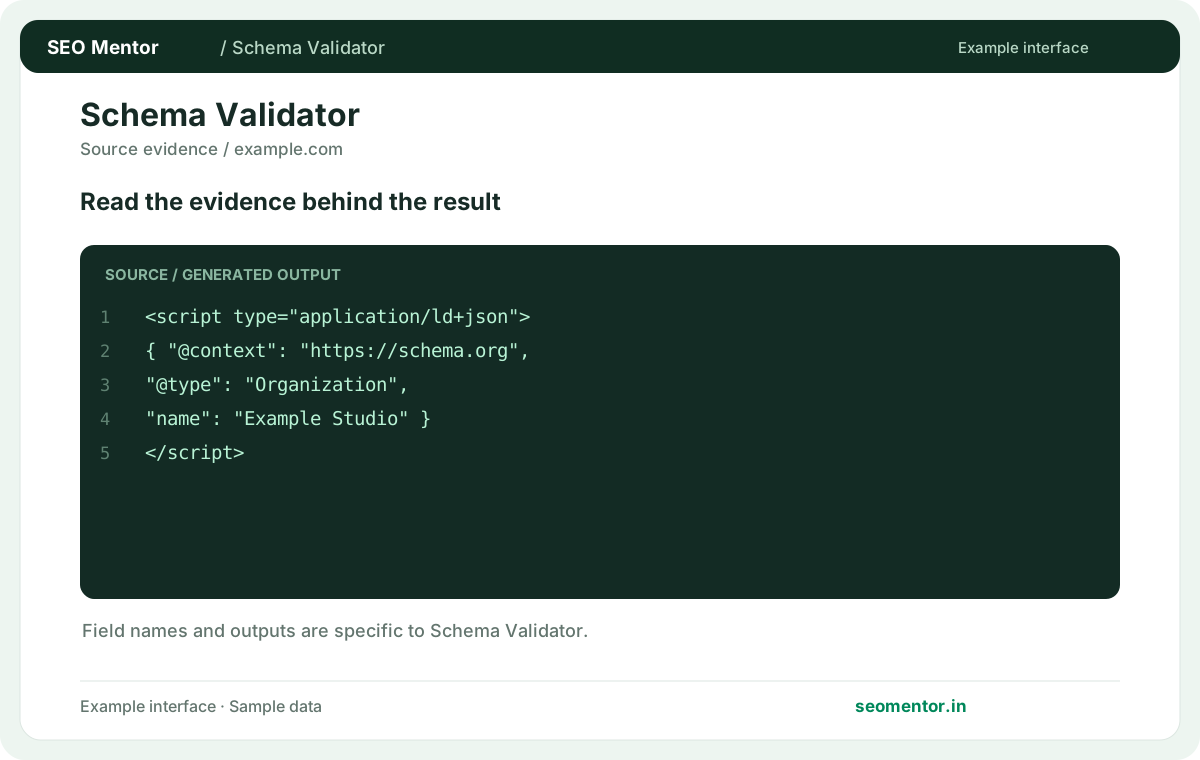
Compare json-ld blocks, declared schema types, syntax issues in context before deciding what to change.
Record what the report actually shows, compare relevant pages and validate findings before publishing changes.
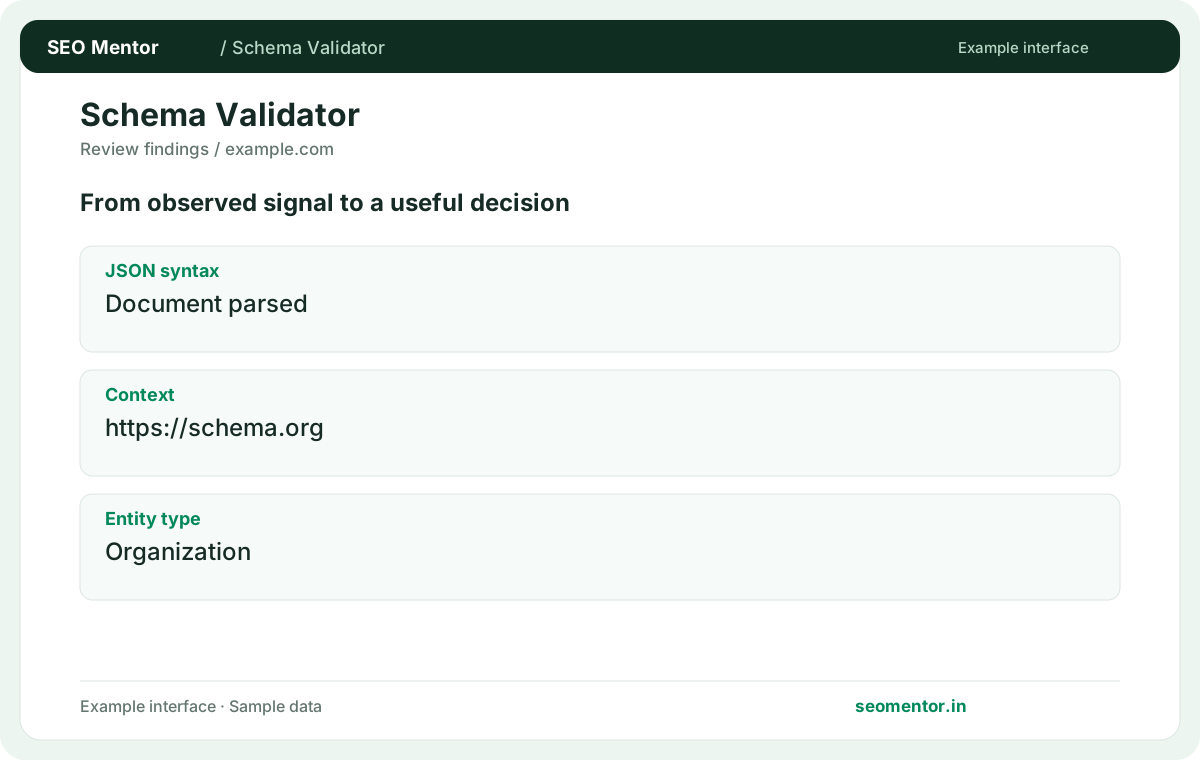
Validate schema against real visible content and the relevant search engine guidelines. Recheck after substantive updates rather than relying on sample illustrations.
Inspect the JSON-LD and entity properties present on a public page. Keep business details consistent with visible content and separate a successful syntax check from eligibility for a particular search feature.
Inspect both syntax and the declared property values. Compare the reported json syntax, context, entity type with the page or domain you intended to check.
Keep structured data consistent with visible page content. Valid JSON-LD does not guarantee rich-result eligibility.
Keep the result alongside the page or domain reviewed, so you can compare the evidence after making changes.
It looks for parseable JSON-LD and visible declared types. Syntax success does not confirm all properties are suitable.
Related check — Does validation establish rich-result eligibility? Check the specific search feature separately. Required properties and content policies can go beyond syntax.
Missing commas, invalid quotes and unmatched braces are common causes. Inspect the exact script reported before editing it.
Related check — What if a schema script is inserted by JavaScript? Compare returned HTML and the rendered DOM. The validator may only see markup present in its fetched response.
Yes. Review each script and confirm overlapping entities do not contradict one another.
Related check — How can I identify duplicate entities? Compare identifiers and descriptions across scripts. Combine or link representations where they refer to the same real entity.
A template may publish several entities or a broad page type. Inspect each object and its relationship to the visible page.
Related check — What should I retest after fixing schema? Recheck the live URL and inspect the exact object changed. Test related templates if they share the implementation.
Test several generated URLs. Data-dependent fields can be missing on one product or article while others pass.
Check at least one in-stock and one out-of-stock product when both use the same template. A valid script on one product cannot reveal whether a conditional price, availability or identifier field breaks the markup on another.
Compare returned HTML and the rendered DOM. The validator may only see markup present in its fetched response.
Related check — What causes a parsing error? Missing commas, invalid quotes and unmatched braces are common causes. Inspect the exact script reported before editing it.
Check the specific search feature separately. Required properties and content policies can go beyond syntax.
Related check — What does JSON-LD syntax validation check? It looks for parseable JSON-LD and visible declared types. Syntax success does not confirm all properties are suitable.
Visitors and machines should receive consistent facts. Check names, prices, availability and other meaningful attributes.
Related check — Why is the detected type different from what I expected? A template may publish several entities or a broad page type. Inspect each object and its relationship to the visible page.
Compare identifiers and descriptions across scripts. Combine or link representations where they refer to the same real entity.
Related check — Can a page contain several JSON-LD scripts? Yes. Review each script and confirm overlapping entities do not contradict one another.
Recheck the live URL and inspect the exact object changed. Test related templates if they share the implementation.
Related check — How do I validate a CMS template? Check at least one in-stock and one out-of-stock product when both use the same template. A valid script on one product cannot reveal whether a conditional price, availability or identifier field breaks the markup on another.
SEO Mentor helps you identify opportunities. SEOKart can help put those findings into action with professional SEO services, technical improvements and ongoing optimisation.
Explore SEOKart SEO Services