Which URL should I audit first?
Start with a landing page that drives leads or sales. A homepage report cannot reveal a broken canonical or missing title on a separate product URL.
If you run a service business, start with the page that receives enquiries. For ecommerce, choose a category or product page people find from search. Check the final public URL and log the findings separately for each template you test.
What does the score measure?
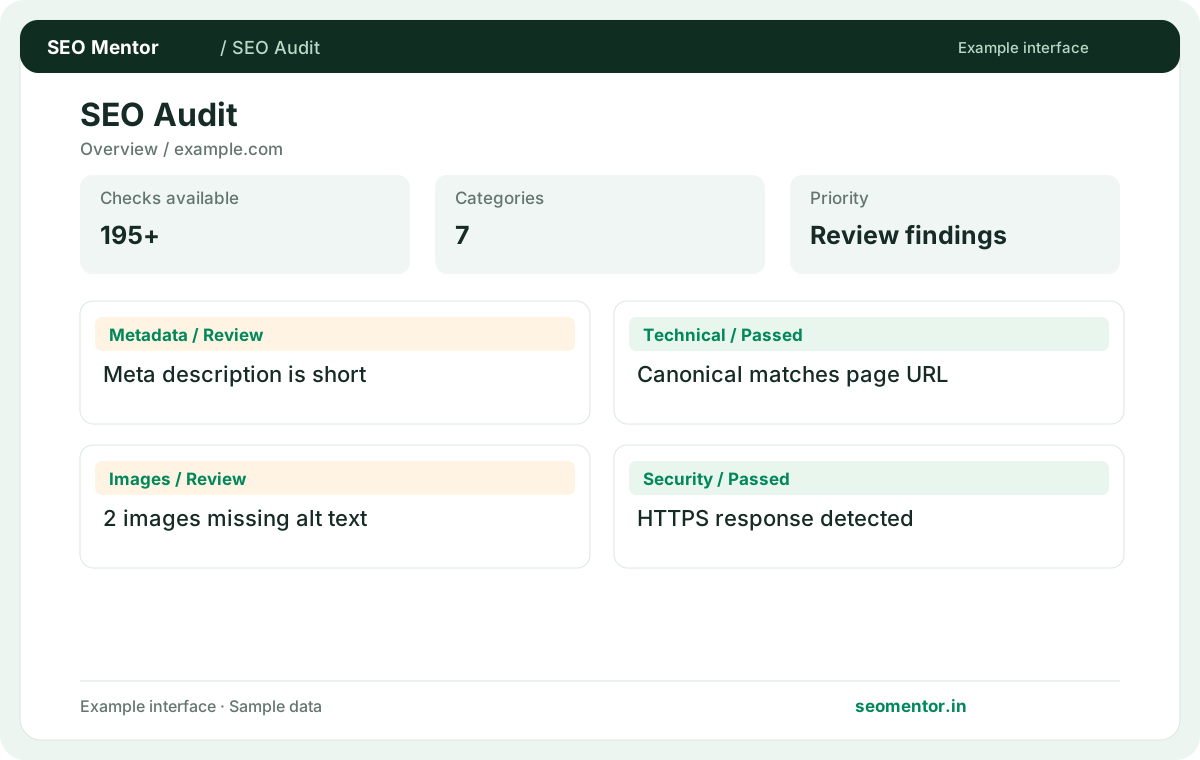
It summarises applicable checks on the fetched page. Use category findings to decide what to fix because identical scores can hide different problems.
A report with a strong score can still flag an incorrect canonical on a commercially important page. Open the relevant category and review the evidence and affected URLs. Record that concrete issue alongside the score so the team knows what to investigate first.
What should I fix before improving copy?
Investigate a failed HTTP response, unintended noindex or incorrect canonical first. Copy updates have limited value if crawlers cannot use the page.
For example, if a product URL redirects to the homepage after a catalogue update, fix the destination mapping first. Once the product or its replacement returns a usable response, rerun the audit on that final URL and then review its title, headings and copy.
How do I read a warning?
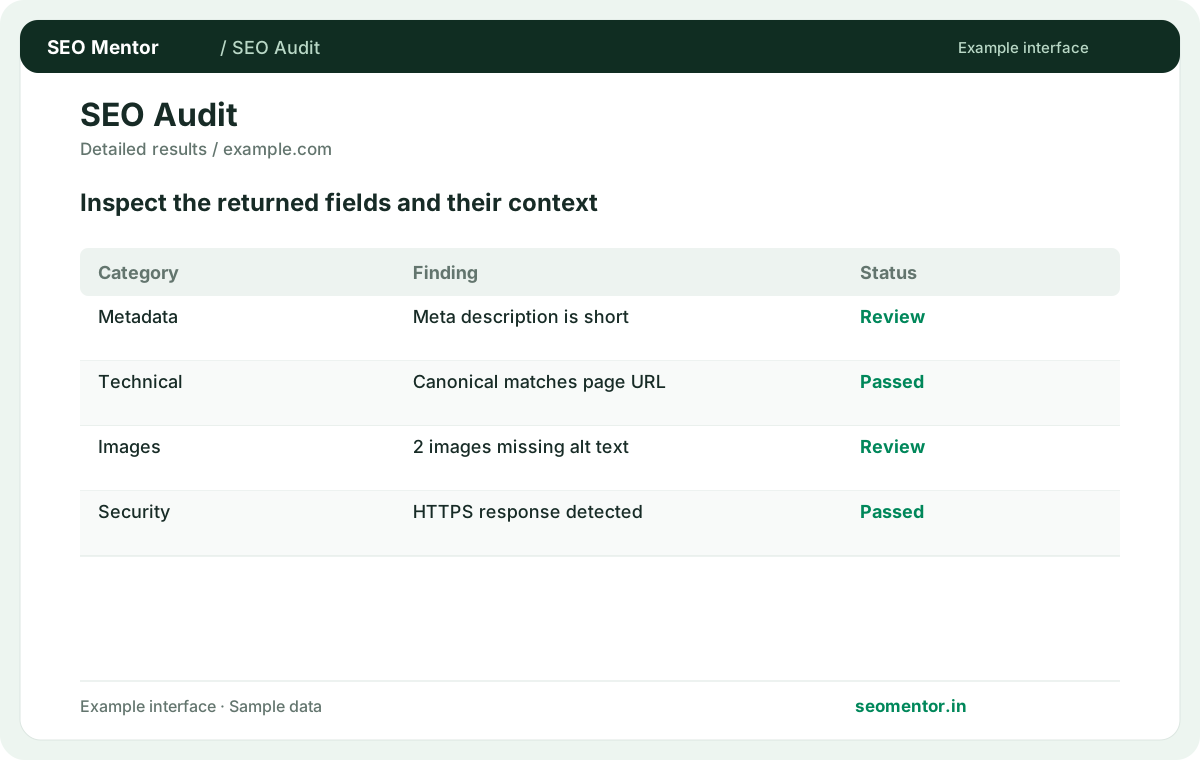
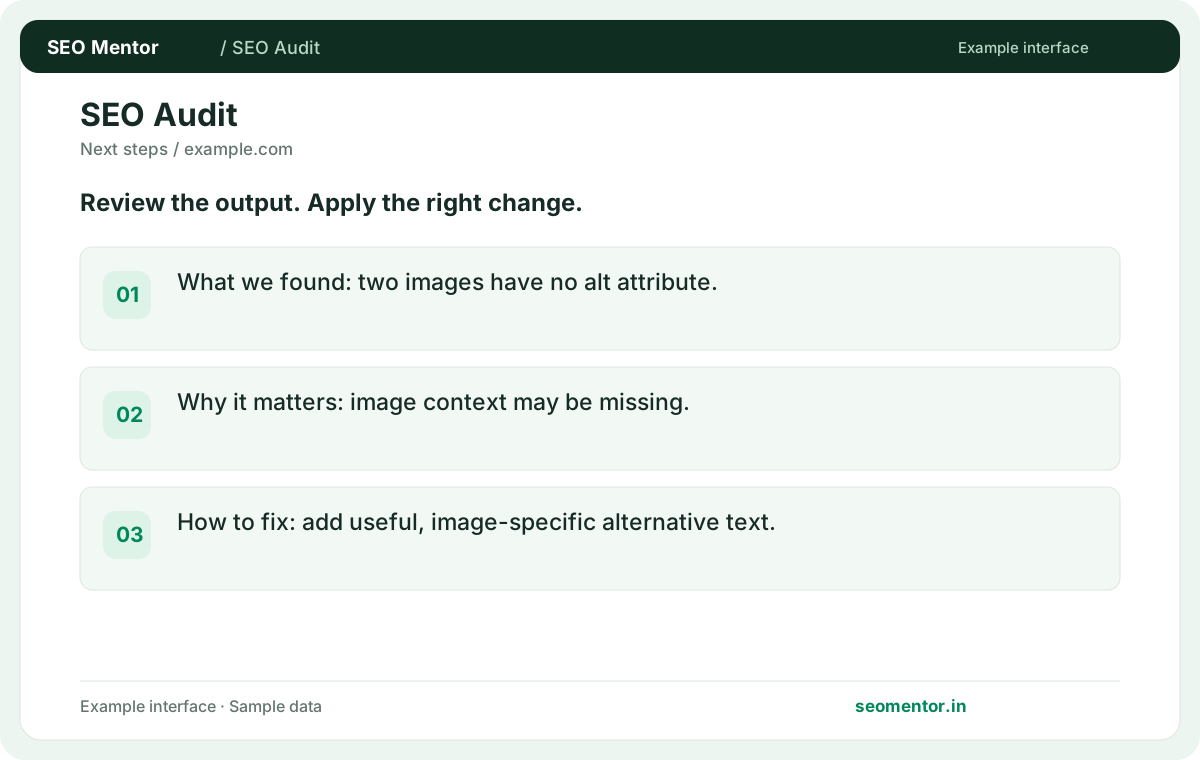
Compare the observed evidence with the page's purpose. A warning is a review item, and a deliberate configuration may be appropriate.
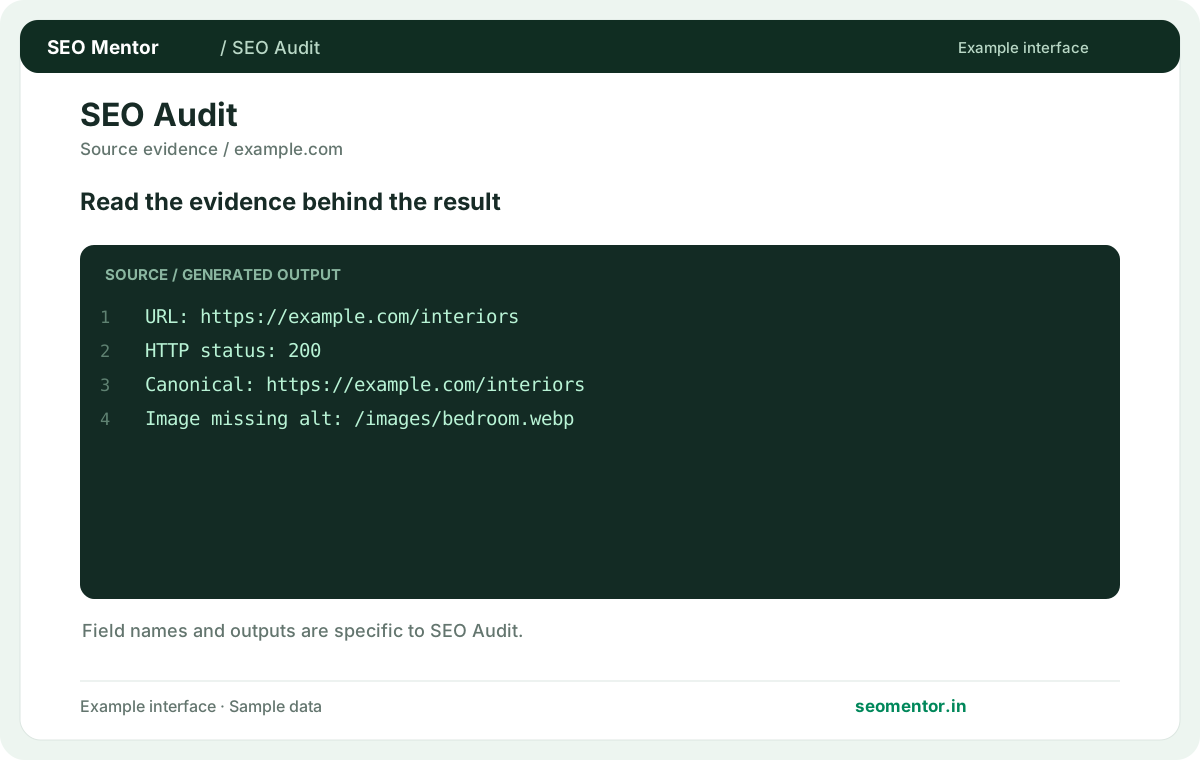
For example, a missing image description matters when an image carries key product information. An empty alt attribute can be appropriate for purely decorative artwork. Inspect the actual element and decide what context a visitor would lose if the image could not be seen.
Does this audit test Core Web Vitals?
The report covers performance signals available to the crawler. Use the PageSpeed Checker for a separate Lighthouse and field-data review.
Use the PageSpeed Checker on the exact public page, compare mobile and desktop strategy where relevant and inspect whether field data is available for the page or only the origin. Pair those results with the audit's observed markup or response findings when deciding what to fix.
Why do categories show different check counts?
Categories assess different signals, and some checks depend on the page or response. Open the passed checks to see the evidence available for that category.
For example, a page with no product markup should be interpreted differently from a product page with malformed markup. Compare the count with the category's visible findings and the role the page serves. Avoid treating a higher count as evidence of higher quality.
How do I verify a fix?
Publish the update, then rerun the same URL and compare the individual check. Review the final URL so the comparison uses the intended page.
If the fix was a redirect, submit the old address to the Redirect Checker and confirm the final URL. Then audit that destination directly and compare the affected category with the previous result. This separates redirect verification from on-page verification.
What do quick wins mean?
These are findings classified as relatively easy to address. Review effort estimates against your own CMS and release process before scheduling fixes.
Changing a title in one CMS record can be quick, while correcting duplicate titles across a template might require development and review. Group related findings by source before estimating effort, then prioritise work that improves the most important affected pages.
Can I audit a login-only URL?
The audit is designed for publicly fetchable URLs. A login or challenge page may prevent the tool from seeing the page you intended to check.
If the returned title says “Sign in” or “Access denied,” review the public response in a fresh browser session. For a private page, use an authorised internal review. For an intended public page, inspect the hosting or firewall rules before rerunning the audit.
How should I audit a site with many templates?
Sample one page per important template, such as service, product and category pages. Investigate shared issues in the template before editing each URL.
Take one example from each important template and one exception, such as an out-of-stock product. If they all share the same faulty metadata, fix the template and retest representative pages. Check content-specific warnings separately because one page's result may not apply to the whole group.