Review the interior design in delhi details
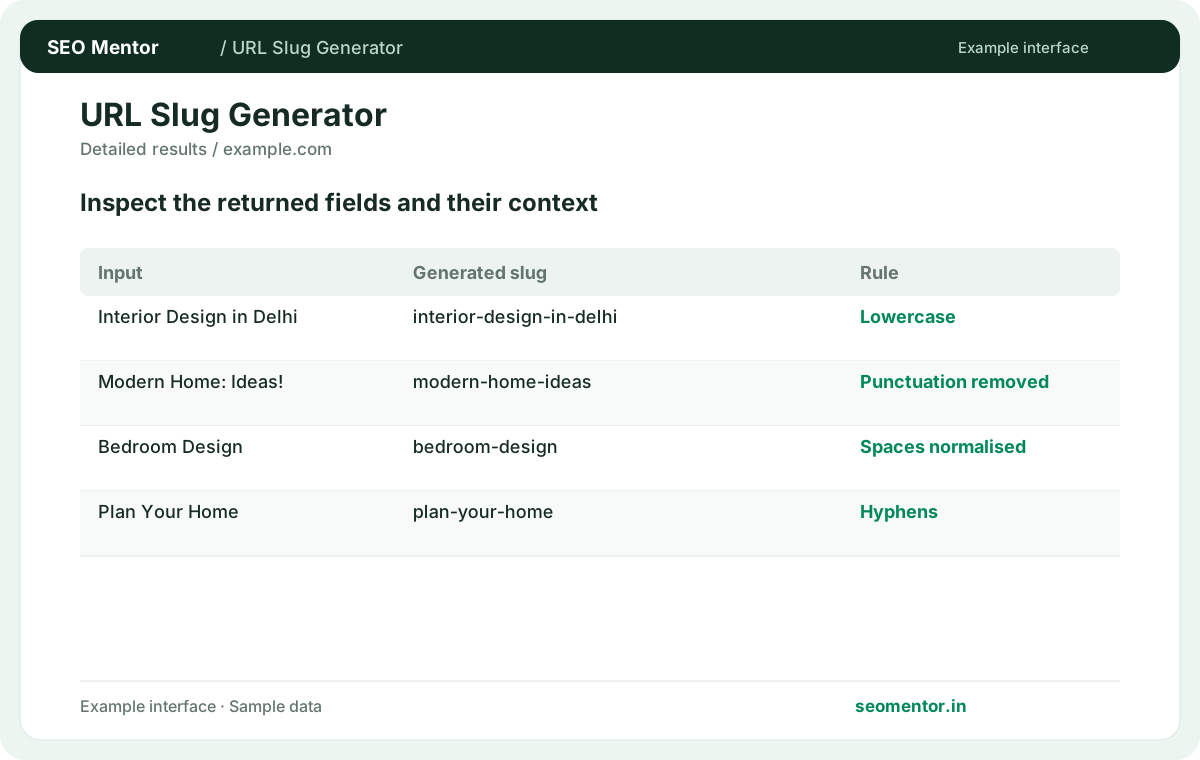
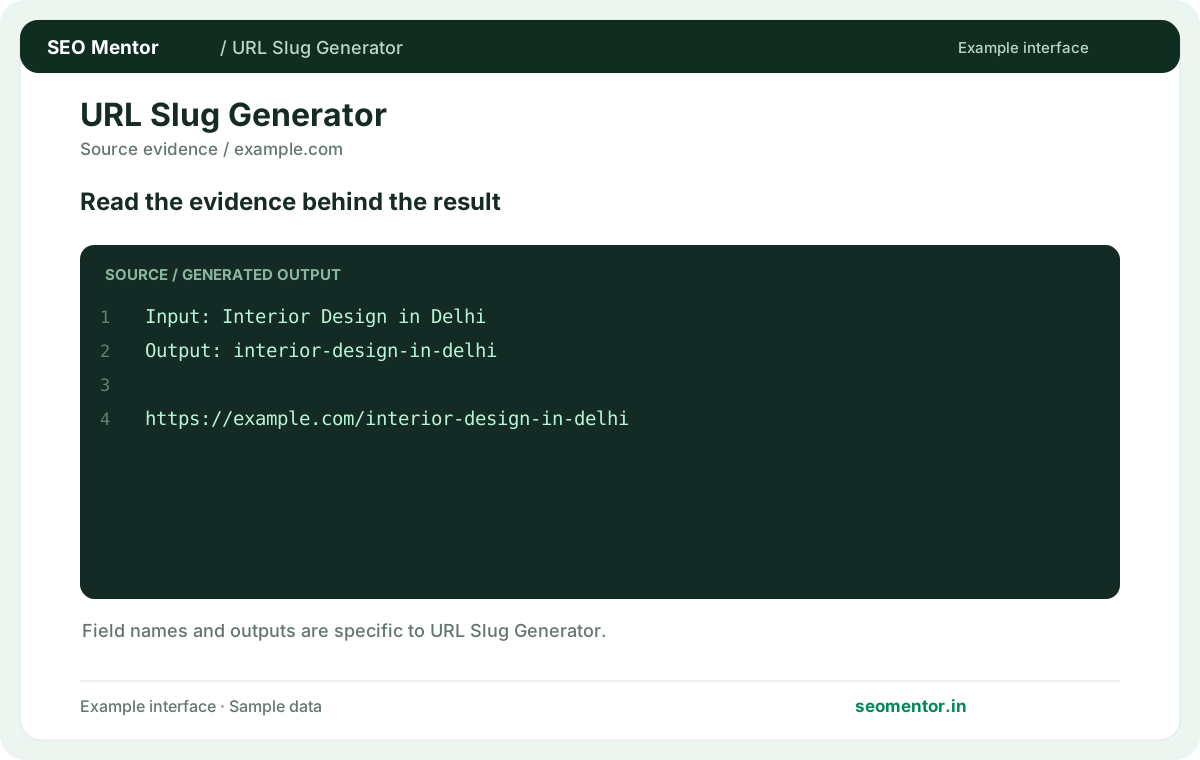
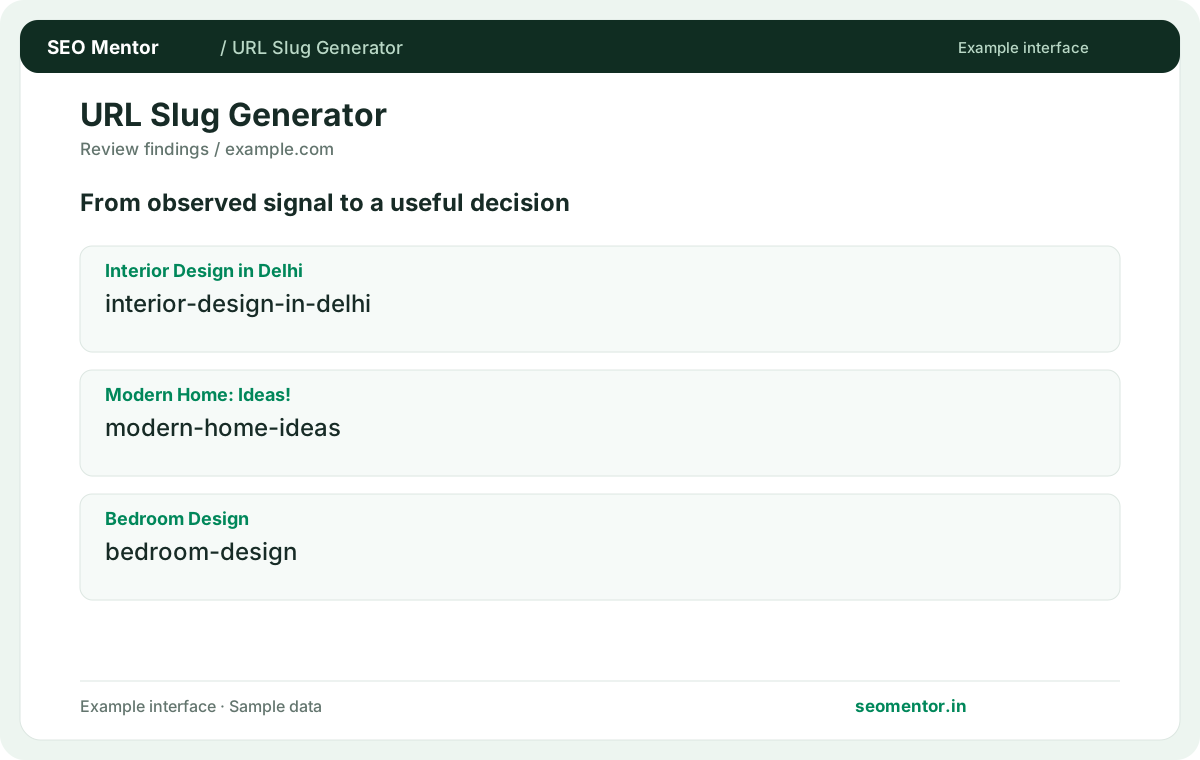
Review the generated slug for clarity. Compare the reported interior design in delhi, modern home: ideas!, bedroom design with the page or domain you intended to check.
Convert a title or phrase into a readable URL slug. Generate consistent, concise paths for pages, product listings and articles.
Use SEO URL Slug Generator ↗
Enter the required details to explore the available output and report options.
Changing existing slugs requires careful redirects and updated internal links to avoid broken URLs. Review the source evidence before making changes.
Consider readable keywords, separator consistency, duplicate prevention together instead of relying on a single headline indicator.
Changing existing slugs requires careful redirects and updated internal links to avoid broken URLs. Compare the sample workflow with the live site and its actual data.
Prioritise the findings that affect your audience and revisit them after changes. Changing existing slugs requires careful redirects and updated internal links to avoid broken URLs.
Turn a page title into a concise, readable URL slug. Use location words only when the page genuinely serves that place, and plan redirects before changing an address already used by visitors or search engines.
Review the generated slug for clarity. Compare the reported interior design in delhi, modern home: ideas!, bedroom design with the page or domain you intended to check.
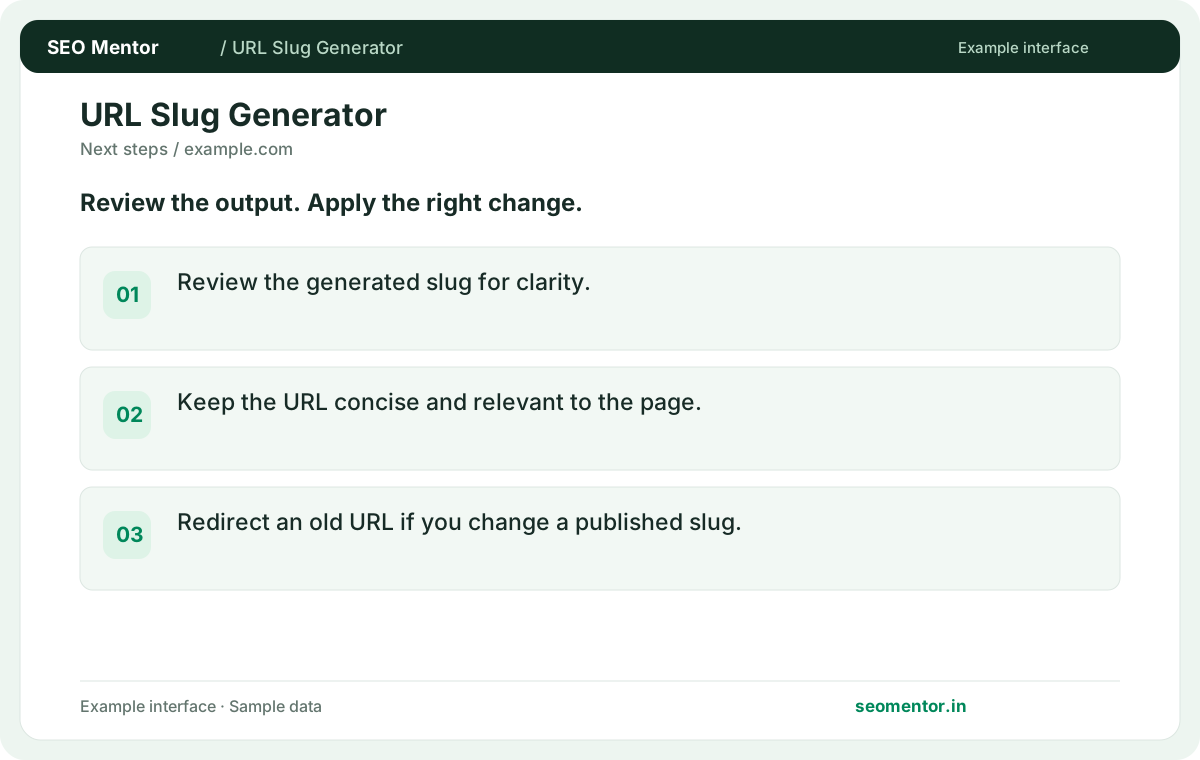
Keep the URL concise and relevant to the page. Redirect an old URL if you change a published slug.
Keep the result alongside the page or domain reviewed, so you can compare the evidence after making changes.
Use a short phrase reflecting the page's subject. Keep enough detail to distinguish it from similar pages.
Related check — Are dates useful in article slugs? Use them when the date is part of the subject. Evergreen content can use a stable topic-focused path.
Retain meaningful terms and drop words that add no distinction. Read the resulting path as a visitor would.
Related check — How are spaces handled? The generator turns separated words into a hyphenated path. Review the result for unintended splits.
The generator turns separated words into a hyphenated path. Review the result for unintended splits.
Related check — Should I include every word from the title? Retain meaningful terms and drop words that add no distinction. Read the resulting path as a visitor would.
The tool simplifies punctuation and separators. Check that removing symbols has not changed the meaning of a product name.
Related check — How do I keep product URLs distinct? Include an identifying model or attribute where it matters. Avoid names that collapse different products into one path.
Normalisation can simplify accented characters. Verify that the output remains recognisable to the audience.
Related check — Should I change an established slug for a keyword? Weigh the benefit against migration work. If it changes, redirect the old URL and update links and canonical references.
Check how the CMS handles full paths and collisions. Choose distinct slugs when the pages might be confused.
Related check — Does generating a slug publish a page? It produces text for you to review. Set the final path in your CMS and verify the live URL.
Weigh the benefit against migration work. If it changes, redirect the old URL and update links and canonical references.
If /managed-wordpress is replaced with /wordpress-maintenance, map the old path directly to the new one and update the sitemap and internal links. Test the old URL after release and confirm the destination publishes the expected canonical.
Use them when the date is part of the subject. Evergreen content can use a stable topic-focused path.
Related check — What makes a good slug? Use a short phrase reflecting the page's subject. Keep enough detail to distinguish it from similar pages.
Include an identifying model or attribute where it matters. Avoid names that collapse different products into one path.
Related check — What happens to punctuation? The tool simplifies punctuation and separators. Check that removing symbols has not changed the meaning of a product name.
It produces text for you to review. Set the final path in your CMS and verify the live URL.
Related check — Can I use the same slug under two sections? Check how the CMS handles full paths and collisions. Choose distinct slugs when the pages might be confused.
SEO Mentor helps you identify opportunities. SEOKart can help put those findings into action with professional SEO services, technical improvements and ongoing optimisation.
Explore SEOKart SEO Services