Review the xml syntax details
Fix malformed XML before resubmitting a sitemap. Compare the reported xml syntax, namespace, url entries with the page or domain you intended to check.
Check an XML sitemap for formatting and structural issues. Review the listed URLs and spot problems before submitting the sitemap to search engines.
Start Sitemap Validator ↗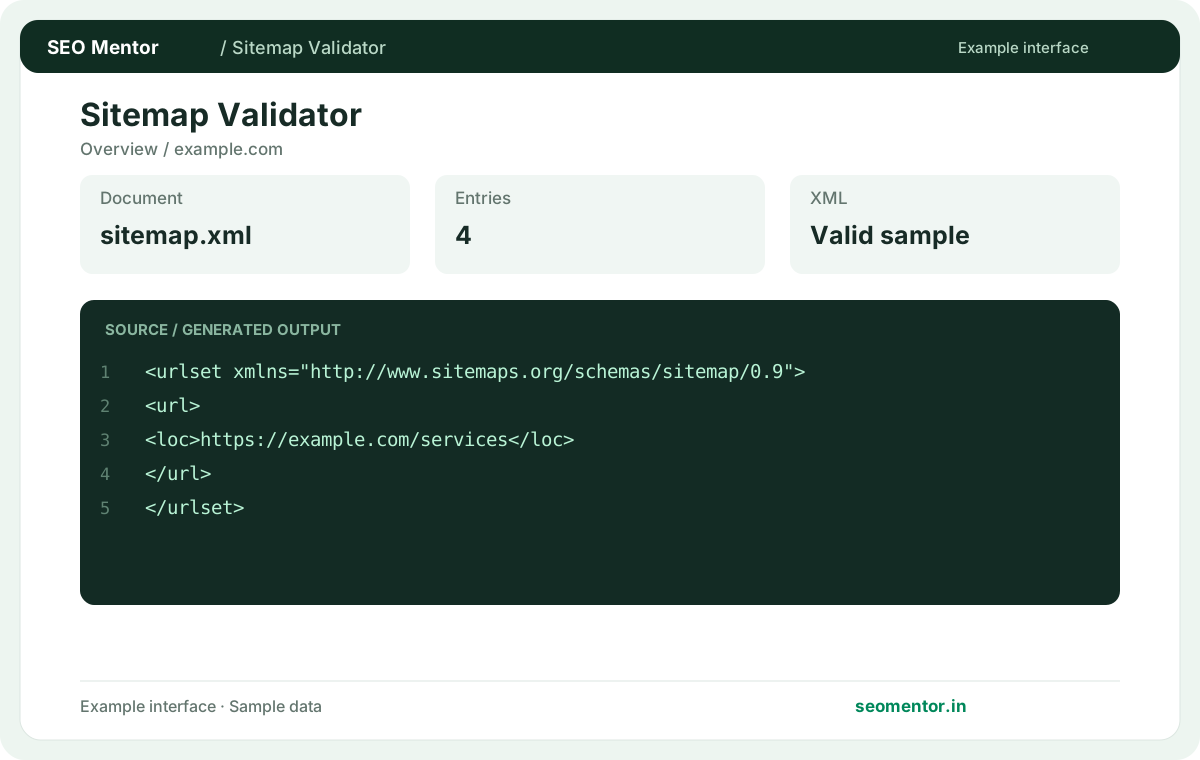
Enter your details and run the free tool to see the results on this page.
Keep sitemap URLs canonical and current; submission alone does not guarantee indexing. Start with the questions your target audience actually asks.
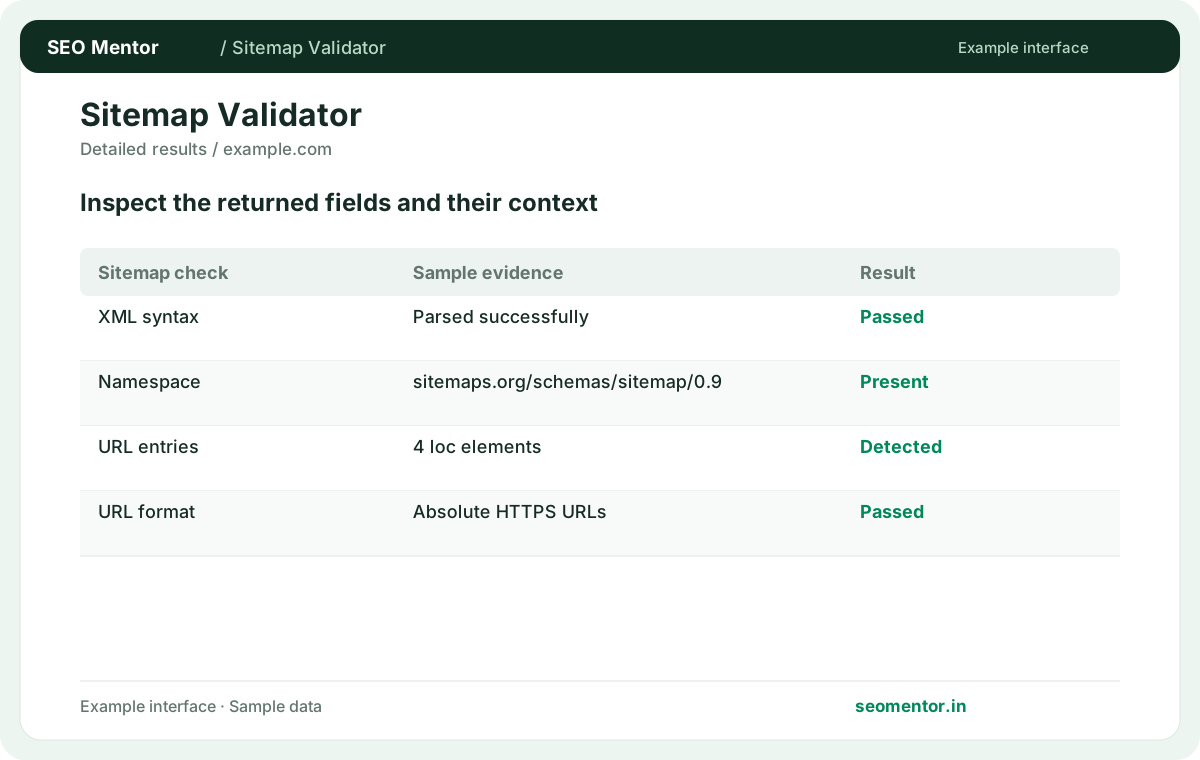
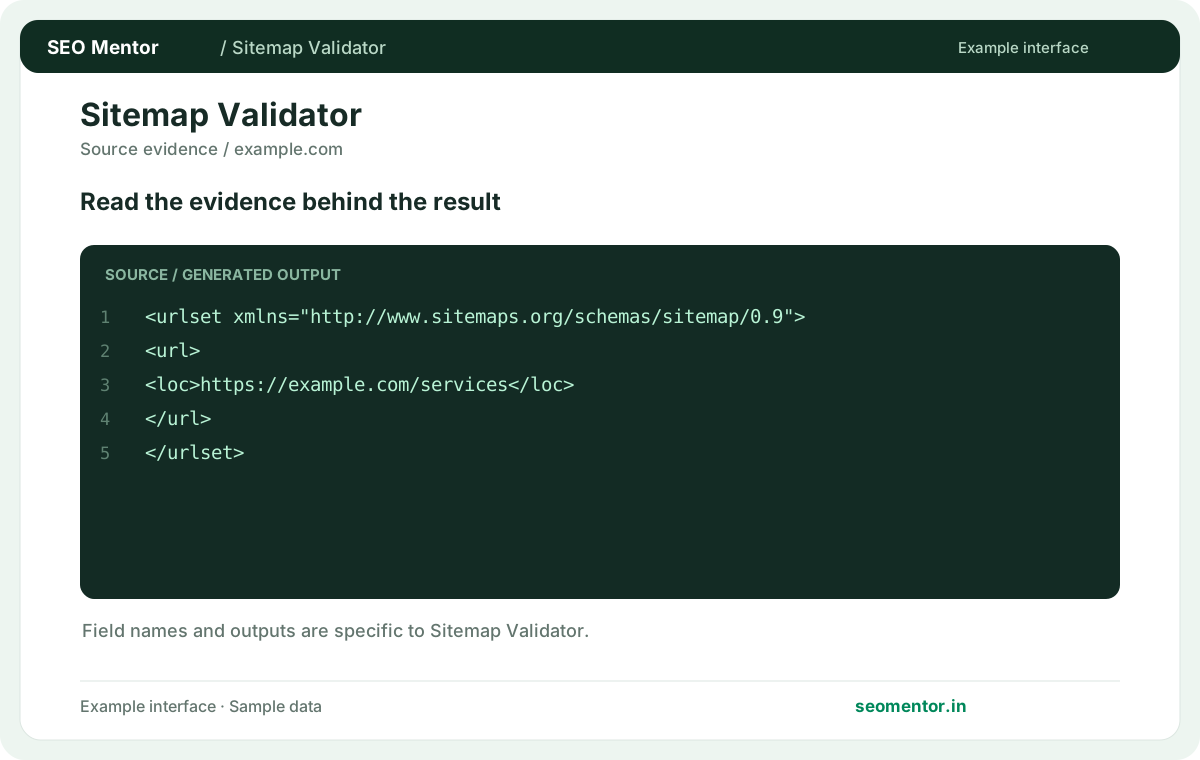
Compare xml structure, sitemap entries, url format in context before deciding what to change.
Record what the report actually shows, compare relevant pages and validate findings before publishing changes.
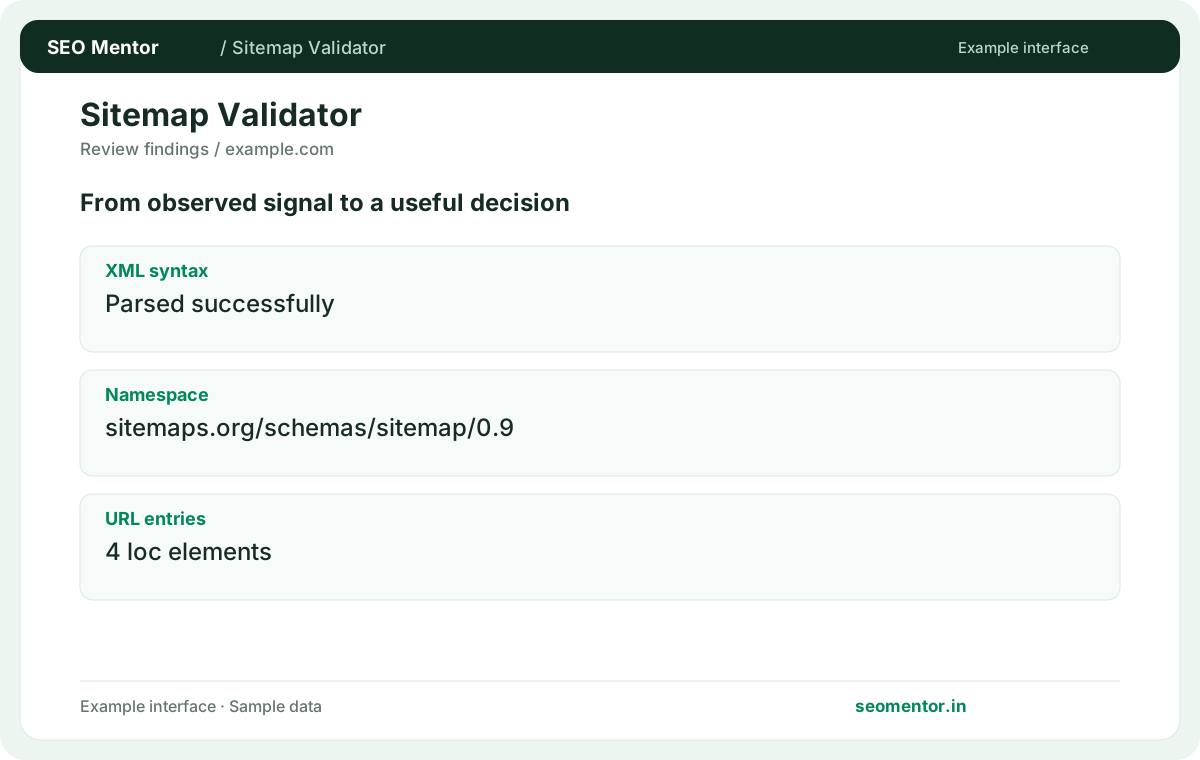
Keep sitemap URLs canonical and current; submission alone does not guarantee indexing. Recheck after substantive updates rather than relying on sample illustrations.
Check the structure and URL entries in your website’s sitemap. For businesses with many service or product pages, start by fixing invalid XML and incorrect addresses before resubmitting the document.
Fix malformed XML before resubmitting a sitemap. Compare the reported xml syntax, namespace, url entries with the page or domain you intended to check.
Use absolute canonical URLs in loc elements. Valid syntax does not guarantee Google acceptance.
Keep the result alongside the page or domain reviewed, so you can compare the evidence after making changes.
Submit the exact public XML sitemap address. A webpage linking to the file is a separate resource.
Related check — Why check encoding? Malformed characters or unescaped ampersands can make XML unreadable. Validate the actual published file.
Inspect the response body and content type. An error page or login screen can appear where XML is expected.
Related check — How should I use lastmod? A price or availability update can change a product page meaningfully. If a nightly export rewrites dates on thousands of pages that did not change, adjust the generator to use each page's actual modification date.
It lists child sitemaps. Validate important child files as well as the index that references them.
Related check — Should blocked pages appear in the sitemap? Include URLs intended for discovery and indexing. Review directives and canonical destinations before listing them.
A sitemap should point at intended final URLs. Replace outdated entries after checking their destinations.
Related check — How do I validate a sitemap after migration? Check the new host, child files and representative entries. Replace references to retired hosts or paths.
Include it when it reflects a meaningful content change. Avoid updating every date when only the sitemap regenerates.
A price or availability update can change a product page meaningfully. If a nightly export rewrites dates on thousands of pages that did not change, adjust the generator to use each page's actual modification date.
Malformed characters or unescaped ampersands can make XML unreadable. Validate the actual published file.
Related check — What URL should I validate? Submit the exact public XML sitemap address. A webpage linking to the file is a separate resource.
Sitemap structure and indexing status are separate. Check important URLs in your search engine property.
Related check — What if the sitemap returns 403? Review hosting and firewall rules and confirm public access. Recheck the URL from outside your authenticated session.
Review hosting and firewall rules and confirm public access. Recheck the URL from outside your authenticated session.
Related check — Can the validator confirm every URL is indexed? Sitemap structure and indexing status are separate. Check important URLs in your search engine property.
Include URLs intended for discovery and indexing. Review directives and canonical destinations before listing them.
Related check — What is a sitemap index? It lists child sitemaps. Validate important child files as well as the index that references them.
Check the new host, child files and representative entries. Replace references to retired hosts or paths.
Related check — Why avoid redirected entries? A sitemap should point at intended final URLs. Replace outdated entries after checking their destinations.
SEO Mentor helps you identify opportunities. SEOKart can help put those findings into action with professional SEO services, technical improvements and ongoing optimisation.
Explore SEOKart SEO Services