Review the https://example.com/ details
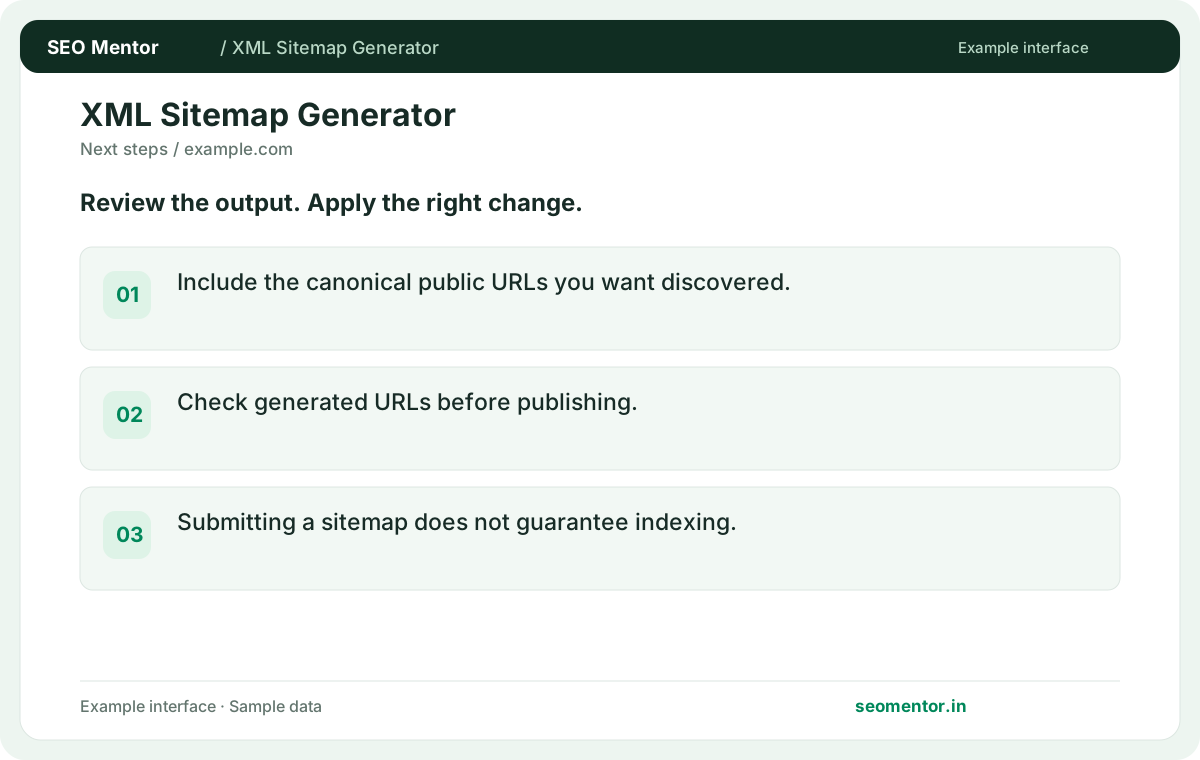
Include the canonical public URLs you want discovered. Compare the reported https://example.com/, https://example.com/services, https://example.com/projects with the page or domain you intended to check.
Build an XML sitemap from available website URLs. Review the entries and use the sitemap to help search engines discover important pages.
Use XML Sitemap Generator ↗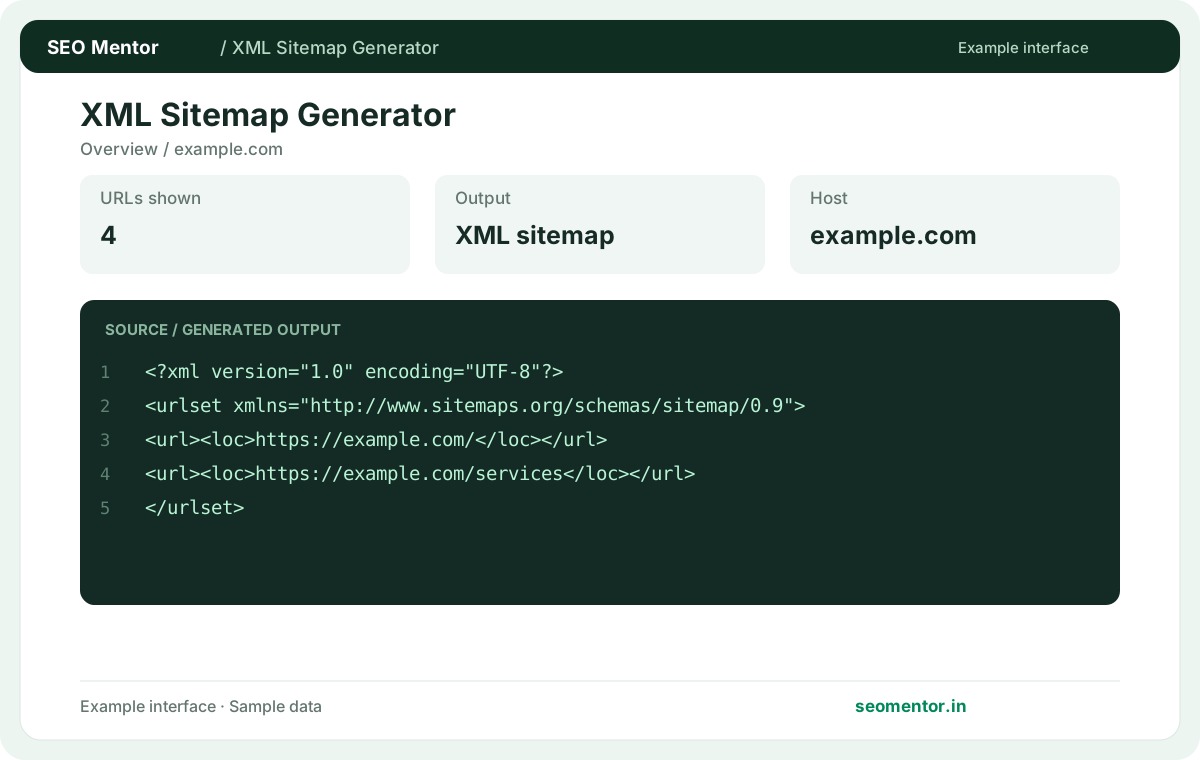
Enter the required details to explore the available output and report options.
Sitemaps assist discovery but cannot force indexing; omit redirects and non-indexable URLs. Check the inputs and output carefully before implementation.
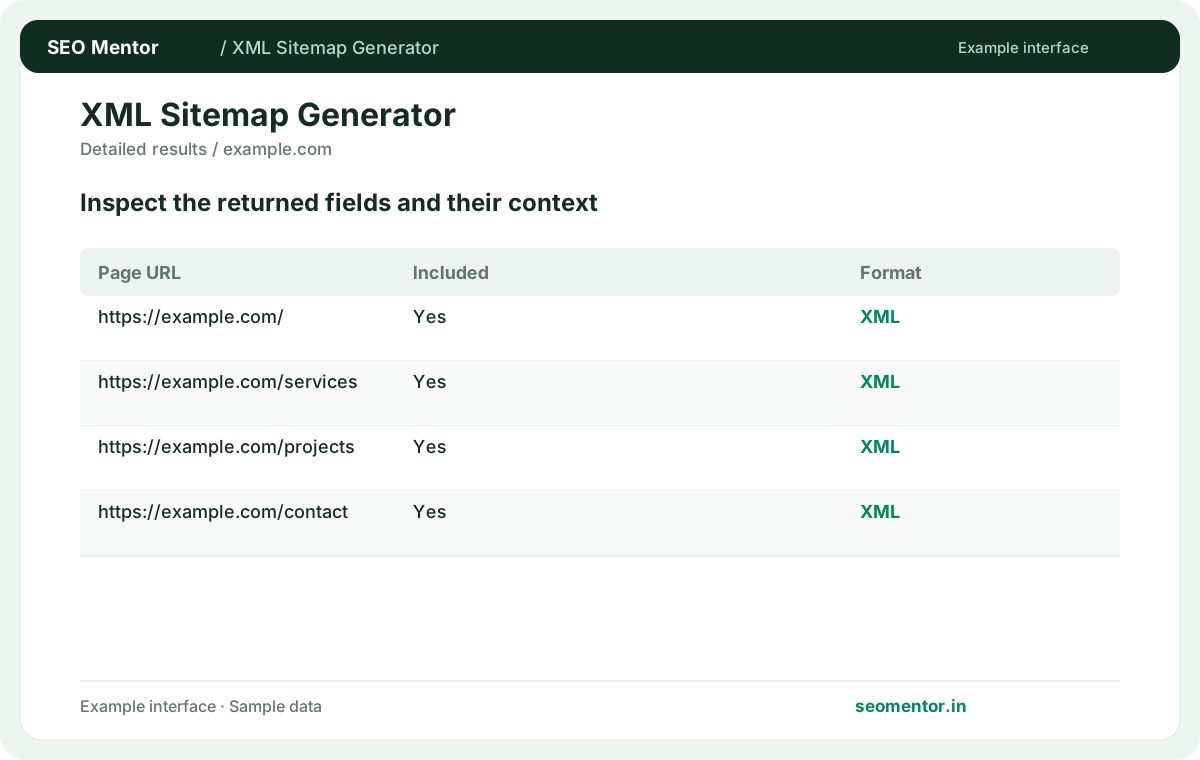
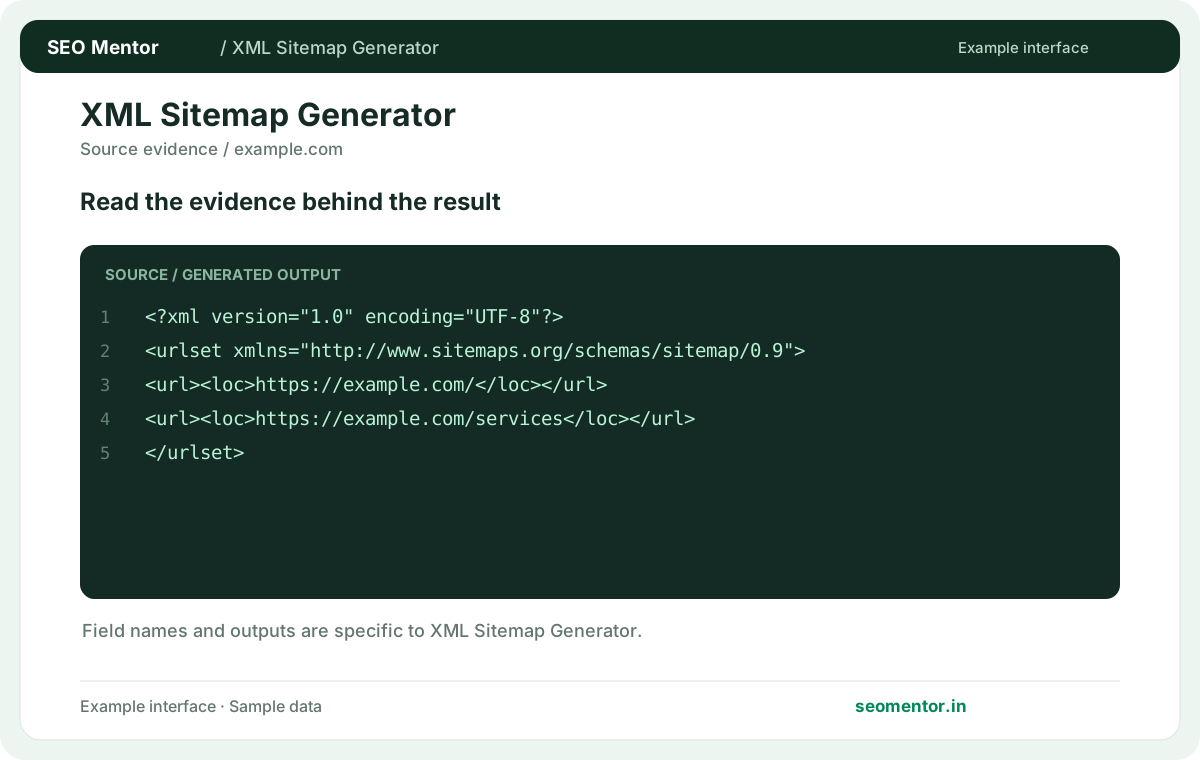
Consider canonical urls, indexable pages, xml structure together, rather than relying on one visual indicator.
Sitemaps assist discovery but cannot force indexing; omit redirects and non-indexable URLs. Compare the draft with the real website and correct placeholder values.
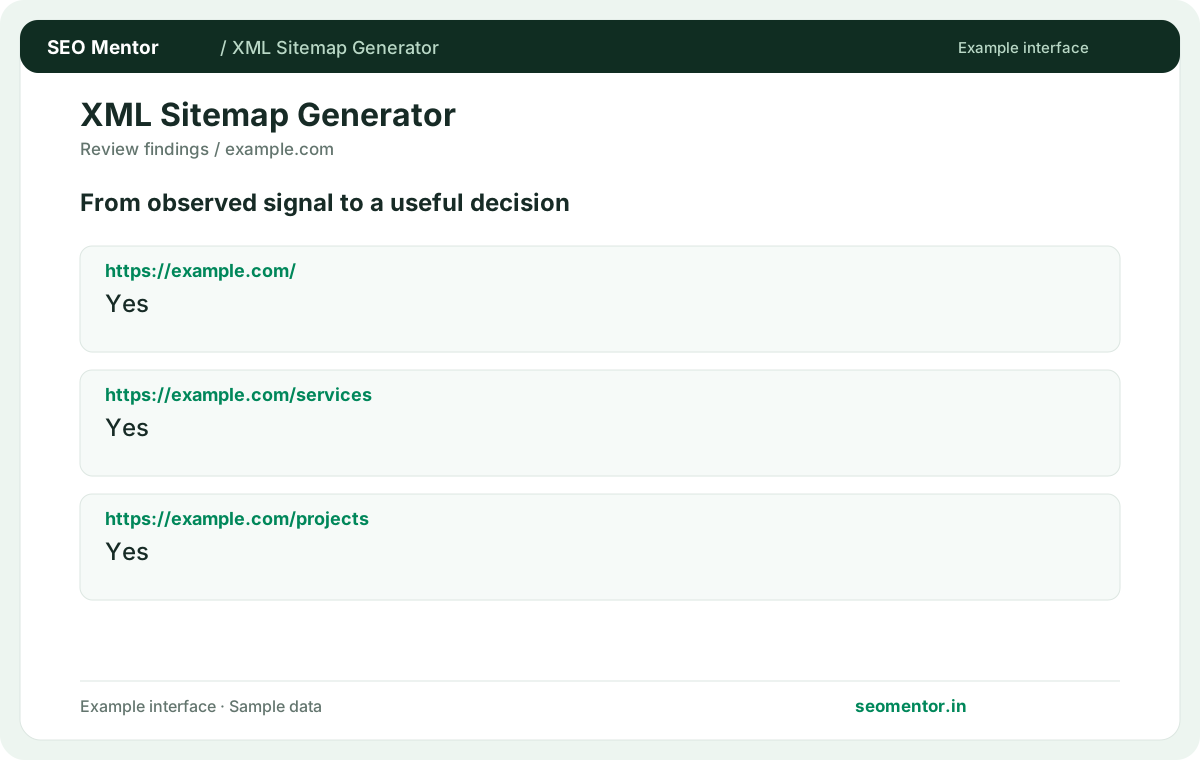
Use the output as a starting point, check it on the live website and revisit it when the underlying content changes. Sitemaps assist discovery but cannot force indexing; omit redirects and non-indexable URLs.
Prepare an XML sitemap for the canonical pages you want search engines to discover. Include relevant service, product and genuine city pages, then review the generated URL list before publishing it.
Include the canonical public URLs you want discovered. Compare the reported https://example.com/, https://example.com/services, https://example.com/projects with the page or domain you intended to check.
Check generated URLs before publishing. Submitting a sitemap does not guarantee indexing.
Keep the result alongside the page or domain reviewed, so you can compare the evidence after making changes.
Use the public site or section you want represented. Confirm its internal links lead to the relevant pages.
Related check — Can the tool find pages with no internal links? If the crawl lists category pages but omits older products, compare the sitemap draft with the product inventory. Identify which missing products are still public and intended for indexing, and check whether they have usable internal links.
A crawl can miss orphaned pages. Compare its output with your CMS inventory before publishing.
If the crawl lists category pages but omits older products, compare the sitemap draft with the product inventory. Identify which missing products are still public and intended for indexing, and check whether they have usable internal links.
Include distinct, preferred URLs intended for discovery. Exclude tracking or duplicate variations where they add no separate content.
Related check — What should I check after a CMS migration? Remove retired URLs and make sure canonical addresses use the new hostname and paths. Test a representative sample.
Use the final public address for content you want discovered. Review status, canonical and indexing directives.
Related check — How does a sitemap help discovery? It lists URLs you want crawlers to discover. Internal links and usable public responses still matter.
Crawl limits, restrictions or missing links can reduce coverage. Verify how the omitted pages can be reached.
Related check — What should I do with an old sitemap? Compare old and new entries before replacing it. Preserve relevant pages the crawl did not discover.
Compare old and new entries before replacing it. Preserve relevant pages the crawl did not discover.
Related check — Why are some public pages absent? Crawl limits, restrictions or missing links can reduce coverage. Verify how the omitted pages can be reached.
Review the entries and publish it at a reachable address first. Validate the public file before submitting it.
Related check — How do I handle a very large website? Generate or maintain separate files for meaningful sections and reference them in a sitemap index. Verify each section's coverage.
Generate or maintain separate files for meaningful sections and reference them in a sitemap index. Verify each section's coverage.
Related check — Can I submit the generated XML as soon as it downloads? Review the entries and publish it at a reachable address first. Validate the public file before submitting it.
Remove retired URLs and make sure canonical addresses use the new hostname and paths. Test a representative sample.
Related check — Should I include query variations? Include distinct, preferred URLs intended for discovery. Exclude tracking or duplicate variations where they add no separate content.
It lists URLs you want crawlers to discover. Internal links and usable public responses still matter.
Related check — What makes a sitemap URL suitable? Use the final public address for content you want discovered. Review status, canonical and indexing directives.
SEO Mentor helps you identify opportunities. SEOKart can help put those findings into action with professional SEO services, technical improvements and ongoing optimisation.
Explore SEOKart SEO Services