Review the gptbot details
Inspect the rule that matches each crawler token. Compare the reported gptbot, claudebot, google-extended with the page or domain you intended to check.
Check how robots.txt treats selected AI and search crawlers. Review which user agents can access a public website and which rules apply.
Use AI Crawler Checker ↗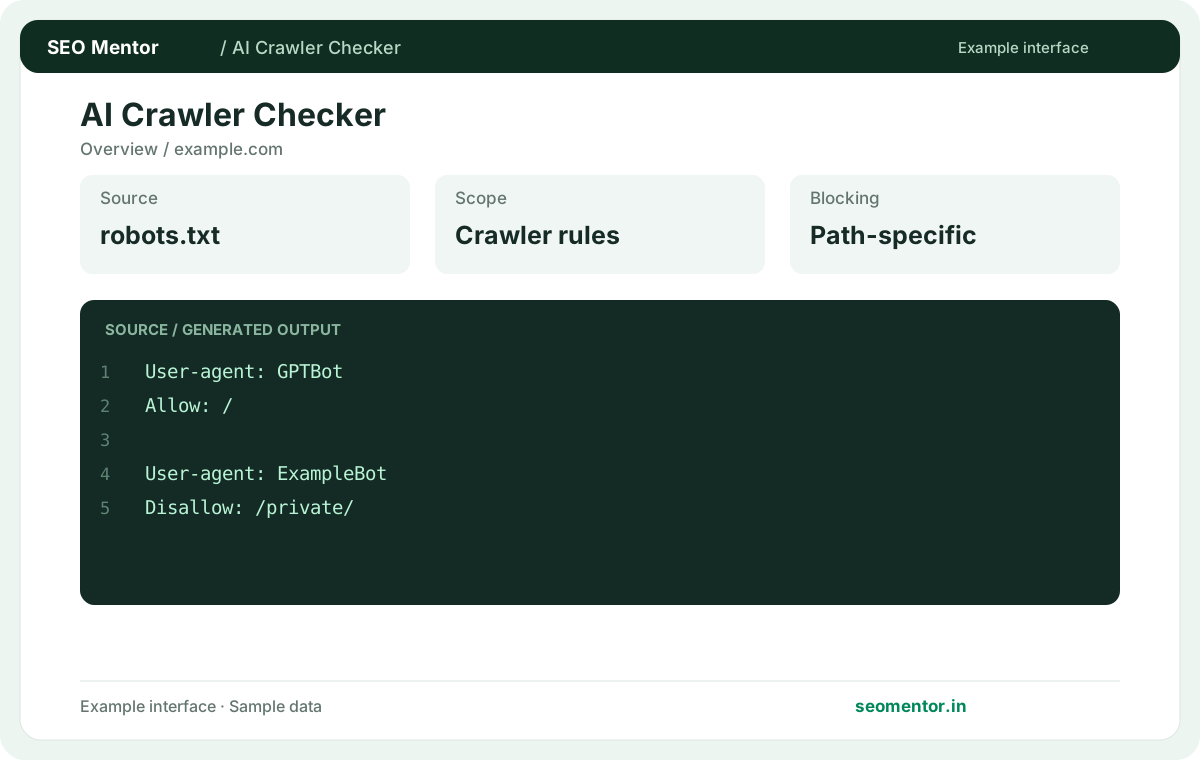
Enter the required details to explore the available output and report options.
An allowed crawler is not guaranteed to visit, index or cite your content. Review the source evidence before making changes.
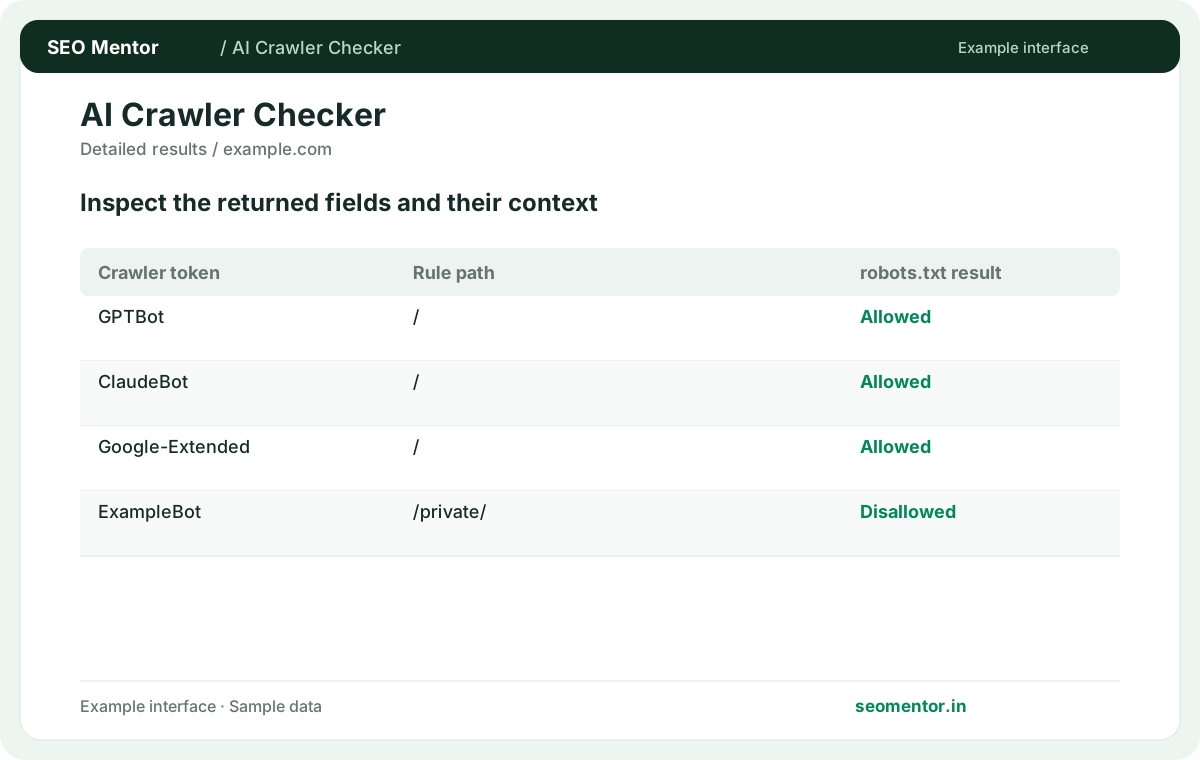
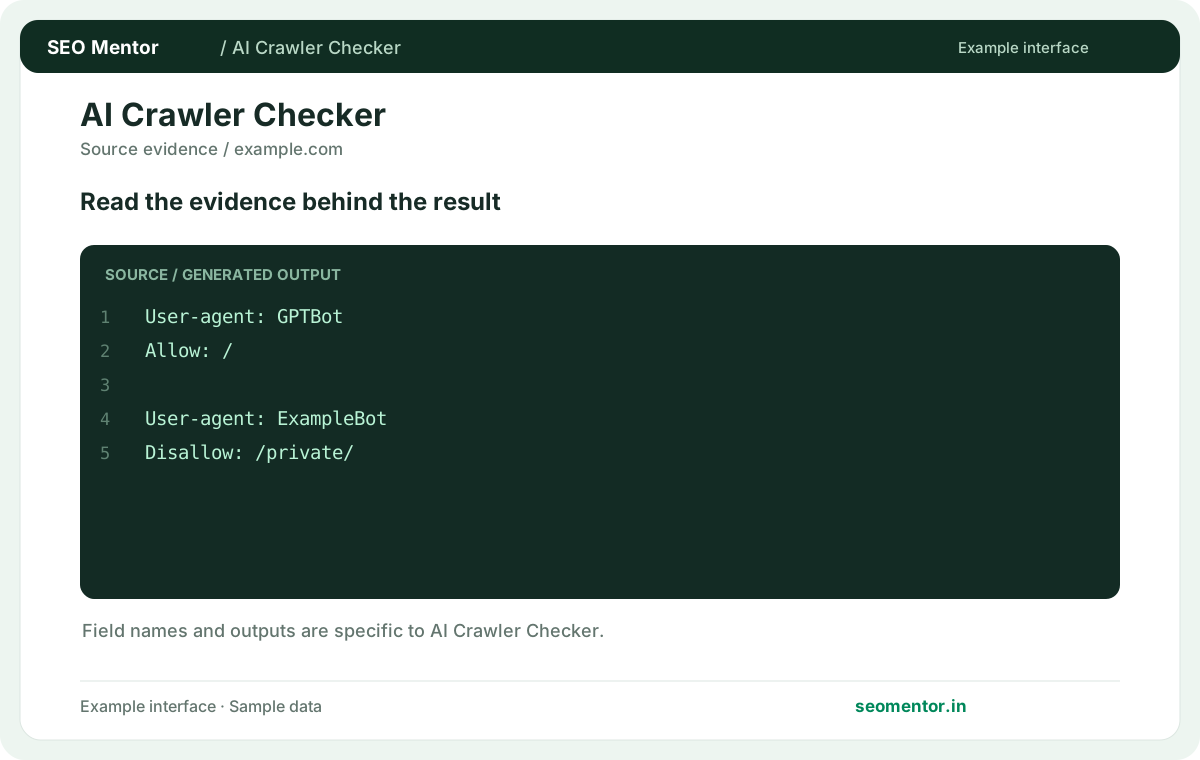
Consider gptbot access, oai-searchbot rules, claudebot rules together instead of relying on a single headline indicator.
An allowed crawler is not guaranteed to visit, index or cite your content. Compare the sample workflow with the live site and its actual data.
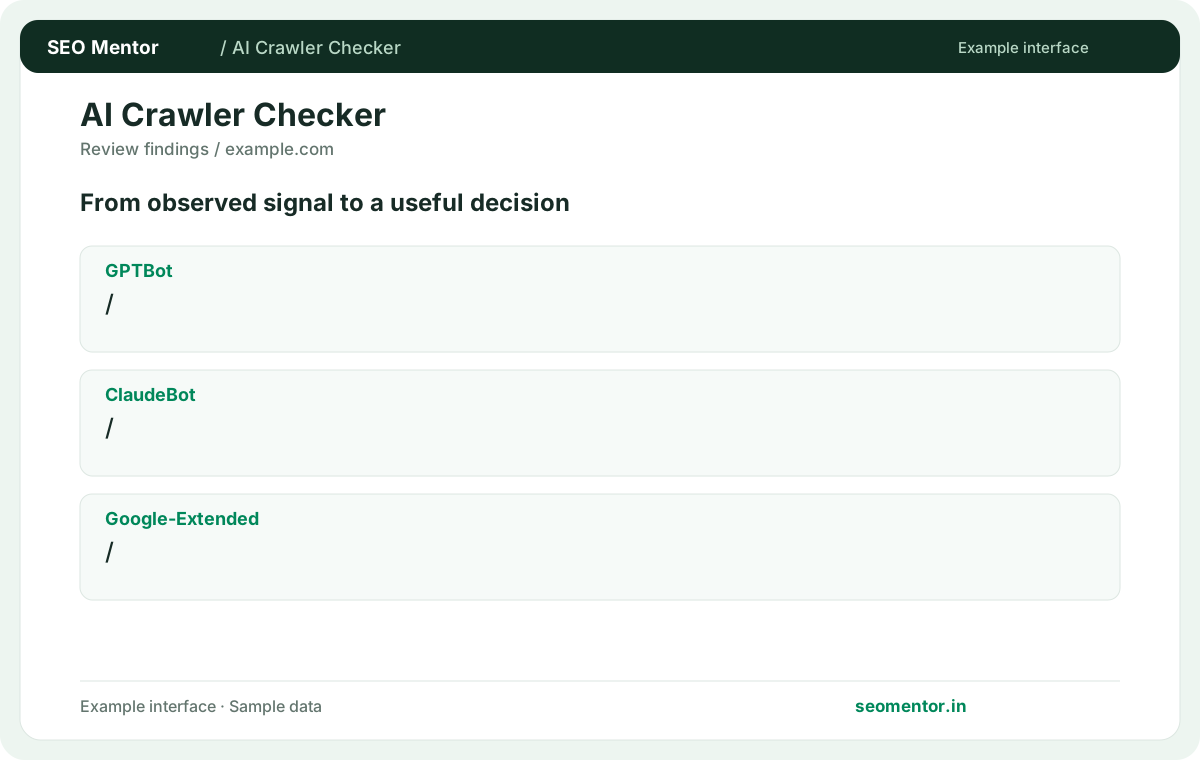
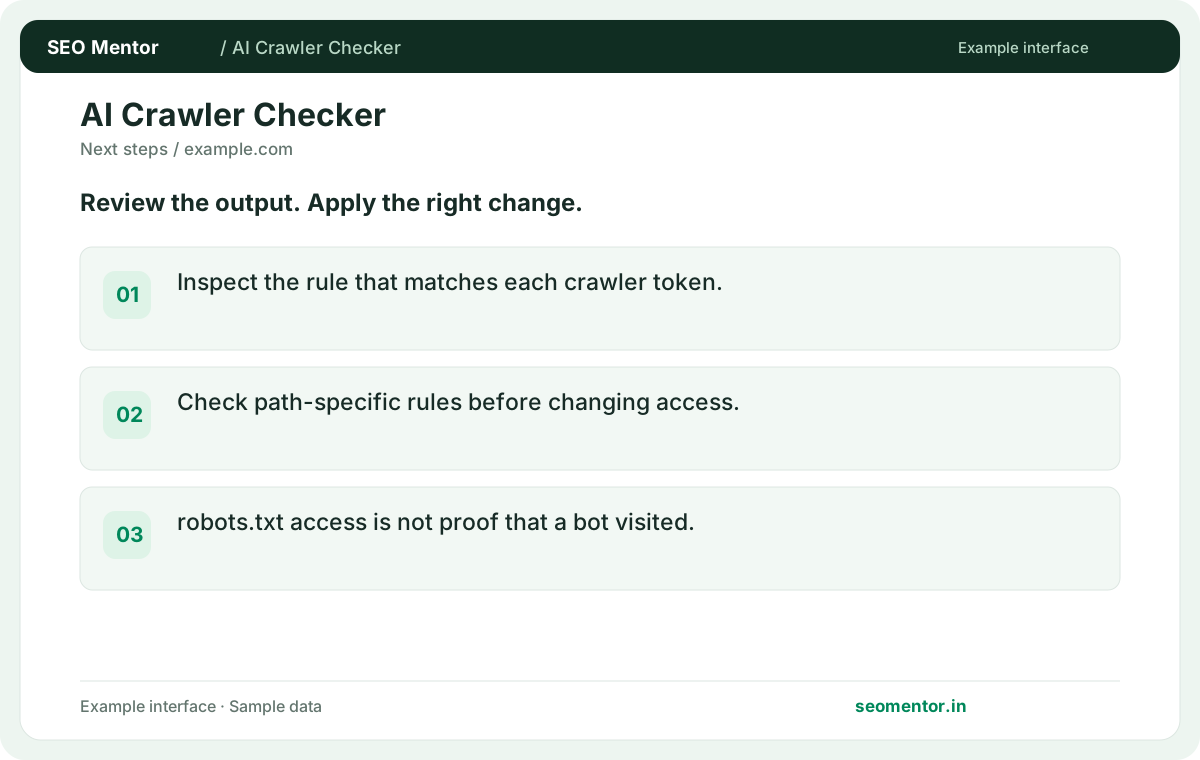
Prioritise the findings that affect your audience and revisit them after changes. An allowed crawler is not guaranteed to visit, index or cite your content.
Inspect the robots.txt rules that apply to supported AI crawler tokens. Use the result to review your website’s crawl preferences without confusing an allowed rule with evidence that a crawler visited.
Inspect the rule that matches each crawler token. Compare the reported gptbot, claudebot, google-extended with the page or domain you intended to check.
Check path-specific rules before changing access. robots.txt access is not proof that a bot visited.
Keep the result alongside the page or domain reviewed, so you can compare the evidence after making changes.
Review each agent separately. A rule aimed at one token does not automatically describe how the other is treated.
Test the same article under both tokens and inspect which robots group is applied to each.
Publish it at the root of the relevant origin, such as /robots.txt. A file inside a content directory is a different URL.
A separate docs.example.com origin can publish different rules from example.com, even when both are managed in the same CMS.
A wildcard group supplies fallback directives. Check whether a more specific user-agent group applies before assuming the wildcard decides access.
For a named crawler, check whether a general rule is overridden by a group targeting that specific token.
Evaluate the named crawlers separately and decide which purposes your site supports. Verify the relevant paths after changing the rules.
For example, review the rules for a public documentation path and a customer portal path separately. Write down the intended outcome for each named agent, publish the file and compare the returned matching directive on both URLs.
The matching directive asks the selected crawler to avoid fetching that path. Review the matching rule and any narrower exception.
Compare a blocked directory with one URL that should remain available so you can catch an overly broad path pattern.
An allow result describes access under the tested rules. Citation decisions depend on systems and signals outside this check.
Track actual referrals or citations separately and record the page, prompt and date when you observe one.
Submit representative public URLs from the homepage, articles and restricted sections. Path-specific rules can produce different decisions for the same crawler.
Test a representative URL just inside and just outside the restricted directory to confirm the boundary.
Check the reported file status and confirm the intended origin. A missing file differs from a successful response containing a disallow rule.
A success status can still return an HTML error or challenge body. Open the file and check that it contains the intended directives.
Fetch robots.txt from the public hostname after publishing. Compare the returned text with your new file and review any edge cache.
Compare the public file against the deployed file from a fresh session if the old instructions remain visible.
Use authentication or server access controls for private content. Robots directives are instructions for crawlers and are publicly readable.
Protect staff areas at the server or application layer and test access while signed out. Keep confidential paths out of public files where possible.
SEO Mentor helps you identify opportunities. SEOKart can help put those findings into action with professional SEO services, technical improvements and ongoing optimisation.
Explore SEOKart SEO Services