Review the @type details
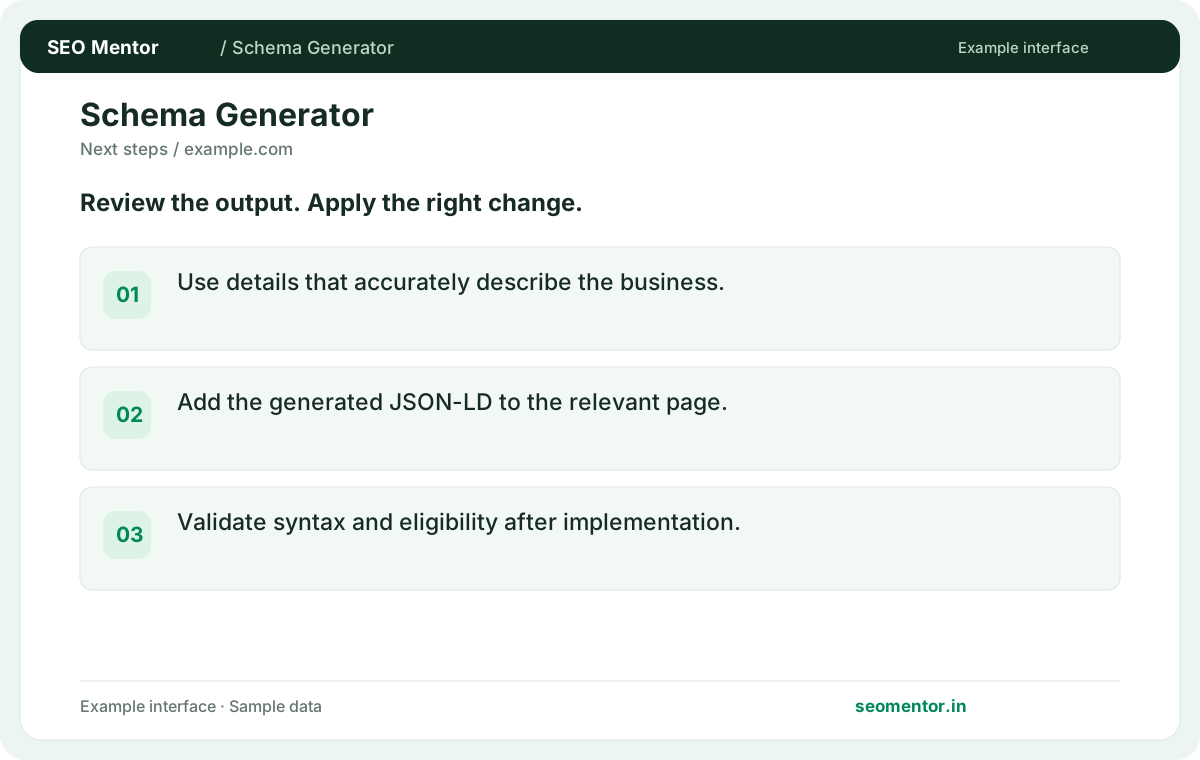
Use details that accurately describe the business. Compare the reported @type, name, url with the page or domain you intended to check.
Generate starter WebSite or WebPage JSON-LD from a public URL. Review the detected markup and check the generated fields before publishing.
Use Schema Markup Generator ↗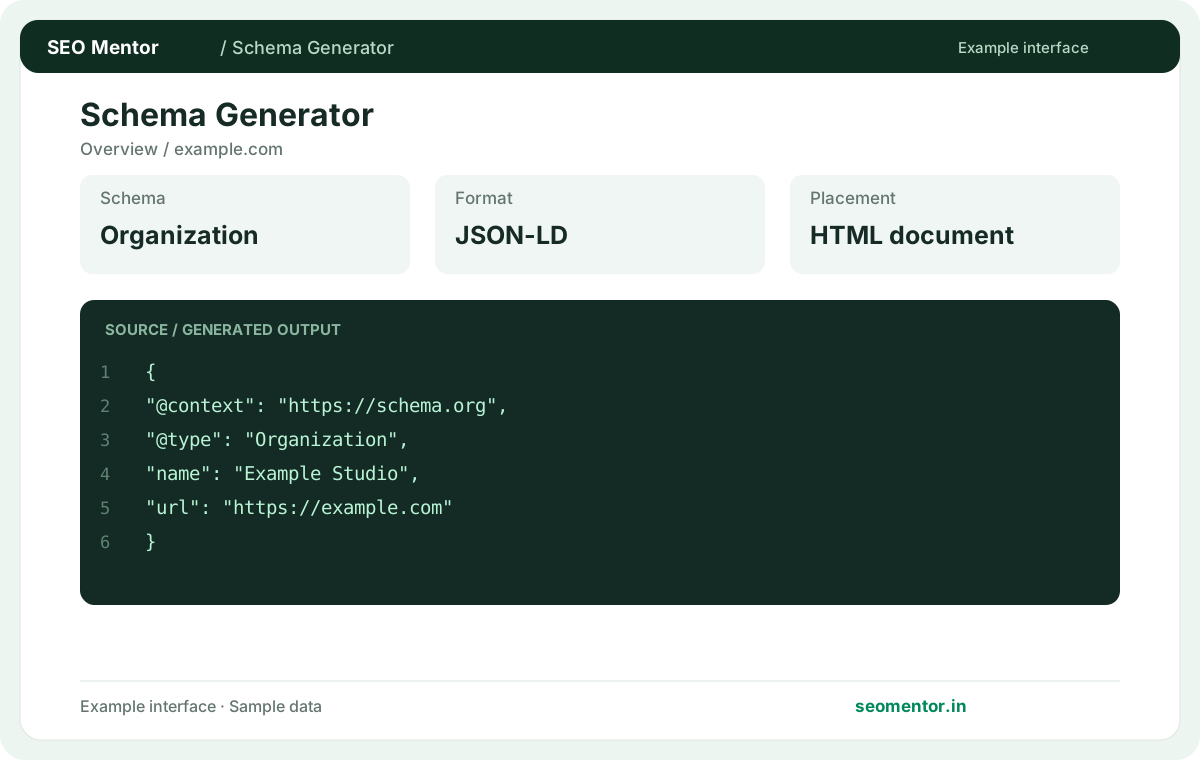
Enter the required details to explore the available output and report options.
Structured data should match visible page facts and does not guarantee rich results. Check the inputs and output carefully before implementation.
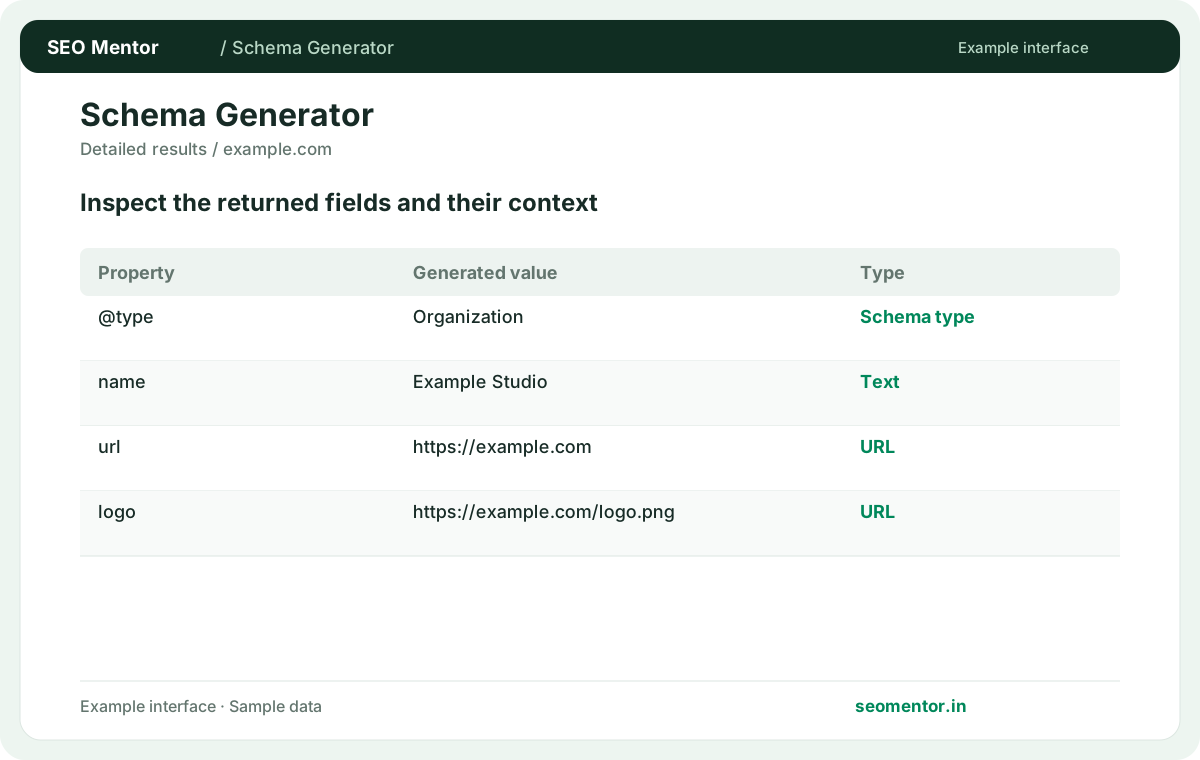
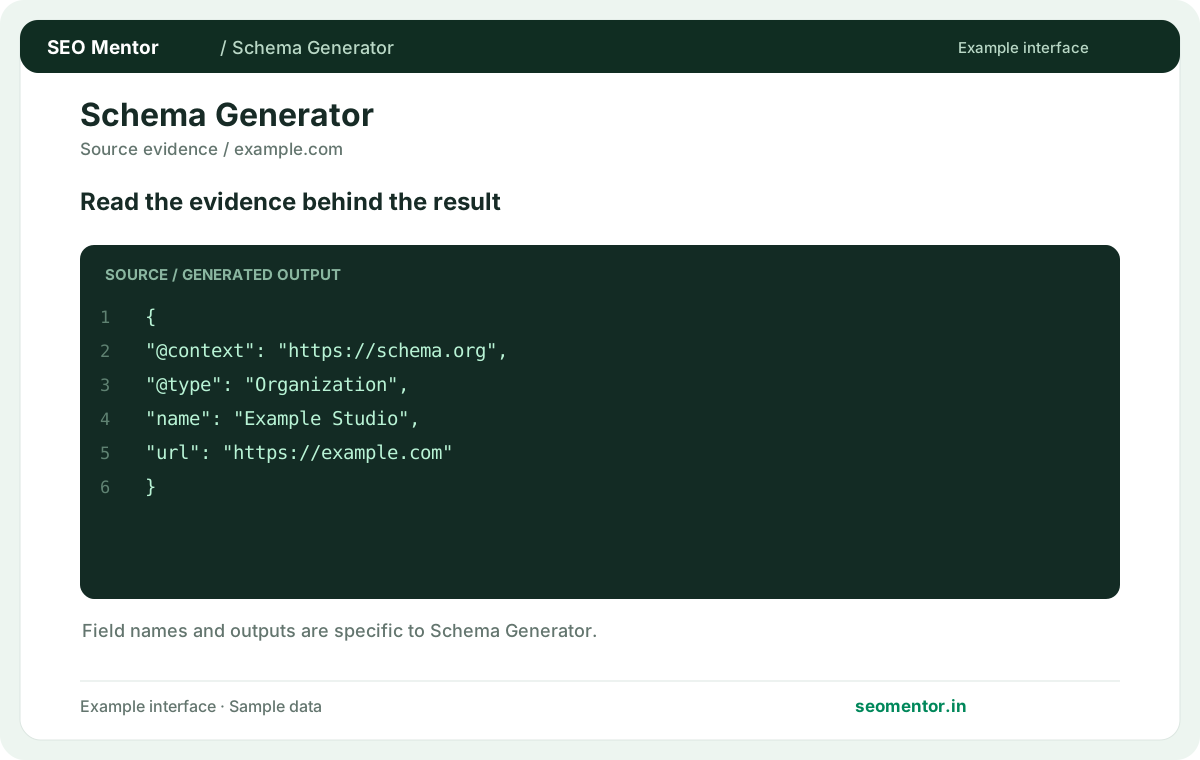
Consider schema type, required properties, json-ld output together, rather than relying on one visual indicator.
Structured data should match visible page facts and does not guarantee rich results. Compare the draft with the real website and correct placeholder values.
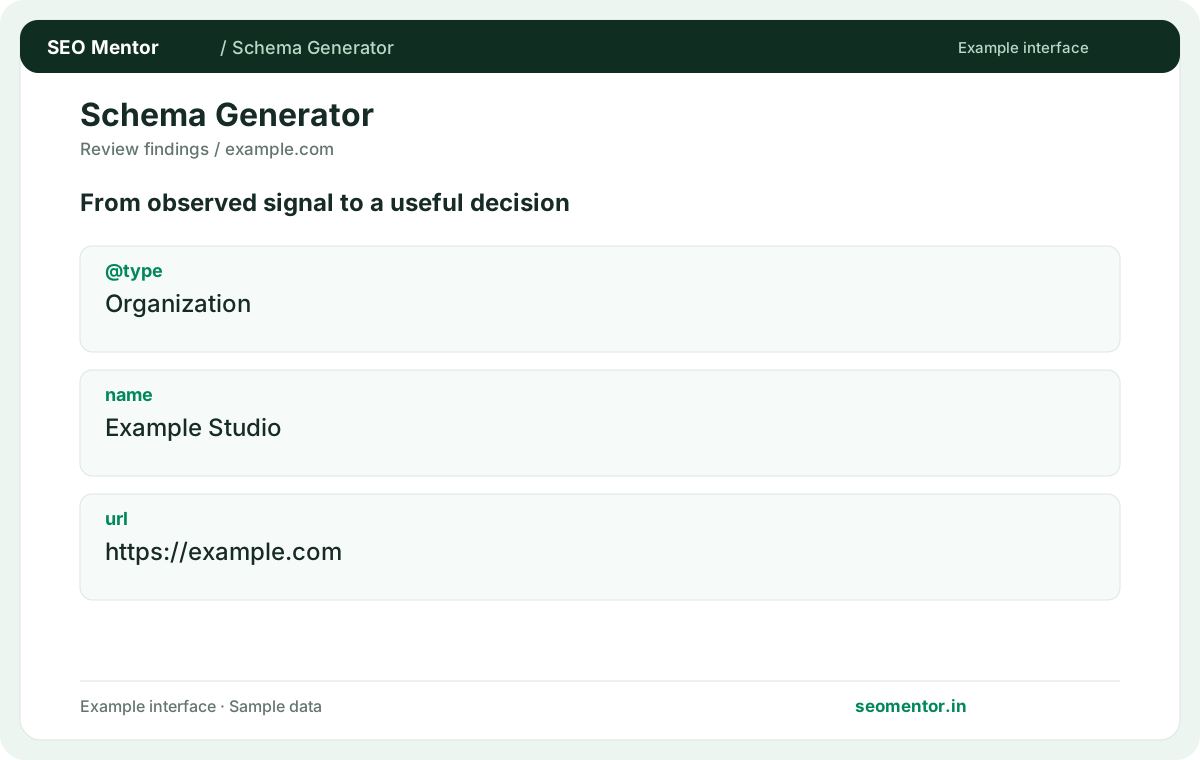
Use the output as a starting point, check it on the live website and revisit it when the underlying content changes. Structured data should match visible page facts and does not guarantee rich results.
Create structured data that reflects the business or page described by your website. Use accurate names, URLs and other details, and review the generated JSON-LD before adding it to the relevant page.
Use details that accurately describe the business. Compare the reported @type, name, url with the page or domain you intended to check.
Add the generated JSON-LD to the relevant page. Validate syntax and eligibility after implementation.
Keep the result alongside the page or domain reviewed, so you can compare the evidence after making changes.
It drafts starter WebSite or WebPage JSON-LD from the submitted URL. Review the recommended type before using it.
Related check — Does it detect existing structured data? The report can show JSON-LD found in returned HTML. Compare the draft with existing markup to avoid duplicating the same entity.
The report can show JSON-LD found in returned HTML. Compare the draft with existing markup to avoid duplicating the same entity.
Related check — Does generated markup guarantee rich results? Validate syntax and check feature-specific eligibility separately. A valid draft alone does not determine how a result is displayed.
Add the generated script through the page template or CMS. Verify the resulting public markup after deployment.
Related check — Can I use a page title as the name? Use a name that actually describes the page or website. Edit an auto-generated title if it includes unrelated template text.
Use a name that actually describes the page or website. Edit an auto-generated title if it includes unrelated template text.
Related check — How do I test the final markup? Run a validator on the live page and compare structured values with visible content. Check the template on representative URLs.
Use the actual public URL represented by the markup. Review redirects and canonical preferences before publishing.
Related check — Where should I publish the JSON-LD? Add the generated script through the page template or CMS. Verify the resulting public markup after deployment.
The fetched page may expose no suitable description. Add a truthful description if it helps identify the entity.
Related check — How should I handle structured data already added by a plugin? If a CMS already publishes a WebSite object with a stable identifier, inspect the new draft before adding it. Reuse or update the existing representation where it describes the same entity, then check the final output for conflicting names and URLs.
Validate syntax and check feature-specific eligibility separately. A valid draft alone does not determine how a result is displayed.
Related check — Can this draft replace product schema? WebPage and WebSite describe different subjects from Product. Add product data separately when accurate and relevant.
Inspect what the plugin outputs. Extend the existing model where possible instead of adding contradictory duplicate objects.
If a CMS already publishes a WebSite object with a stable identifier, inspect the new draft before adding it. Reuse or update the existing representation where it describes the same entity, then check the final output for conflicting names and URLs.
WebPage and WebSite describe different subjects from Product. Add product data separately when accurate and relevant.
Related check — What schema types does the URL tool generate? It drafts starter WebSite or WebPage JSON-LD from the submitted URL. Review the recommended type before using it.
Run a validator on the live page and compare structured values with visible content. Check the template on representative URLs.
Related check — What should the URL property contain? Use the actual public URL represented by the markup. Review redirects and canonical preferences before publishing.
SEO Mentor helps you identify opportunities. SEOKart can help put those findings into action with professional SEO services, technical improvements and ongoing optimisation.
Explore SEOKart SEO Services