Review the site heading details
Keep summaries accurate and links current. Compare the reported site heading, summary, main pages with the page or domain you intended to check.
Draft an llms.txt file or check an existing one. Organise key links and short descriptions into a plain-text guide to your website.
Use llms.txt Checker and Generator ↗
Enter the required details to explore the available output and report options.
llms.txt is an emerging convention, not a requirement for Google indexing or AI visibility. Review the source evidence before making changes.
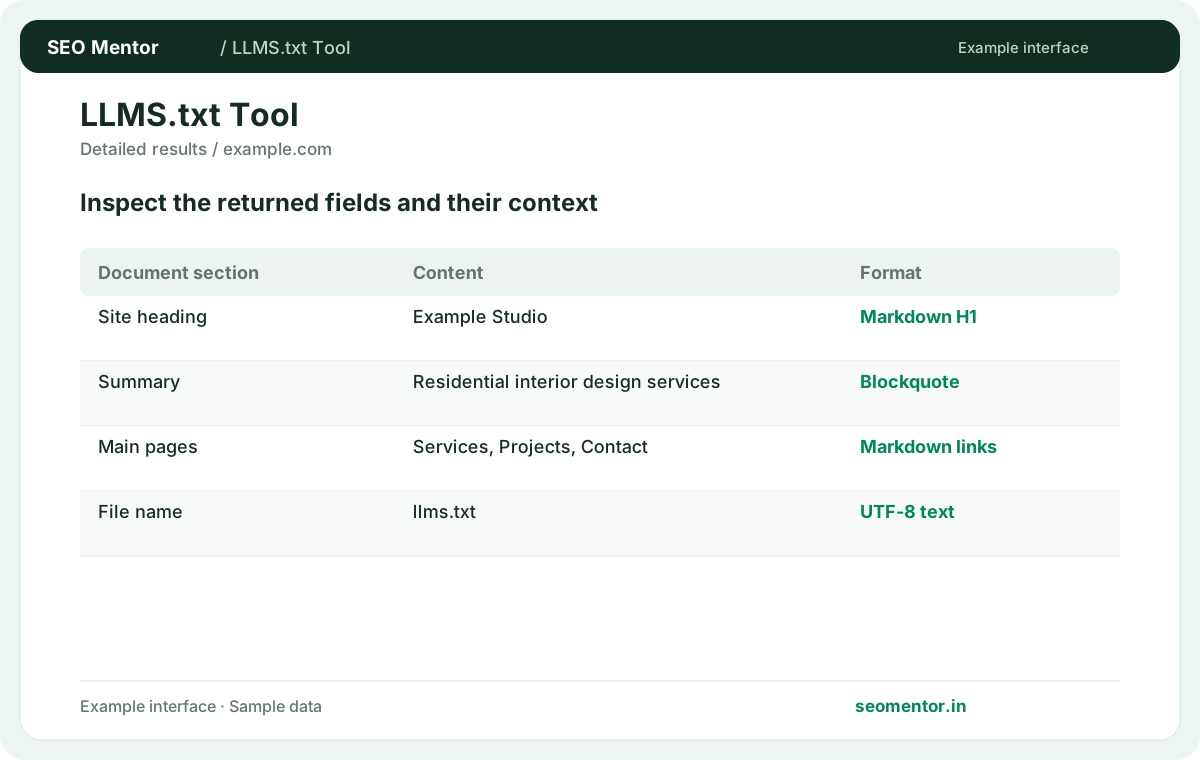
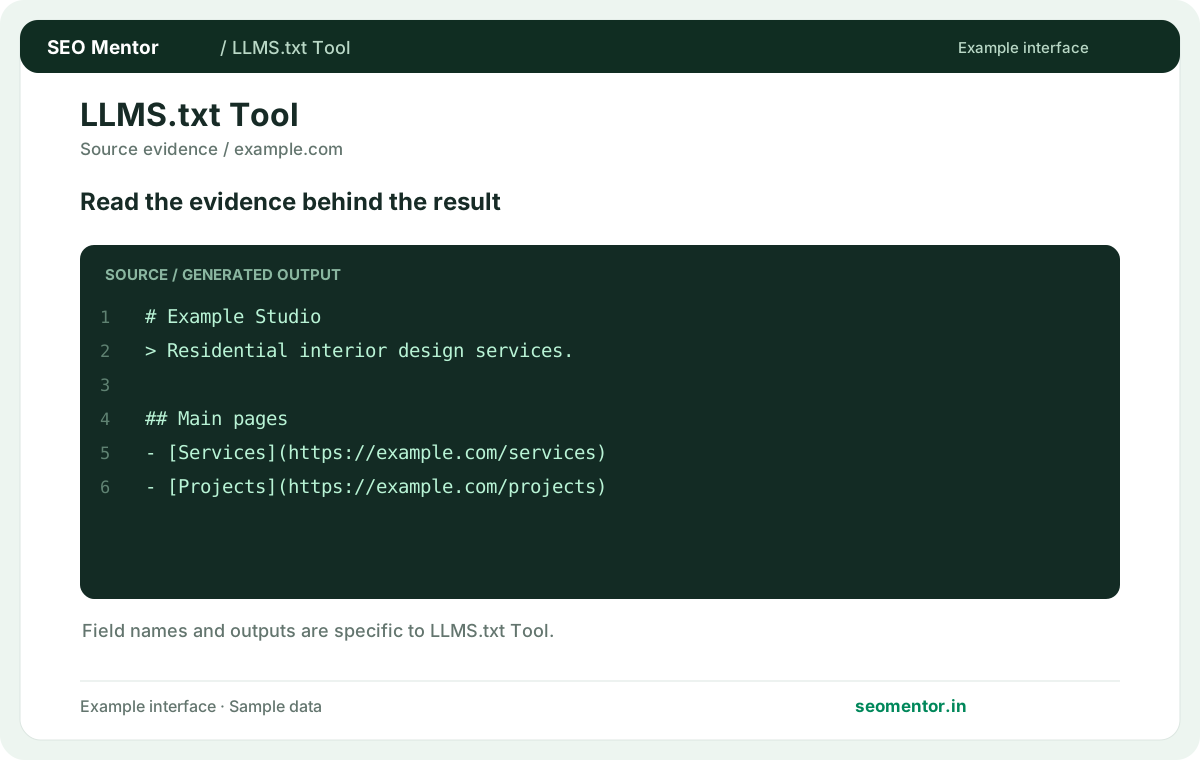
Consider file availability, content sections, source links together instead of relying on a single headline indicator.
llms.txt is an emerging convention, not a requirement for Google indexing or AI visibility. Compare the sample workflow with the live site and its actual data.
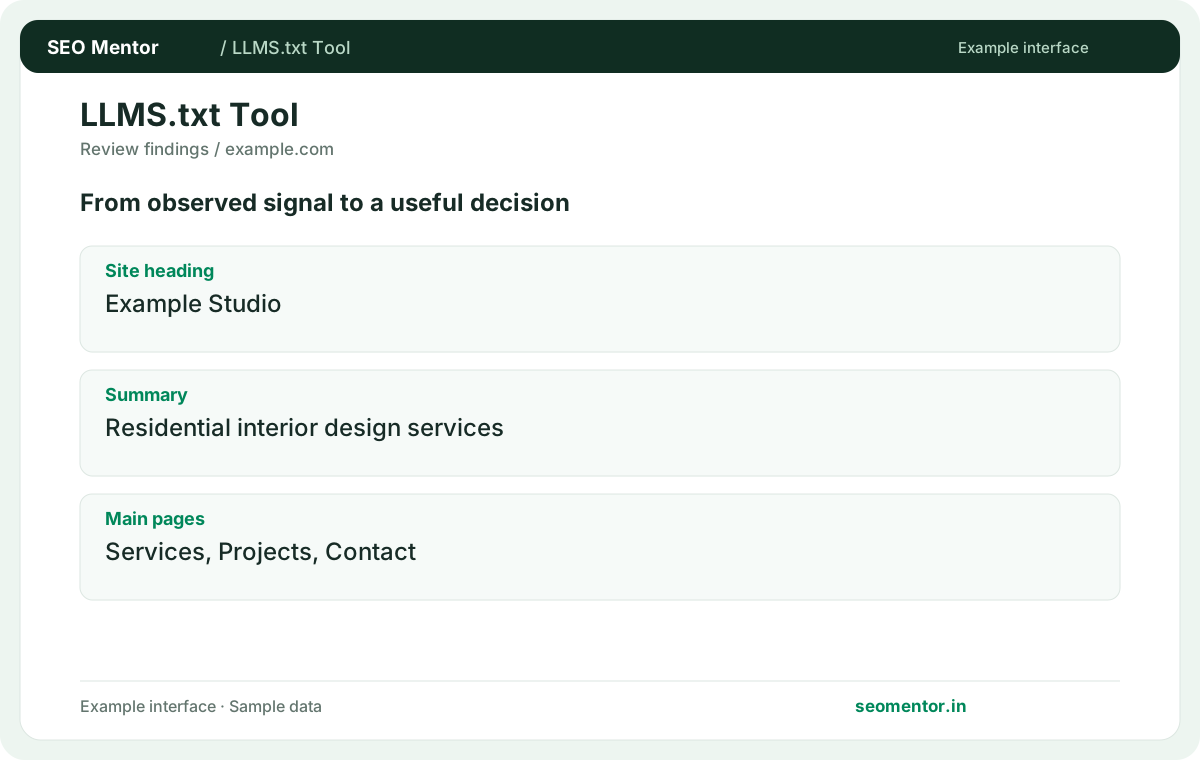

Prioritise the findings that affect your audience and revisit them after changes. llms.txt is an emerging convention, not a requirement for Google indexing or AI visibility.
Prepare a concise machine-readable guide to your website and its main pages. businesses can describe their services clearly and maintain relevant links without treating the file as a guarantee of AI visibility.
Keep summaries accurate and links current. Compare the reported site heading, summary, main pages with the page or domain you intended to check.
Publish the reviewed file at the intended location. An llms.txt file does not guarantee use by an AI system.
Keep the result alongside the page or domain reviewed, so you can compare the evidence after making changes.
It can provide a plain-text guide to important site resources. Keep it concise and use stable public URLs.
Related check — Should I list every URL in the guide? Prioritise important resources. Use the XML sitemap for broad URL discovery instead of turning the guide into an exhaustive dump.
Use the intended site root if you choose to offer it. Verify the file is readable at /llms.txt.
Related check — What is an llms.txt file for? It can provide a plain-text guide to important site resources. Keep it concise and use stable public URLs.
Start with authoritative pages that explain the site, products and documentation. Group links by the task they help users complete.
A software site could group installation, API reference and troubleshooting under separate headings, with a one-line explanation beside each URL. Use the stable documentation address so a versioned or temporary release link does not become the default entry.
Use robots.txt for crawler directives and access controls for private resources. An llms.txt guide serves a different purpose.
Related check — Should I include restricted documentation? Keep private material behind access controls and out of the public guide. Link to publicly available documentation only.
Treat it as optional documentation. Monitor actual mentions and keep the main public content clear and accessible.
Related check — Where should I publish the file? Use the intended site root if you choose to offer it. Verify the file is readable at /llms.txt.
Explain what the reader will find, including useful scope. Avoid generic promotional labels for every entry.
Related check — How do I choose which links to include? A software site could group installation, API reference and troubleshooting under separate headings, with a one-line explanation beside each URL. Use the stable documentation address so a versioned or temporary release link does not become the default entry.
Prioritise important resources. Use the XML sitemap for broad URL discovery instead of turning the guide into an exhaustive dump.
Related check — How can I check an existing file? Submit the site and inspect the returned guide if available. Verify headings, URLs and descriptions before editing it.
Submit the site and inspect the returned guide if available. Verify headings, URLs and descriptions before editing it.
Related check — How often should I update the guide? Review it after major content moves or navigation changes. Replace retired links and update descriptions that no longer match.
Review it after major content moves or navigation changes. Replace retired links and update descriptions that no longer match.
Related check — Can llms.txt guarantee AI visibility? Treat it as optional documentation. Monitor actual mentions and keep the main public content clear and accessible.
Keep private material behind access controls and out of the public guide. Link to publicly available documentation only.
Related check — Does llms.txt control crawler access? Use robots.txt for crawler directives and access controls for private resources. An llms.txt guide serves a different purpose.
SEO Mentor helps you identify opportunities. SEOKart can help put those findings into action with professional SEO services, technical improvements and ongoing optimisation.
Explore SEOKart SEO Services