Review the https://example.com details
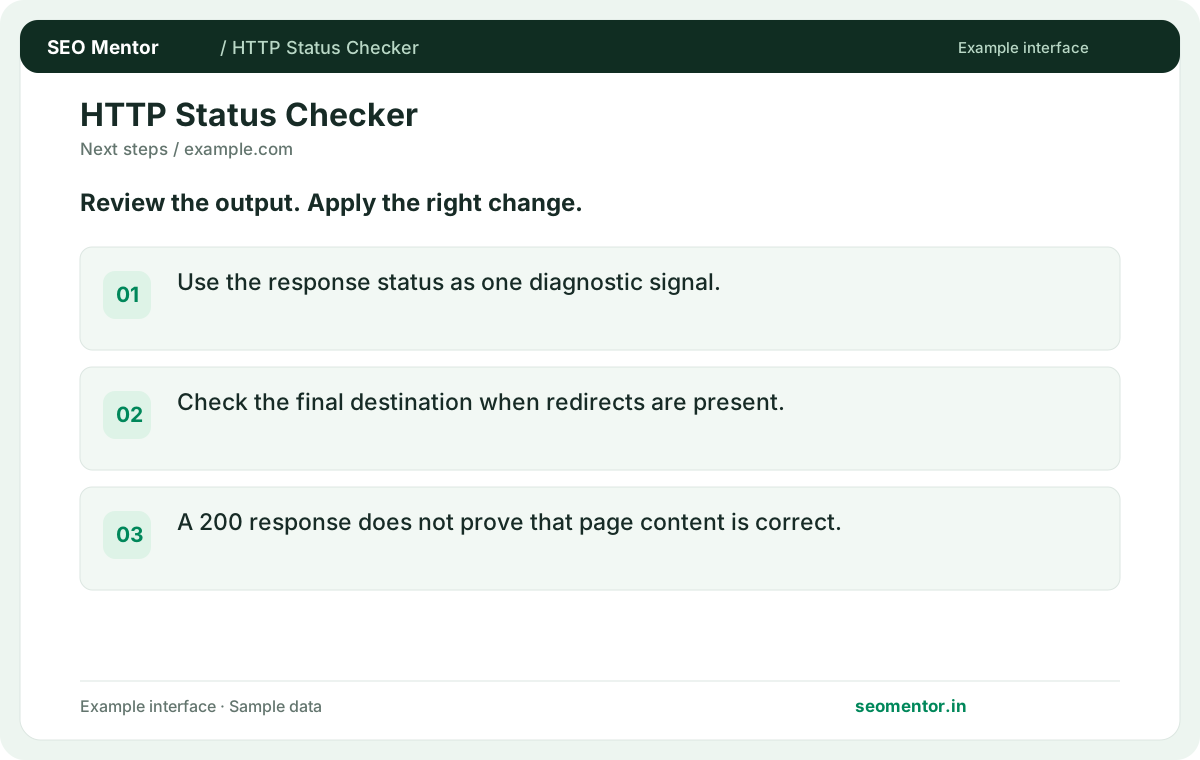
Use the response status as one diagnostic signal. Compare the reported https://example.com, http://example.com, https://example.com/missing with the page or domain you intended to check.
Check the HTTP response code and final destination of a public URL. Diagnose errors, redirected pages and unexpected responses.
Start HTTP Status Checker ↗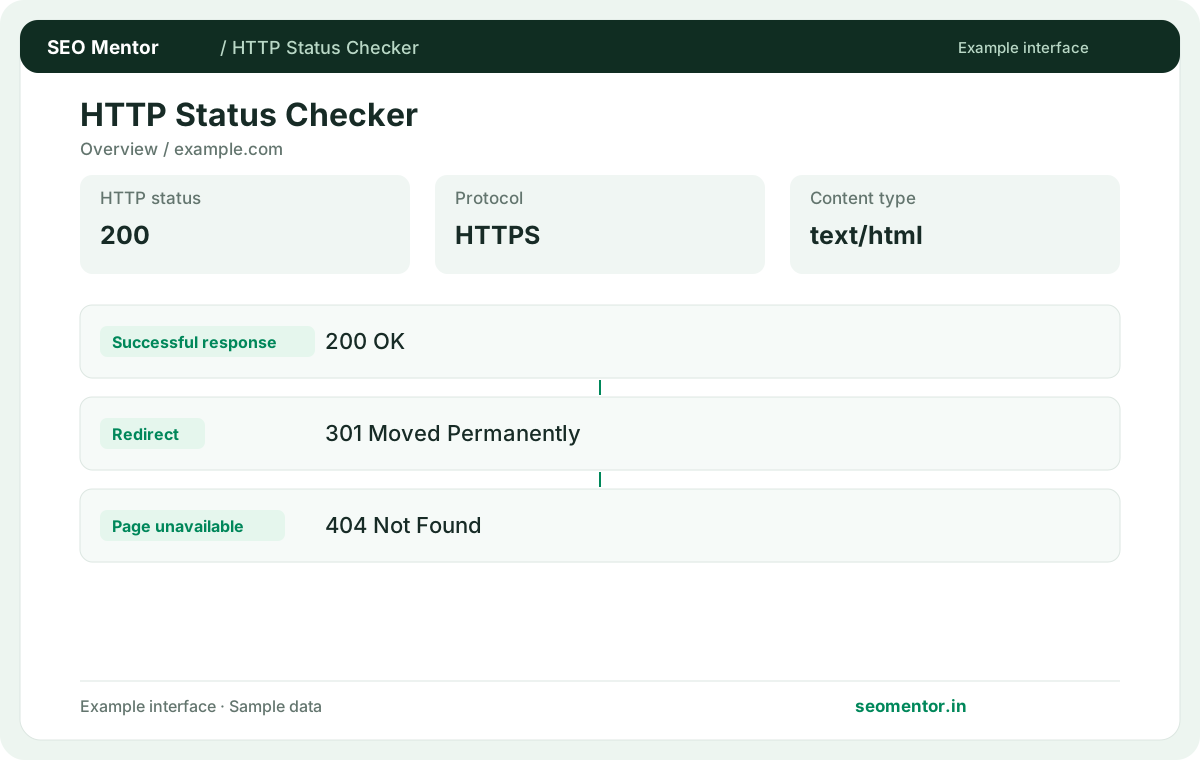
Enter your details and run the free tool to see the results on this page.
Check the intended destination and review unexpected redirect chains before changing site links. Start with the questions your target audience actually asks.
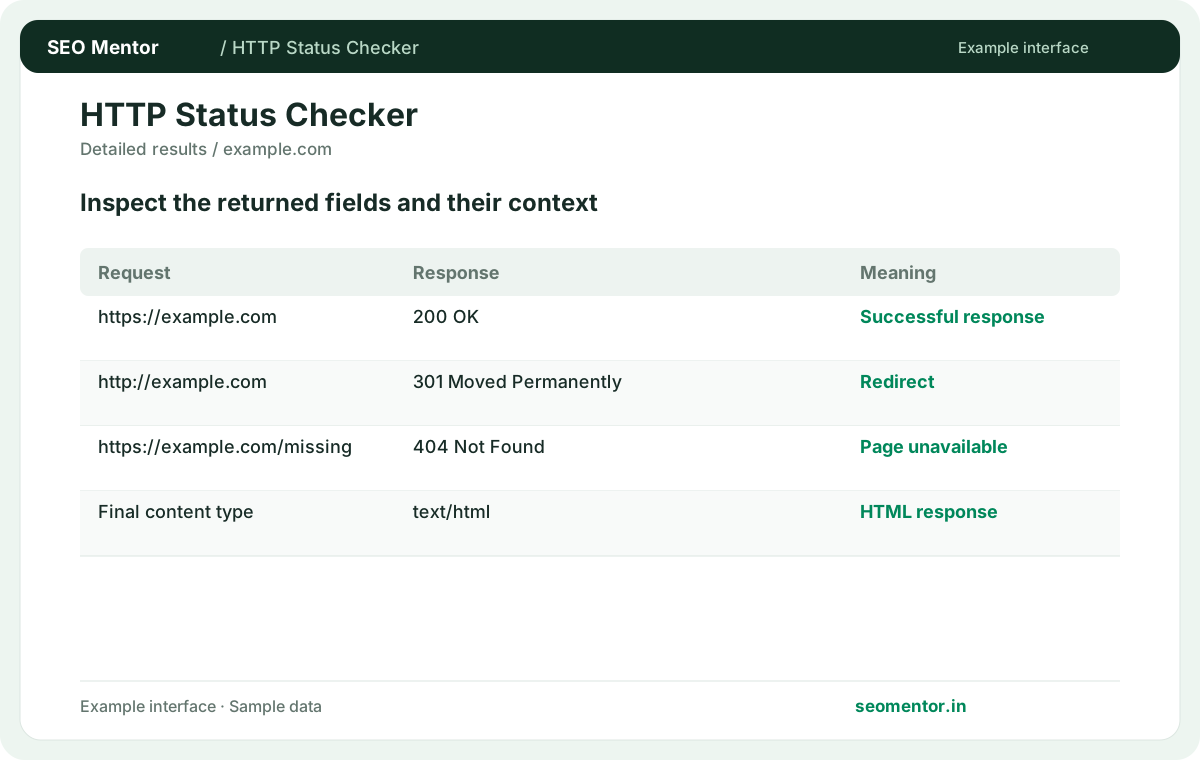
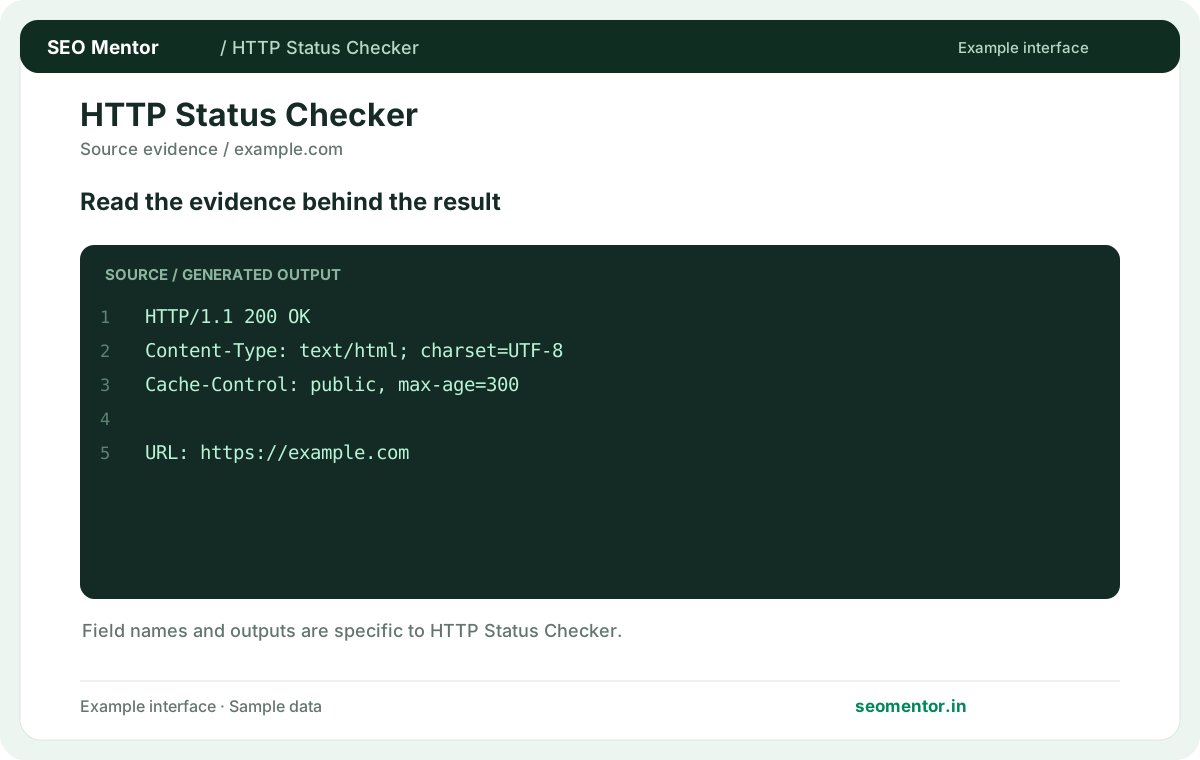
Compare http status codes, redirect destination, response errors in context before deciding what to change.
Record what the report actually shows, compare relevant pages and validate findings before publishing changes.
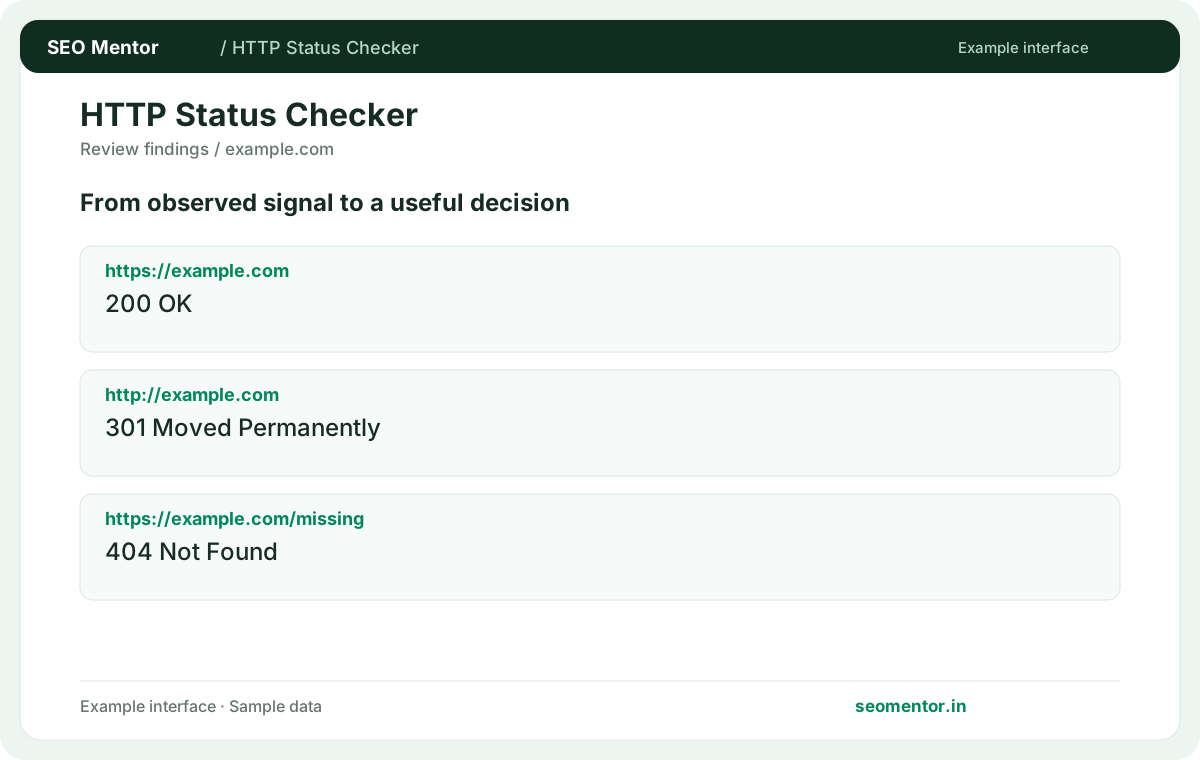
Check the intended destination and review unexpected redirect chains before changing site links. Recheck after substantive updates rather than relying on sample illustrations.
Inspect the HTTP response returned by an important website address. Check the exact service or product URL used in your links and campaigns before interpreting a successful response or investigating an error.
Use the response status as one diagnostic signal. Compare the reported https://example.com, http://example.com, https://example.com/missing with the page or domain you intended to check.
Check the final destination when redirects are present. A 200 response does not prove that page content is correct.
Keep the result alongside the page or domain reviewed, so you can compare the evidence after making changes.
The server successfully handled the request. Inspect the body separately if the page may show an error template.
Related check — What should I do about 500? Reproduce the error and inspect server logs for the failing request. Check recent deployments and dependencies.
Use it when an old URL has a permanent replacement. Update links to the final address as well.
Related check — How does 410 differ from 404? A 410 explicitly describes a removed resource. Verify that useful internal links have been updated.
It signals a temporary destination. Confirm the redirect type matches the duration of the change.
Related check — Why check the final status? The initial response may redirect successfully while the destination fails. Follow the full route before marking the URL healthy.
Access controls or a firewall may reject it. Compare browser access and inspect origin rules.
Related check — What does 429 indicate? The server is limiting requests. Wait before testing again and inspect rate-limit behaviour if you control the site.
The server cannot find the requested resource. Verify the exact path, including case and trailing slash.
Related check — Can HEAD and GET differ? If a HEAD check reports an error while the page opens normally, inspect a GET response and compare its final URL. Check whether a CDN or route only supports one method before treating the reported error as a broken public page.
A 410 explicitly describes a removed resource. Verify that useful internal links have been updated.
Related check — When is 301 appropriate? Use it when an old URL has a permanent replacement. Update links to the final address as well.
Reproduce the error and inspect server logs for the failing request. Check recent deployments and dependencies.
Related check — What does 200 mean? The server successfully handled the request. Inspect the body separately if the page may show an error template.
The server is limiting requests. Wait before testing again and inspect rate-limit behaviour if you control the site.
Related check — Why is a request returning 403? Access controls or a firewall may reject it. Compare browser access and inspect origin rules.
Yes. Some servers handle them differently. Verify a surprising result with a normal browser request.
If a HEAD check reports an error while the page opens normally, inspect a GET response and compare its final URL. Check whether a CDN or route only supports one method before treating the reported error as a broken public page.
The initial response may redirect successfully while the destination fails. Follow the full route before marking the URL healthy.
Related check — What is a 302 useful for? It signals a temporary destination. Confirm the redirect type matches the duration of the change.
SEO Mentor helps you identify opportunities. SEOKart can help put those findings into action with professional SEO services, technical improvements and ongoing optimisation.
Explore SEOKart SEO Services