Review the a details
Check record types against the service you are diagnosing. Compare the reported a, aaaa, mx with the page or domain you intended to check.
Look up public DNS records for a domain. Inspect address, mail and nameserver records when troubleshooting email delivery or a website migration.
Start DNS Lookup ↗
Enter the relevant information to review the available result and any applicable report options.
Free to use. Results appear on this page.
DNS answers can differ by resolver and cache; verify changes with your authoritative DNS provider. Start with the questions your audience actually asks.
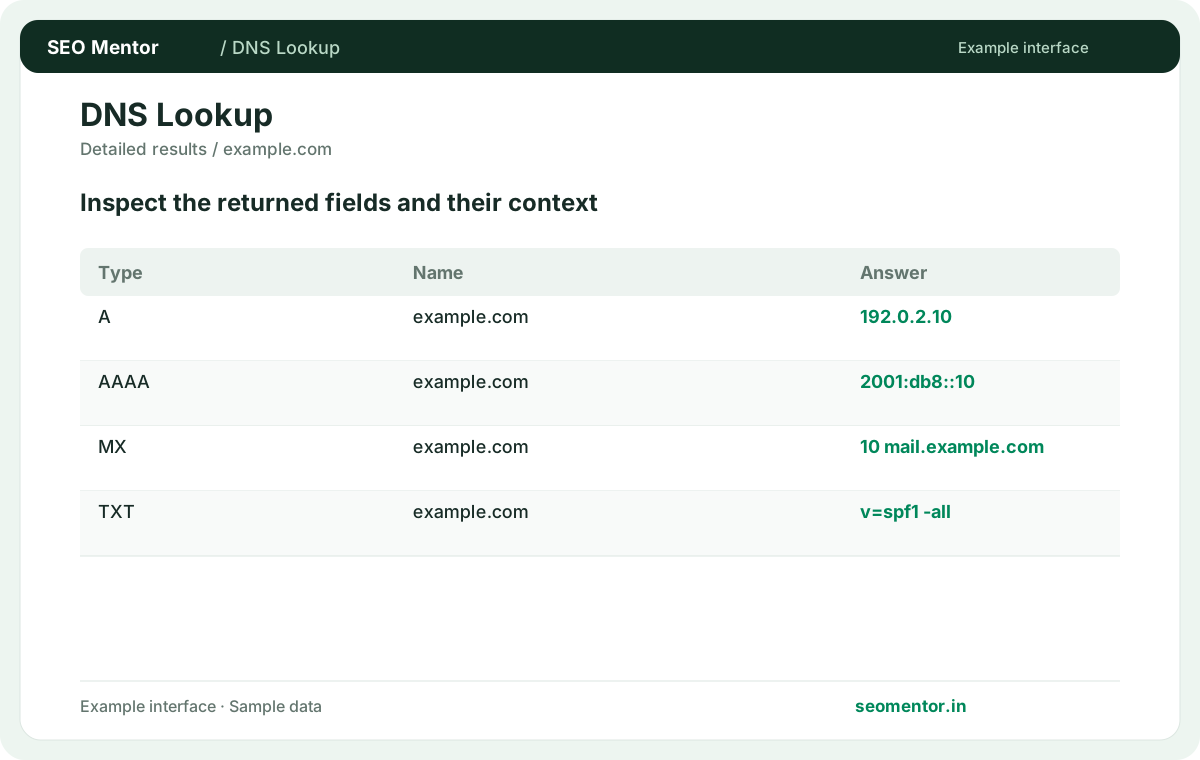
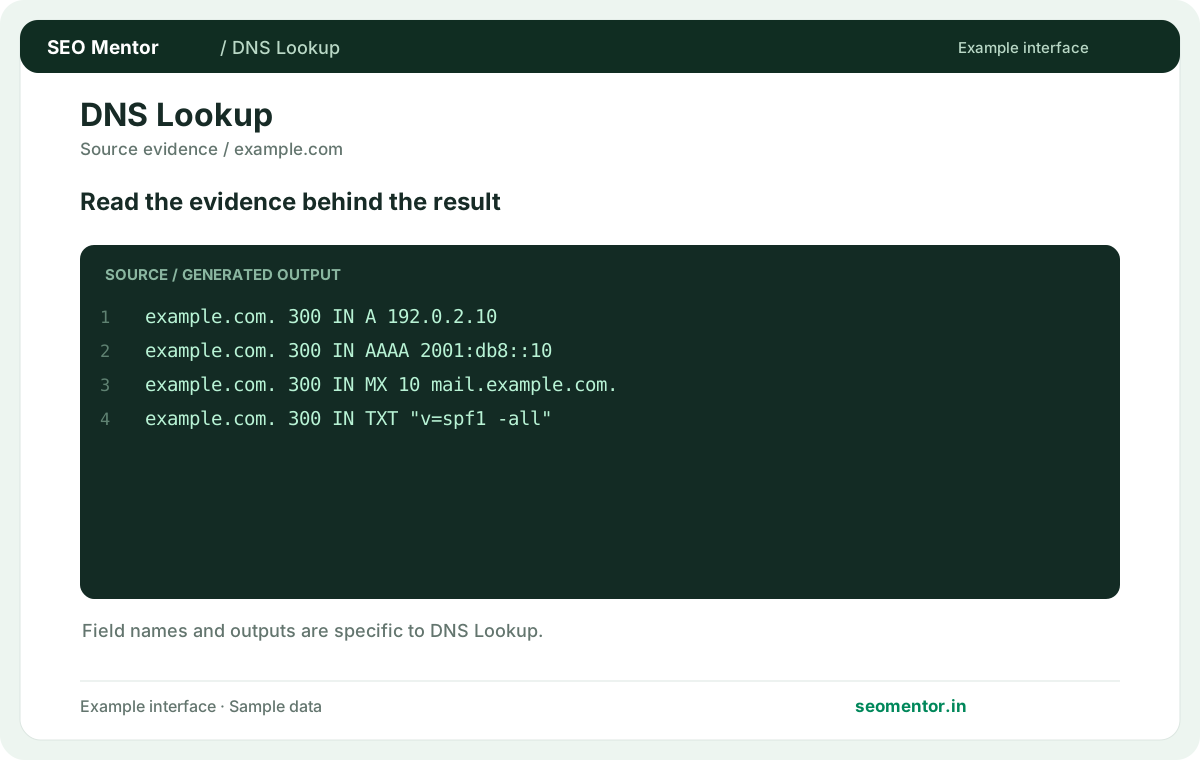
Compare a and aaaa records, mx mail routing, txt verification records in context before deciding what to change.
Record what the report actually shows, compare relevant pages and validate findings before publishing changes.
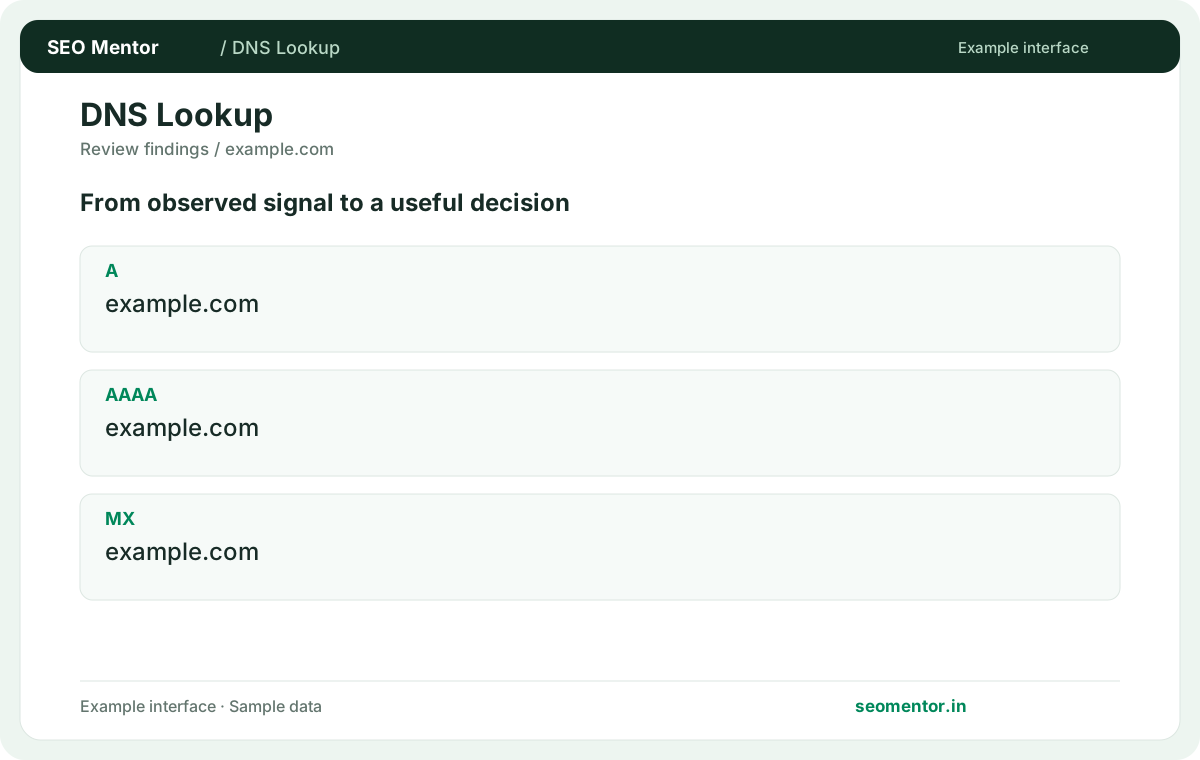
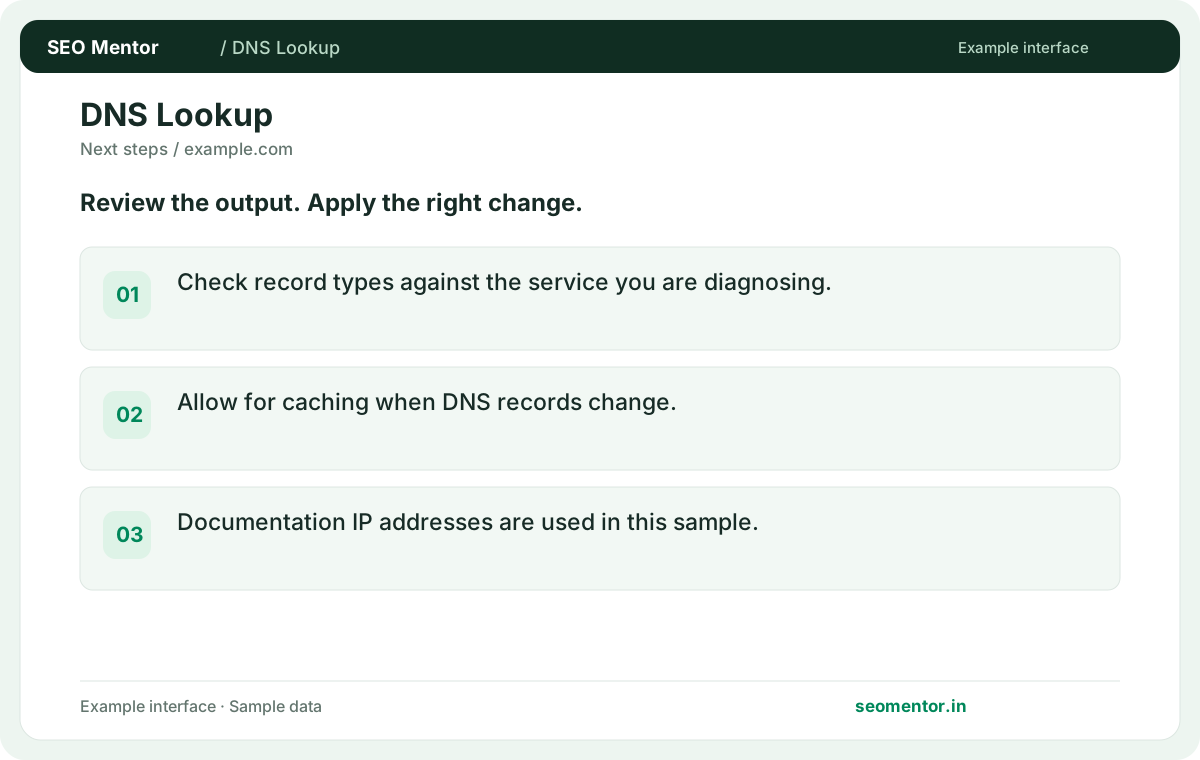
DNS answers can differ by resolver and cache; verify changes with your authoritative DNS provider. Recheck after substantive updates rather than relying on sample illustrations.
Use DNS records to investigate website and email setup before a launch or hosting move. businesses can check A, AAAA, MX and TXT answers while keeping the website and mail-provider requirements separate.
Check record types against the service you are diagnosing. Compare the reported a, aaaa, mx with the page or domain you intended to check.
Allow for caching when DNS records change. Documentation IP addresses are used in this sample.
Keep the result alongside the page or domain reviewed, so you can compare the evidence after making changes.
Enter the root domain for mail records and nameserver checks, or enter the exact subdomain when troubleshooting a website hostname.
For example, query shop.example.com for the storefront and example.com for inbound mail routing.
A records provide IPv4 addresses, while AAAA records provide IPv6 addresses. Check both when a hostname behaves differently across networks.
An old AAAA record can send IPv6-capable visitors to the previous server even when the A record points to the new one.
It identifies servers designated to accept mail for the domain. Compare their priorities and hostnames with the settings supplied by your mail provider.
A lower MX preference number is tried first, so verify the priority as well as the destination.
Review TXT records on the sending domain or the specific subdomain the sender uses. The SPF value typically begins with v=spf1.
Multiple competing SPF declarations on one hostname merit review. Compare the record with every service authorised to send mail for that domain.
Cached answers can remain until their TTL expires. Compare the live authoritative answer with what your resolver returns during a migration.
During a migration, record the old and new addresses and check when a resolver first returns the new answer. The previous TTL governs how long cached copies may persist.
It aliases one hostname to another. Verify the target host resolves and that the alias is on the intended hostname.
For www.example.com pointing to a hosting platform, verify the CNAME target and test that the host responds over HTTPS.
Compare the delegated nameservers with the intended DNS provider. Then check a known record to confirm the new zone contains the values you expect.
If the delegated nameservers are correct but a record is missing, check the zone at the provider named in the delegation.
DKIM commonly uses a selector under _domainkey. Use the exact selector hostname supplied by your email service.
If your mail provider gives you selector mail2026 and domain example.com, query mail2026._domainkey.example.com. Depending on the provider you may see a TXT record or a CNAME pointing to the provider's hostname. Check the exact selector rather than copying a record from a different mailbox provider.
DNS resolution and HTTP availability are separate. Check the URL's HTTP response after confirming that the hostname resolves.
A hostname may resolve while the web server returns a TLS or application error. Check both layers before blaming DNS.
It is the period a resolver may keep an answer in cache. An existing cached record may still be served after you edit the zone.
Lower a record’s TTL ahead of a planned change if your provider allows it, and allow the previous TTL to expire first.
SEO Mentor helps you identify opportunities. SEOKart can help put those findings into action with professional SEO services, technical improvements and ongoing optimisation.
Explore SEOKart SEO Services