Review the 1 details
Review result titles and landing pages. Compare the reported 1, 2, 3 with the page or domain you intended to check.
Check available Google organic results for a keyword by country and device. See which domains appear and where your target domain ranks in the results.
Start SERP Checker ↗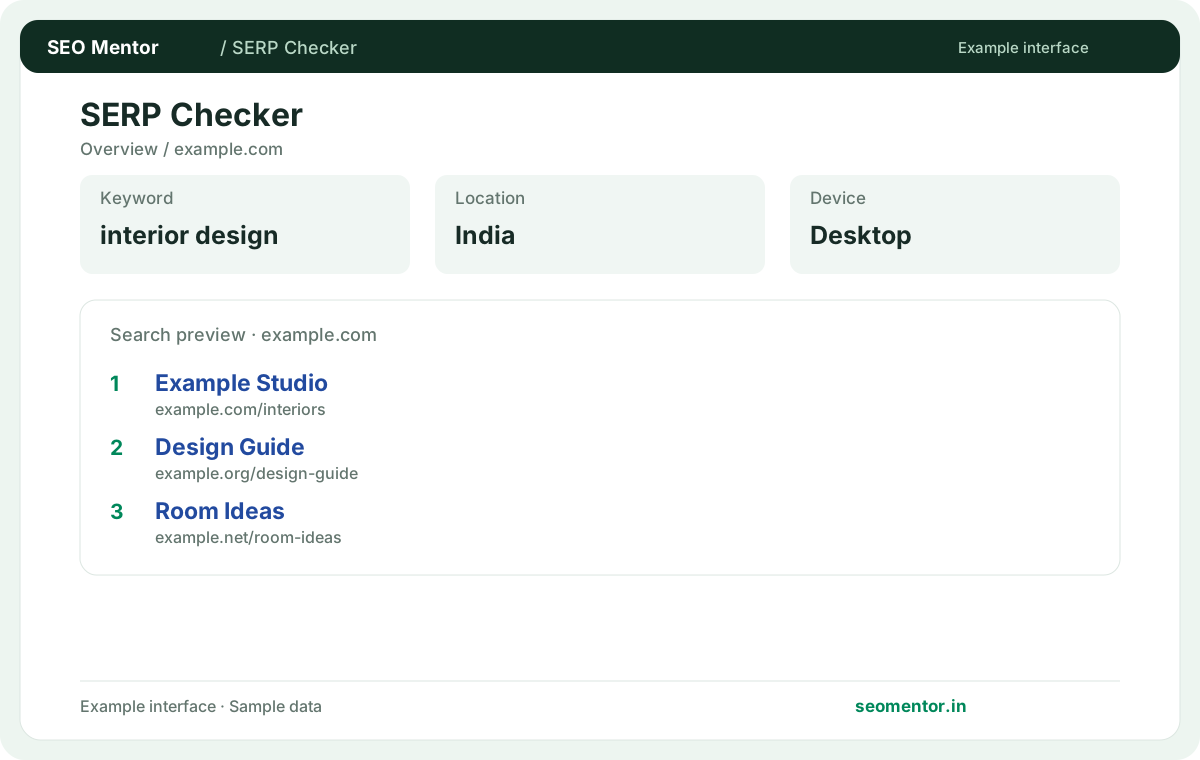
Enter your details and run the free tool to see the results on this page.
Free to use. Results appear on this page.
Review the pages competing for your target query and compare their content intent. Start with the questions your target audience actually asks.
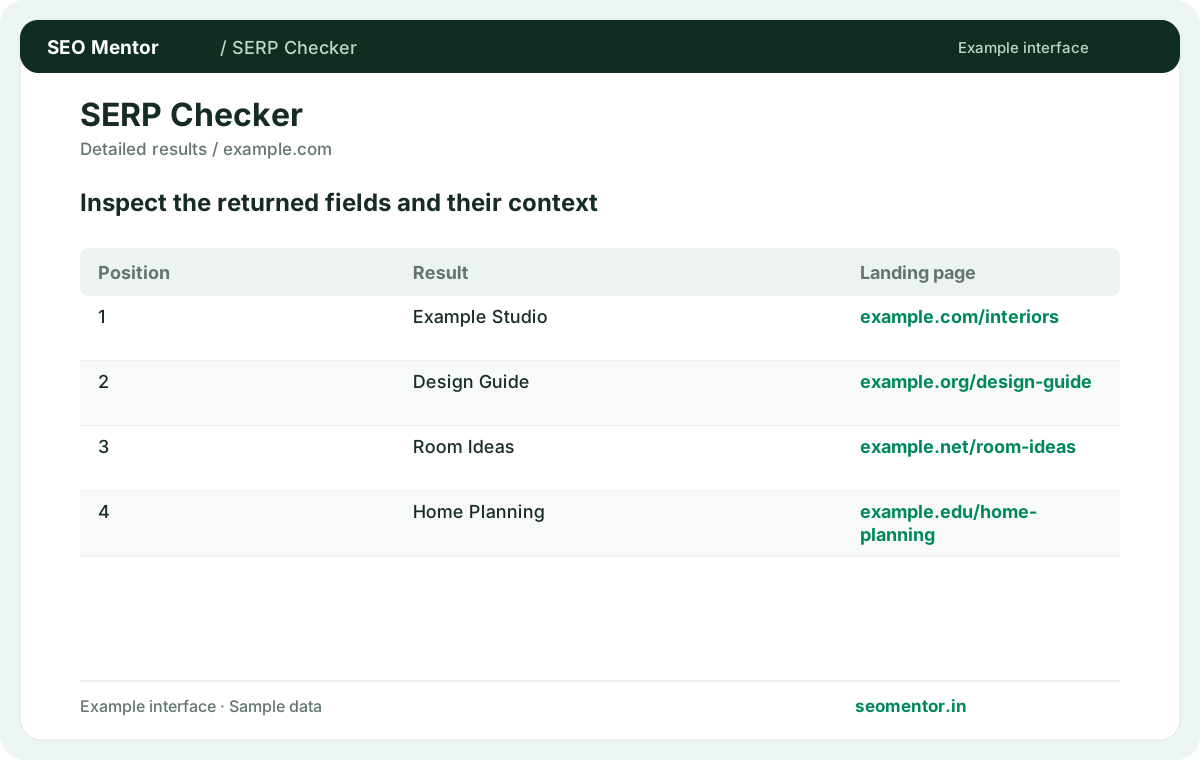
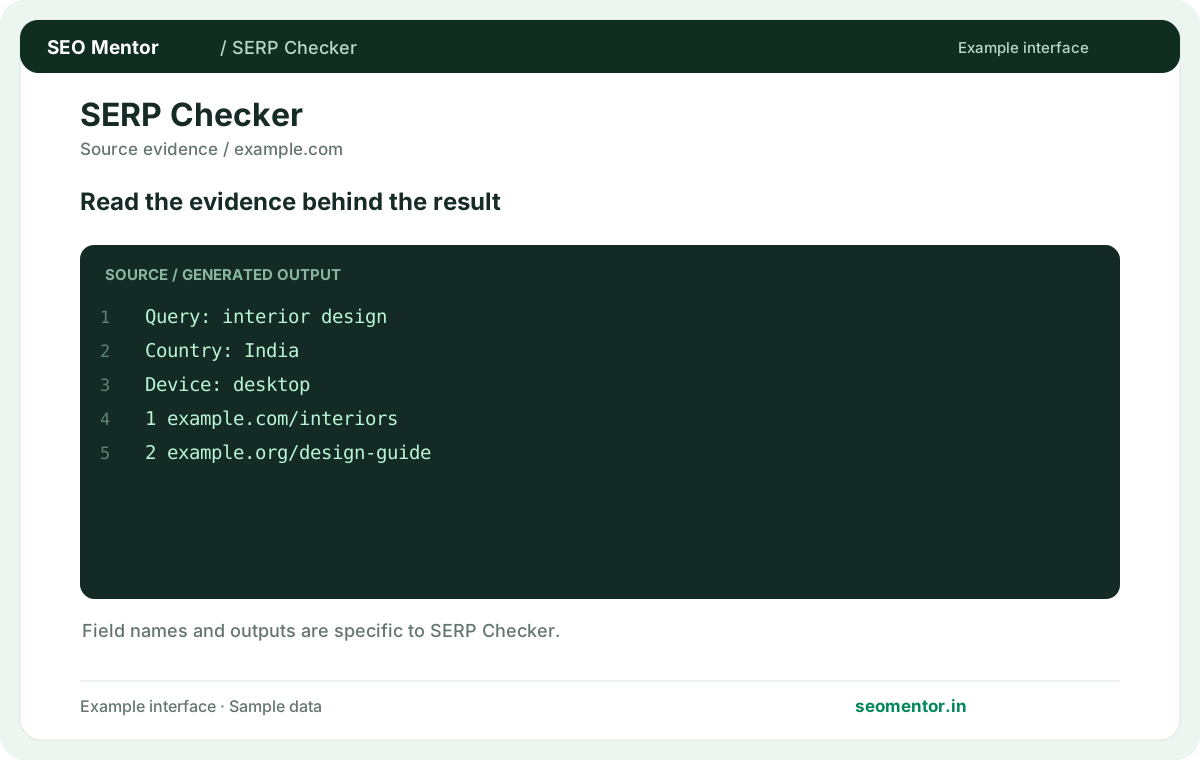
Compare ranking pages, result types, country and device in context before deciding what to change.
Record what the report actually shows, compare relevant pages and validate findings before publishing changes.

Review the pages competing for your target query and compare their content intent. Recheck after substantive updates rather than relying on sample illustrations.
Review a search-results snapshot for the keyword, country and device you select. Compare the actual landing pages competing for an query rather than assuming that the same results appear in every market.
Review result titles and landing pages. Compare the reported 1, 2, 3 with the page or domain you intended to check.
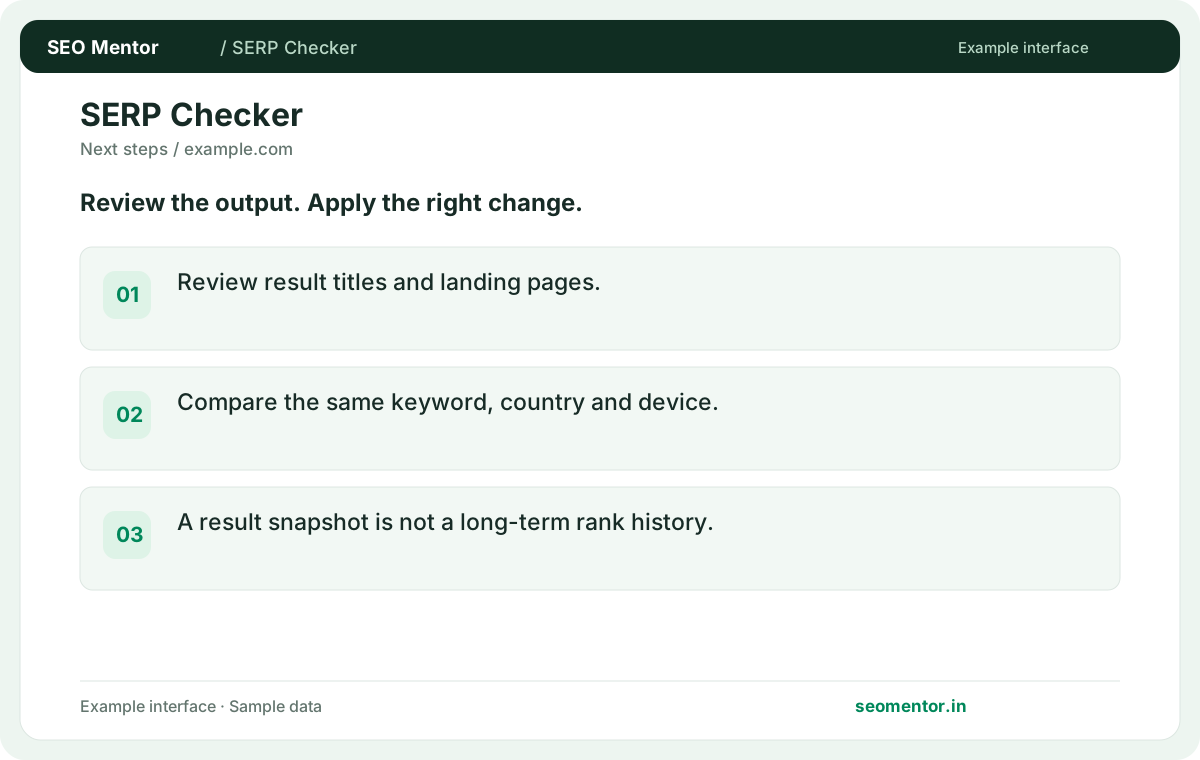
Compare the same keyword, country and device. A result snapshot is not a long-term rank history.
Keep the result alongside the page or domain reviewed, so you can compare the evidence after making changes.
The keyword defines the search. The target domain helps identify relevant results in the returned list.
Related check — What does a missing rank mean? The domain was not found in the returned depth. Check the selected location, device and search depth before drawing conclusions.
Results can differ between markets. Pick the location that matches the audience for your page.
Related check — How do desktop and mobile rankings differ? Device types can return different layouts and results. Compare the same keyword and country under each device setting.
Device types can return different layouts and results. Compare the same keyword and country under each device setting.
Related check — Why select a country? Results can differ between markets. Pick the location that matches the audience for your page.
The domain was not found in the returned depth. Check the selected location, device and search depth before drawing conclusions.
Related check — Why does the tool ask for a domain and a keyword? The keyword defines the search. The target domain helps identify relevant results in the returned list.
Record the keyword, device, market and date. Compare snapshots using consistent settings and confirm longer-term movement in your own data.
Related check — Why does my own Google search disagree? Location, time and personalisation affect results. Compare under equivalent conditions and treat each result as a snapshot.
Location, time and personalisation affect results. Compare under equivalent conditions and treat each result as a snapshot.
Related check — How should I track a ranking change? Record the keyword, device, market and date. Compare snapshots using consistent settings and confirm longer-term movement in your own data.
Enter its domain as the target for the same keyword and market. Review the landing page that ranks, not just the position.
Related check — Should I interpret rank as traffic? Position is a visibility signal. Use Search Console impressions and clicks to assess actual Google search performance.
It shows which page the provider observed for the domain. Compare that page's intent with the one you intended to rank.
If an informational article ranks for a term you expected a service page to target, open the ranking article and compare it with the dominant results. The search may reward explanation first, which changes whether you should improve the article or reposition the service page.
Position is a visibility signal. Use Search Console impressions and clicks to assess actual Google search performance.
Related check — Can I check a competitor with this tool? Enter its domain as the target for the same keyword and market. Review the landing page that ranks, not just the position.
Track terms tied to real offerings and relevant pages. Include distinct informational and commercial searches where both matter.
Related check — What can the ranking URL reveal? It shows which page the provider observed for the domain. Compare that page's intent with the one you intended to rank.
SEO Mentor helps you identify opportunities. SEOKart can help put those findings into action with professional SEO services, technical improvements and ongoing optimisation.
Explore SEOKart SEO Services