Review the website url details
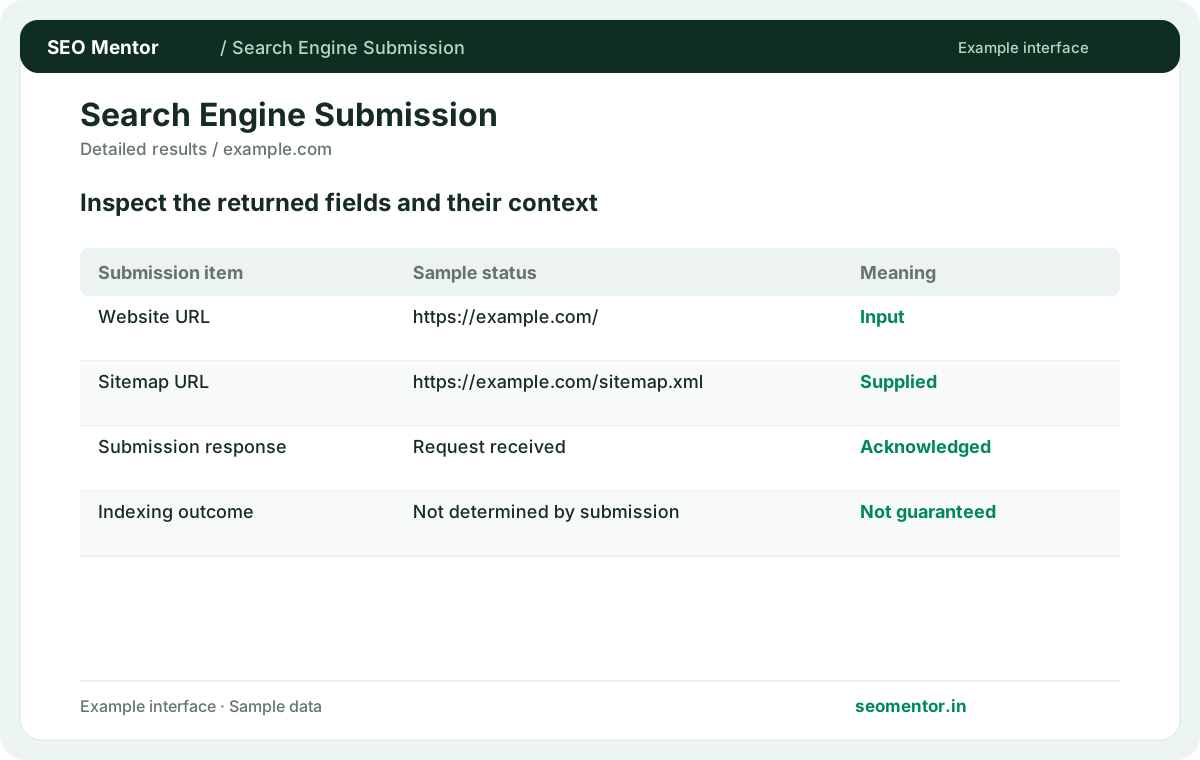
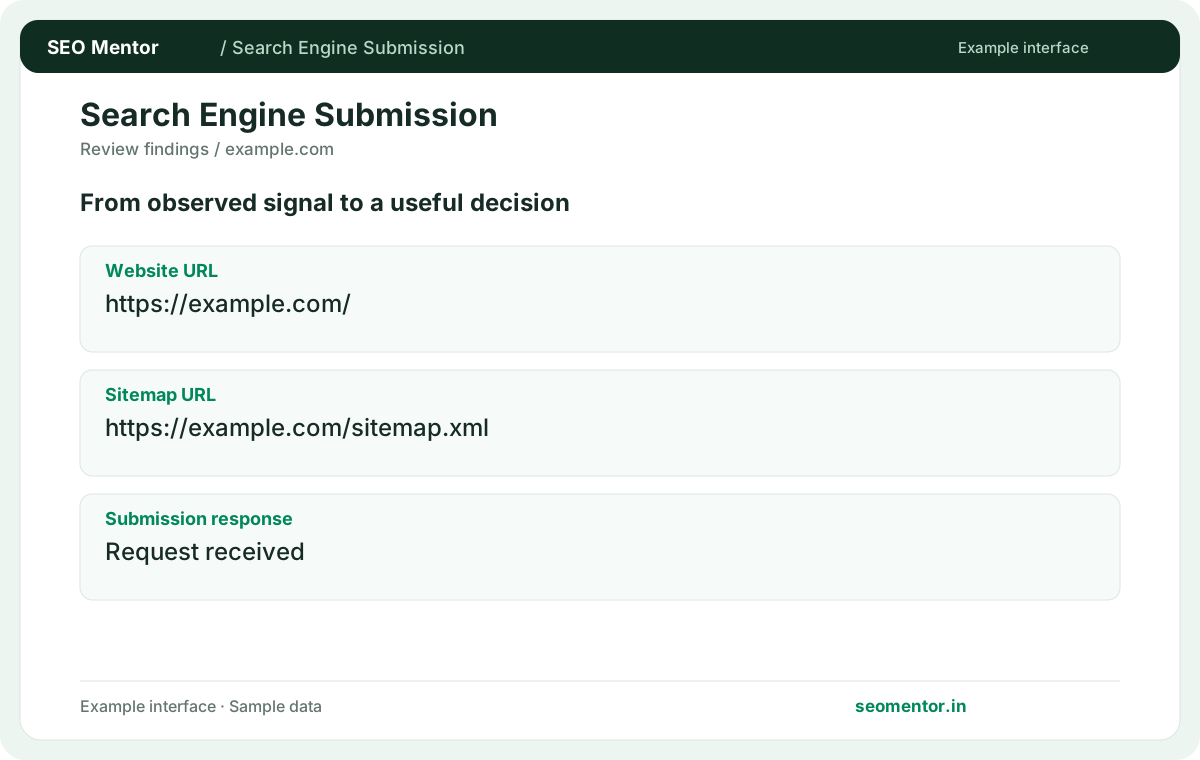
Use the correct public website and sitemap URLs. Compare the reported website url, sitemap url, submission response with the page or domain you intended to check.
Submit eligible URLs through IndexNow using a verified site key, or send a supported blog update notification. Review what the receiving service accepted.
Use Search Engine Submission ↗
Enter the required details to explore the available output and report options.
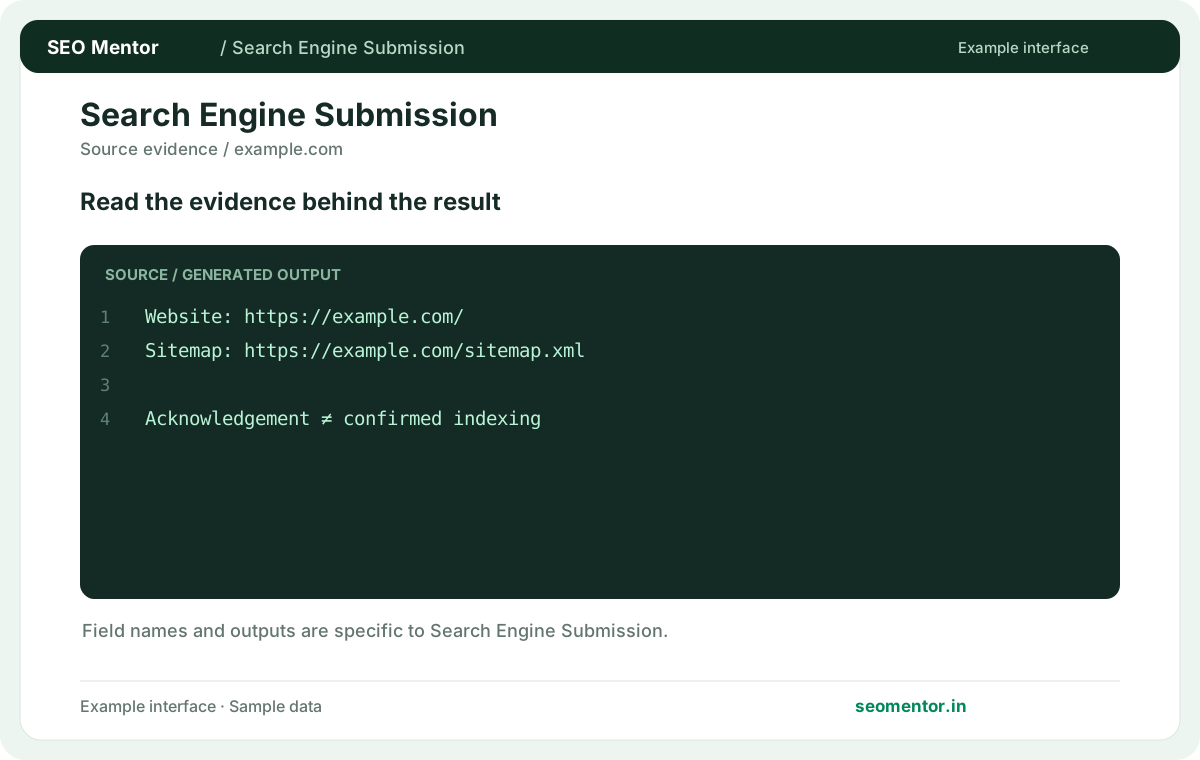
Preparing or submitting a URL does not guarantee crawling or indexing. Review the source evidence before making changes.
Consider sitemap readiness, canonical destination, robots access together instead of relying on a single headline indicator.
Preparing or submitting a URL does not guarantee crawling or indexing. Compare the sample workflow with the live site and its actual data.
Prioritise the findings that affect your audience and revisit them after changes. Preparing or submitting a URL does not guarantee crawling or indexing.
Prepare or submit the supported discovery request for a public website URL. Keep your sitemap and canonical addresses accurate, and verify crawling and indexing independently after a submission response.
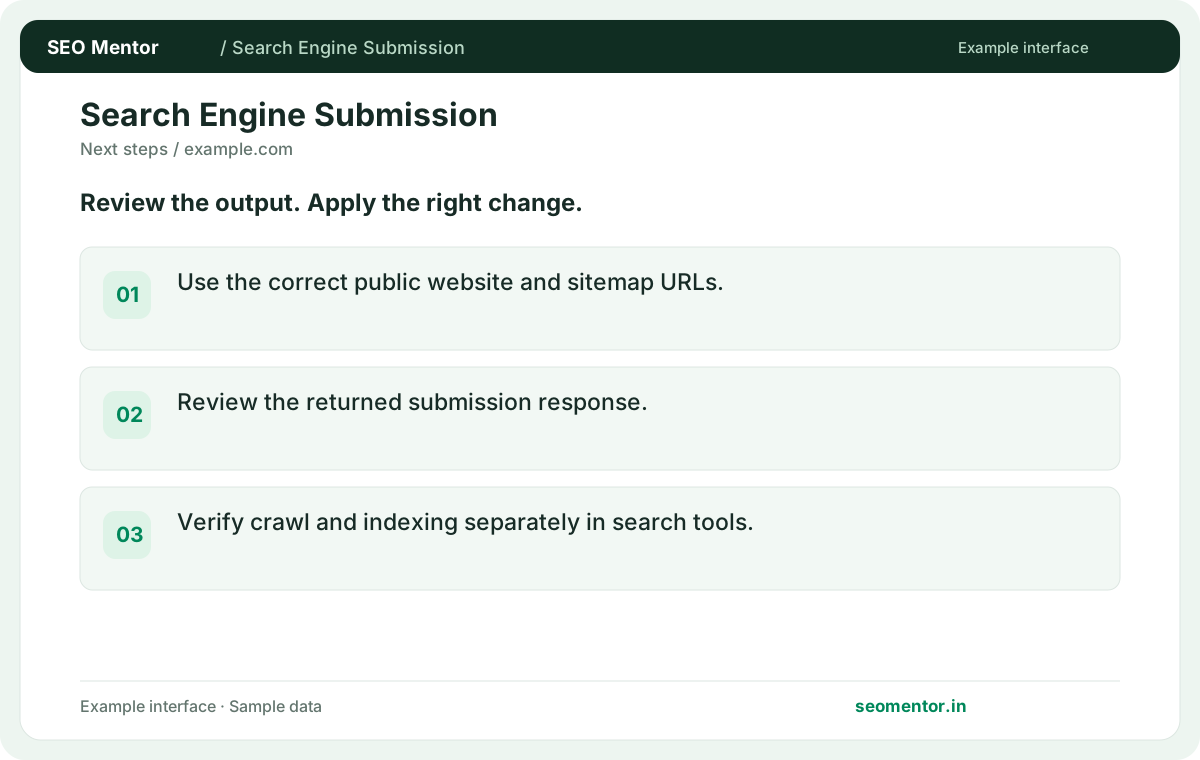
Use the correct public website and sitemap URLs. Compare the reported website url, sitemap url, submission response with the page or domain you intended to check.
Review the returned submission response. Verify crawl and indexing separately in search tools.
Keep the result alongside the page or domain reviewed, so you can compare the evidence after making changes.
It notifies participating services about eligible URL changes. The receiving service decides how to handle the notification.
Related check — How is a sitemap different from submission? A sitemap provides an ongoing discovery list. Submission communicates specific changes and complements the sitemap.
A public key file helps establish control over the submitted site. Verify the file before sending a URL batch.
Related check — Can I send URLs from several domains in one verified batch? Separate different hosts and follow their verification requirements. A key for one site does not establish control of another.
Submit changed URLs belonging to the verified host. Prefer public final addresses that represent the content you want discovered.
Related check — Should I send redirected addresses? Use the intended final address for new content. Follow the service's rules when reporting an old URL that changed or was removed.
It confirms the reported submission response. Check actual indexing through the relevant search engine tools.
Related check — How do I confirm Google indexing separately? Use Search Console for the verified property and inspect the specific URL. A submission to a different service does not establish Google's status.
Separate different hosts and follow their verification requirements. A key for one site does not establish control of another.
Related check — Why is a verification key required? A public key file helps establish control over the submitted site. Verify the file before sending a URL batch.
Notify services after a meaningful addition, update or removal. Repeatedly sending unchanged URLs adds little value.
Related check — How do I diagnose a rejected batch? Review the reported status and messages. Check key location, hostname matching and the format of the submitted URLs.
Review the reported status and messages. Check key location, hostname matching and the format of the submitted URLs.
If a batch is rejected after a move to www, compare the hostname in the submitted URLs with the verification key location. Test the public key response and send one known-good URL before retrying the full batch.
A sitemap provides an ongoing discovery list. Submission communicates specific changes and complements the sitemap.
Related check — What is IndexNow used for? It notifies participating services about eligible URL changes. The receiving service decides how to handle the notification.
Use the intended final address for new content. Follow the service's rules when reporting an old URL that changed or was removed.
Related check — Which URLs should I send? Submit changed URLs belonging to the verified host. Prefer public final addresses that represent the content you want discovered.
Use Search Console for the verified property and inspect the specific URL. A submission to a different service does not establish Google's status.
Related check — Does a successful submission guarantee indexing? It confirms the reported submission response. Check actual indexing through the relevant search engine tools.
SEO Mentor helps you identify opportunities. SEOKart can help put those findings into action with professional SEO services, technical improvements and ongoing optimisation.
Explore SEOKart SEO Services