Review the example.org details
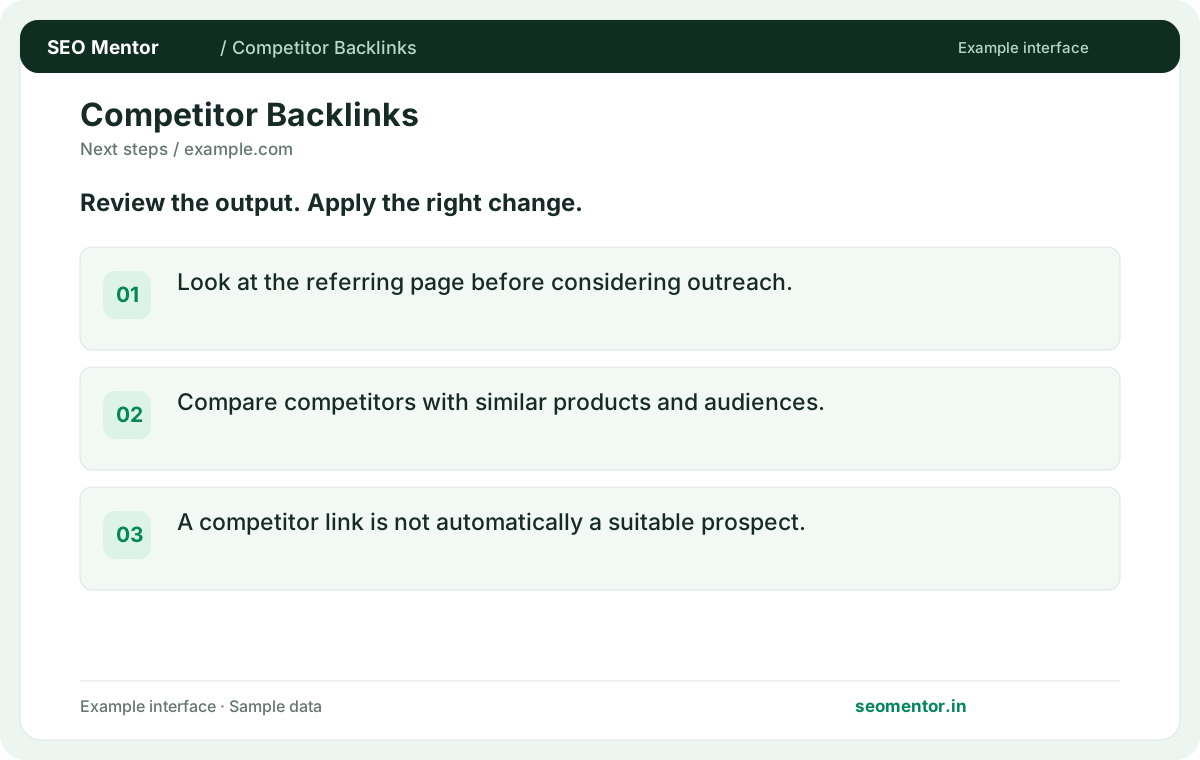
Look at the referring page before considering outreach. Compare the reported example.org, example.edu, example.com with the page or domain you intended to check.
Research the available backlinks pointing to a competitor. Review referring sites and link attributes to identify sources worth investigating.
Start Competitor backlink research ↗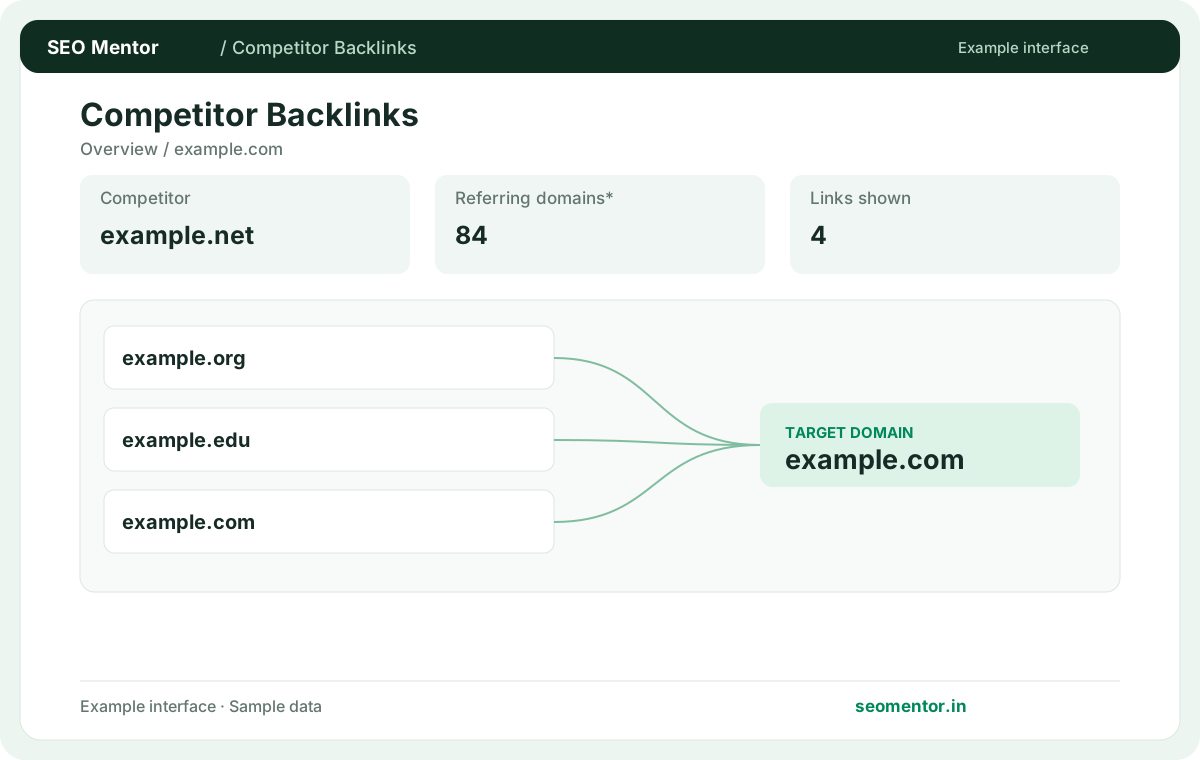
Enter your details and run the free tool to see the results on this page.
Free to use. Results appear on this page.
Review why each source links to a competitor before planning outreach. A meaningful comparison starts with relevant domains, not a headline number.
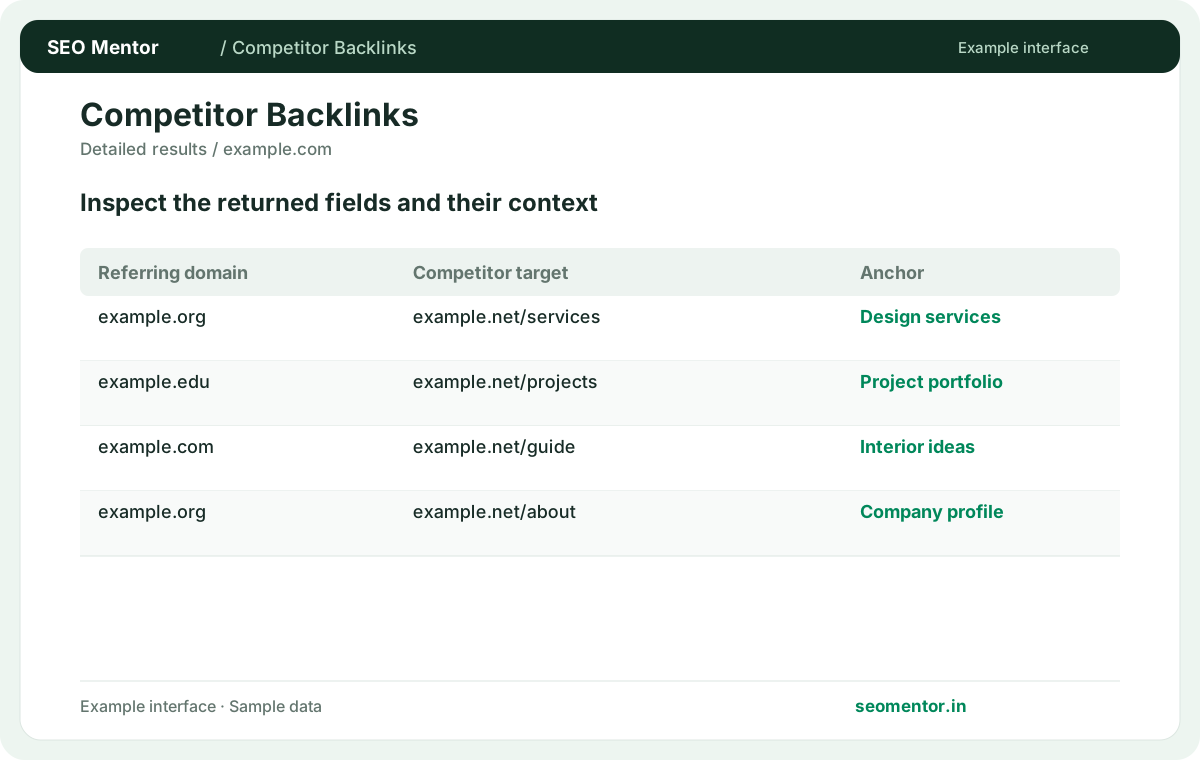
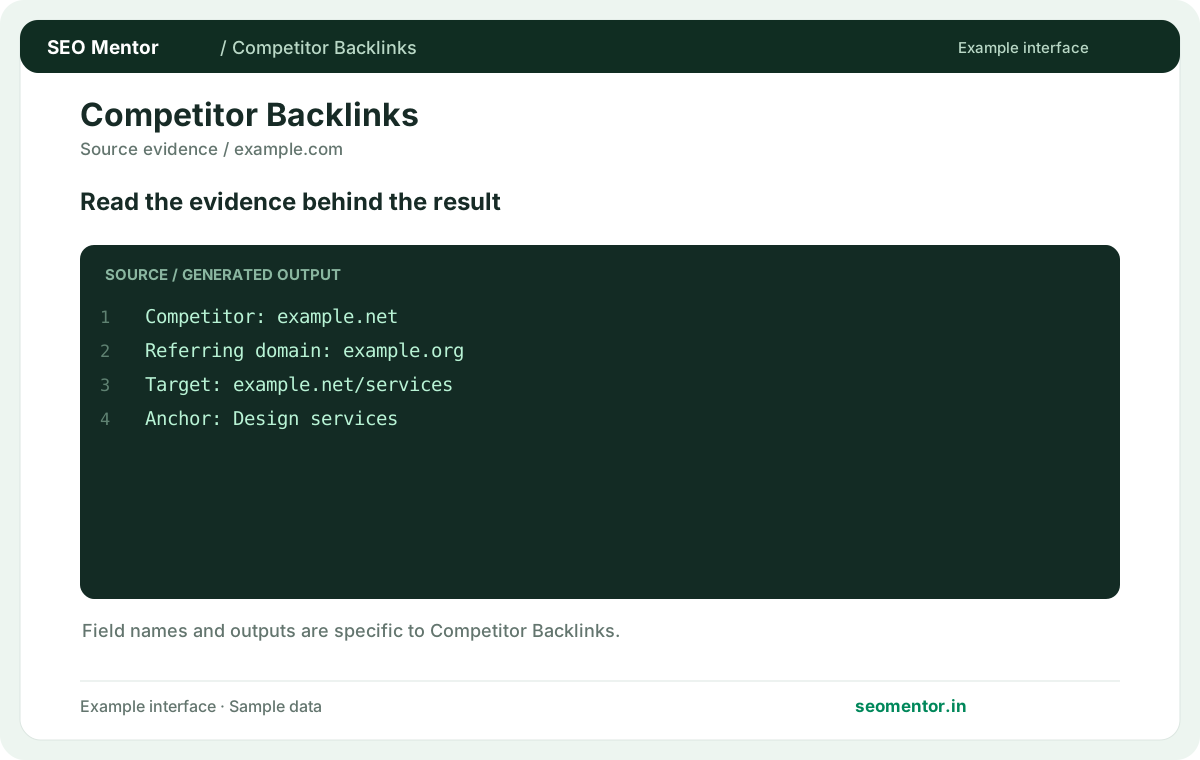
Examine source websites, link context, target pages and other available evidence before making changes.
Record what the report actually shows, review relevant sources, and compare findings with the pages and audiences that matter to your business.
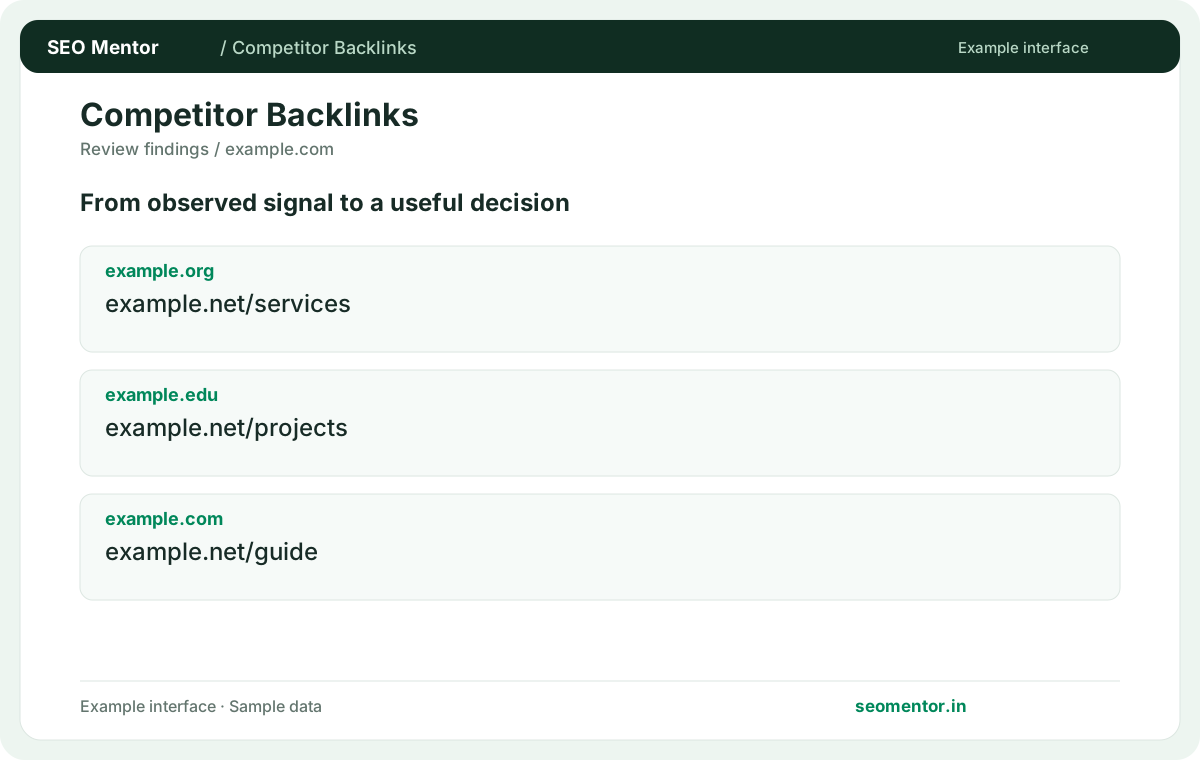
Review why each source links to a competitor before planning outreach. Revisit the findings after meaningful changes and avoid interpreting illustrative examples as actual results.
Review referring pages available for relevant competitors in your market. Use the context and audience of each source to identify worthwhile research or partnership prospects for your own business.
Look at the referring page before considering outreach. Compare the reported example.org, example.edu, example.com with the page or domain you intended to check.
Compare competitors with similar products and audiences. A competitor link is not automatically a suitable prospect.
Keep the result alongside the page or domain reviewed, so you can compare the evidence after making changes.
Select a site competing for the same audience or search results. A broad marketplace can have a link profile that is difficult to compare with a specialist site.
Choose a competitor whose customers, location or product category overlap yours. The linking opportunities are easier to judge against a comparable business.
Group observed backlinks by destination and inspect pages that attract relevant sources. Look for useful formats such as guides, studies or templates.
If several industry sites link to a competitor's comparison calculator, open the cited pages and see whether they link for the formula, data or convenience. That detail helps you decide whether a better calculator or a different resource would actually be useful.
It describes how linking pages refer to the destination. Compare branded, descriptive and generic anchors in their original context.
A citation using a study’s name suggests a different reason for linking than a branded footer placement. Open the source to confirm the distinction.
Read the source article and its disclosure or contributor details. The backlink row alone cannot establish the relationship.
A link inside a sponsored announcement or joint case study can reflect a commercial relationship. Read the page disclosure before drawing conclusions.
A launch, syndicated article or sitewide placement can create many observations. Check whether they come from independent domains.
If many observations share one root domain, check for syndication or repeated navigation before counting them as independent endorsements.
Review whether the source marks the link as nofollow, sponsored or user-generated where reported. Treat this as context about the placement.
Where available, record the attribute beside the actual source URL. Recheck the markup if the link is important to a decision.
Look for relevant publications that cover your field and accept useful contributions. Pitch a resource suited to their readers.
If an industry newsletter cites a competitor’s survey, offer an original update or a genuinely useful comparison rather than a generic link request.
Compare the types of relevant sources and linked content first. Raw totals often reflect the site's age and scope.
Look at peer groups by audience and page type. A mature brand’s press links may be less actionable for a new local business than relevant trade listings.
A migration or redirect may have changed it. Follow the current destination and compare its topic with the source context.
Compare the reported destination with the live final page. An old report can contain a source link that now resolves through a migration redirect.
Cite the actual source URL and the reason it matters. Separate verified examples from provider totals and unreviewed opportunities.
In a client report, show one or two confirmed source pages and explain the content or relationship behind each. Label unverified provider counts separately.
SEO Mentor helps you identify opportunities. SEOKart can help put those findings into action with professional SEO services, technical improvements and ongoing optimisation.
Explore SEOKart SEO Services