Review the http response details
Review the response received by this simulated test. Compare the reported http response, robots.txt, meta robots with the page or domain you intended to check.
Simulate a Googlebot-style request to a public URL. Inspect the returned response and visible crawl signals to diagnose access issues.
Start Googlebot Crawl Test ↗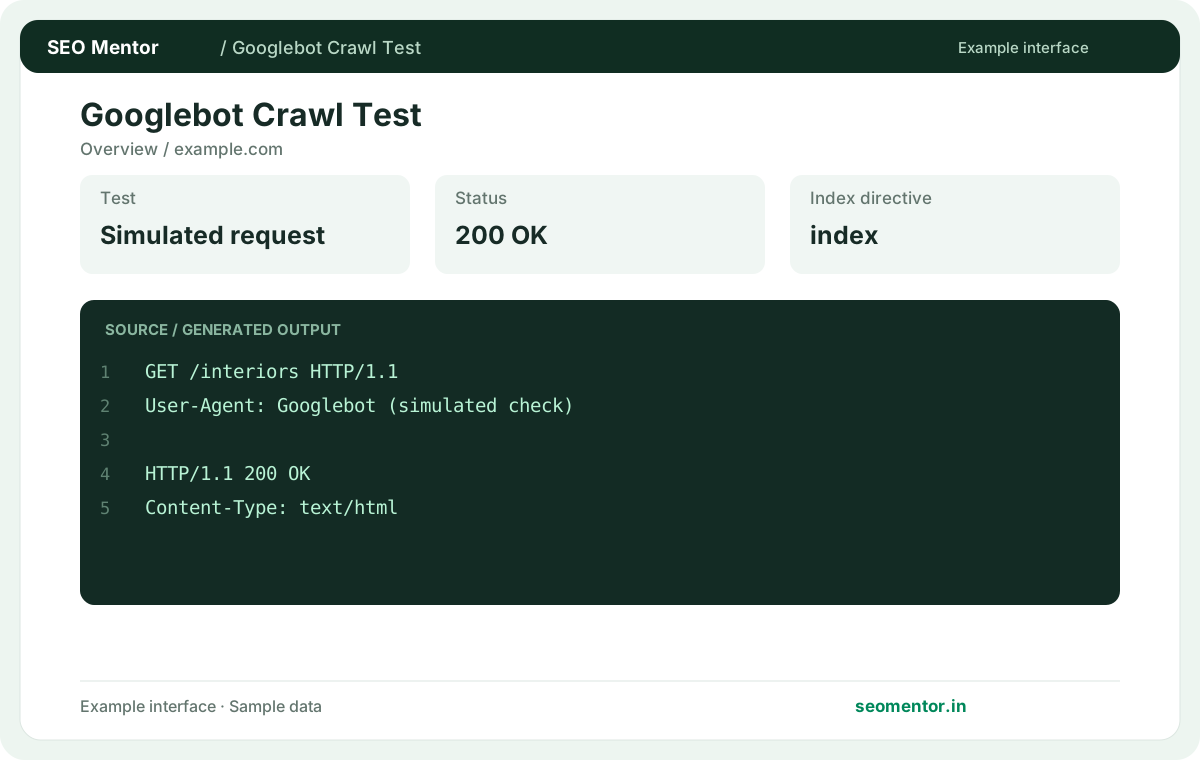
Enter your details and run the free tool to see the results on this page.
This is a simulation, not an official Googlebot crawl or Search Console indexing confirmation. Start with the questions your target audience actually asks.
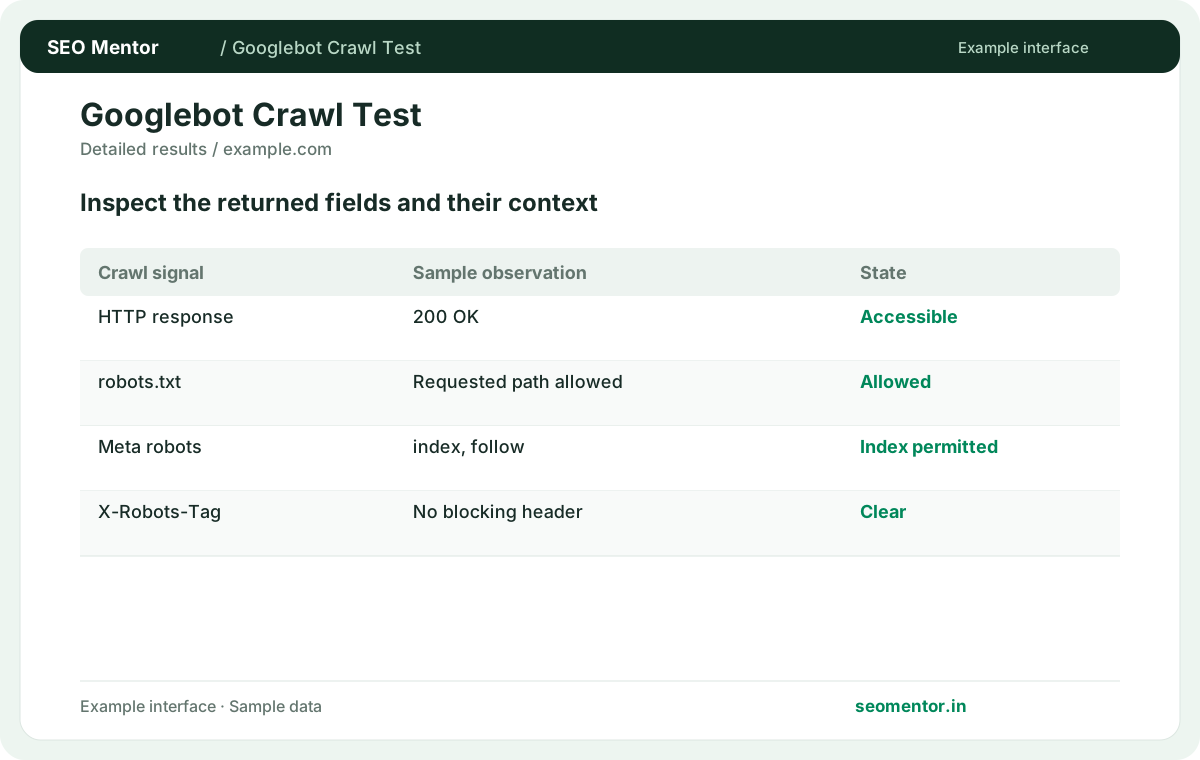
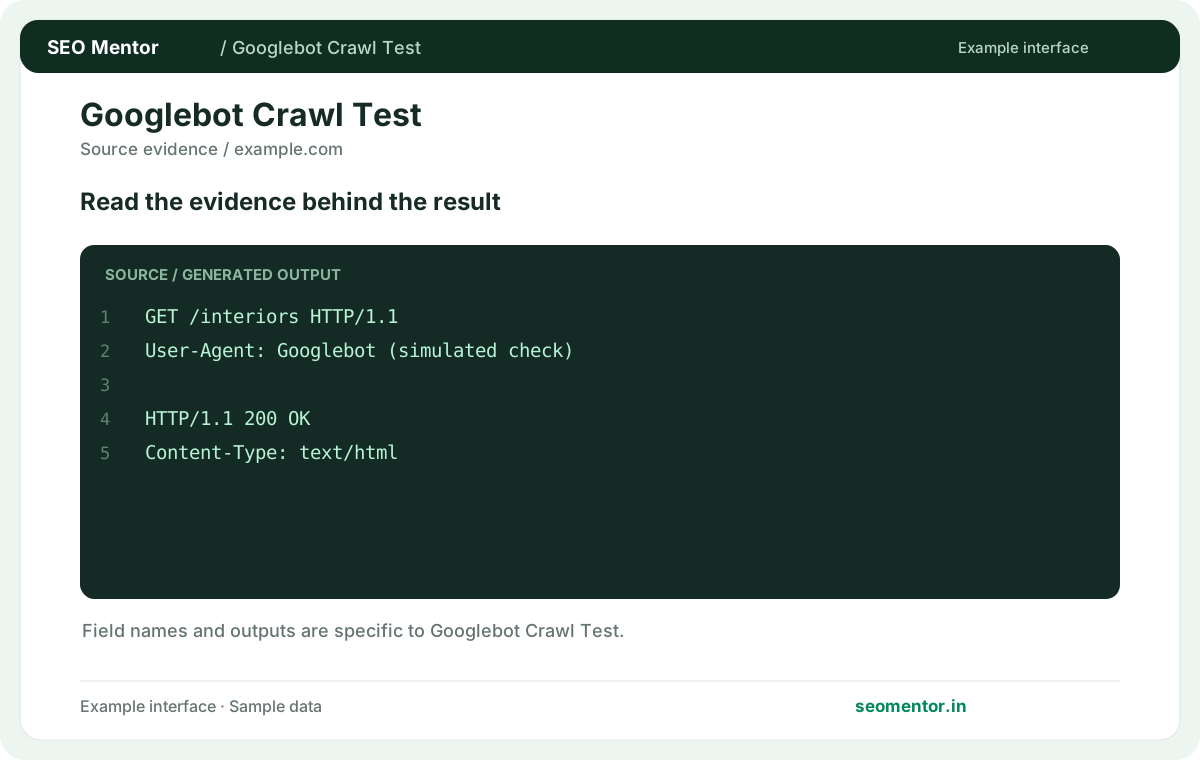
Compare http response, html snapshot, robots signals in context before deciding what to change.
Record what the report actually shows, compare relevant pages and validate findings before publishing changes.
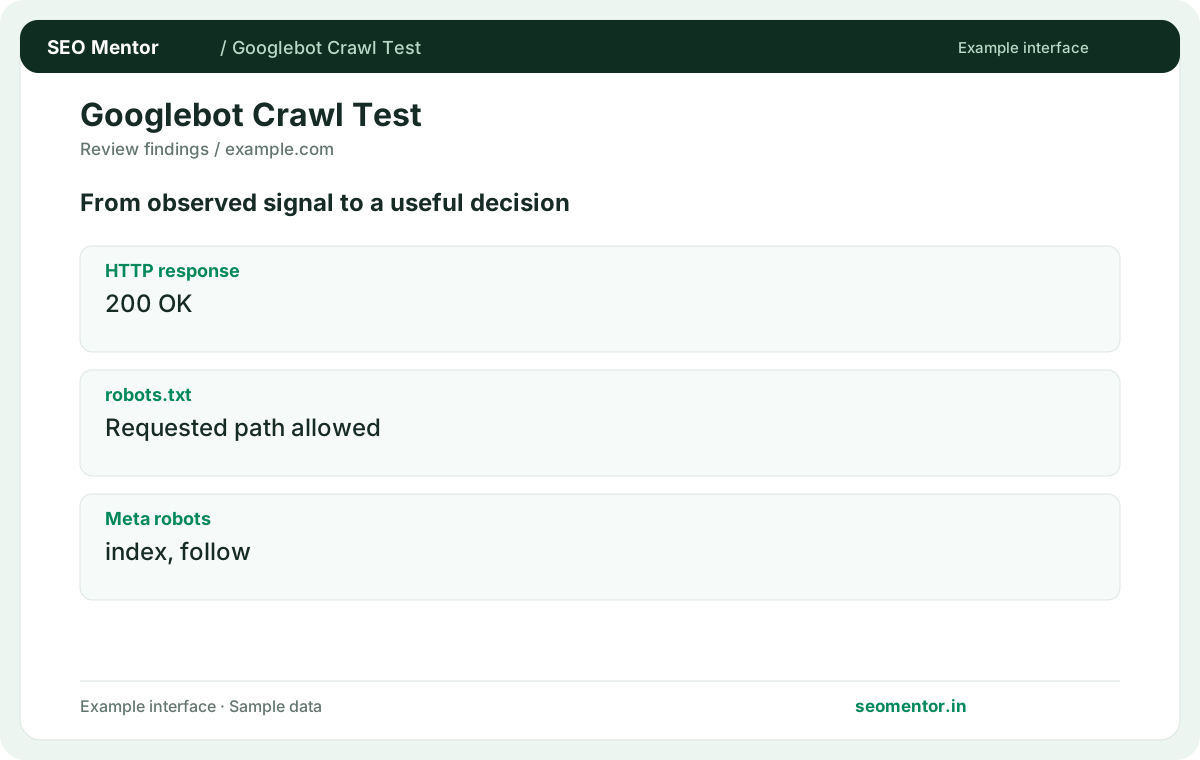
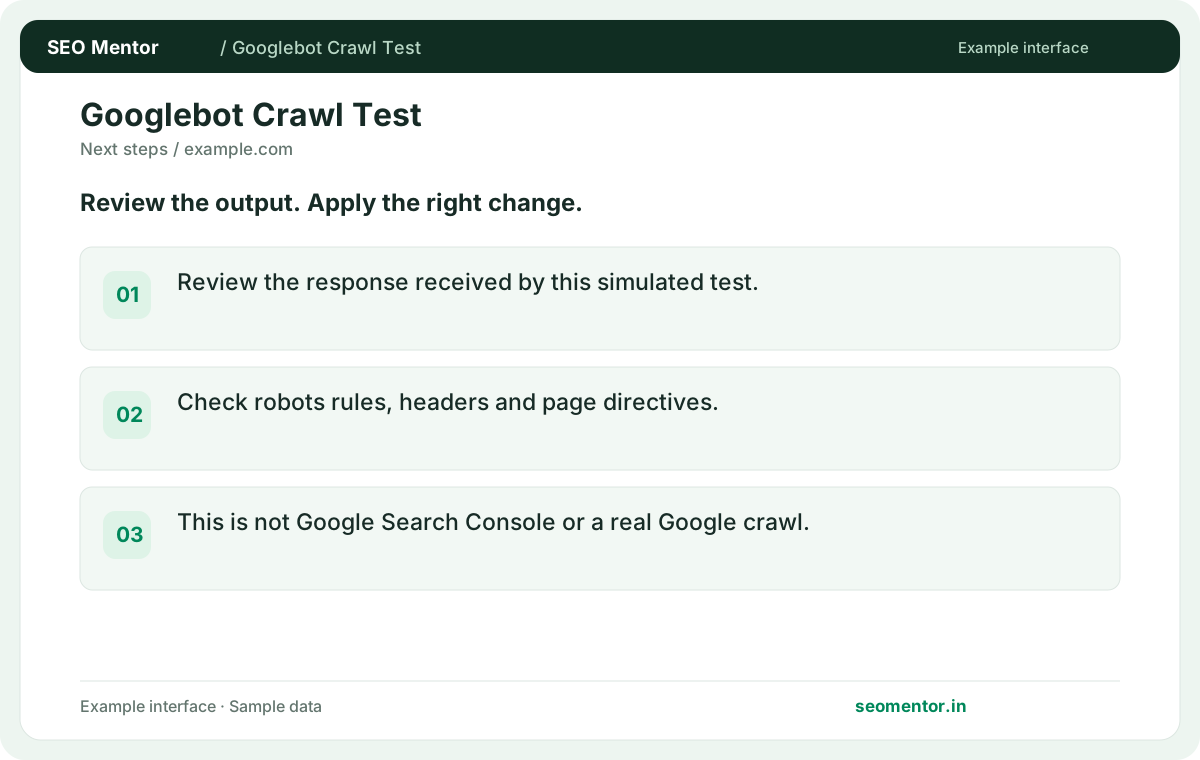
This is a simulation, not an official Googlebot crawl or Search Console indexing confirmation. Recheck after substantive updates rather than relying on sample illustrations.
Review a simulated Googlebot-style request to an important public page. Check the returned response and crawl directives, then use Google’s own tools when you need confirmation of an actual Google crawl.
Review the response received by this simulated test. Compare the reported http response, robots.txt, meta robots with the page or domain you intended to check.
Check robots rules, headers and page directives. This is not Google Search Console or a real Google crawl.
Keep the result alongside the page or domain reviewed, so you can compare the evidence after making changes.
It requests public HTML using a Googlebot-style user agent. The result describes that response and signals visible to the tool.
Related check — Which redirect matters for crawl analysis? Follow the requested URL to its final page. Evaluate the destination's status and directives before deciding whether the chain is healthy.
Search Console can provide Google-specific indexing and inspection data for your verified site. This test independently checks publicly observable responses.
Related check — How do I verify a crawler-specific fix? Publish the fix, retest the same URL and review the exact response. For your own site, corroborate the result with live URL inspection.
Compare headings, links and main text in initial HTML with the rendered page. Important content absent from the first response merits a rendering review.
On a client-rendered category page, compare the initial HTML with the rendered product grid. If the products and their links only appear after scripts run, check server rendering or another reliable way to expose important links in the initial response.
A firewall may return a challenge or block page to automated traffic. Inspect the final response and compare it with a regular browser request.
Related check — Can I use the report for a staging site? Test only a public environment you are authorised to inspect. Authentication and network restrictions can prevent the simulation from reaching the page.
Robots rules govern fetching and noindex is a page directive. Review both when trying to understand why a page is hard to discover.
Related check — Does a 200 response mean a page is indexable? A successful response can still contain noindex, a different canonical or an error template. Review the reported page content and directives.
A successful response can still contain noindex, a different canonical or an error template. Review the reported page content and directives.
Related check — Why check both robots.txt and noindex? Robots rules govern fetching and noindex is a page directive. Review both when trying to understand why a page is hard to discover.
Verify that public responses include titles, headings, meaningful text and crawlable links. Retest a few important templates.
Related check — How do I identify a JavaScript dependency? On a client-rendered category page, compare the initial HTML with the rendered product grid. If the products and their links only appear after scripts run, check server rendering or another reliable way to expose important links in the initial response.
Follow the requested URL to its final page. Evaluate the destination's status and directives before deciding whether the chain is healthy.
Related check — What does the simulated crawl fetch? It requests public HTML using a Googlebot-style user agent. The result describes that response and signals visible to the tool.
Test only a public environment you are authorised to inspect. Authentication and network restrictions can prevent the simulation from reaching the page.
Related check — Can a CDN challenge affect the test? A firewall may return a challenge or block page to automated traffic. Inspect the final response and compare it with a regular browser request.
Publish the fix, retest the same URL and review the exact response. For your own site, corroborate the result with live URL inspection.
Related check — Why is this different from Search Console URL Inspection? Search Console can provide Google-specific indexing and inspection data for your verified site. This test independently checks publicly observable responses.
SEO Mentor helps you identify opportunities. SEOKart can help put those findings into action with professional SEO services, technical improvements and ongoing optimisation.
Explore SEOKart SEO Services