Review the 1 details
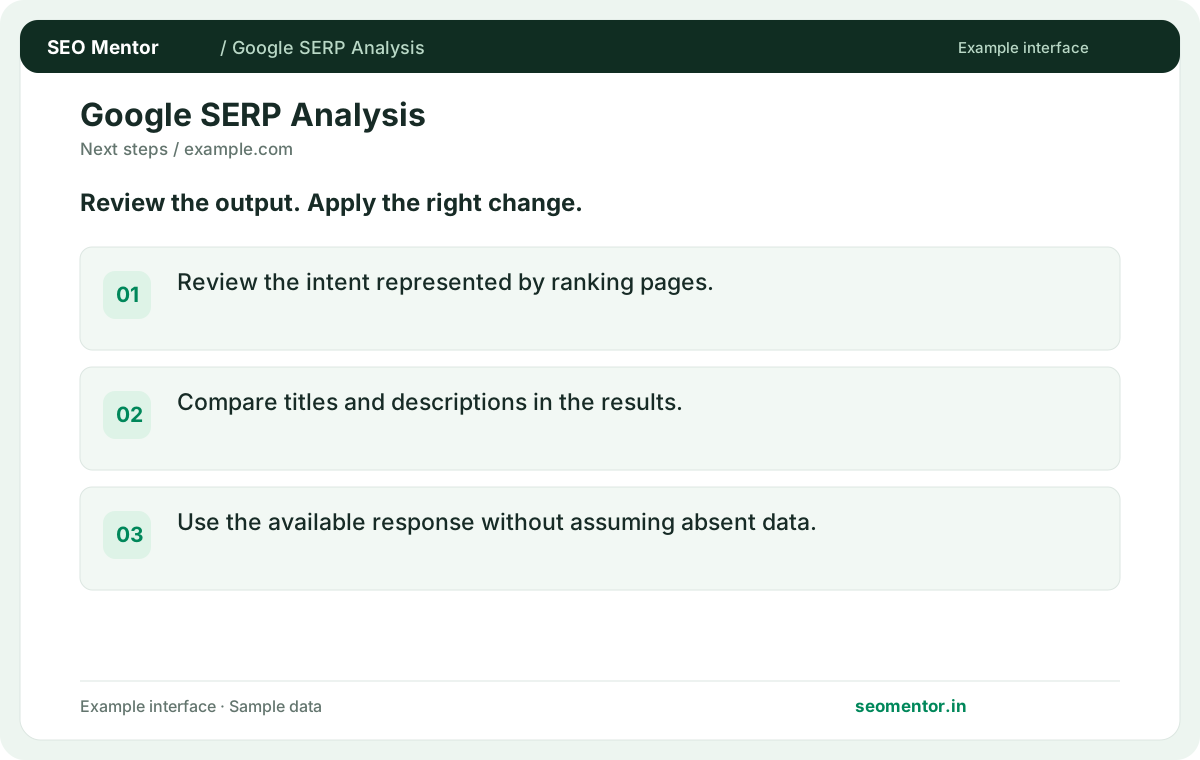
Review the intent represented by ranking pages. Compare the reported 1, 2, 3 with the page or domain you intended to check.
Explore available Google results, People Also Ask questions and related searches for a query. Use the results to understand what searchers expect to find.
Start Google SERP Analysis ↗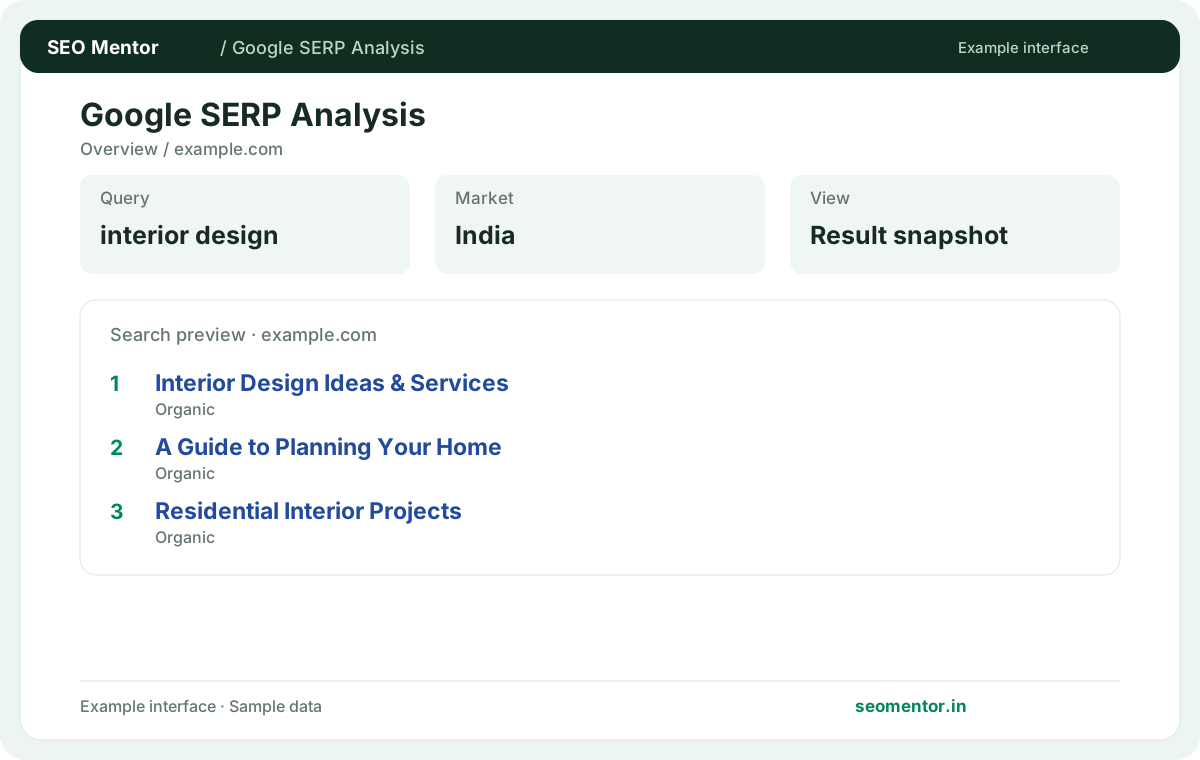
Enter your details and run the free tool to see the results on this page.
Free to use. Results appear on this page.
Group recurring questions and related searches before planning your content. Start with the questions your target audience actually asks.
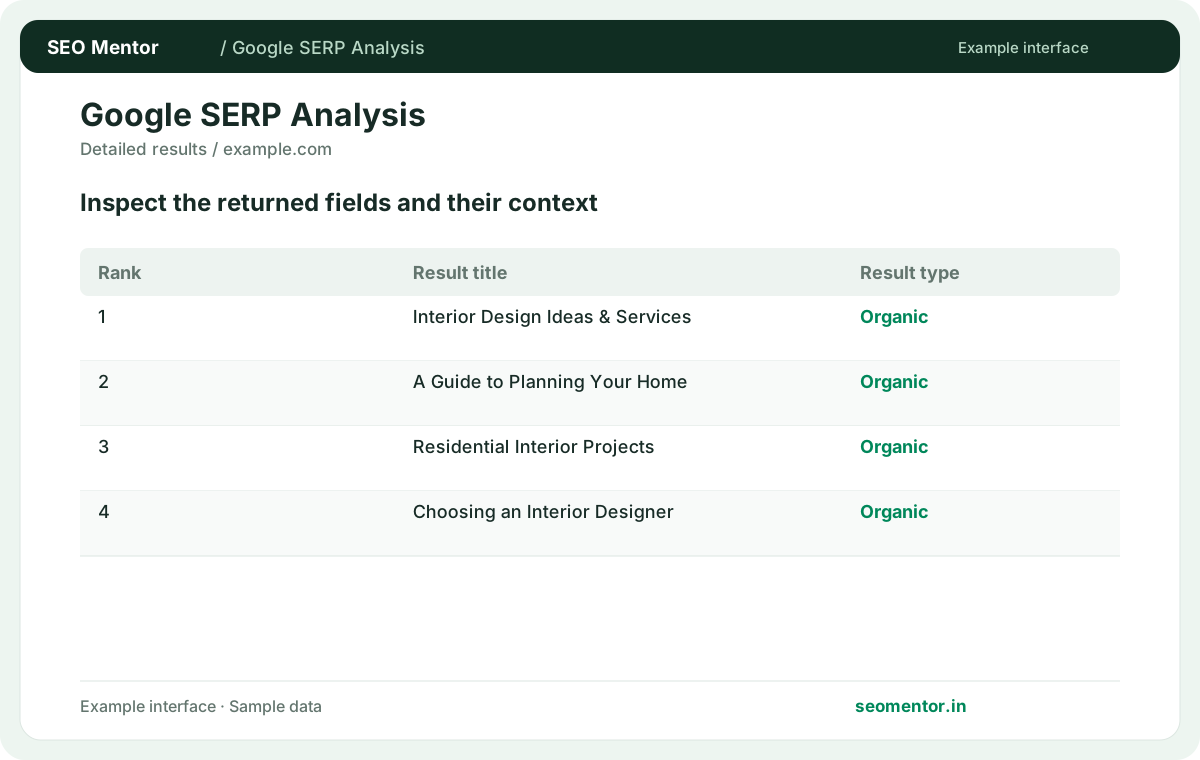
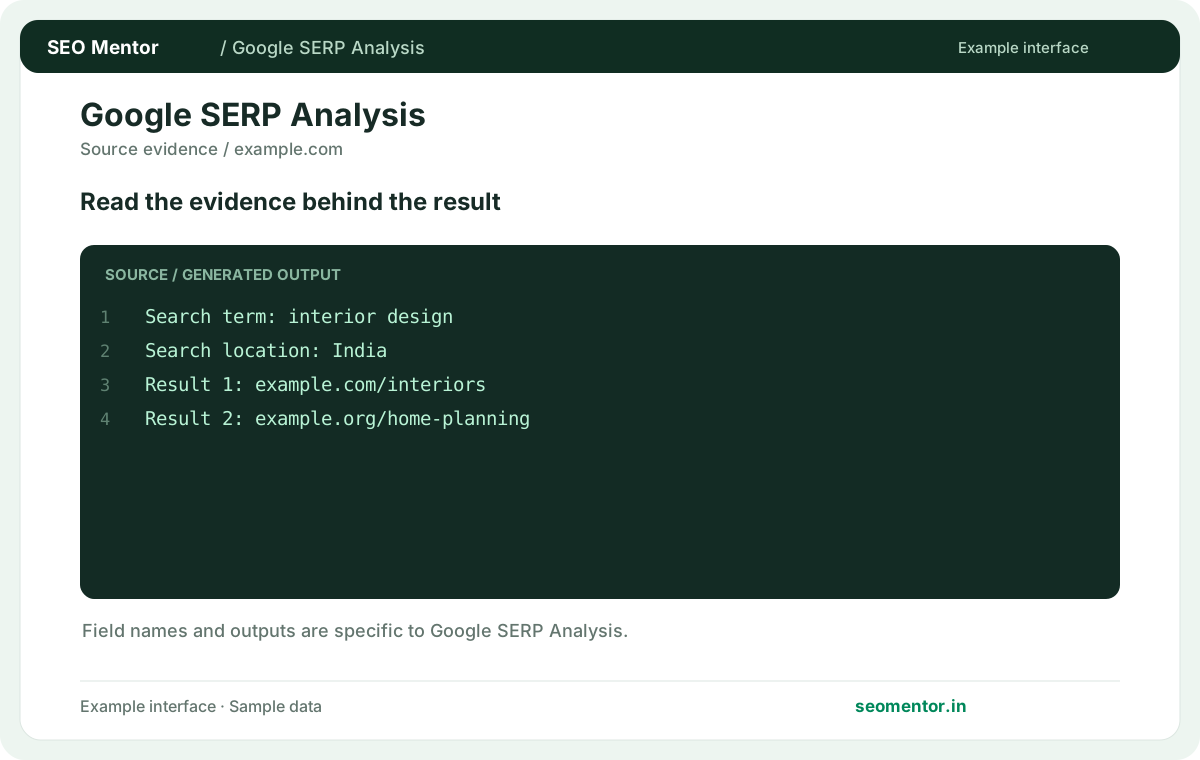
Compare organic results, people also ask, related searches in context before deciding what to change.
Record what the report actually shows, compare relevant pages and validate findings before publishing changes.
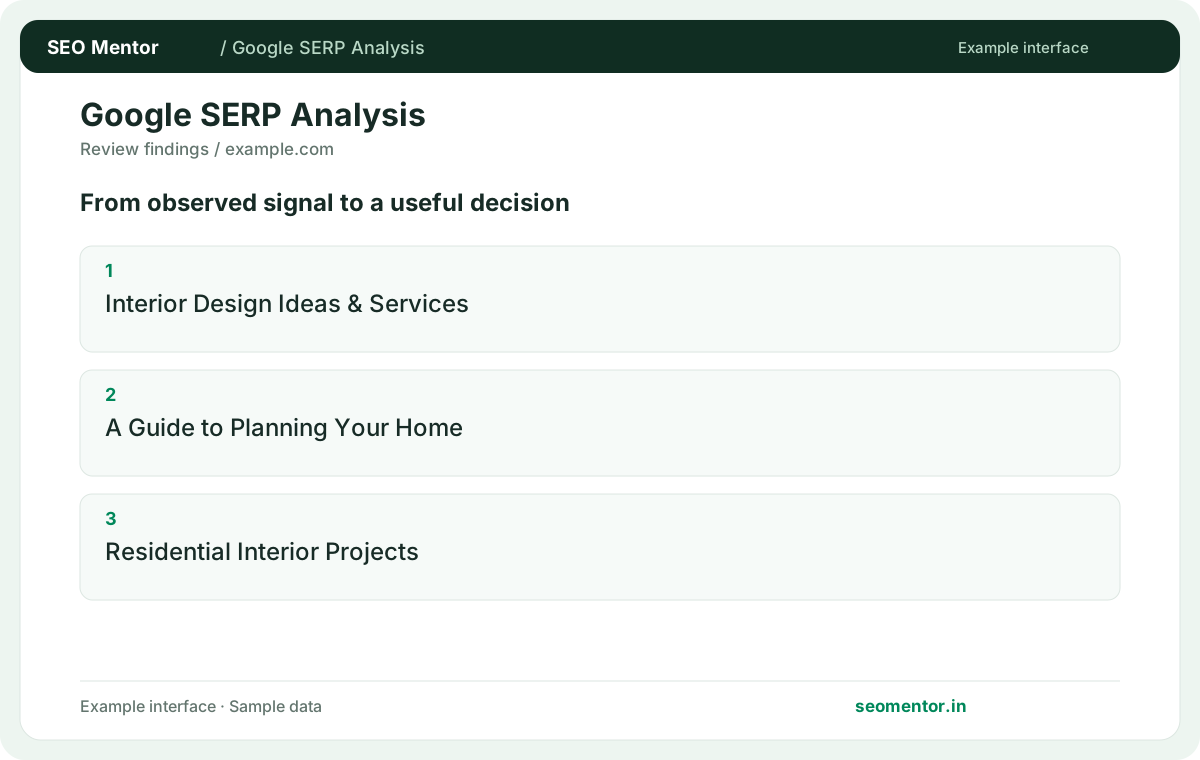
Group recurring questions and related searches before planning your content. Recheck after substantive updates rather than relying on sample illustrations.
Study the pages and result types appearing for your target search. businesses can use this evidence to distinguish service enquiries, product research and informational intent before creating or revising content.
Review the intent represented by ranking pages. Compare the reported 1, 2, 3 with the page or domain you intended to check.
Compare titles and descriptions in the results. Use the available response without assuming absent data.
Keep the result alongside the page or domain reviewed, so you can compare the evidence after making changes.
Use the wording a customer is likely to search. Run separate checks for terms with different purchase stages or locations.
Related check — Why does my browser show a different result? Search can vary by location, device, time and personalisation. Use the report as a snapshot of what the provider observed.
It can reveal follow-up questions connected to the query. Use it to identify missing information a relevant page should address.
Related check — How can I use SERP analysis in a content brief? Identify the dominant intent, useful follow-up questions and gaps in competing pages. Give the writer a clear audience and purpose.
Related searches suggest adjacent queries. Organic results show pages observed for the original query.
Related check — What should I do when the tool returns few features? Review the available organic results and try related wording. Feature availability can change between queries and snapshots.
Review the common page types and the problems they answer. A mix of guides and product pages can indicate more than one intent.
If the results for a query are mostly comparison articles, a brief sales page may not answer the research task. Read the top pages, note what they compare and decide whether a guide or a dedicated product page fits the query better.
Review the available organic results and try related wording. Feature availability can change between queries and snapshots.
Related check — How do related searches differ from ranking results? Related searches suggest adjacent queries. Organic results show pages observed for the original query.
Inspect whether local business results or location-oriented pages dominate. Compare an explicit city variant before deciding on a page strategy.
Related check — Does appearing in a search feature guarantee traffic? Measure impressions and visits in your own data. A result can be visible without attracting clicks.
Search can vary by location, device, time and personalisation. Use the report as a snapshot of what the provider observed.
Related check — What should I enter as the search query? Use the wording a customer is likely to search. Run separate checks for terms with different purchase stages or locations.
Identify the dominant intent, useful follow-up questions and gaps in competing pages. Give the writer a clear audience and purpose.
Related check — What is a People Also Ask result useful for? It can reveal follow-up questions connected to the query. Use it to identify missing information a relevant page should address.
Group phrases that share a purpose. Create separate coverage when a related query requires a meaningfully different answer.
Related check — How do I infer search intent from results? If the results for a query are mostly comparison articles, a brief sales page may not answer the research task. Read the top pages, note what they compare and decide whether a guide or a dedicated product page fits the query better.
Measure impressions and visits in your own data. A result can be visible without attracting clicks.
Related check — Can a SERP show local intent without a city name? Inspect whether local business results or location-oriented pages dominate. Compare an explicit city variant before deciding on a page strategy.
SEO Mentor helps you identify opportunities. SEOKart can help put those findings into action with professional SEO services, technical improvements and ongoing optimisation.
Explore SEOKart SEO Services