Review the title details
Review generated text before publishing. Compare the reported title, description, viewport with the page or domain you intended to check.
Draft and generate HTML title and description tags for a webpage. Review the text for clarity and relevance before copying it into your site.
Use Meta Tag Generator ↗
Enter the required details to preview the available output and access applicable report options.
Google may generate its own snippets; a drafted meta description is not guaranteed to appear. Use the relevant fields to identify what needs further investigation.
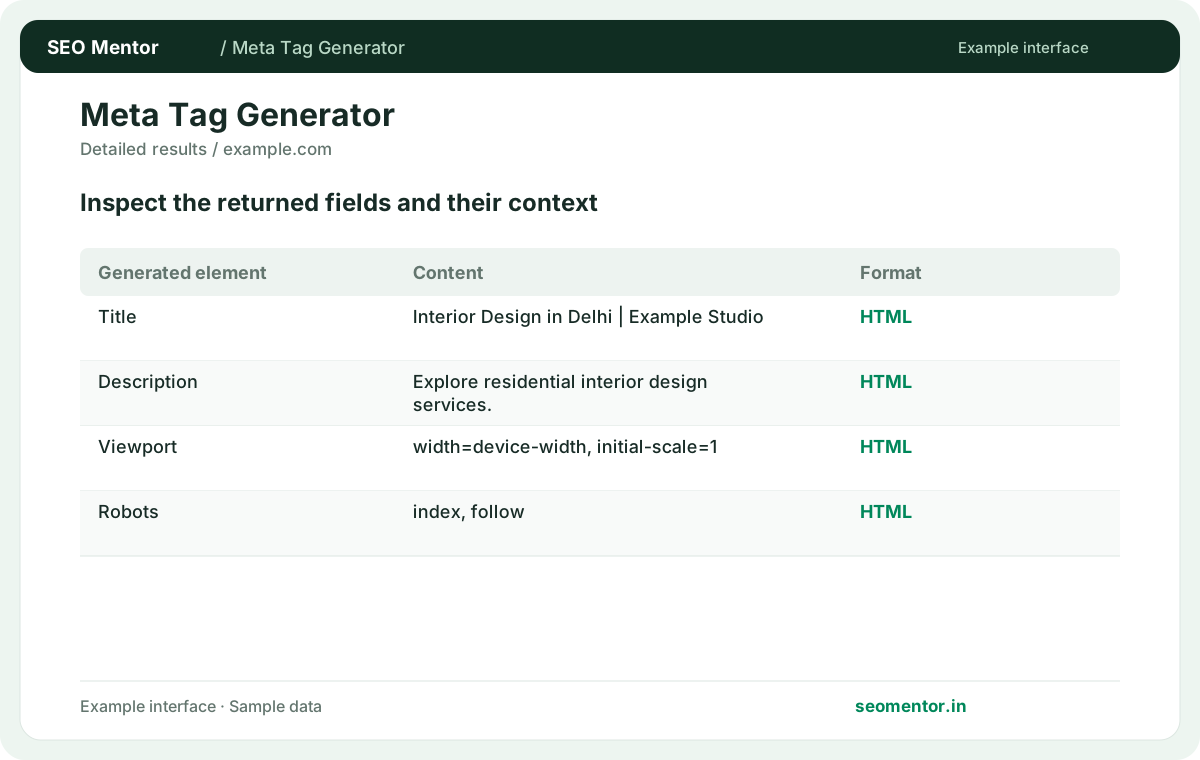
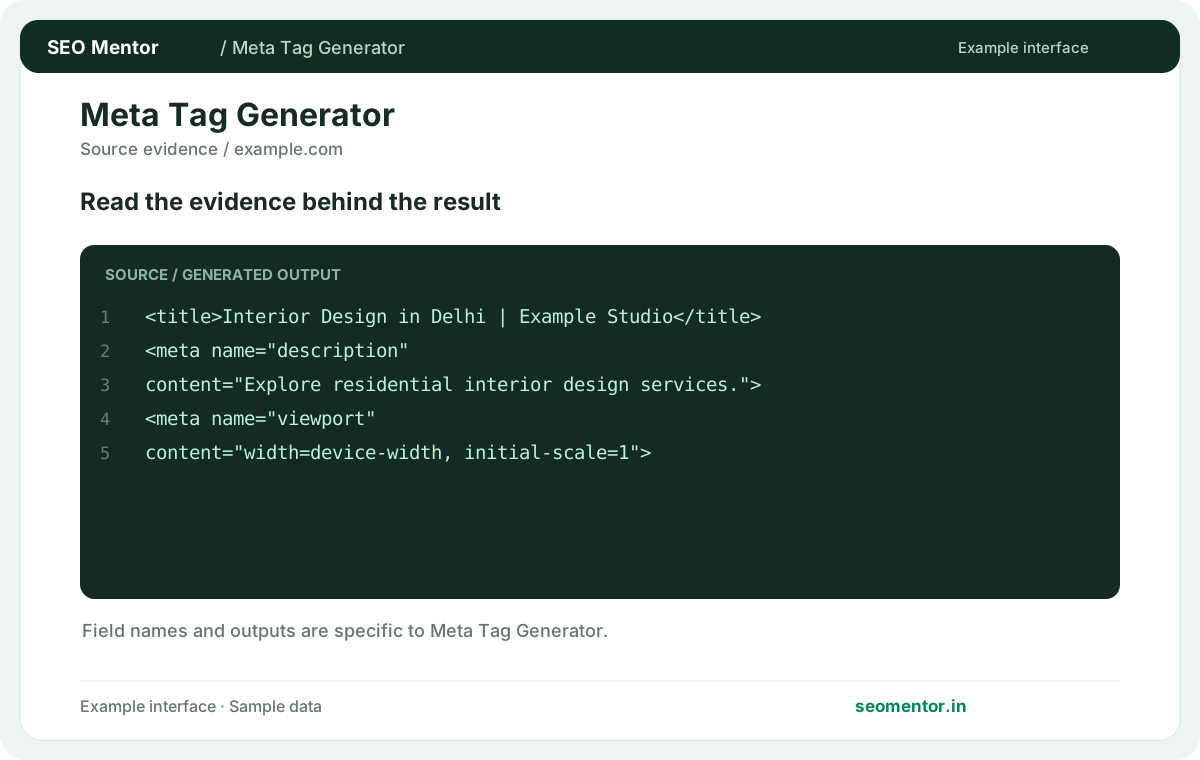
Look at title tag draft, description preview, intent alignment together, rather than drawing conclusions from one value.
Google may generate its own snippets; a drafted meta description is not guaranteed to appear. Document the input, verify the result and compare similar pages where appropriate.
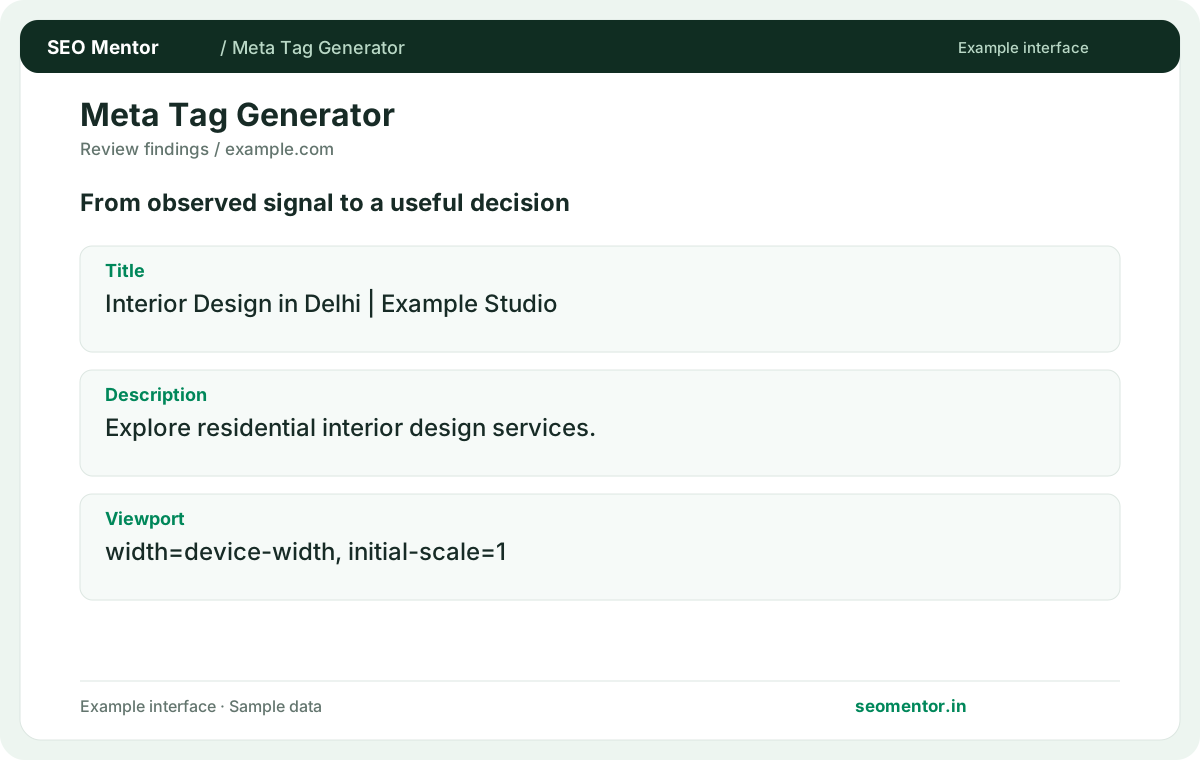
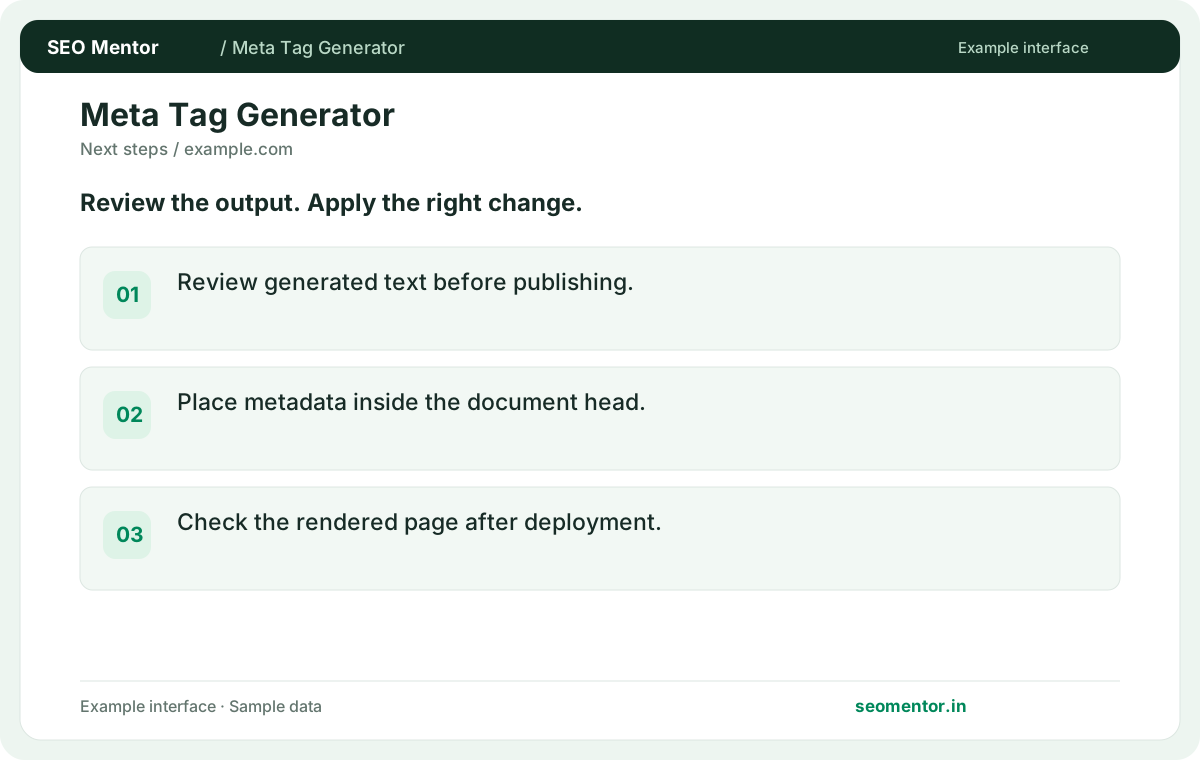
Use the findings to prioritise useful changes for visitors. Google may generate its own snippets; a drafted meta description is not guaranteed to appear.
Create page-specific HTML metadata for your website. service businesses and stores should describe the actual offering and location where relevant, then review the generated tags before adding them to the document head.
Review generated text before publishing. Compare the reported title, description, viewport with the page or domain you intended to check.
Place metadata inside the document head. Check the rendered page after deployment.
Keep the result alongside the page or domain reviewed, so you can compare the evidence after making changes.
Use a concise description of the page's main subject. Include a distinguishing service, product or location where relevant.
Related check — How do I write a useful meta description? State what readers can find or do on the page. Use concrete details from the actual offer and keep the wording readable.
State what readers can find or do on the page. Use concrete details from the actual offer and keep the wording readable.
Related check — What should I enter as the title? Use a concise description of the page's main subject. Include a distinguishing service, product or location where relevant.
Enter the preferred public URL for the content. Verify the hostname and path before including the generated tag.
Related check — Can I paste the output anywhere in my template? If an SEO plugin already generates titles and descriptions, update its template fields rather than pasting a second set into the header. Inspect a live page after deployment and confirm it has one intended title and description.
Choose a directive that matches the page's intended discoverability. Review staging and restricted pages separately.
Related check — Should I copy one generated set across many pages? Give each distinct landing page metadata that matches its subject. Shared templates should still produce page-specific values.
Put the generated metadata in the document head. Replace equivalent existing tags to avoid duplicate declarations.
If an SEO plugin already generates titles and descriptions, update its template fields rather than pasting a second set into the header. Inspect a live page after deployment and confirm it has one intended title and description.
Give each distinct landing page metadata that matches its subject. Shared templates should still produce page-specific values.
Related check — Which robots value should a public landing page use? Choose a directive that matches the page's intended discoverability. Review staging and restricted pages separately.
A typo or staging hostname can publish an unintended canonical. Open the value and confirm it resolves to the desired page.
Related check — What should I verify before requesting indexing? Confirm the title, description and canonical are present on the intended live URL. Check that no restrictive directive remains from staging.
Publish the markup through your CMS or source code. Check the live response after deployment.
Related check — How do I handle characters such as ampersands? Use the generated HTML and preserve its escaping. Review the browser or source output after the CMS saves it.
Use the generated HTML and preserve its escaping. Review the browser or source output after the CMS saves it.
Related check — Does generating tags change my live site? Publish the markup through your CMS or source code. Check the live response after deployment.
Confirm the title, description and canonical are present on the intended live URL. Check that no restrictive directive remains from staging.
Related check — Why should I check the generated URL? A typo or staging hostname can publish an unintended canonical. Open the value and confirm it resolves to the desired page.
SEO Mentor helps you identify opportunities. SEOKart can help put those findings into action with professional SEO services, technical improvements and ongoing optimisation.
Explore SEOKart SEO Services