Review the estimated visits details
Treat third-party traffic values as estimates. Compare the reported estimated visits, organic traffic, keywords with the page or domain you intended to check.
Review available third-party traffic estimates for a domain. Compare websites using estimated traffic signals for competitive research.
Use Website Traffic Checker ↗
Enter the required details to explore the available output and report options.
Free to use. Results appear on this page.
Third-party estimates are directional and can be missing or inaccurate for smaller websites. Review the source evidence before making changes.
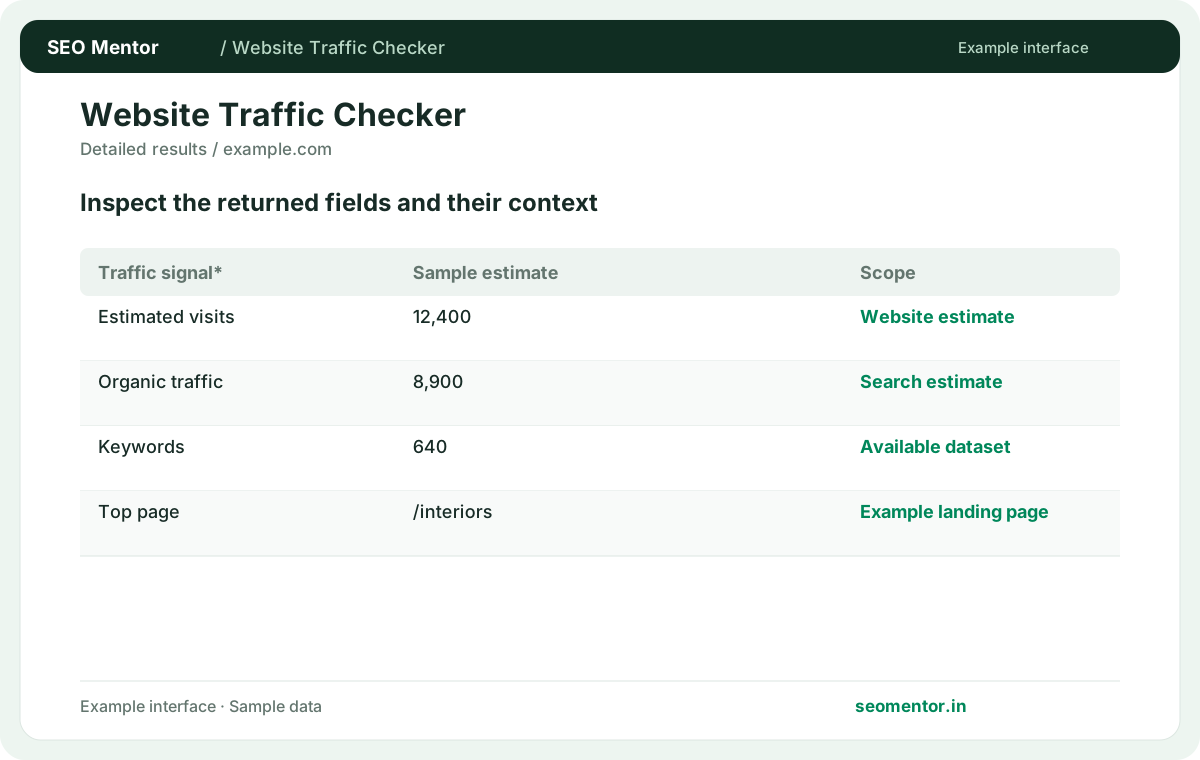
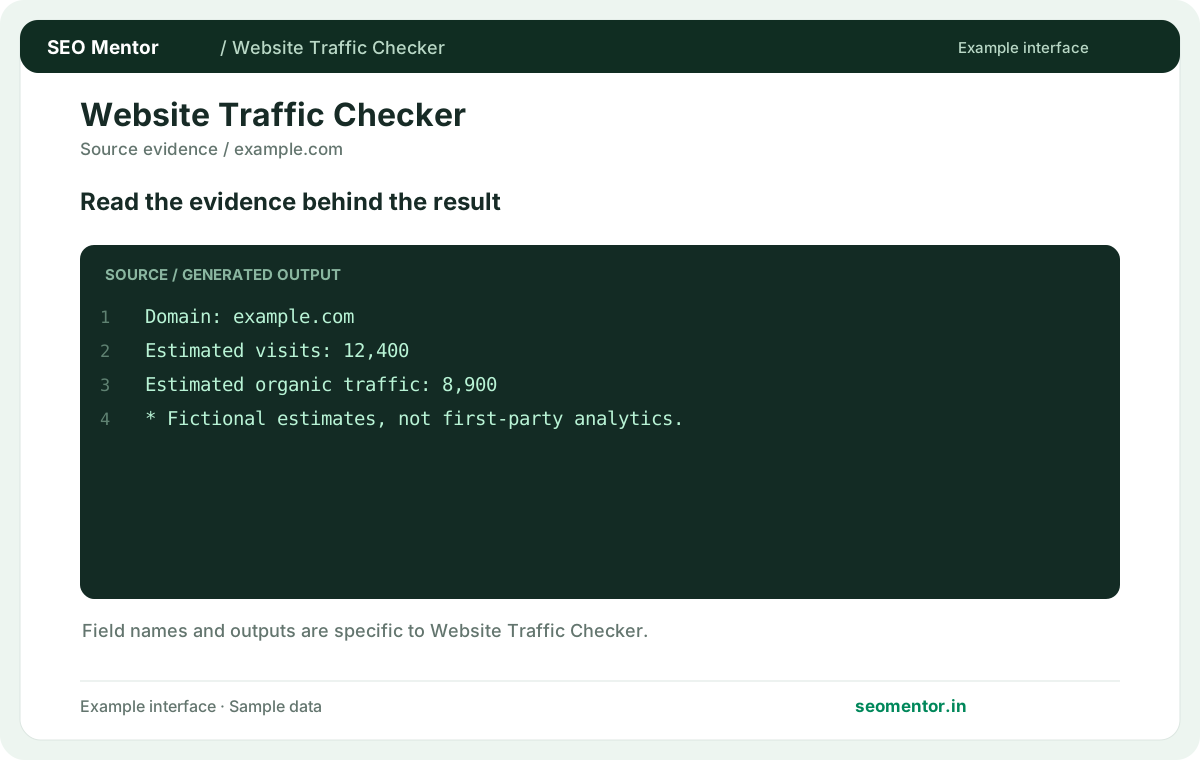
Consider estimated visits, search visibility, trend comparison together instead of relying on a single headline indicator.
Third-party estimates are directional and can be missing or inaccurate for smaller websites. Compare the sample workflow with the live site and its actual data.
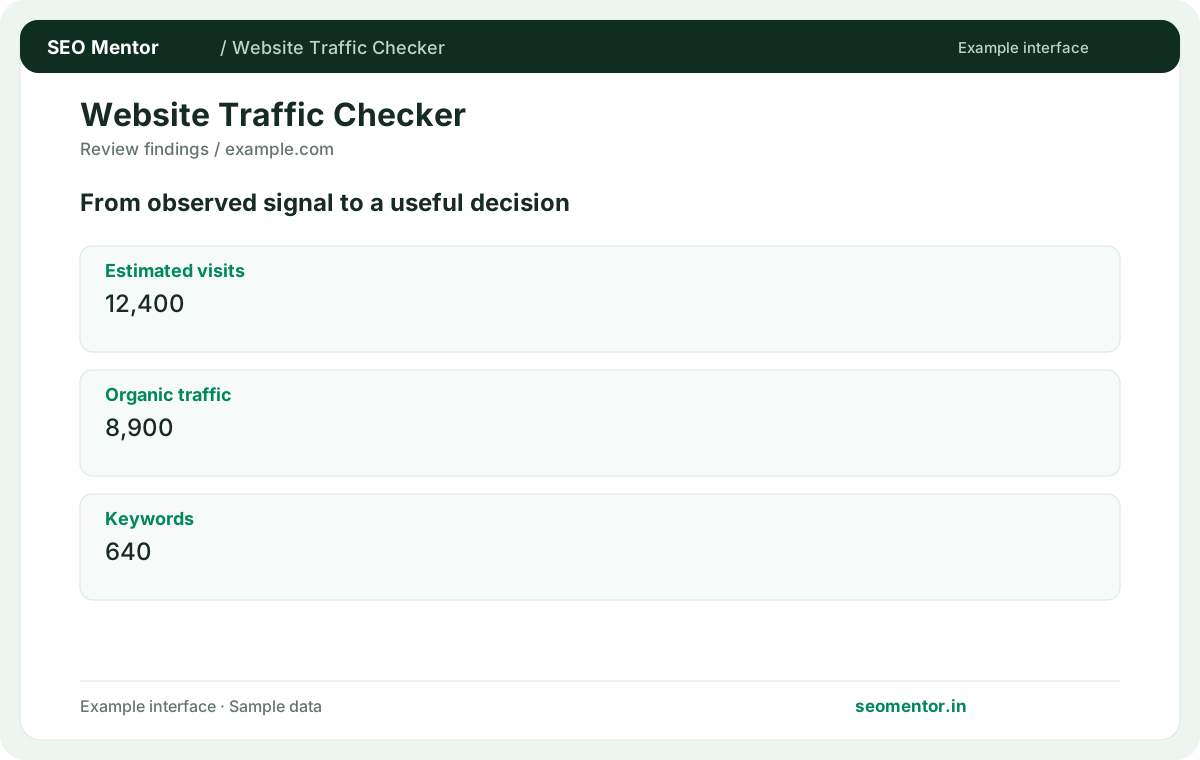
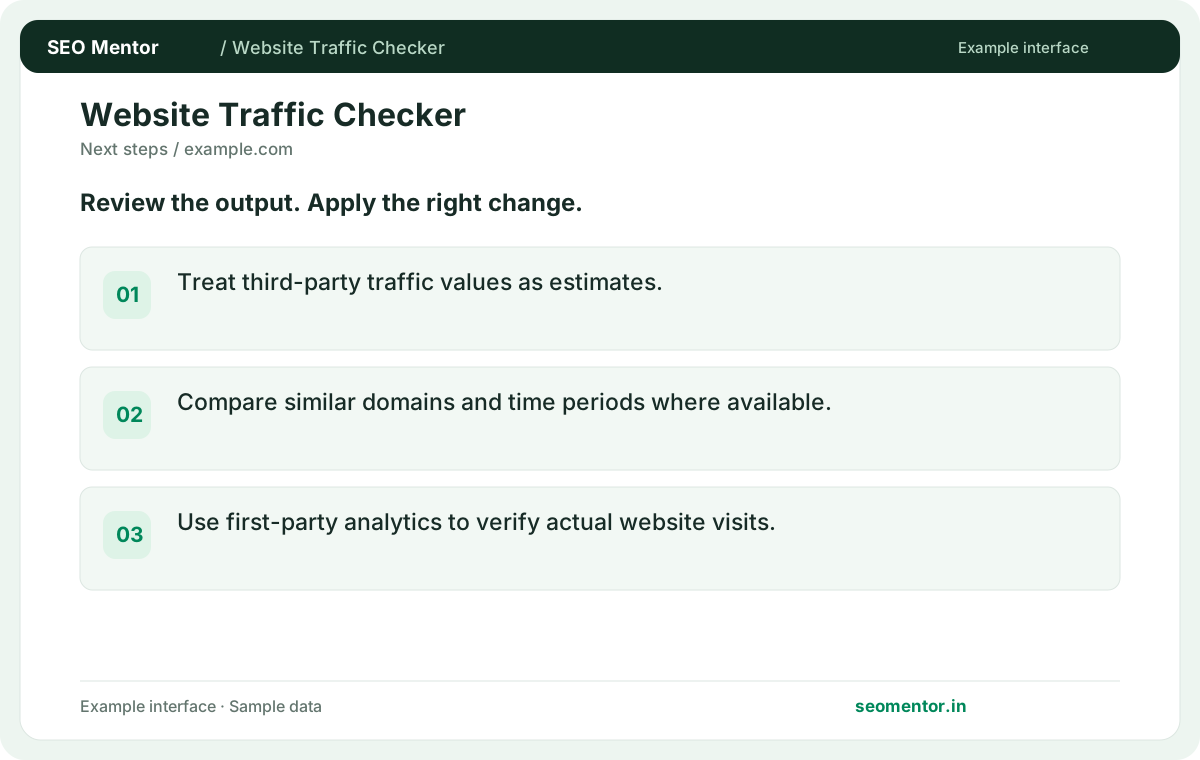
Prioritise the findings that affect your audience and revisit them after changes. Third-party estimates are directional and can be missing or inaccurate for smaller websites.
Compare available traffic estimates for your website and relevant competitors in the market. Use the figures to guide further research, then verify actual visits and conversions with your own analytics.
Treat third-party traffic values as estimates. Compare the reported estimated visits, organic traffic, keywords with the page or domain you intended to check.
Compare similar domains and time periods where available. Use first-party analytics to verify actual website visits.
Keep the result alongside the page or domain reviewed, so you can compare the evidence after making changes.
It is an available provider estimate for the entered domain. Compare it with other estimates under the same scope.
Related check — Why check domain scope? Root domains and subdomains may be measured differently. Confirm that the report covers the part of the site you want.
The tool uses available third-party data. Actual sessions and conversions require authorised analytics access.
Related check — Why does the estimate differ from Search Console? Search Console reports Google search activity for your property. A third-party estimate can use different sources and definitions.
Its traffic may fall outside provider coverage. Treat unavailable estimates as unknown.
Related check — What does the traffic estimate represent? It is an available provider estimate for the entered domain. Compare it with other estimates under the same scope.
Use country breakdowns only where the report explicitly supplies them. Keep the market and period consistent.
Related check — How should I benchmark competitors? Select comparable sites and the same timeframe. Use the estimates as context for research into pages and channels.
Search Console reports Google search activity for your property. A third-party estimate can use different sources and definitions.
Related check — Does it show Google Analytics data? The tool uses available third-party data. Actual sessions and conversions require authorised analytics access.
Check the period and provider methodology. Compare against real analytics if the site is yours.
Related check — Can I compare two countries using this result? Use country breakdowns only where the report explicitly supplies them. Keep the market and period consistent.
Traffic and conversion are separate. Use verified conversion and business metrics for that conclusion.
If two domains show similar estimated visits, the higher-converting one may still produce more leads. Compare verified conversion rates and the quality of traffic separately, and label any external traffic figures as estimates in client reports.
Select comparable sites and the same timeframe. Use the estimates as context for research into pages and channels.
Related check — Can an estimate identify the best converting site? Traffic and conversion are separate. Use verified conversion and business metrics for that conclusion.
Root domains and subdomains may be measured differently. Confirm that the report covers the part of the site you want.
Related check — How do I present an estimated traffic figure? Label it as a provider estimate and include the period and domain. Avoid giving it the precision of measured visits.
Label it as a provider estimate and include the period and domain. Avoid giving it the precision of measured visits.
Related check — What should I do with a sudden estimated spike? Check the period and provider methodology. Compare against real analytics if the site is yours.
SEO Mentor helps you identify opportunities. SEOKart can help put those findings into action with professional SEO services, technical improvements and ongoing optimisation.
Explore SEOKart SEO Services