Review the h1 details
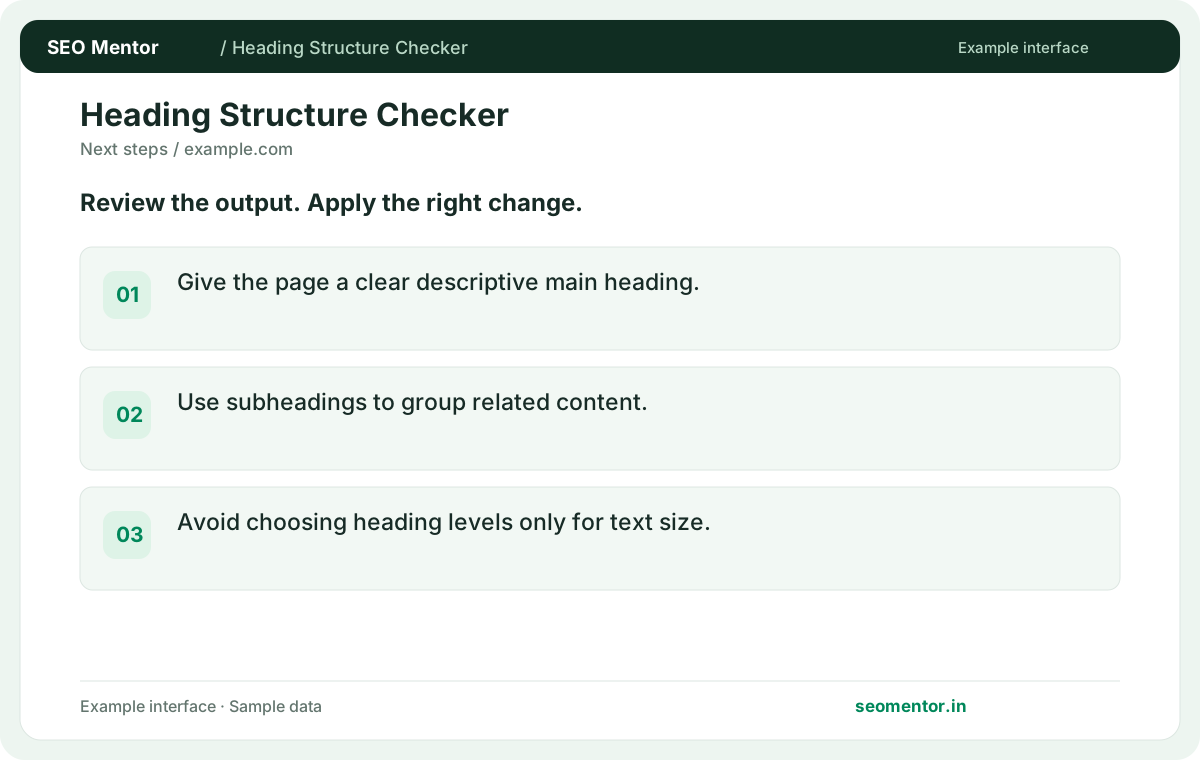
Give the page a clear descriptive main heading. Compare the reported h1, h2, h3 with the page or domain you intended to check.
See the H1–H6 headings on a public page in document order. Find missing headings and jumps in levels that make content harder to follow.
Start Heading Structure Checker ↗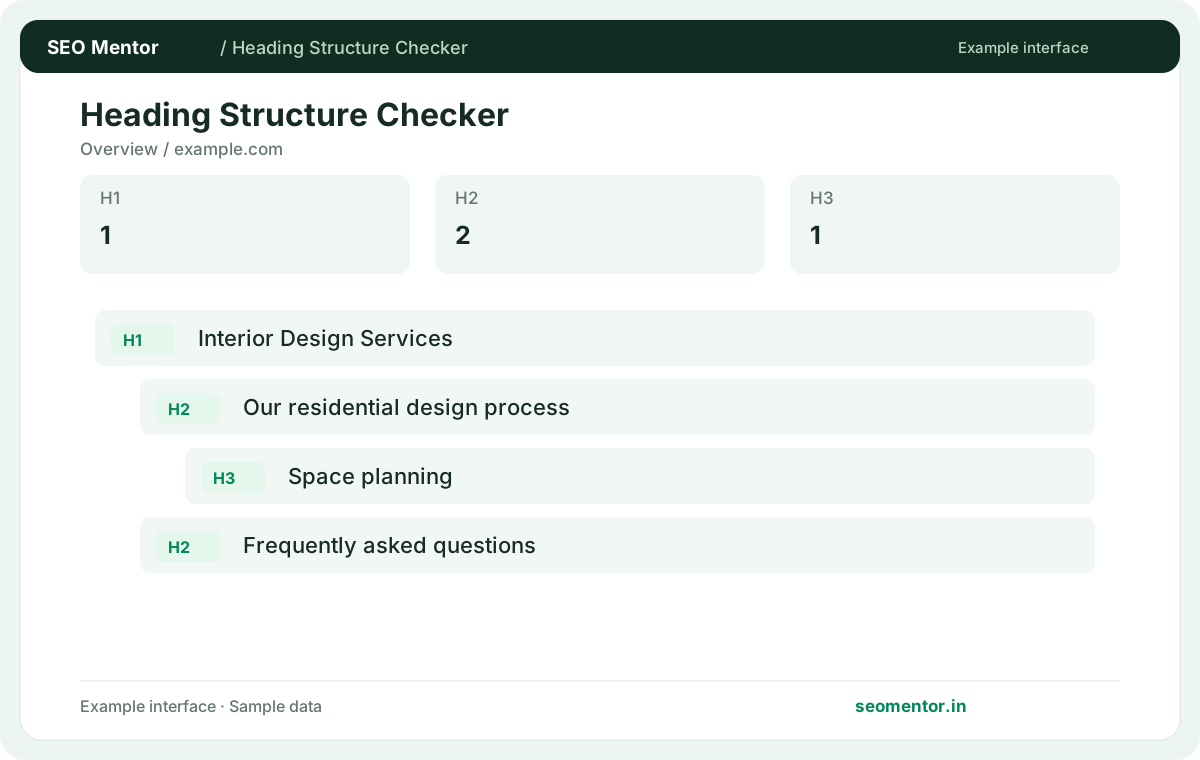
Enter your details and run the free tool to see the results on this page.
Improve descriptive headings for readers without treating arbitrary heading counts as ranking guarantees. Start with the questions your target audience actually asks.
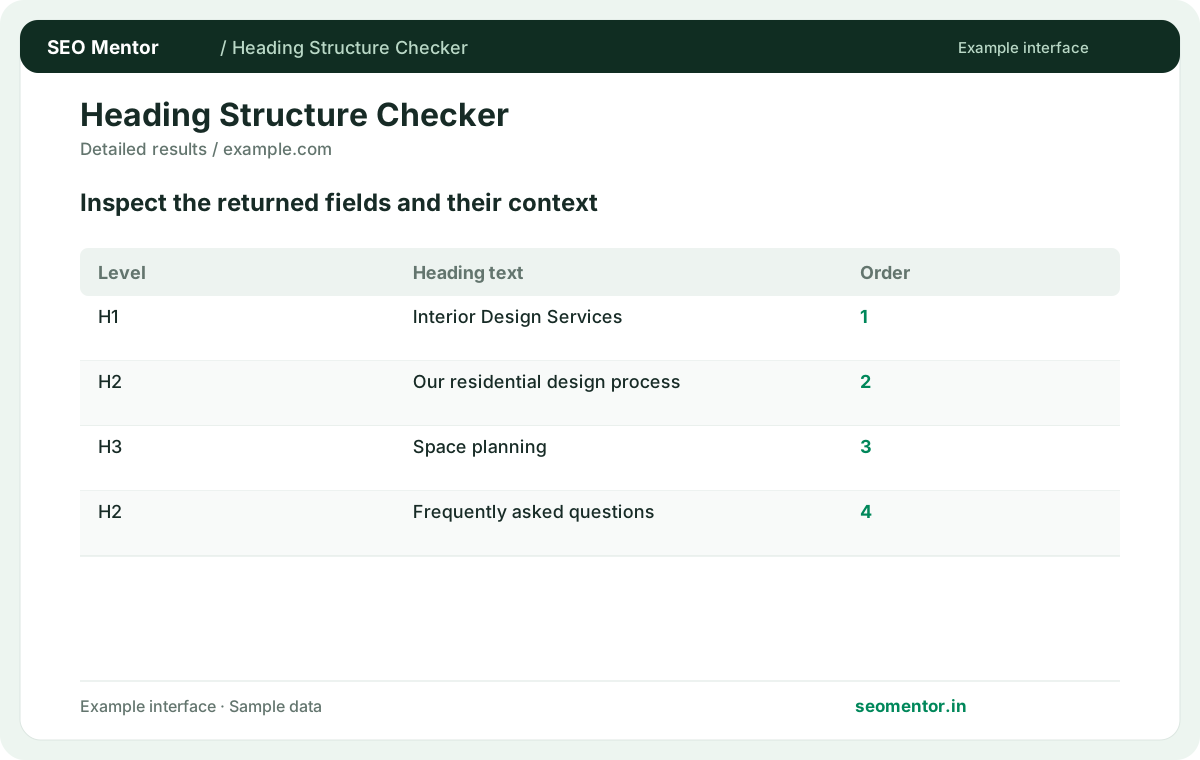
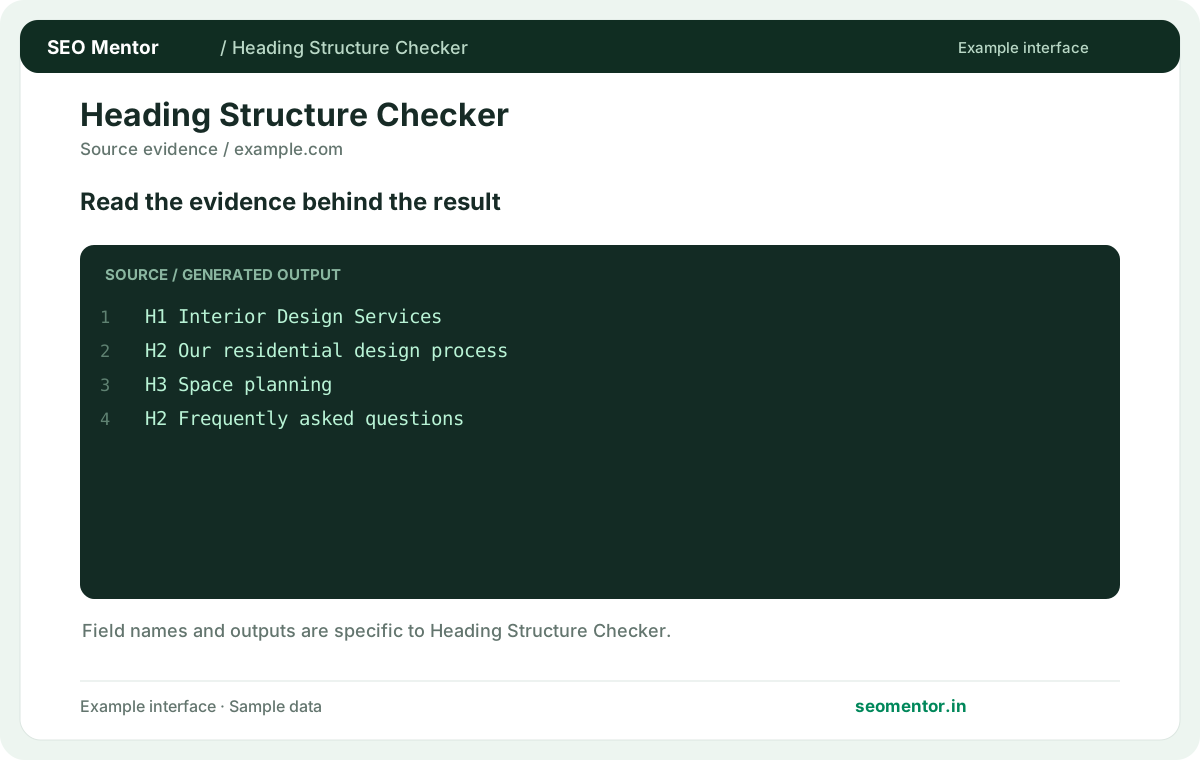
Compare h1 overview, h2 sections, heading order in context before deciding what to change.
Record what the report actually shows, compare relevant pages and validate findings before publishing changes.
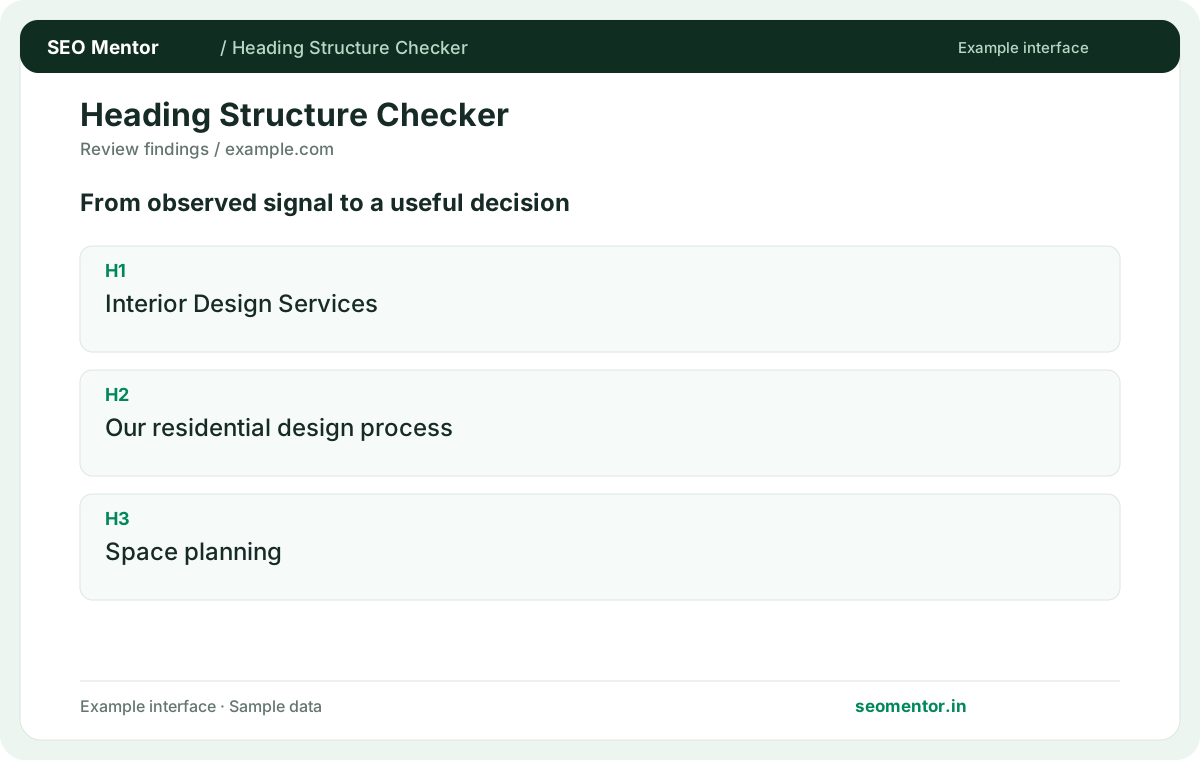
Improve descriptive headings for readers without treating arbitrary heading counts as ranking guarantees. Recheck after substantive updates rather than relying on sample illustrations.
Review the heading outline of a service, product or article page. websites with many city or service pages should keep each main heading descriptive and use subheadings to organise the real content.
Give the page a clear descriptive main heading. Compare the reported h1, h2, h3 with the page or domain you intended to check.
Use subheadings to group related content. Avoid choosing heading levels only for text size.
Keep the result alongside the page or domain reviewed, so you can compare the evidence after making changes.
It shows headings observed in the fetched document in order. Use it to review whether the content is organised around the page's purpose.
Related check — Why are navigation headings in my report? The fetched document can include headings outside the main article. Separate template navigation from headings that organise the primary content.
Write each heading to describe its section. Repetition can make unrelated sections harder to distinguish.
Related check — What does a skipped heading level indicate? If a product page jumps from H2 “Specifications” to H4 “Dimensions,” consider H3 for “Dimensions” if it is a subsection. Keep the visual size in CSS so fixing hierarchy does not require redesigning the page.
It can make the hierarchy harder to follow. Check whether the heading should be a subsection of the previous topic or a new sibling section.
If a product page jumps from H2 “Specifications” to H4 “Dimensions,” consider H3 for “Dimensions” if it is a subsection. Keep the visual size in CSS so fixing hierarchy does not require redesigning the page.
The fetched document can include headings outside the main article. Separate template navigation from headings that organise the primary content.
Related check — What does the heading report list? It shows headings observed in the fetched document in order. Use it to review whether the content is organised around the page's purpose.
Give the page a clear primary subject. It should help a visitor recognise the purpose of the page immediately.
Related check — Why is a heading visible in the browser but absent here? It may be added after the initial HTML loads. Inspect the rendered DOM and check whether key headings can be delivered in the initial response.
Use it for a subsection of a relevant H2. Choose the level by document structure and use CSS to control visual size.
Related check — Can a heading be styled without changing its level? Yes. Use CSS typography so design requirements do not force an unrelated heading hierarchy.
Yes. Use CSS typography so design requirements do not force an unrelated heading hierarchy.
Related check — When should I use an H3? Use it for a subsection of a relevant H2. Choose the level by document structure and use CSS to control visual size.
It may be added after the initial HTML loads. Inspect the rendered DOM and check whether key headings can be delivered in the initial response.
Related check — How do I verify a heading template fix? Check several pages using the same template. Compare their heading outlines and make sure each page keeps a distinct main heading.
Check that major sections name the product details, specifications or useful comparisons visitors expect. Avoid empty headings inserted only for spacing.
Related check — What is a useful H1? Give the page a clear primary subject. It should help a visitor recognise the purpose of the page immediately.
Check several pages using the same template. Compare their heading outlines and make sure each page keeps a distinct main heading.
Related check — How do I review heading quality on product pages? Check that major sections name the product details, specifications or useful comparisons visitors expect. Avoid empty headings inserted only for spacing.
SEO Mentor helps you identify opportunities. SEOKart can help put those findings into action with professional SEO services, technical improvements and ongoing optimisation.
Explore SEOKart SEO Services