Review the /services details
Replace broken links with the relevant live destination. Compare the reported /services, /old-project, /contact-us with the page or domain you intended to check.
Scan links from a public page and review missing destinations, redirects and response codes. Find links that need repair before visitors follow them.
Start Broken Link Checker ↗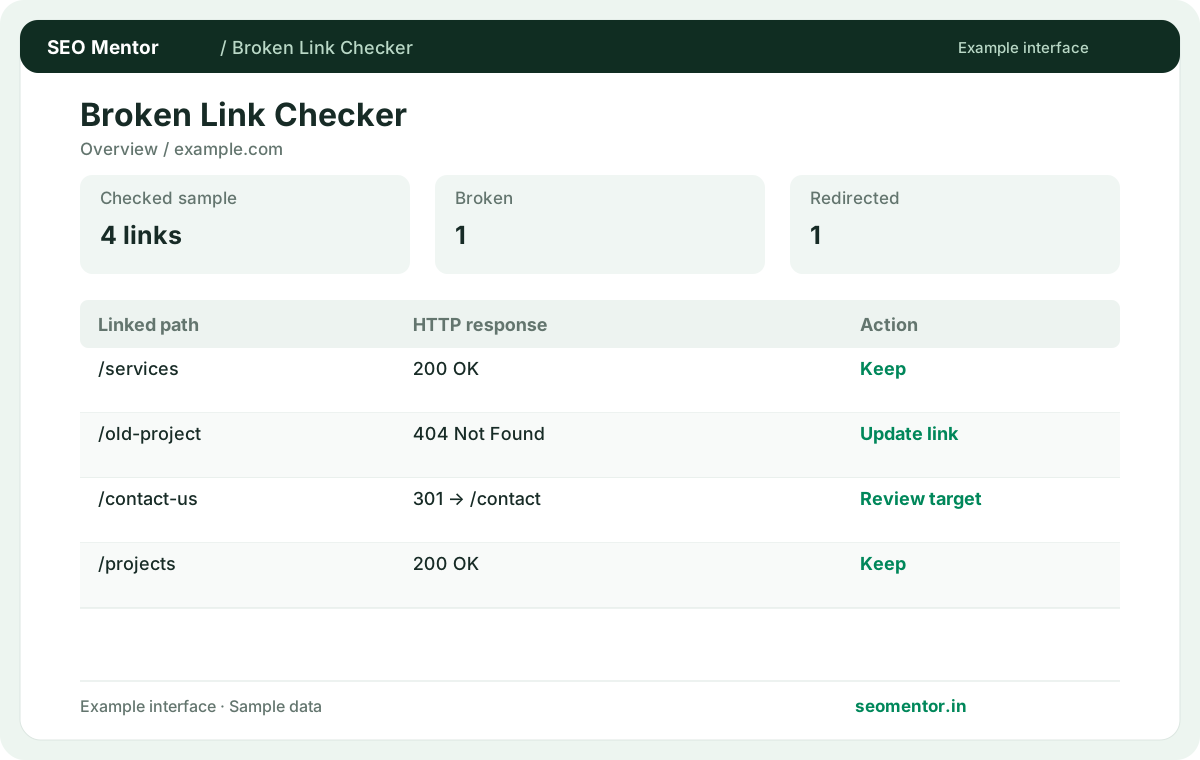
Enter your details and run the free tool to see the results on this page.
Prioritise broken links on key service pages, product pages and customer journeys. Start with the questions your target audience actually asks.
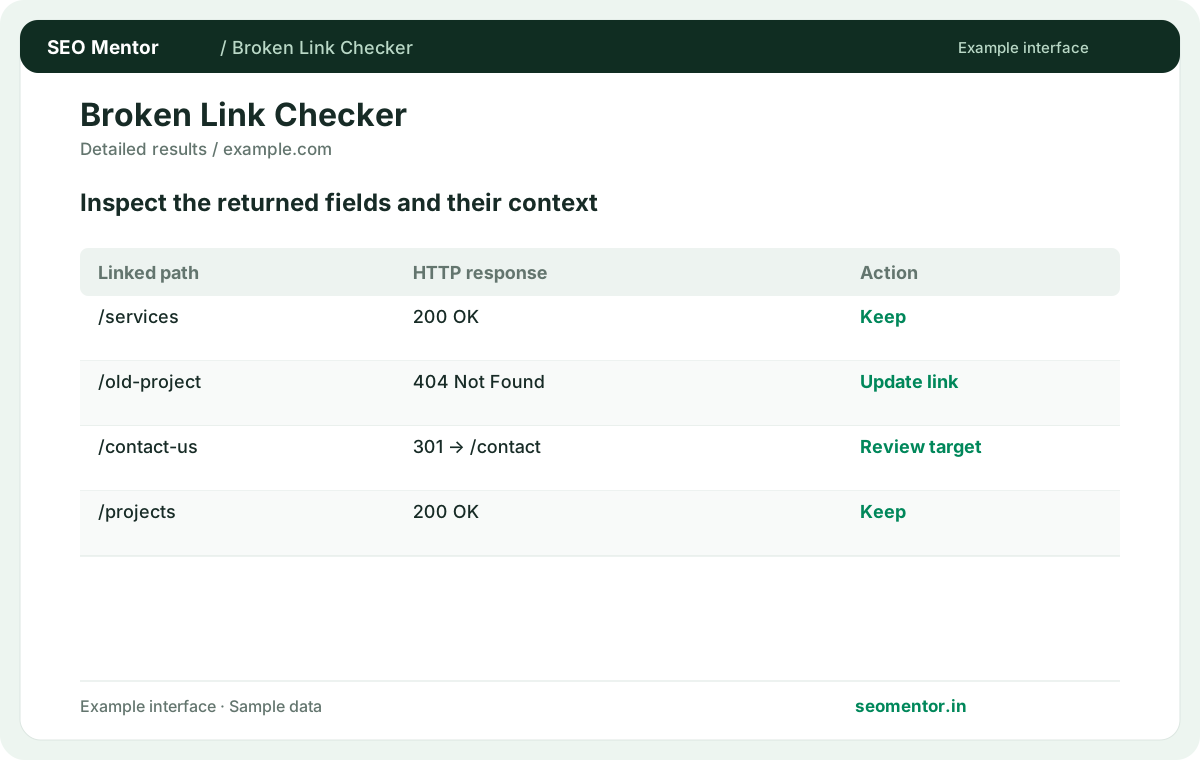
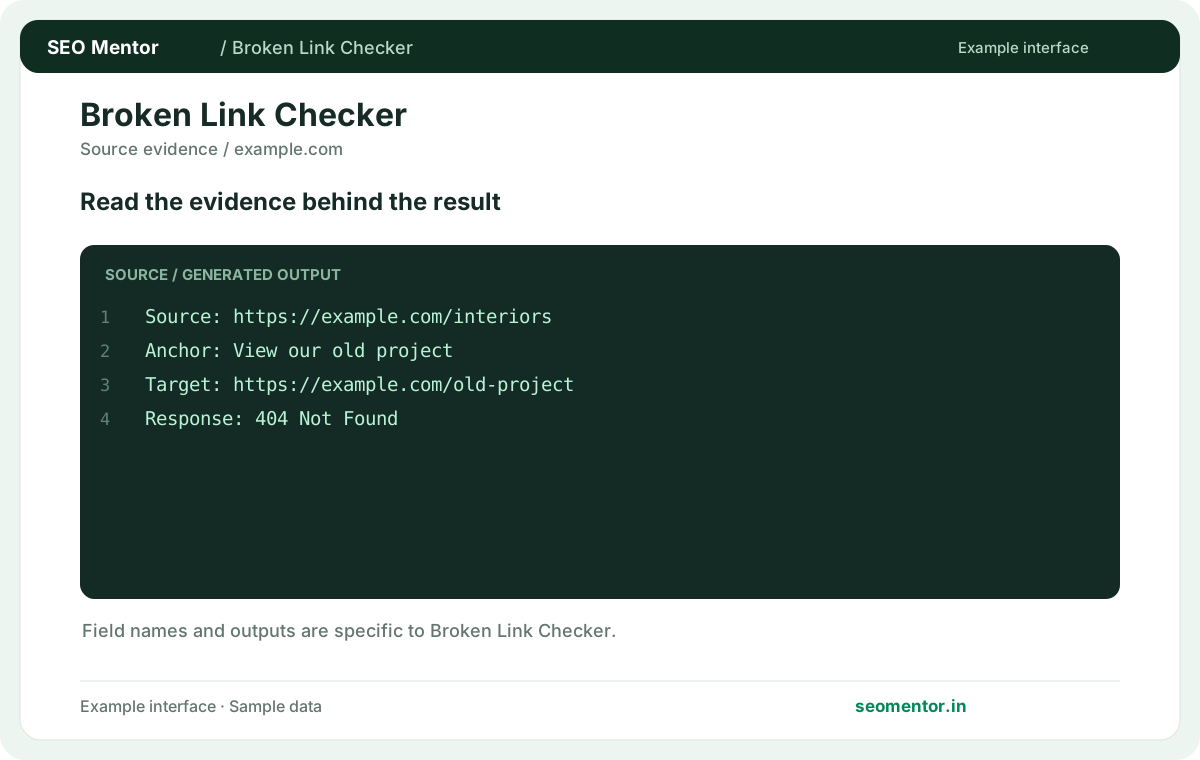
Compare source pages, broken destinations, http errors in context before deciding what to change.
Record what the report actually shows, compare relevant pages and validate findings before publishing changes.

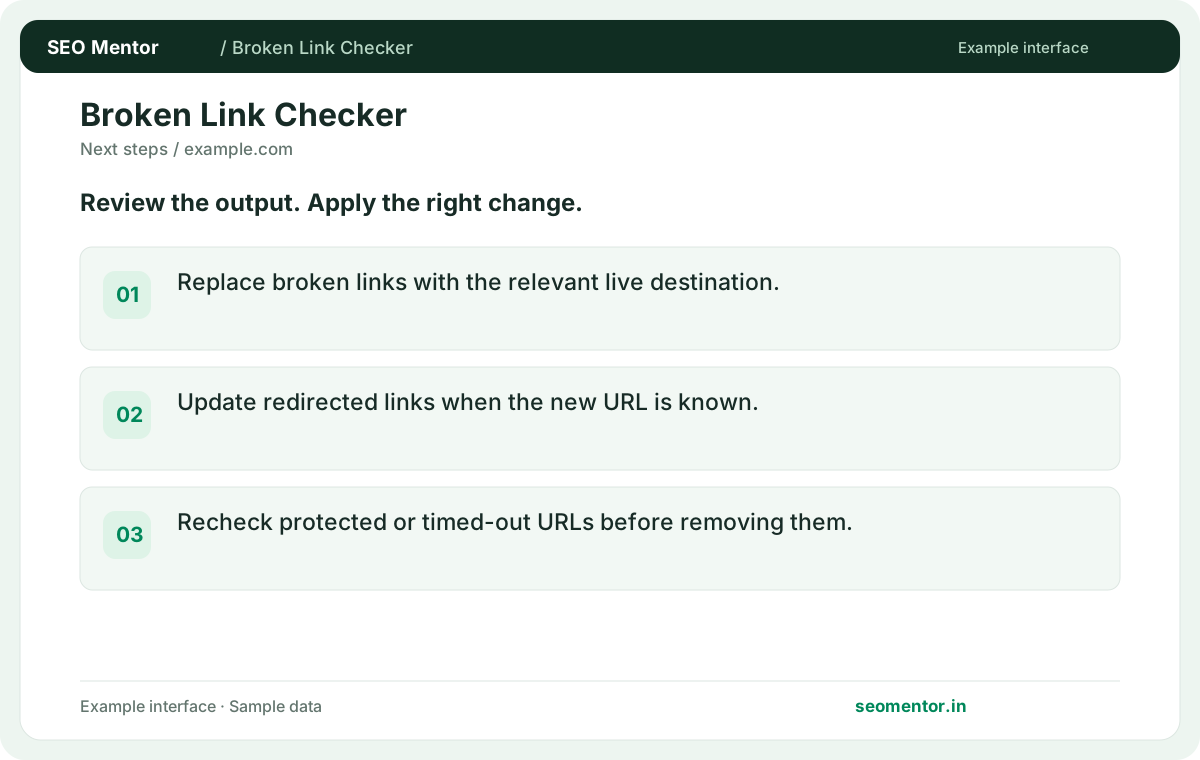
Prioritise broken links on key service pages, product pages and customer journeys. Recheck after substantive updates rather than relying on sample illustrations.
Find linked destinations that return errors or need further review. Start with service pages, product details and contact journeys so broken links do not interrupt important customer actions.
Replace broken links with the relevant live destination. Compare the reported /services, /old-project, /contact-us with the page or domain you intended to check.
Update redirected links when the new URL is known. Recheck protected or timed-out URLs before removing them.
Keep the result alongside the page or domain reviewed, so you can compare the evidence after making changes.
Use a single-page scan to verify a recent edit. Use a website scan for a broader sample when navigation or templates may be affected.
For a new article, inspect that page alone. For a sitewide menu change, sample several templates to see whether the same faulty link recurs.
A redirect can work correctly when it leads to a relevant live page. Direct links still make maintenance easier when you control the source.
Follow the redirect and verify the content. A chain leading to an irrelevant homepage is a different issue from a direct redirect to a genuine replacement.
Update the menu to the current destination or remove the item if the content is gone. Check other pages that share the menu.
If the navigation points to /services/old-plan and the live replacement is /services/managed-plan, update the shared menu entry. Then check a desktop and mobile page that use the menu and confirm the new path reaches the intended content.
A site may reject automated requests while remaining accessible in a browser. Verify the link manually before replacing a legitimate destination.
Open the page in a normal browser and compare the response with the automated test. Review firewall rules if you manage the destination.
Network conditions and origin load change. Recheck the URL and review host logs before concluding that a brief timeout is persistent.
Repeat a timed-out request at another time and check whether several links on the same host failed together. That pattern can point to a temporary host problem.
Find the publisher's current equivalent or replace it with a relevant source. Ensure the substitute supports the claim made in your page.
If an original source no longer exists, confirm that your replacement actually supports the claim and update the anchor wording if necessary.
Use a redirect when a close replacement exists. If the content was retired without a replacement, fix the source links and return the appropriate unavailable response.
Review what readers expected from the removed page. Point them at a close equivalent only when it serves that purpose.
Look for the same failing destination across the header, footer or repeated product cards. Fix the template and then verify a sample of affected pages.
Compare the same destination on a homepage, article and product template. If all share the fault, fix the common menu or component first.
Links created by client-side scripts may be absent from fetched markup. Verify the rendered page and ensure important destinations use discoverable anchors.
Inspect the rendered anchor and its href, especially if a link appears only after an interaction. Verify that keyboard users can open it too.
Rerun the affected source page and open the destination. Confirm that both the response and the content match the link's purpose.
Check the updated page from a fresh session and confirm the link points directly to the intended content without an unnecessary chain.
SEO Mentor helps you identify opportunities. SEOKart can help put those findings into action with professional SEO services, technical improvements and ongoing optimisation.
Explore SEOKart SEO Services