Review the og:title details
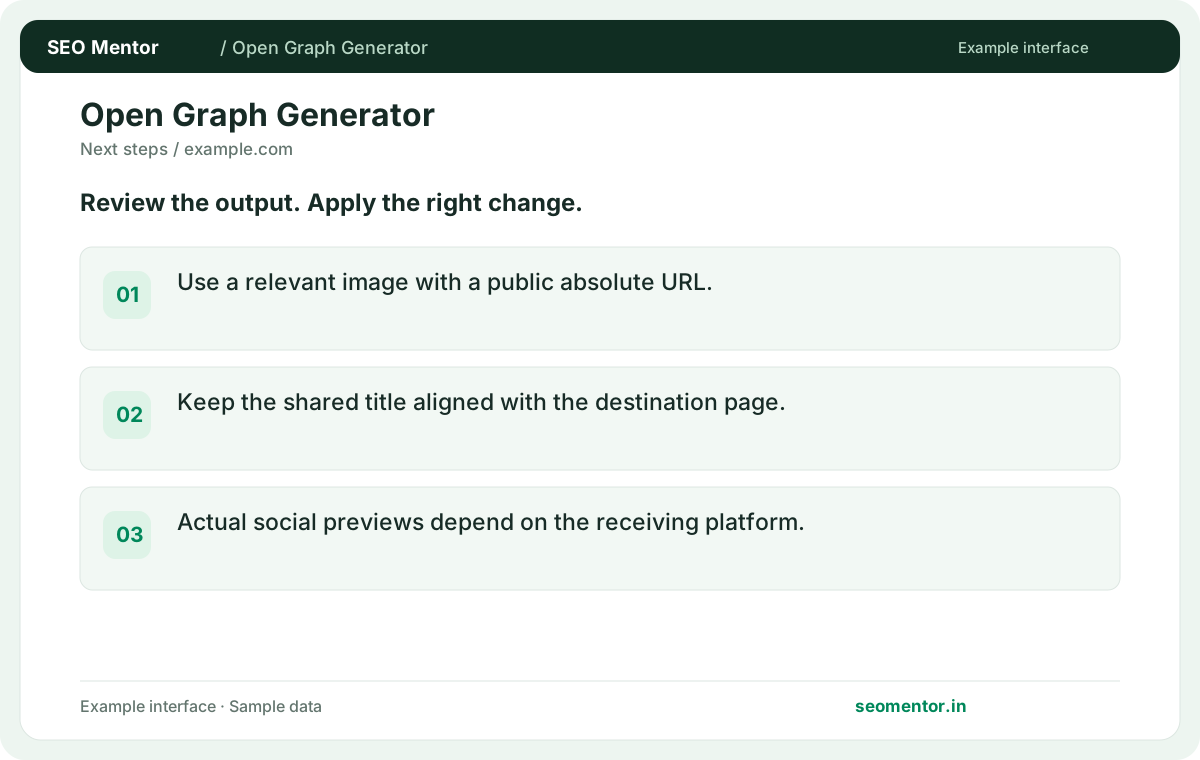
Use a relevant image with a public absolute URL. Compare the reported og:title, og:description, og:image with the page or domain you intended to check.
Generate Open Graph markup with a title, description, image and URL. Create consistent link previews for the pages people share.
Use Open Graph Generator ↗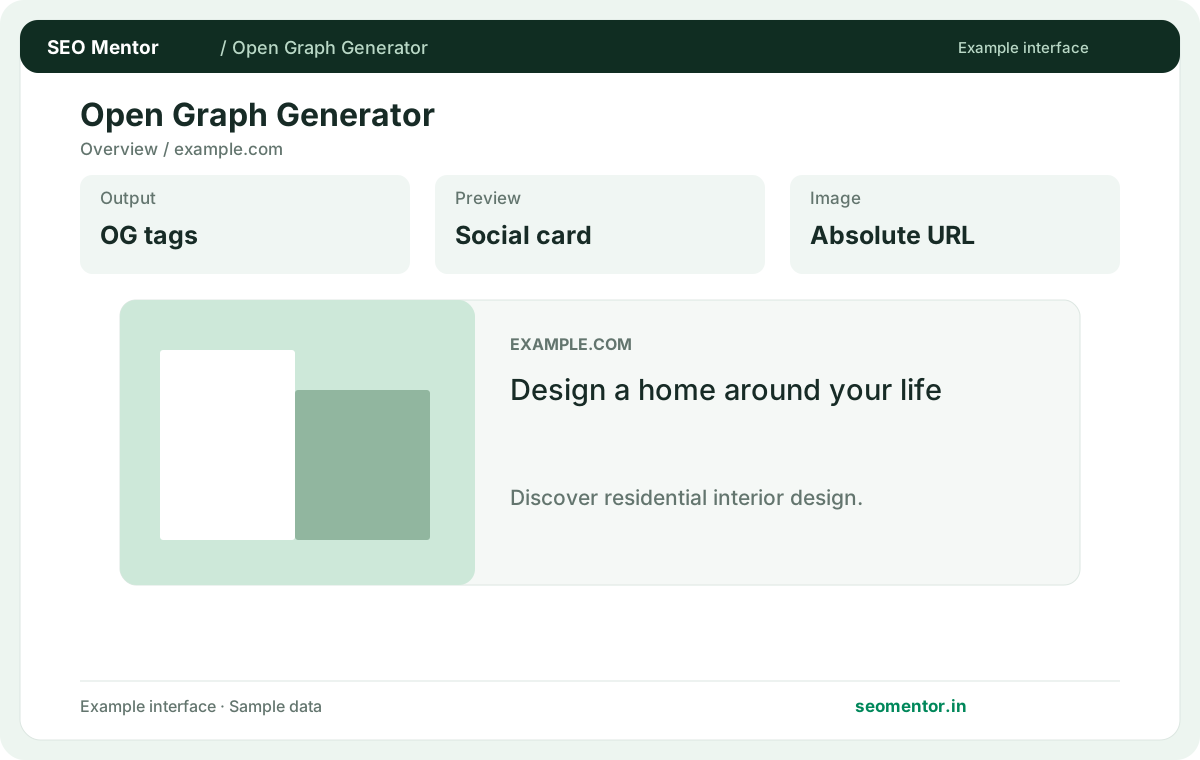
Enter the required details to preview the available output and access applicable report options.
Social platforms cache previews; validate the final public URL after publishing. Use the relevant fields to identify what needs further investigation.
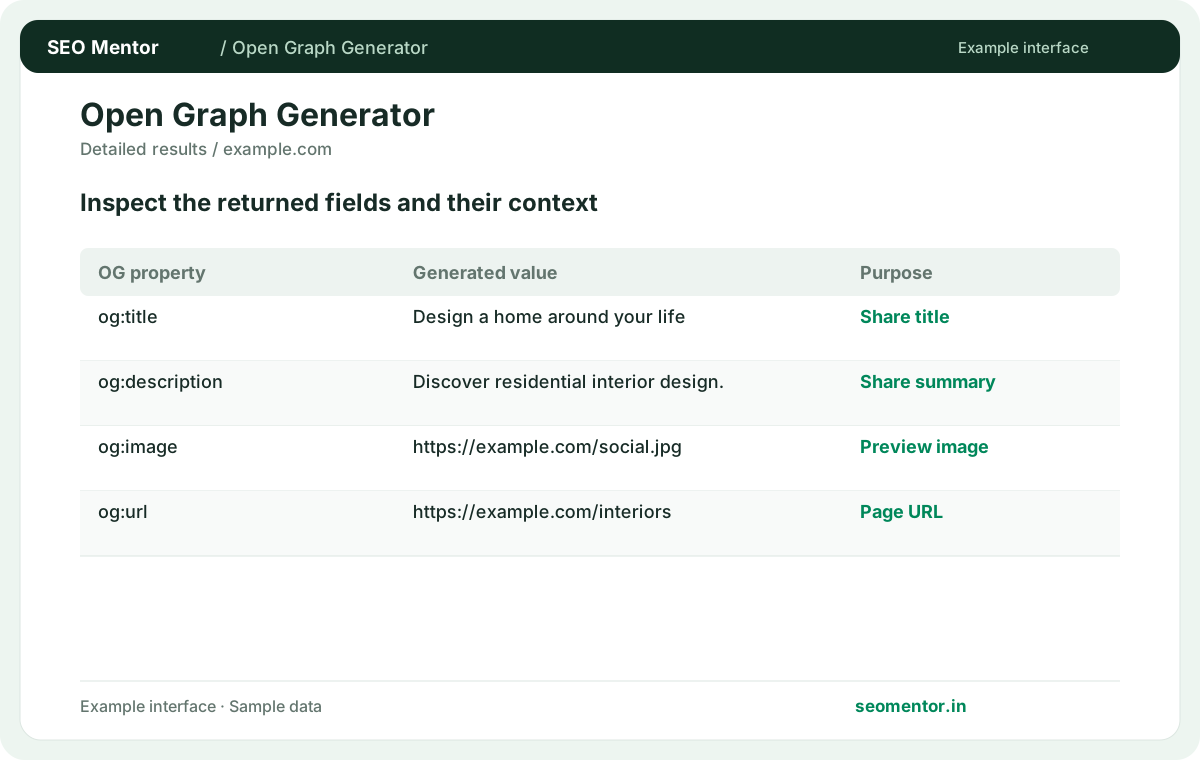
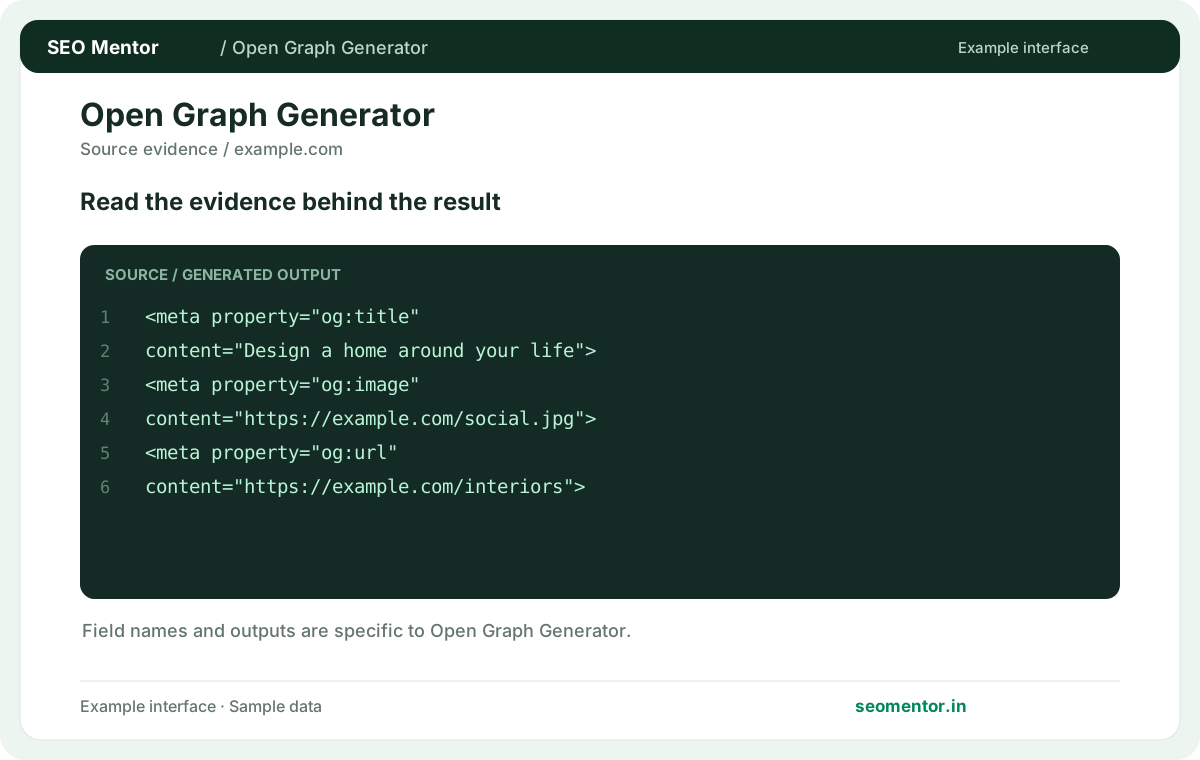
Look at og title preview, og description, social image url together, rather than drawing conclusions from one value.
Social platforms cache previews; validate the final public URL after publishing. Document the input, verify the result and compare similar pages where appropriate.
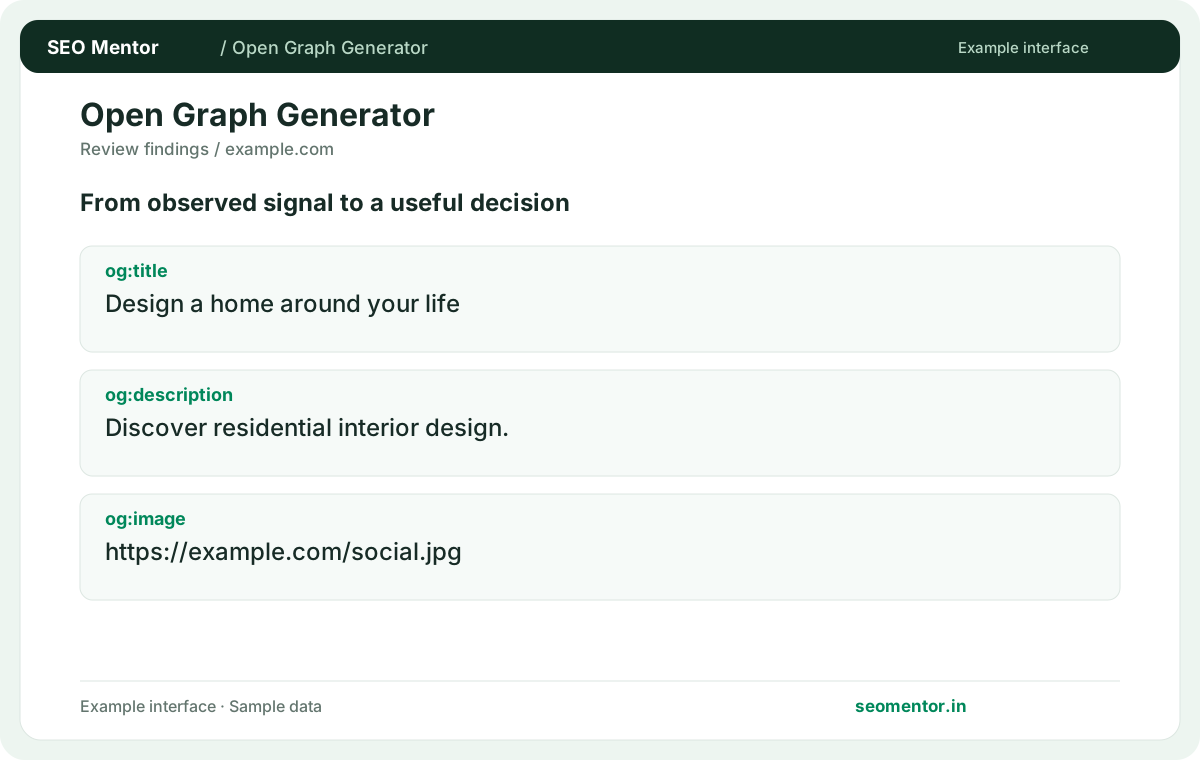
Use the findings to prioritise useful changes for visitors. Social platforms cache previews; validate the final public URL after publishing.
Prepare a clear title, description and image for links shared by your business. Align the social preview with the destination page and check how the published URL appears on the intended sharing platform.
Use a relevant image with a public absolute URL. Compare the reported og:title, og:description, og:image with the page or domain you intended to check.
Keep the shared title aligned with the destination page. Actual social previews depend on the receiving platform.
Keep the result alongside the page or domain reviewed, so you can compare the evidence after making changes.
Supply an Open Graph title describing the shared destination. Platforms can also use their own extraction rules.
Related check — Why does og:url matter? It identifies the address the social metadata describes. Use the intended public destination rather than a tracking URL.
Choose an HTTPS image URL visitors can retrieve publicly. Place key text and artwork away from crop-sensitive edges.
For a product announcement, keep the product and essential text near the centre of the artwork. Open the exact image URL without logging in, then check how the published share looks where your audience is most likely to see it.
Give readers a reason to open the link. Tailor it to the shared page's purpose and avoid repeating the title.
Related check — Should the title match the search title exactly? Keep the subject consistent while tailoring the social wording to people seeing a shared link.
It identifies the address the social metadata describes. Use the intended public destination rather than a tracking URL.
Related check — What title appears when someone shares the page? Supply an Open Graph title describing the shared destination. Platforms can also use their own extraction rules.
Add it to the page head and remove conflicting social tags. Recheck the live source after publishing.
Related check — How do I verify Twitter card tags? Inspect the generated tags alongside Open Graph output. Check the platform's actual preview after publishing.
Verify its HTTP status and access rules. A platform may also retain the previous preview in cache.
Related check — Do social platforms show the same crop? Preview rendering varies. Review the creative on the platforms your audience uses and keep important content centred.
Preview rendering varies. Review the creative on the platforms your audience uses and keep important content centred.
Related check — Why is a newly uploaded image absent? Verify its HTTP status and access rules. A platform may also retain the previous preview in cache.
A consistent image can suit a group of similar pages. Unique artwork helps distinguish products or articles when shared.
Related check — Which image should I enter? For a product announcement, keep the product and essential text near the centre of the artwork. Open the exact image URL without logging in, then check how the published share looks where your audience is most likely to see it.
Inspect the generated tags alongside Open Graph output. Check the platform's actual preview after publishing.
Related check — Where do I paste the generated markup? Add it to the page head and remove conflicting social tags. Recheck the live source after publishing.
Keep the subject consistent while tailoring the social wording to people seeing a shared link.
Related check — What should the social description contain? Give readers a reason to open the link. Tailor it to the shared page's purpose and avoid repeating the title.
SEO Mentor helps you identify opportunities. SEOKart can help put those findings into action with professional SEO services, technical improvements and ongoing optimisation.
Explore SEOKart SEO Services